SaaS Discovery
Device42 SaaS (Software as a Service) discovery finds your organization's SaaS application metadata, role-based user assignments, and last-login activity by connecting with popular identity providers.
Gain visibility into your SaaS landscape to see who has access to which applications, when they last logged in, and what roles they hold.
Schedule SaaS discovery to maintain an up-to-date inventory of SaaS information.
Supported Identity Providers
Device42 currently supports SaaS discovery from the following identity providers:
- Microsoft Entra ID (formerly Azure Active Directory)
- Okta
- G Suite (Google Workspace)
Required Permissions for SaaS Discovery in Azure
All of the following permissions require read access with admin consent:
User.Read.AllUser.ReadBasic.AllDirectory.Read.AllApplication.Read.All
The Group and Team permissions are used to get usernames.
Group.Read.AllGroupMember.Read.AllTeam.ReadBasic.AllTeamMember.Read.All
The AuditLog permissions are used to determine the last time users logged in.
AuditLogsQueryAuditLog.Read.AllAuditLogsQuery-Entra.Read.AllAuditActivity.Read
SaaS Discovery Items
Device42 SaaS discovery collects software and user data:
- SaaS subscription metadata, such as application name, application ID, discovery source, and account status
- End users of the SaaS application
- The last time the SaaS application was used by the end users
- Role-based permissions and access levels
Discovered Software
The software data collected during SaaS discovery is available under the Resources > Software Components section.
- Software Components: Includes details such as:
- Software Type: Managed or Unmanaged
- License Model: For example, Individual - User/Subscription
- Vendor
- Software In Use: Includes fields for:
- Version
- Install Date
- End User
- Last Login: 30-day tracking period
Discovered End Users
You can find the end user discovery data under Infrastructure > Organization > End Users.
New and Existing End Users
Device42 associates a discovered SaaS subscription with its end user.
During discovery, Device42 compares the email ID of the discovered subscription user with the current End User list to check for a match. If a match is found, the subscription is linked to the existing End User as a Software In Use item.
If no match is found, Device42 creates a new End User with the software association.
Create a SaaS Discovery Job
Navigate to Discovery > SaaS and click Create.
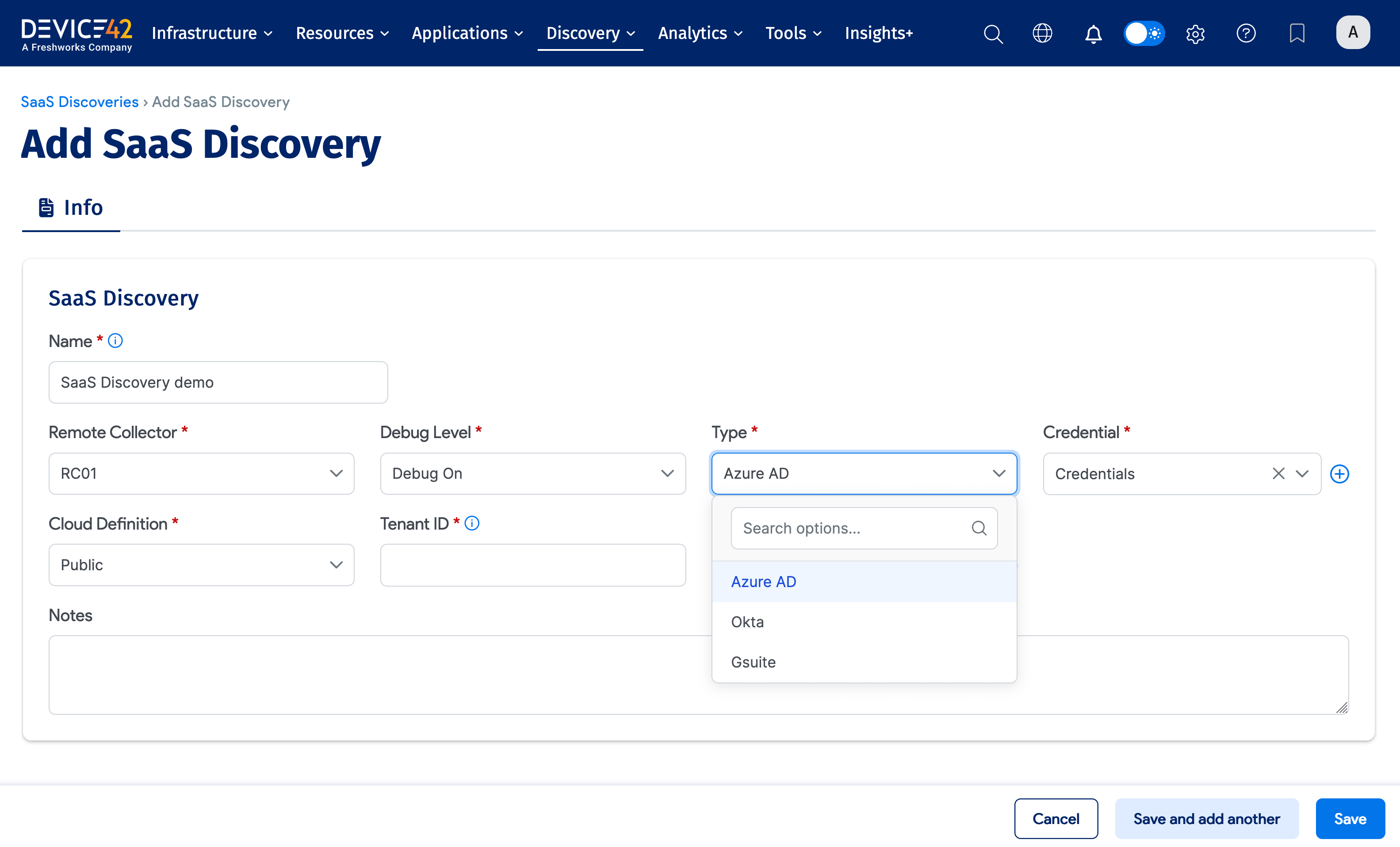
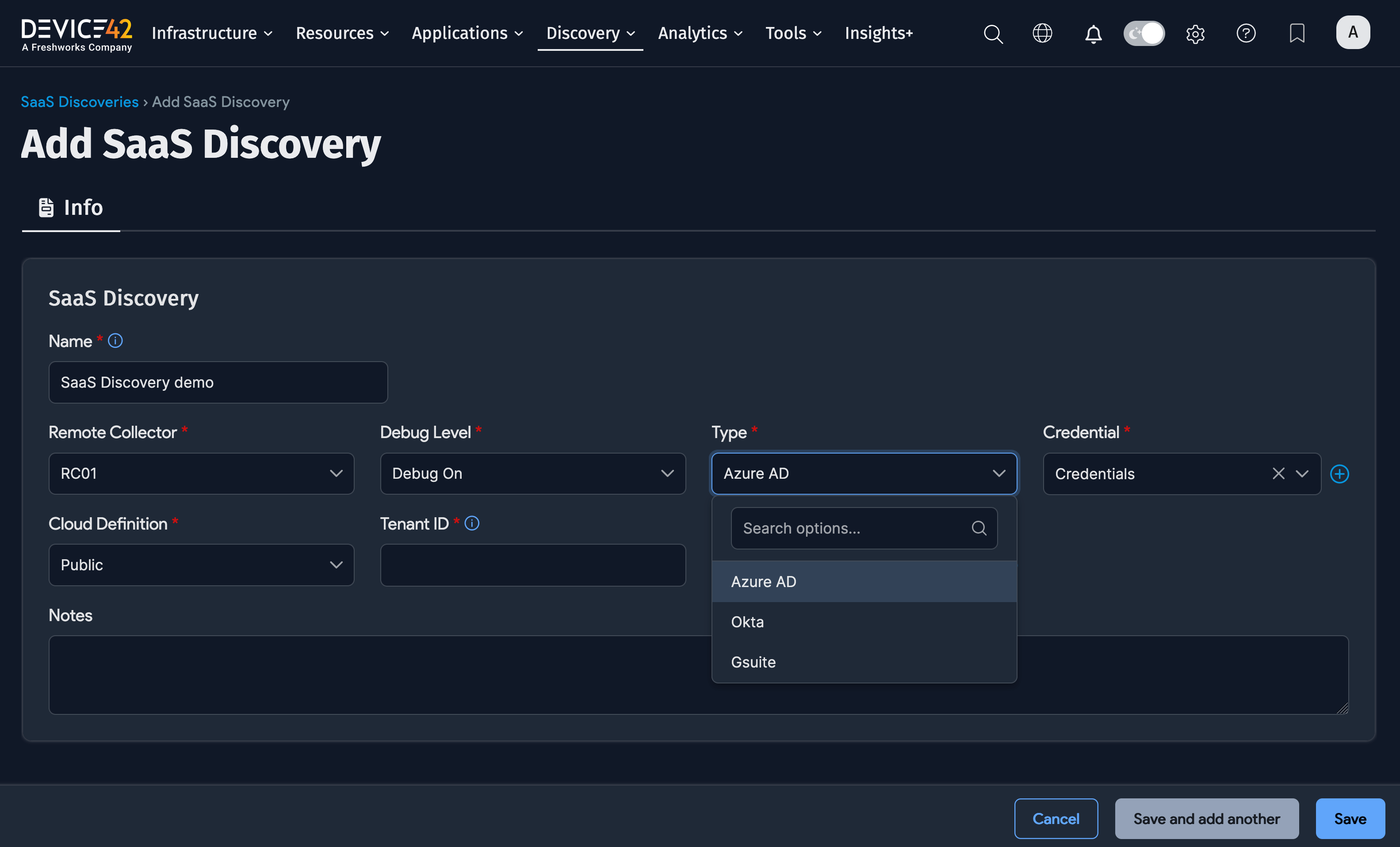
- Name: A unique name for the job.
- Remote Collector: The Remote Collector to use.
- Type: Select your identity provider (Azure AD for Microsoft Entra ID, Okta, or Gsuite).
- Add the authentication credentials for your identity provider account:
- Azure AD (Microsoft Entra ID): Credential, Cloud Definition, Tenant ID, and Client ID
- Okta: Credential and URL
- G Suite: Admin Email and Credential
Schedule the Job
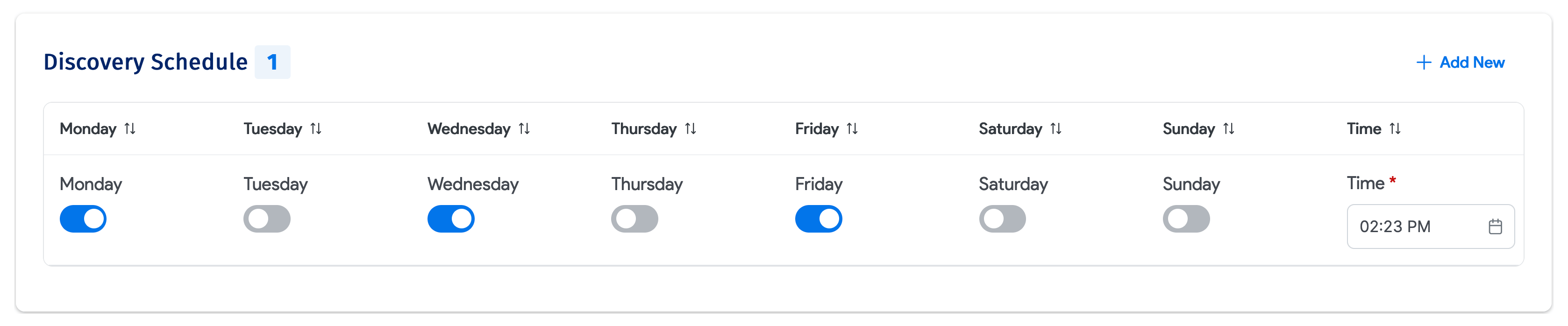
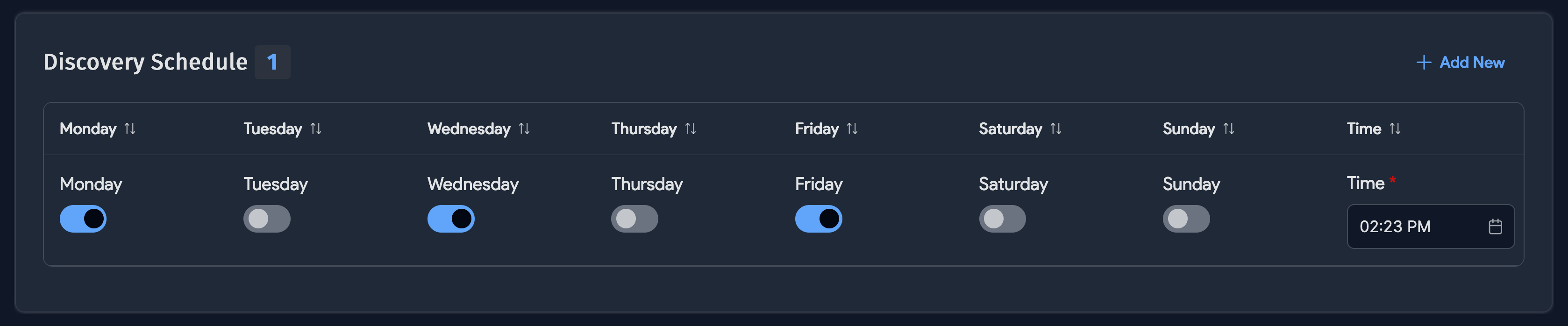
Create one or more discovery schedules to automatically fetch SaaS data on a regular basis. You can create multiple schedules using the + Add New button.
After saving the job, click the Run Now button to start the discovery process right away.