Enriched Data Opt Out
You can disable the data Normalization and Enrichment Service if you no longer want Device42 to enrich data from device discoveries. This page walks through the steps to opt out and opt back in.
If you rediscover previously enriched data, you will lose that data until you opt back in to the Enriched Data cloud service.
Disable the Enriched Data Service
To opt out of the Enriched Data service:
-
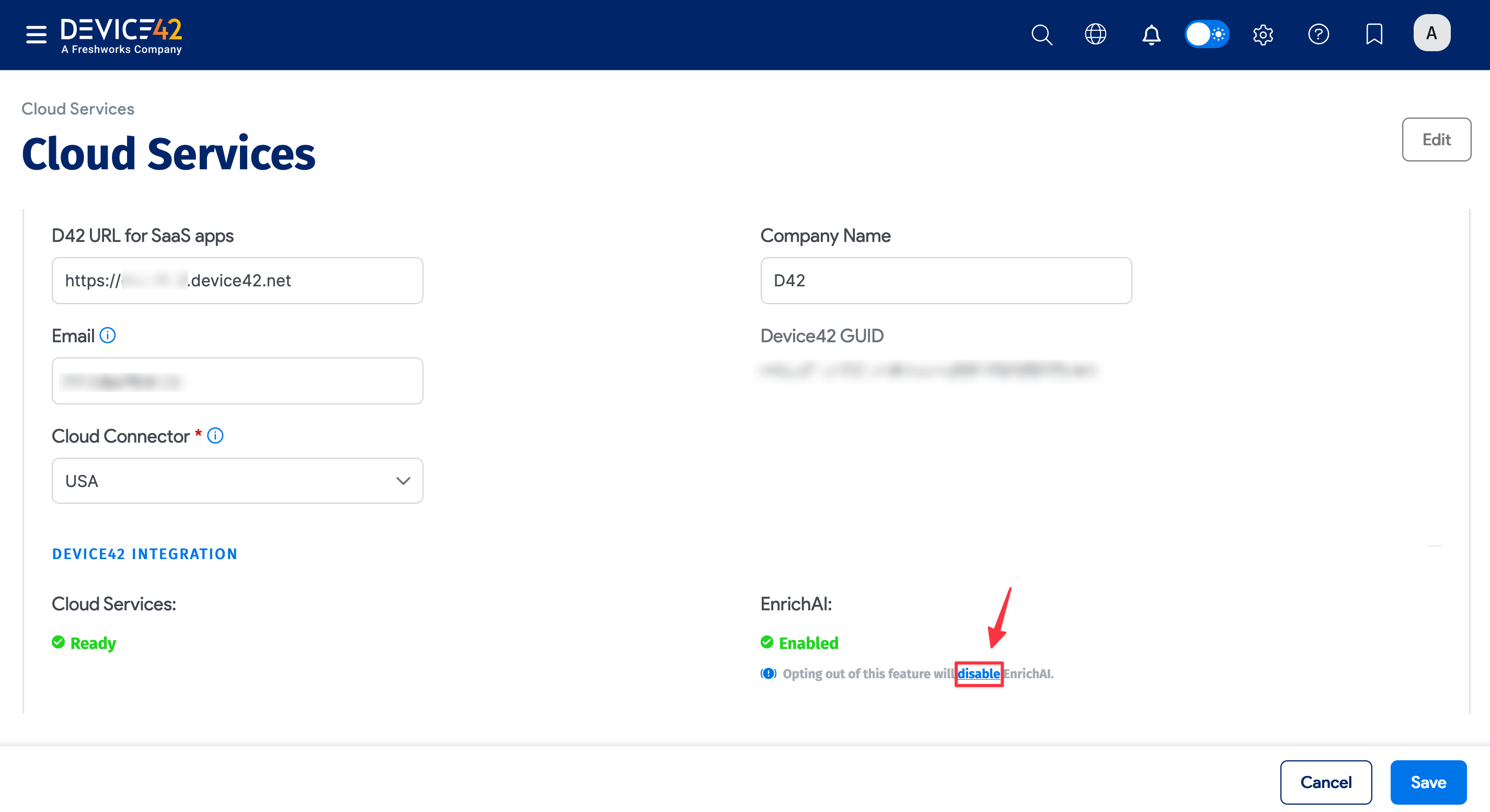
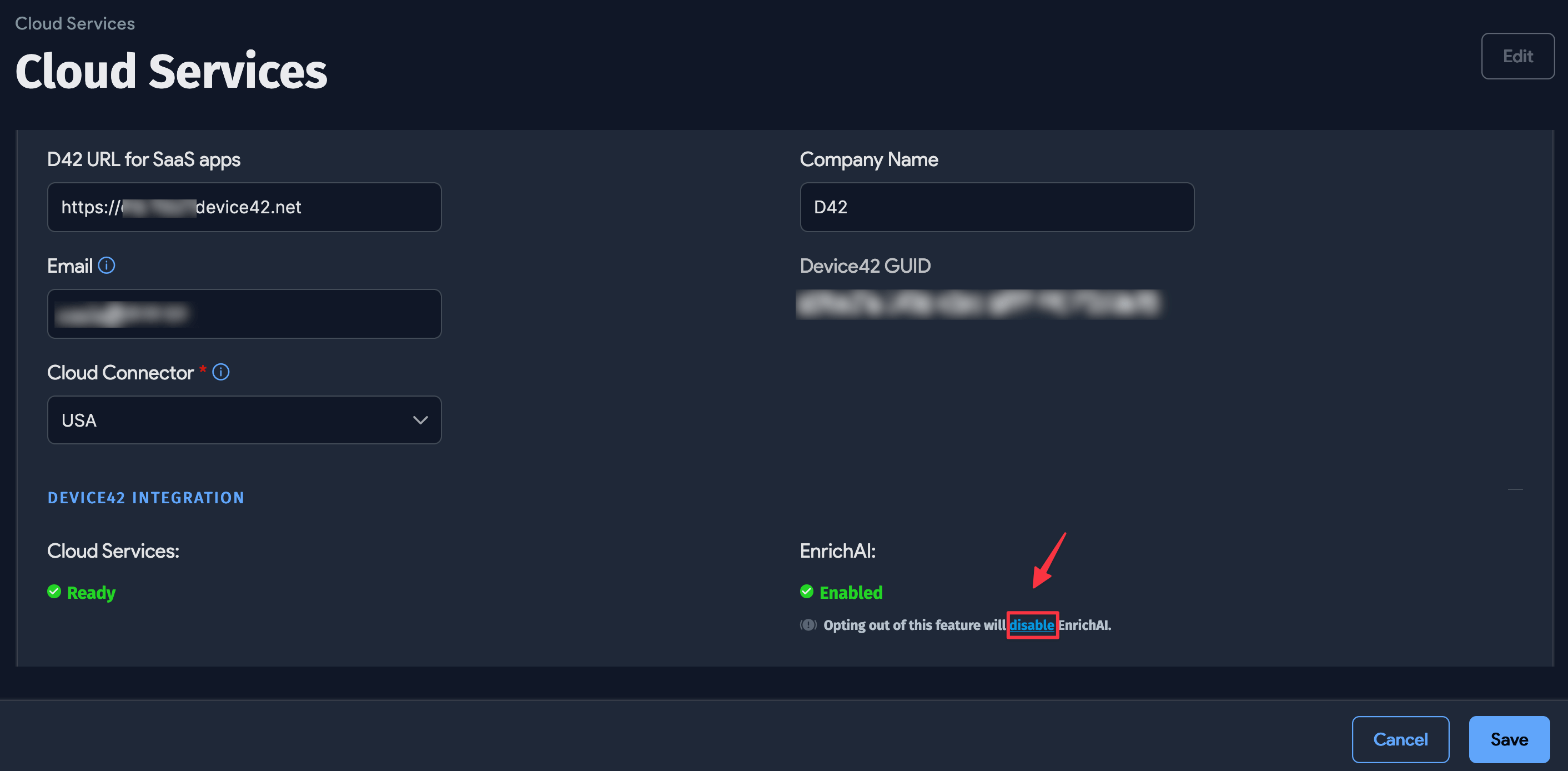
Select Tools > Cloud Services to display the Cloud Services page. This page shows the status of your cloud services.
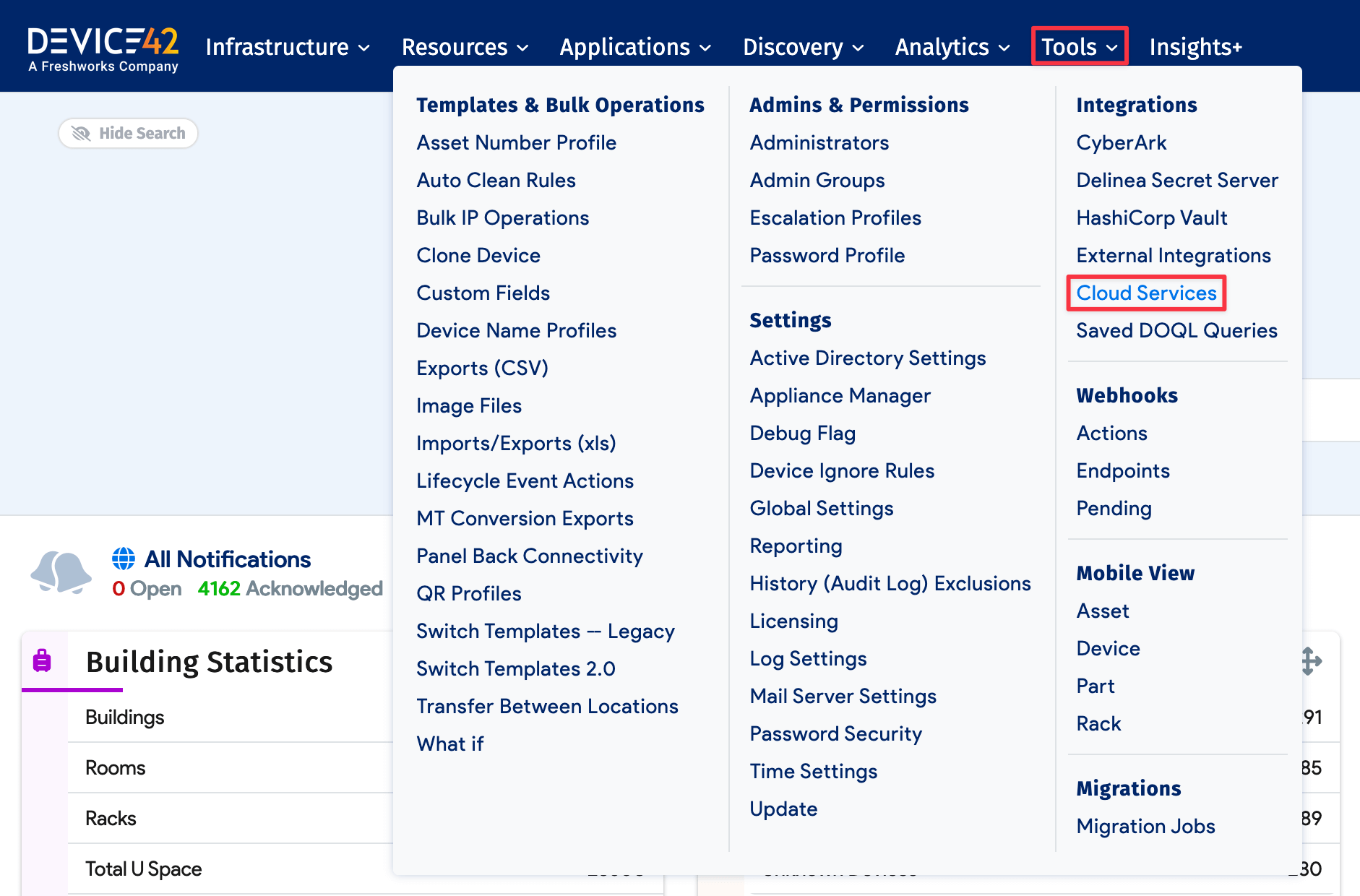
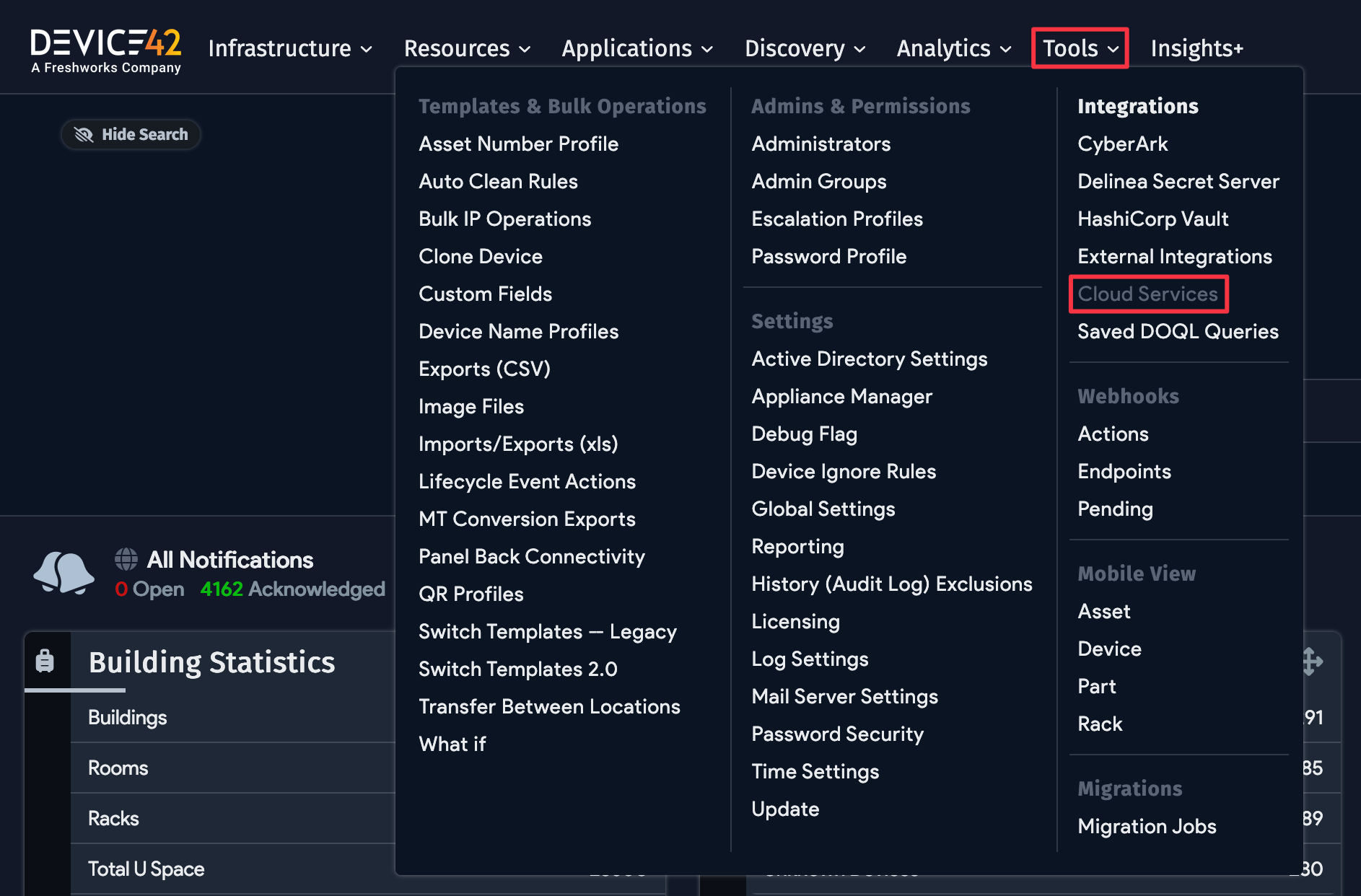
-
Find the EnrichAI entry showing Enabled and click Edit.
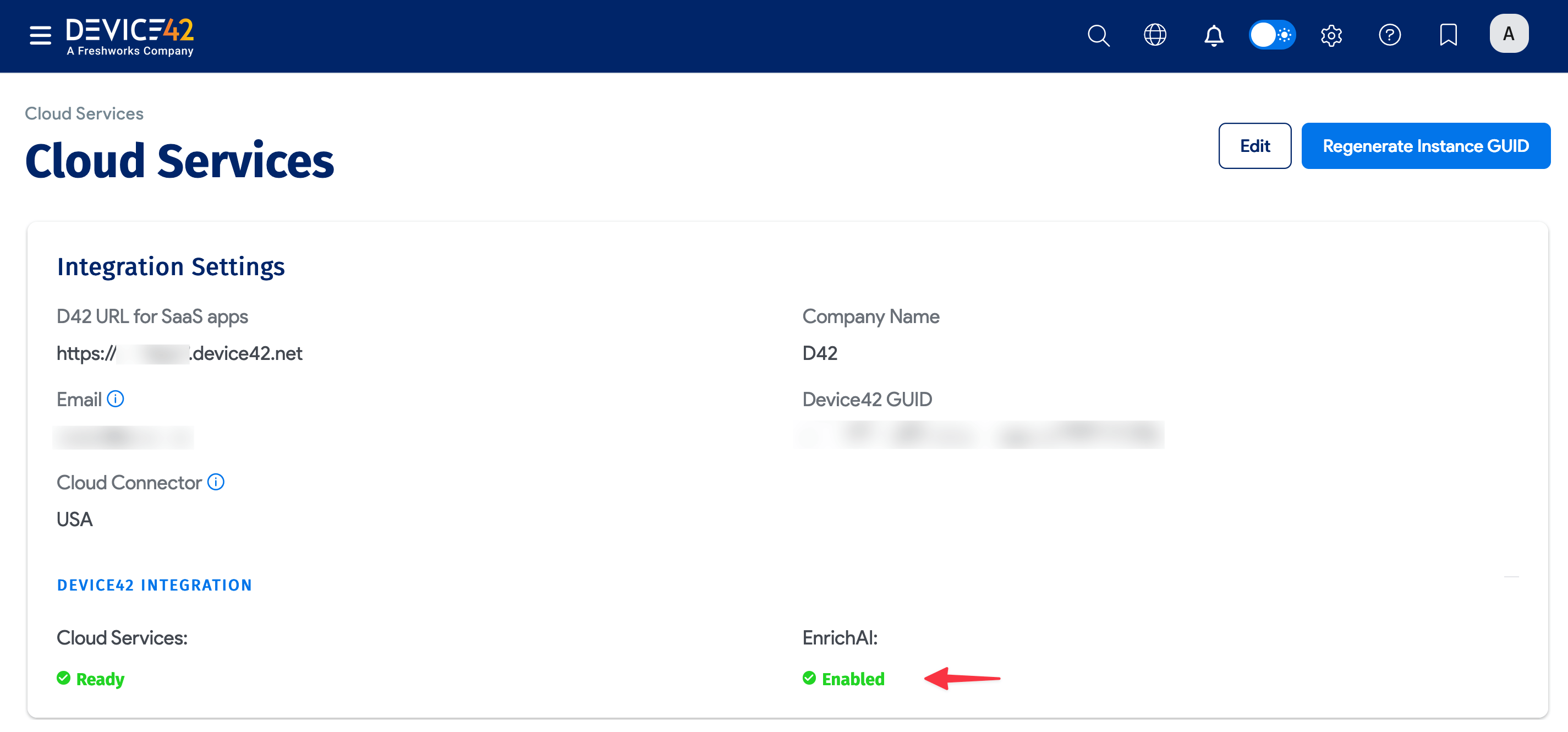
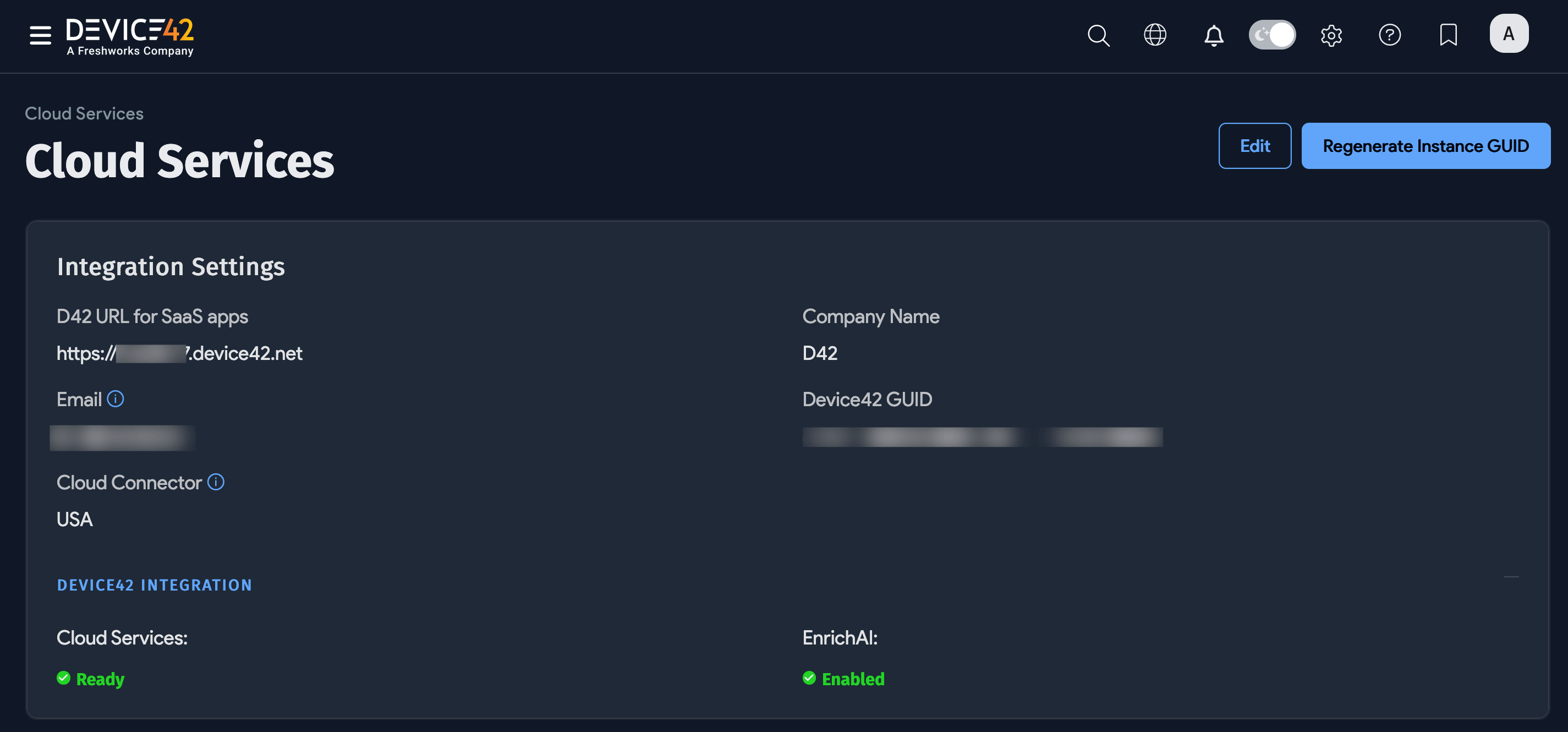
-
In the Edit view, click Disable.
-
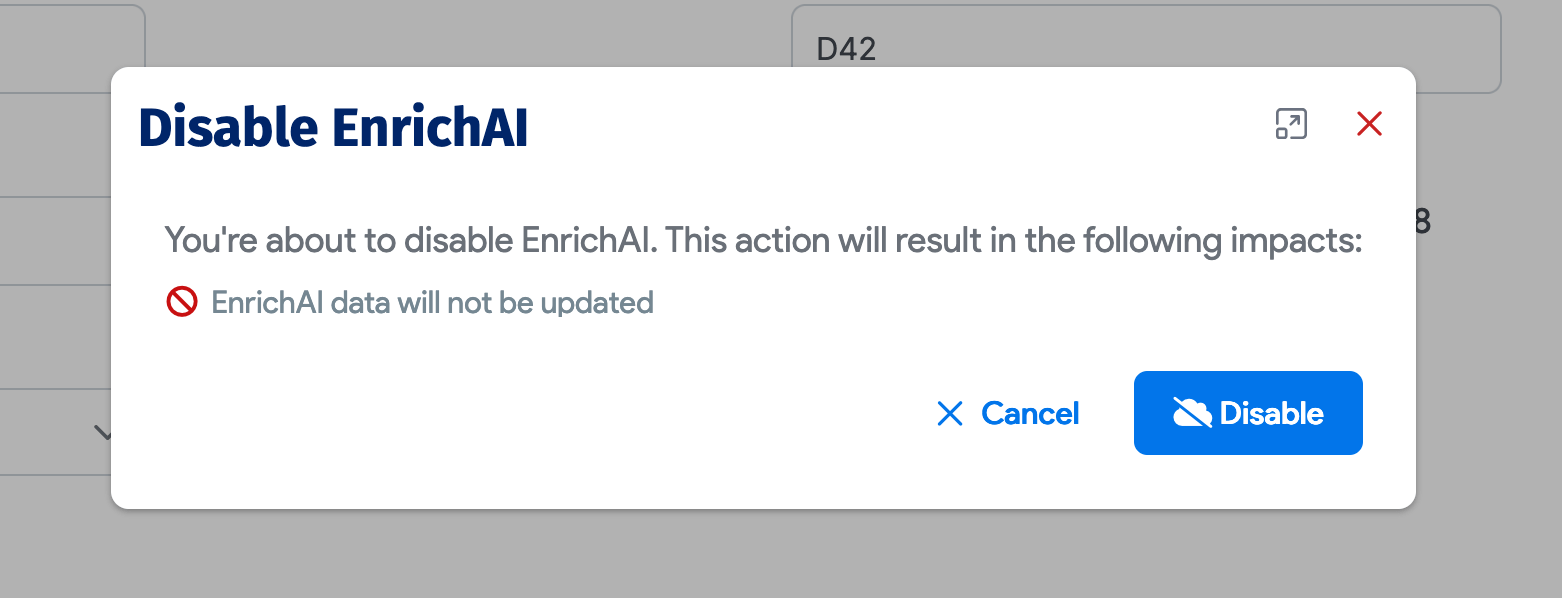
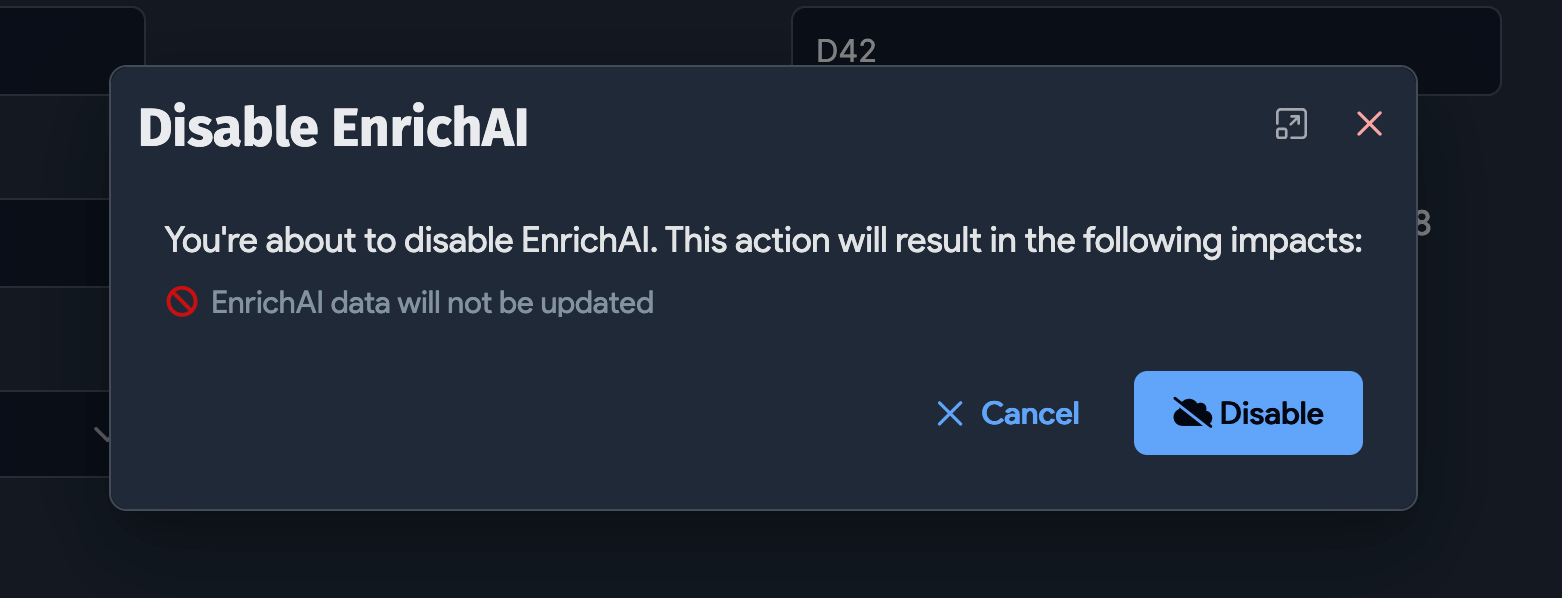
In the Disable EnrichAI dialog, select Disable to confirm. Select Cancel to return without changes.
-
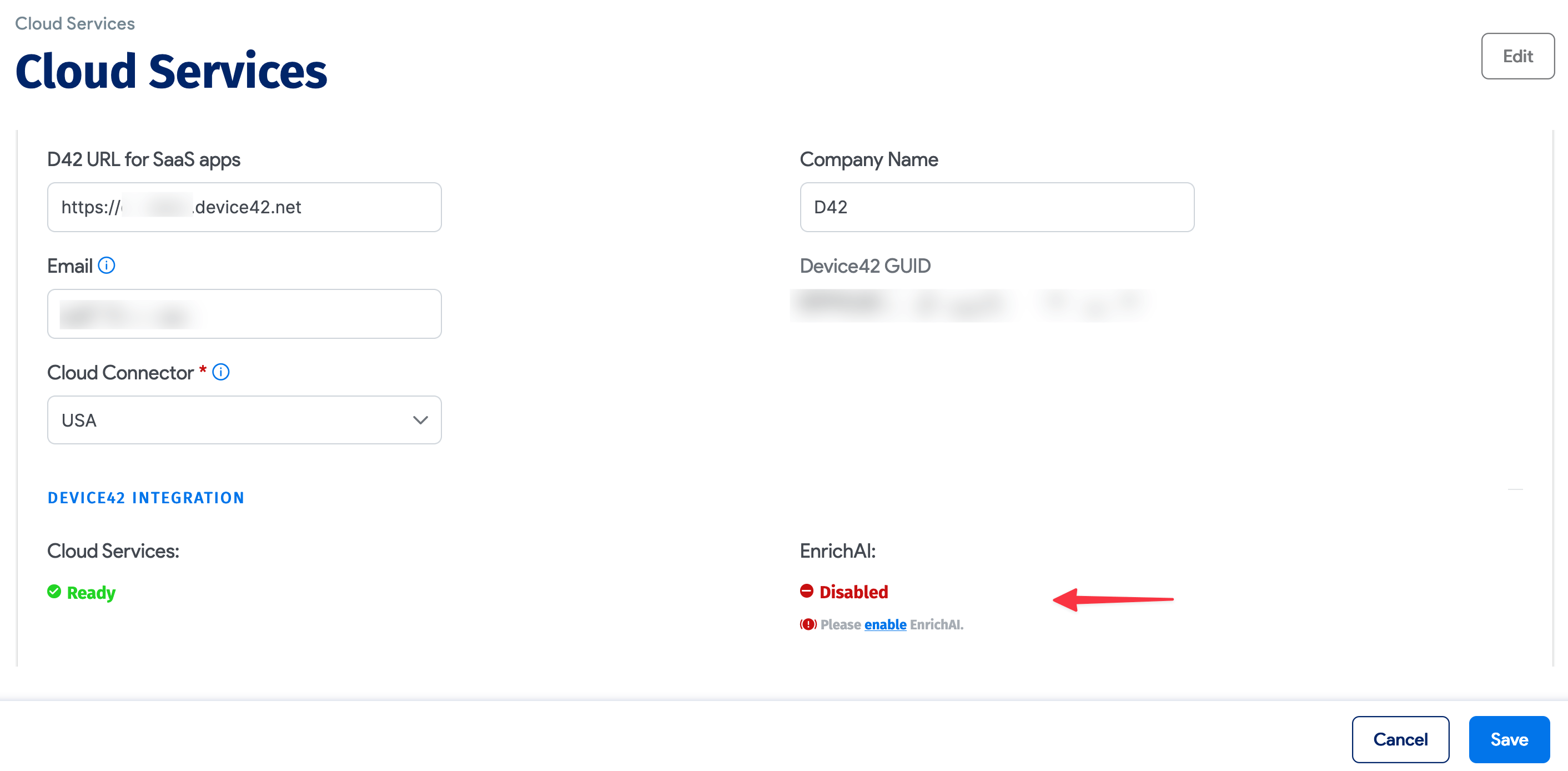
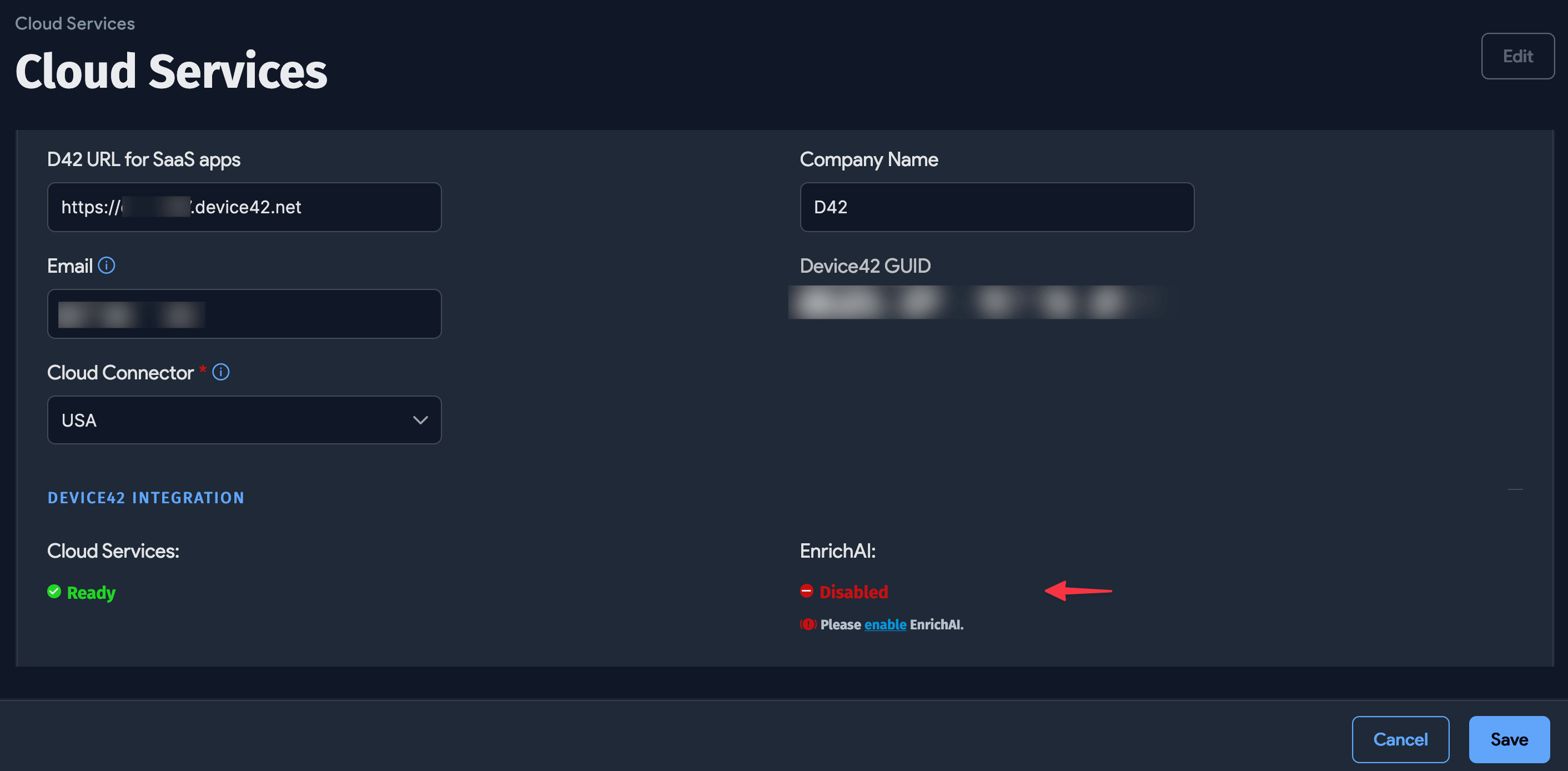
The EnrichAI status is now Disabled. Click Save in the bottom-right corner of the page.
Re-Enable the Enriched Data Service
Follow the same steps to opt back in to the Enriched Data service. After re-enabling, rerun your discovery jobs to ensure your data is enriched.