Enriched Data
The data Normalization and Enrichment Service is a Device42 cloud-based service that cleanses and enhances the software, operating system (OS), and vendor data collected by Device42 discovery. It replaces raw discovered values with standardized names and version numbers, and adds extended fields such as product categories and support lifecycle dates.
This page describes the enriched data fields, how the service collects and processes data, connectivity requirements, and the Enriched Data interface.
Data Fields
The Enriched Data service takes the vendor name, product name, and version number fields as populated by the product vendor and replaces them with cleansed and normalized values. The enriched data is mined from validated, authoritative, public sources to ensure accuracy.
The following is a partial list of enriched fields:
Vendor Attributes
| Vendor Attributes | Description |
|---|---|
| Vendor Name | The standardized vendor company title |
| Parent Vendor | The name of the vendor's corporate parent company (if one exists) |
| Vendor Aliases | A list of any other names the vendor is known as (if they exist) |
| URL | The official vendor website URL |
| Copyright | The official legal name of the vendor entity |
Operating System Attributes
| Field | Description |
|---|---|
| OS Vendor | The name of the OS vendor |
| OS Name | The standardized name of the OS |
| OS Family | The OS release family (Linux, Windows, etc.) |
| OS Edition | The edition of the OS (Enterprise, Datacenter, etc.) |
| OS Version Number | The general version number of the release |
| Service Pack | The service pack level of the OS release |
| Key Support Dates | See Key Support Dates below |
The OS Architecture: 32 vs 64 bit field is no longer part of Enriched Data. The 32- and 64-bit architectures have been merged into a single entry, as the architecture does not affect OS dates, licensing, patches, or risk profiles.
Software Attributes
| Field | Description |
|---|---|
| Vendor | The standardized vendor name |
| Product Name | The standardized product name |
| Market Version | The name that the version is commonly known as (2012, 2016, etc.) |
| Edition | The software edition (such as Professional or Enterprise) |
| Release | The name of the release (often an update or patch) |
| Version | The full version number including major, minor, patch, and build values (using Semantic Versioning) |
| Service Pack | The service pack level of the software release |
| Category | The product category this software application belongs to |
| Key Support Dates | See Key Support Dates below |
Key Support Dates
| Key Support Dates | Description |
|---|---|
| Base Release Date | When the product became available |
| Release Start Date | When the release became available |
| Release End Date | When the release stopped being distributed |
| End of Life Date | When the release will no longer receive security/vulnerability updates |
| End of Support Date | When mainstream support will no longer be available |
| Extended End of Support Date | When extended support will no longer be available |
| End of Maintenance Date | When non-security patches will no longer be released under standard maintenance agreement |
| Extended End of Maintenance Date | When non-security patches will no longer be released under extended maintenance agreement |
Depending on the vendor's published information, Enriched Data may not populate all or any of the date fields.
Enriched Data Collection
When Enriched Data is enabled, device data collected during discovery jobs is queued, batched, and sent via HTTPS to the Enriched Data service. The service processes requests in background tasks to prevent negative system impact. When it finds a match, it responds with enriched data. All enriched data is displayed on the Analytics > EnrichAI Data page. Depending on the number of requests in the queue and system load, this data may not be immediately visible.
When presented with a new or unique data entry, the Enriched Data service may need to perform a background check with authoritative sources to identify new or changed data. This data is then displayed on the next discovery for that device. Each discovery is validated by the service to ensure discovered values are correct and up to date.
No data sent to the Enriched Data service contains identifiable information, such as hostnames, IP addresses, or MAC addresses. Below is a sample of the payload:
Click to expand the code block
[
  {
    "client_id": "D42",
    "client_version": "999.99.99.9999999999",
    "items": [
      {
        "entity_type": "os",
        "parameters": {
          "os_architecture": "",
          "os_name": "junos",
          "os_version": "12.3R12-S1",
          "os_version_no": ""
        },
        "req_id": "os_7"
      },
      {
        "entity_type": "vendor",
        "parameters": {
          "vendor": "brocade"
        },
        "req_id": "vendor_3"
      },
      {
        "context_info": {
          "discovery_type": "",
          "hardware_name": "",
          "hardware_vendor_name": ""
        },
        "entity_type": "software",
        "parameters": {
          "category": "",
          "hidden_name": "(https://support.microsoft.com/help/4598481) KB4598481",
          "name": "KB4598481",
          "vendor": "Microsoft",
          "version": "KB4598481"
        },
        "req_id": "software_912"
      },
      {
        "context_info": {
          "discovery_type": "vserver/*nix",
          "hardware_name": "",
          "hardware_vendor_name": ""
        },
        "entity_type": "service",
        "parameters": {
          "description": "Apache Tomcat Web Application Container",
          "displayName": "tomcat",
          "prettyName": "tomcat",
          "vendor": ""
        },
        "req_id": "service_5803"
      }
    ]
  }
]
Enriched Data Connectivity
Do the following to ensure connectivity with the Enriched Data service:
-
Configure the Cloud Connector and check that it is reachable.
-
Make sure the Enriched Data endpoints are reachable, including the registration endpoint:
https://registration.device42.comhttps://crs.device42.io/https://enrichai.device42.io/api/normalizations
-
Register the license online.
-
For software enrichment, the Software Enrichment license must be listed as Enabled under Tools > Licensing.
Enriched Data Interface
Select Analytics > EnrichAI Data to display the Enriched Data list page.
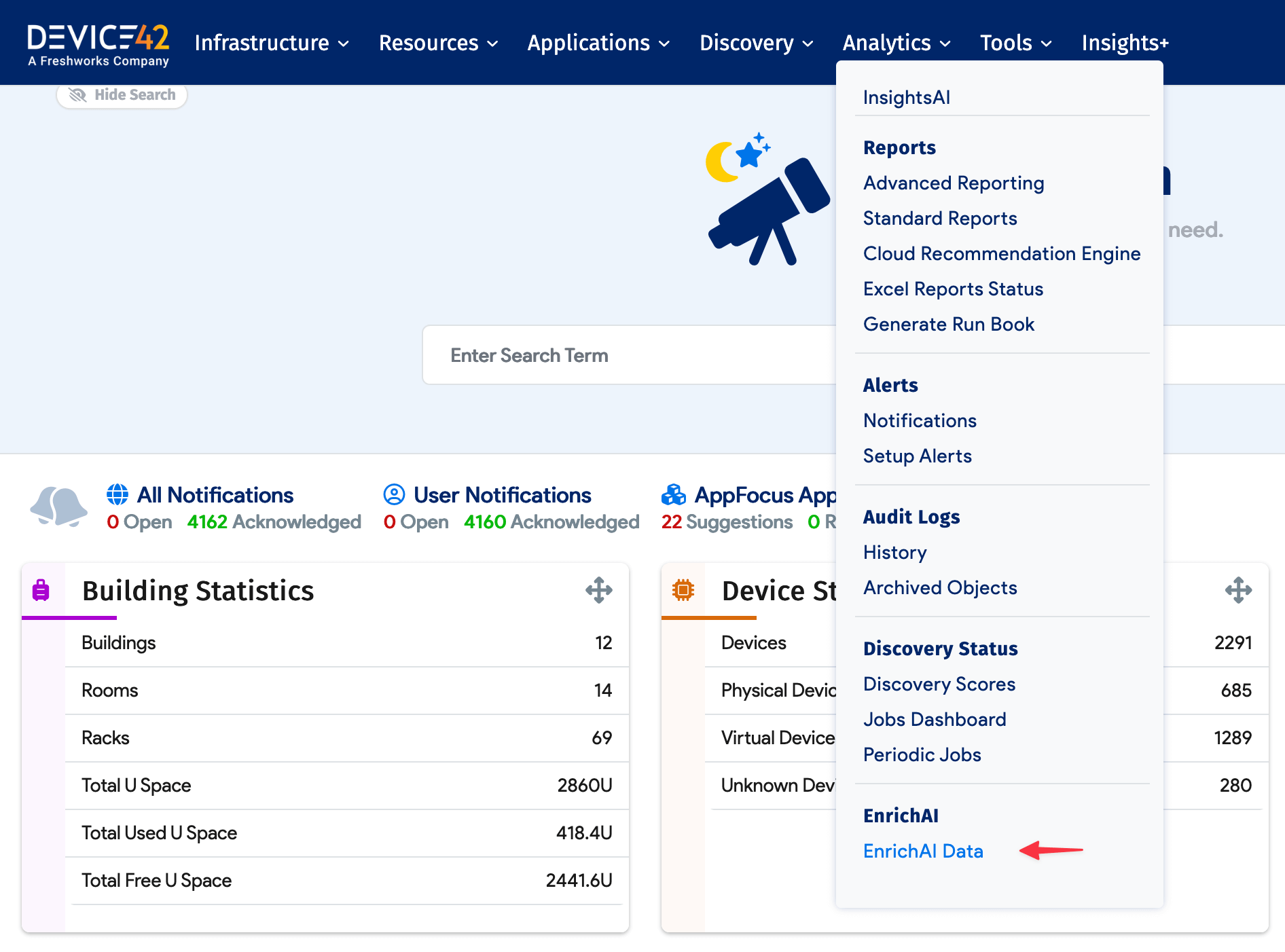
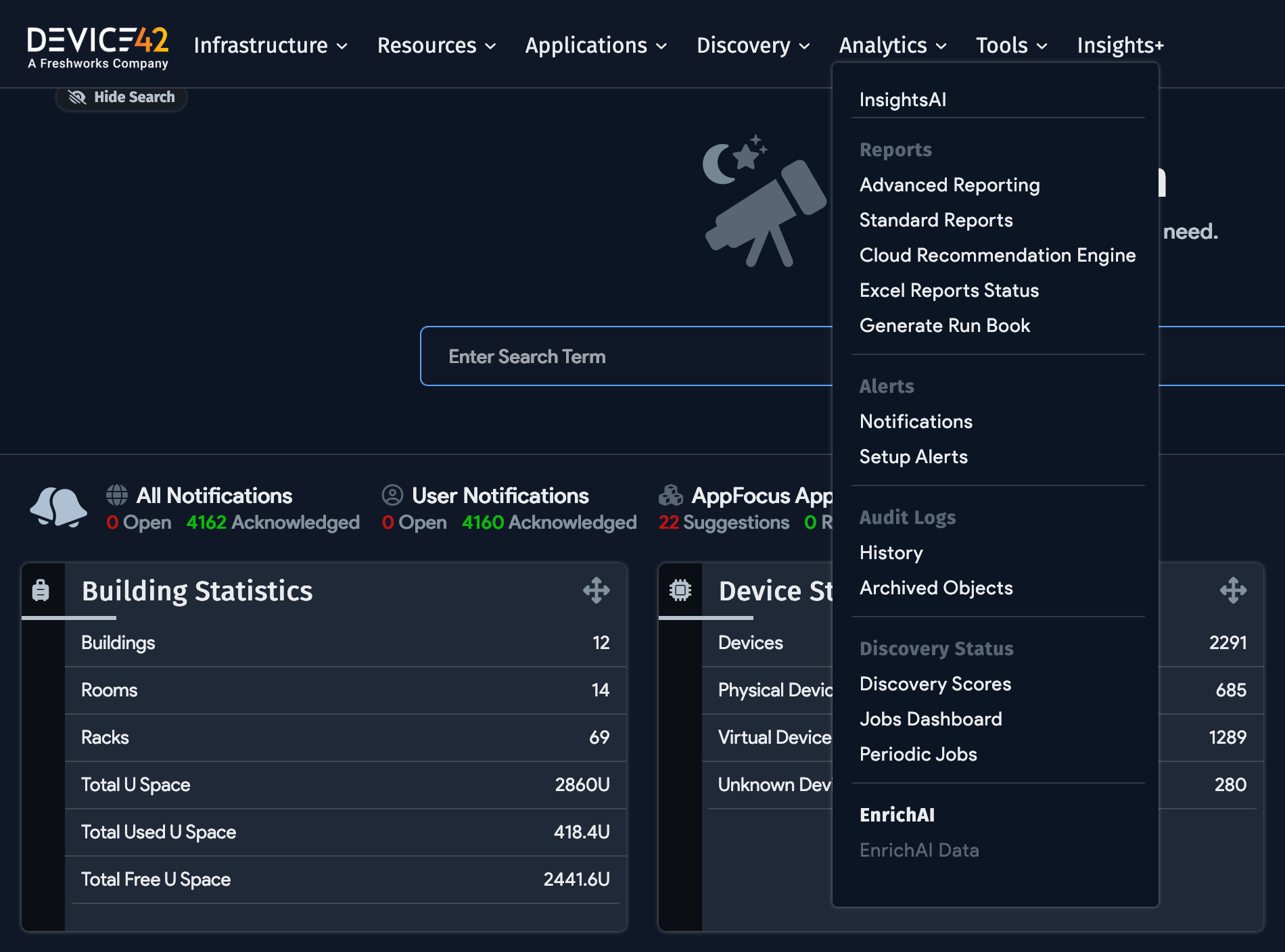
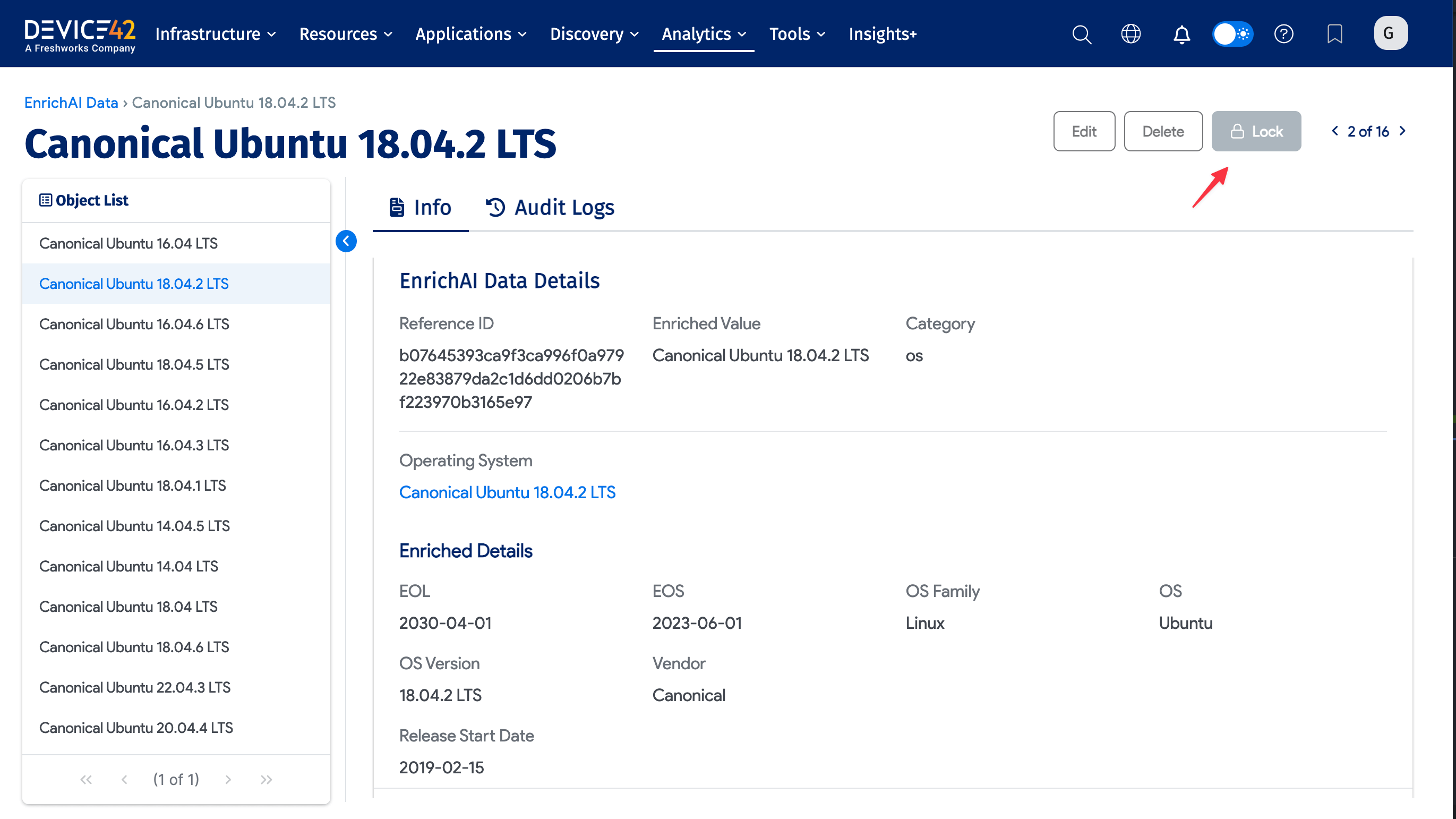
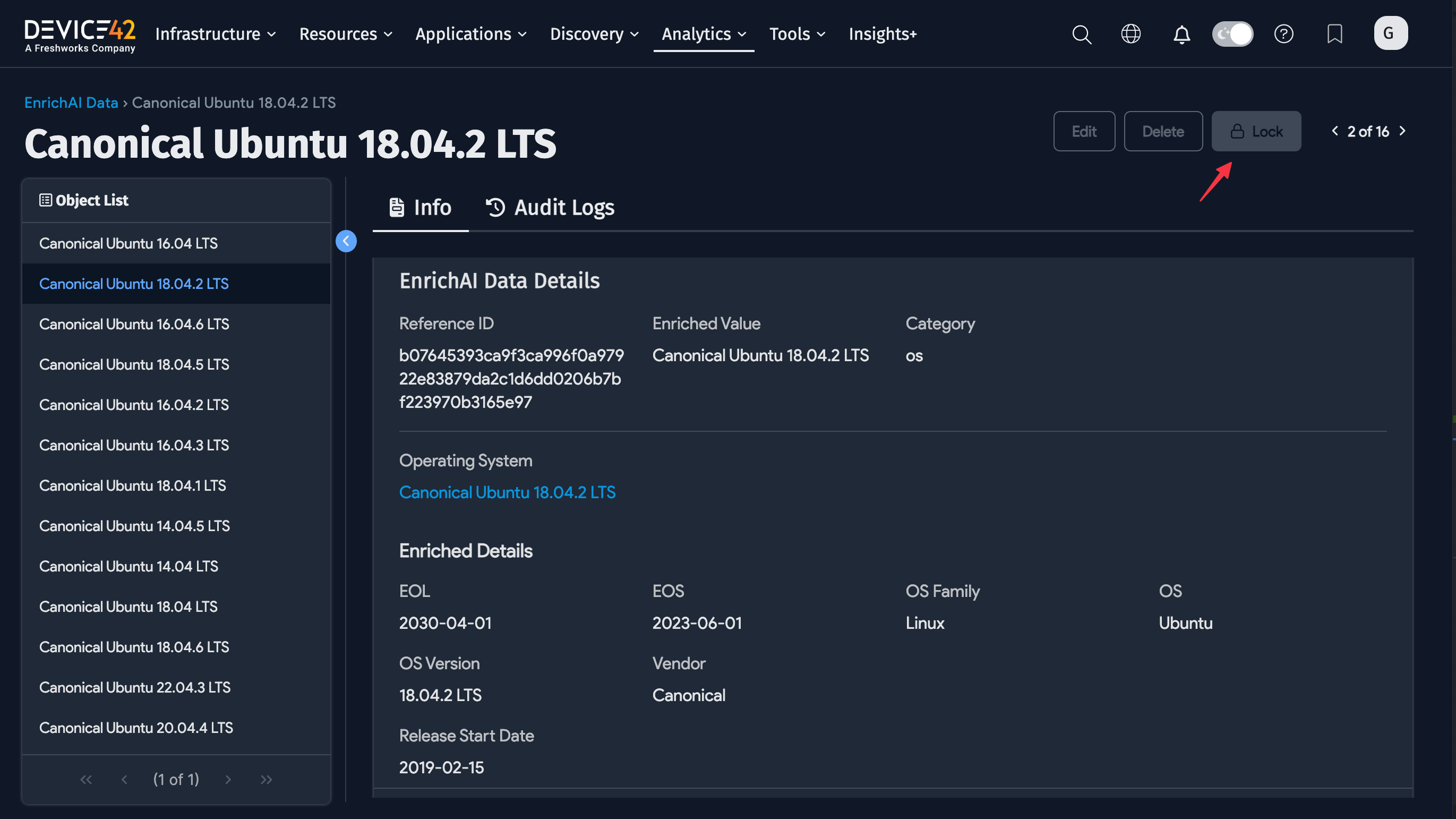
Click the Enriched Value link to view the data record. Click the Lock button on an Enriched Data record to prevent Device42 from updating it in the future.
Vendor and OS view pages display additional information generated by the Enriched Data service. You can identify enriched vendors by the AI icon next to their names on the vendor list page (under Infrastructure > Vendors).
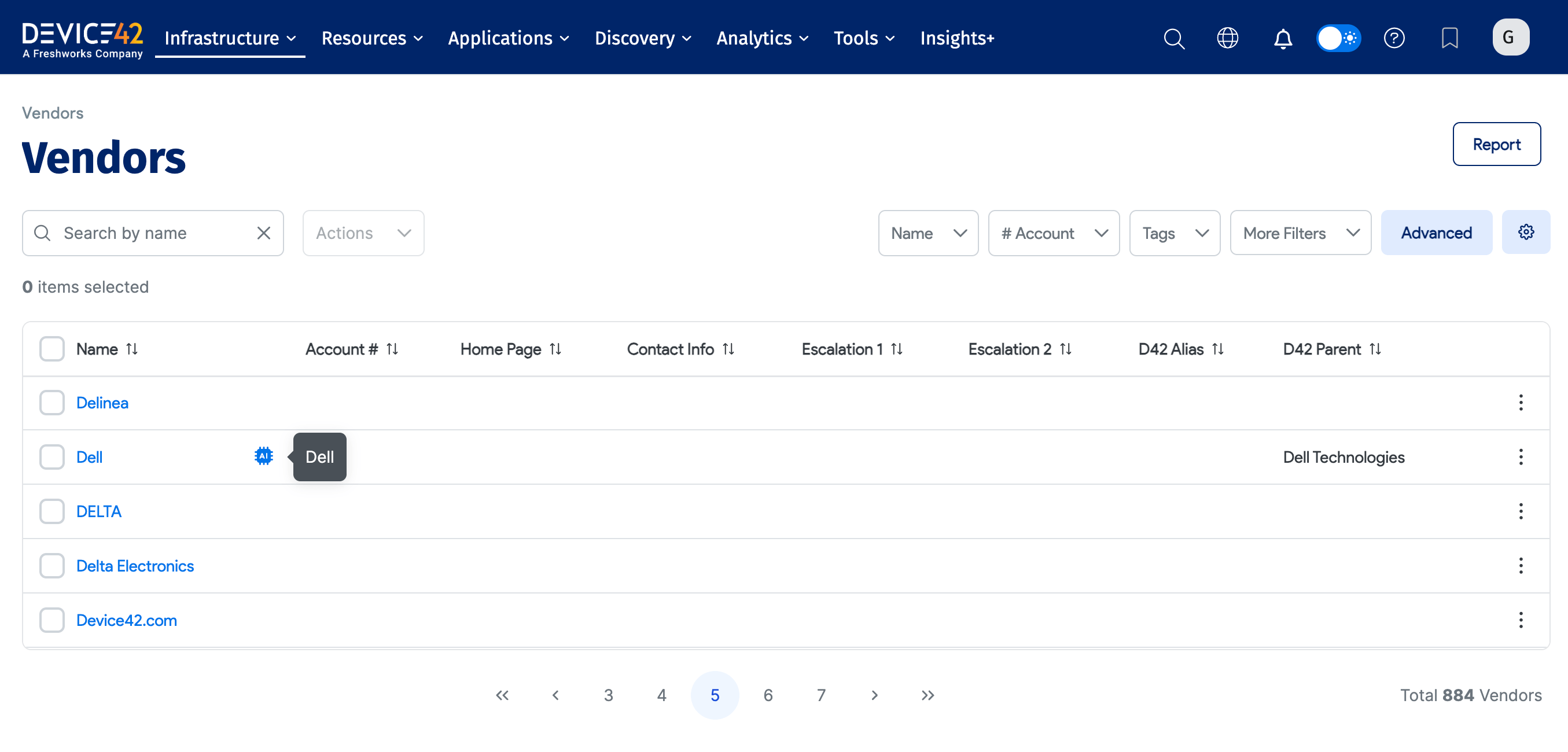
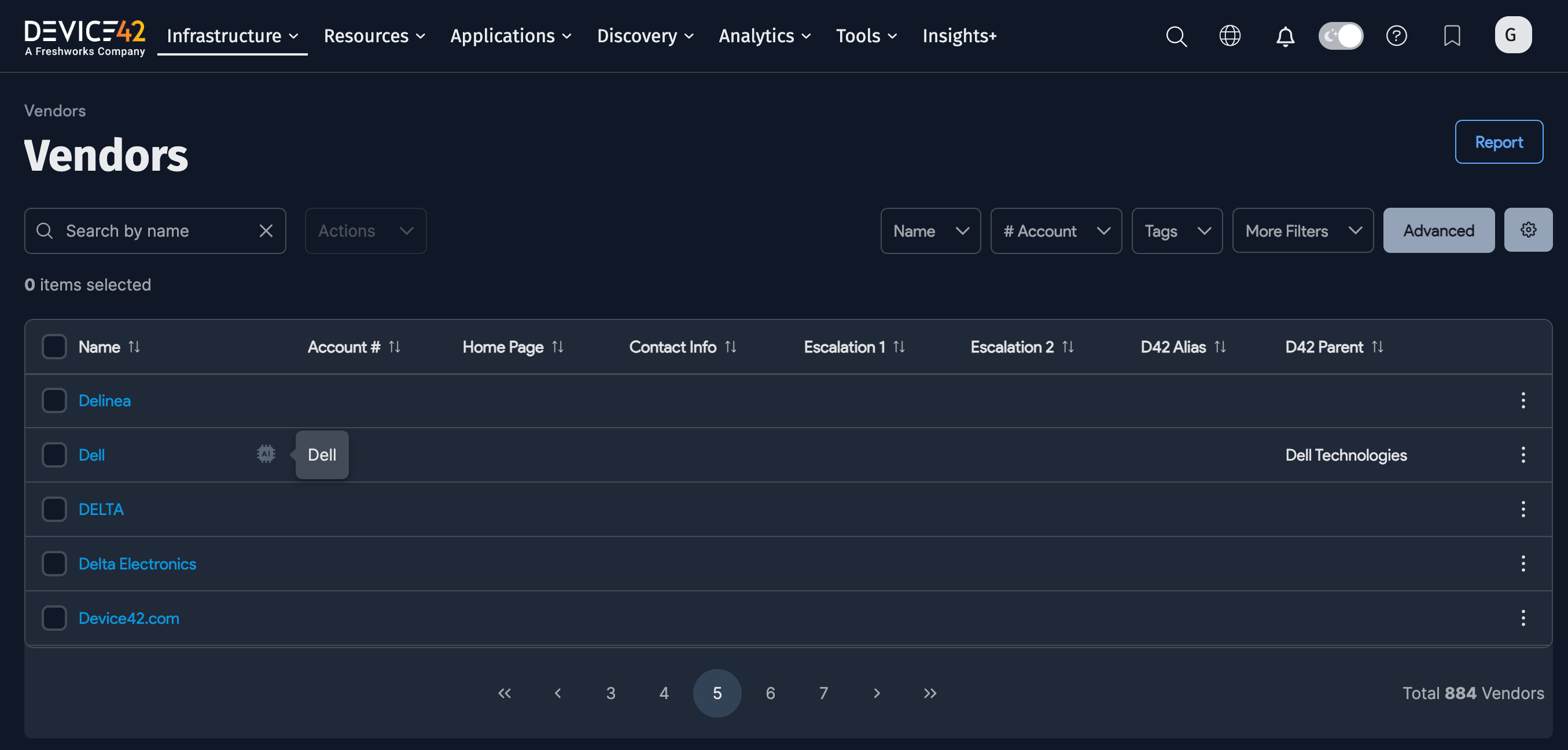
Enriched data is also available via API and Device42 Object Query Language (DOQL) in the vendor and device OS DOQL views.
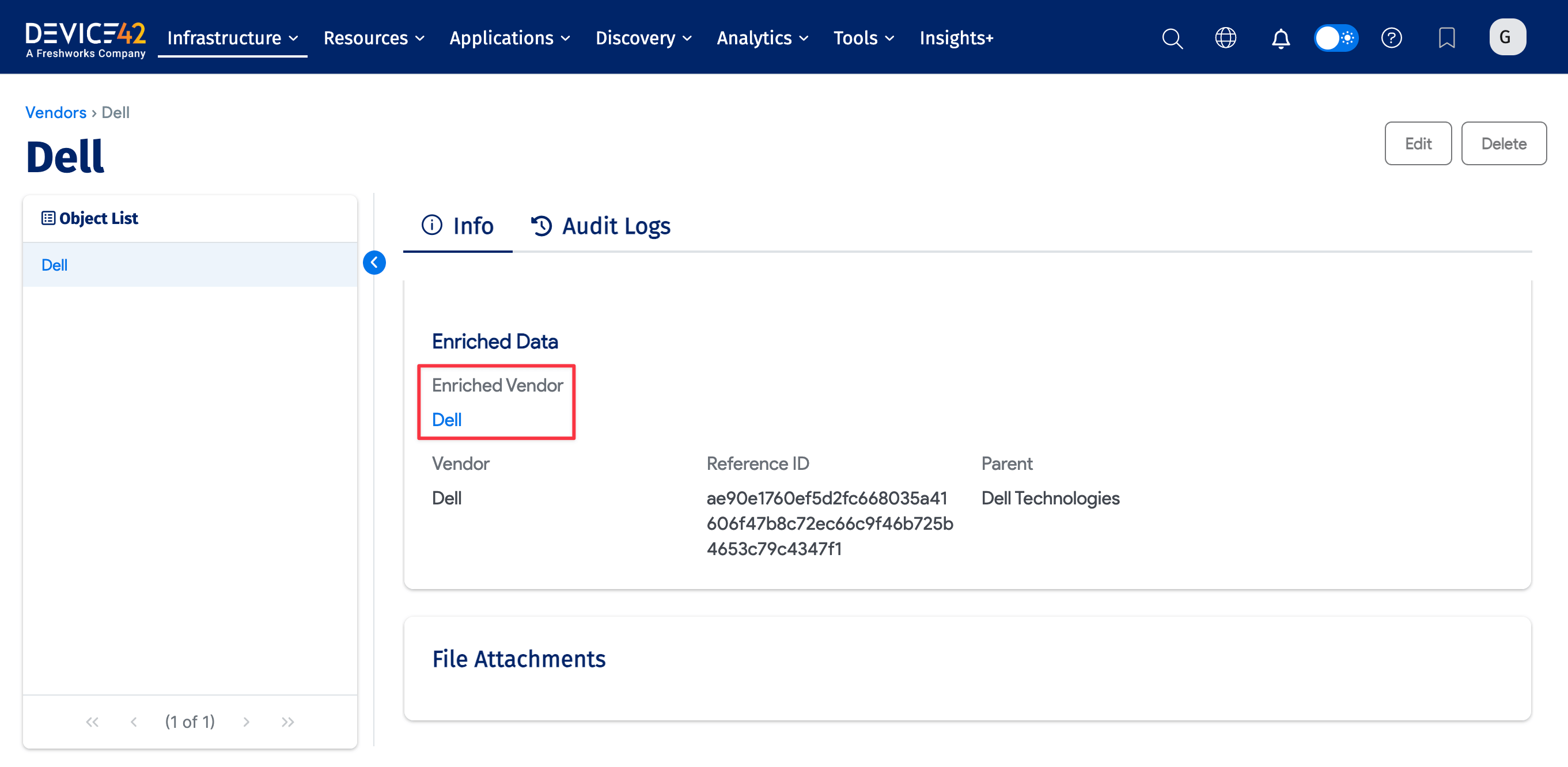
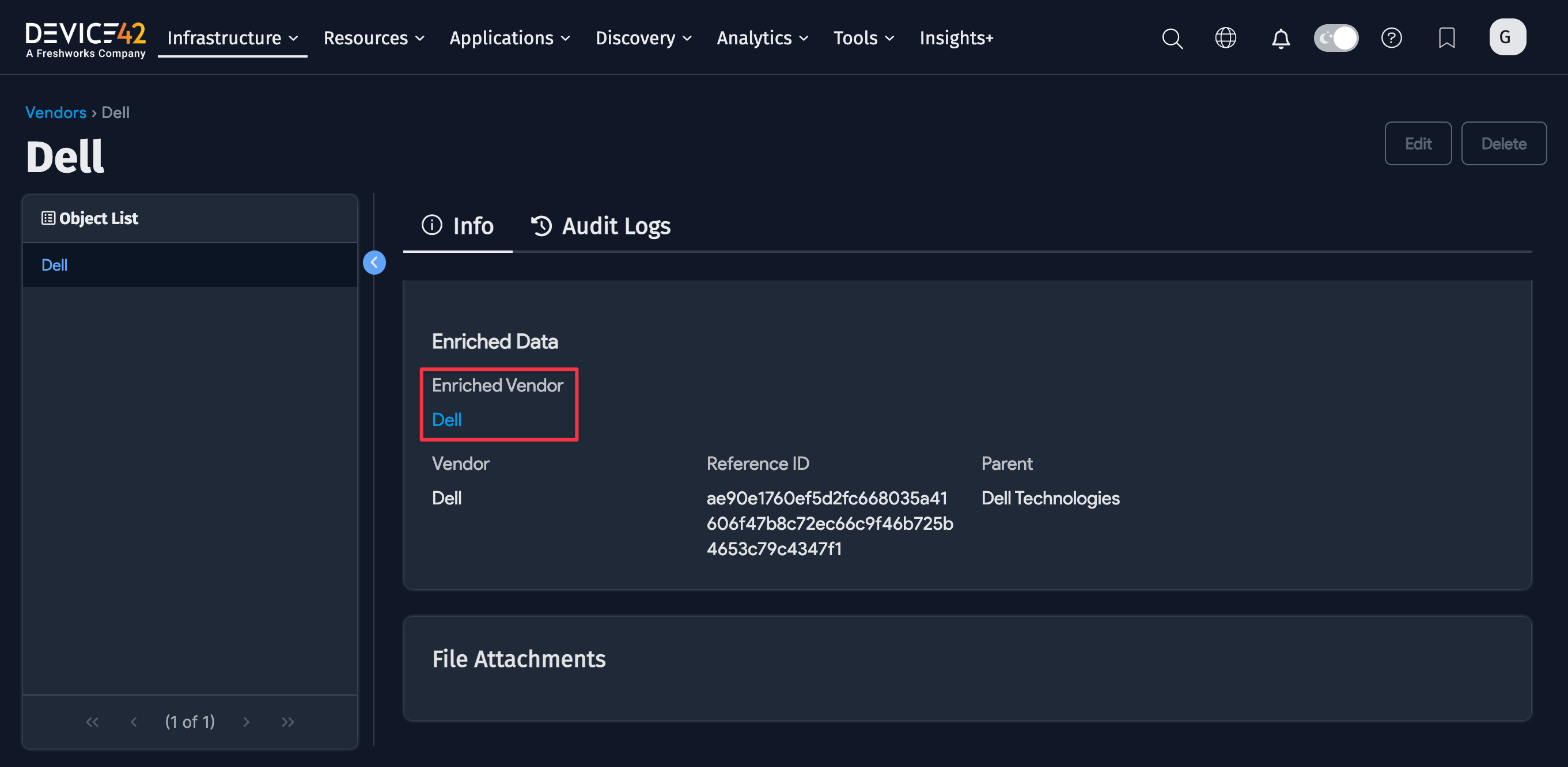
Data Handling and Security Practices
The following practices govern how the Enriched Data service handles your data:
- The Enriched Data service does not maintain personal or personally identifiable data.
- Unmatched values (those without a corresponding match in the Enriched Data service) are stored for future mining and resolution.
- Only Device42 personnel work with these non-identifiable data elements.
- Data collected for future enrichment mining is stored in the United States.
Device42 reserves the right to change and update the normalized and enriched records provided with this service.