VRF Groups
Virtual routing and forwarding groups (VRF groups) are often used by ISPs and other larger network service providers to organize and track their logical network segments, subnets, and VLANs, some of which often overlap with IP ranges in use in other VRF groups — but never within the same VRF group. The reason is straightforward: there are really only three IP address ranges dedicated to private network use (10.0.0.0/8, 172.16.0.0/12, and 192.168.0.0/16), yet there are thousands of end users on these networks that need to route traffic to the internet, and in a few special cases, to each other. That's where VRF groups come in.
Most VRF groups are designed so that they can't route between each other by default. However, all are able to route out to a larger network cloud (for example, the internet), allowing multiple customers to assign IP addresses to end users on their own networks as they please, without interfering with one another.
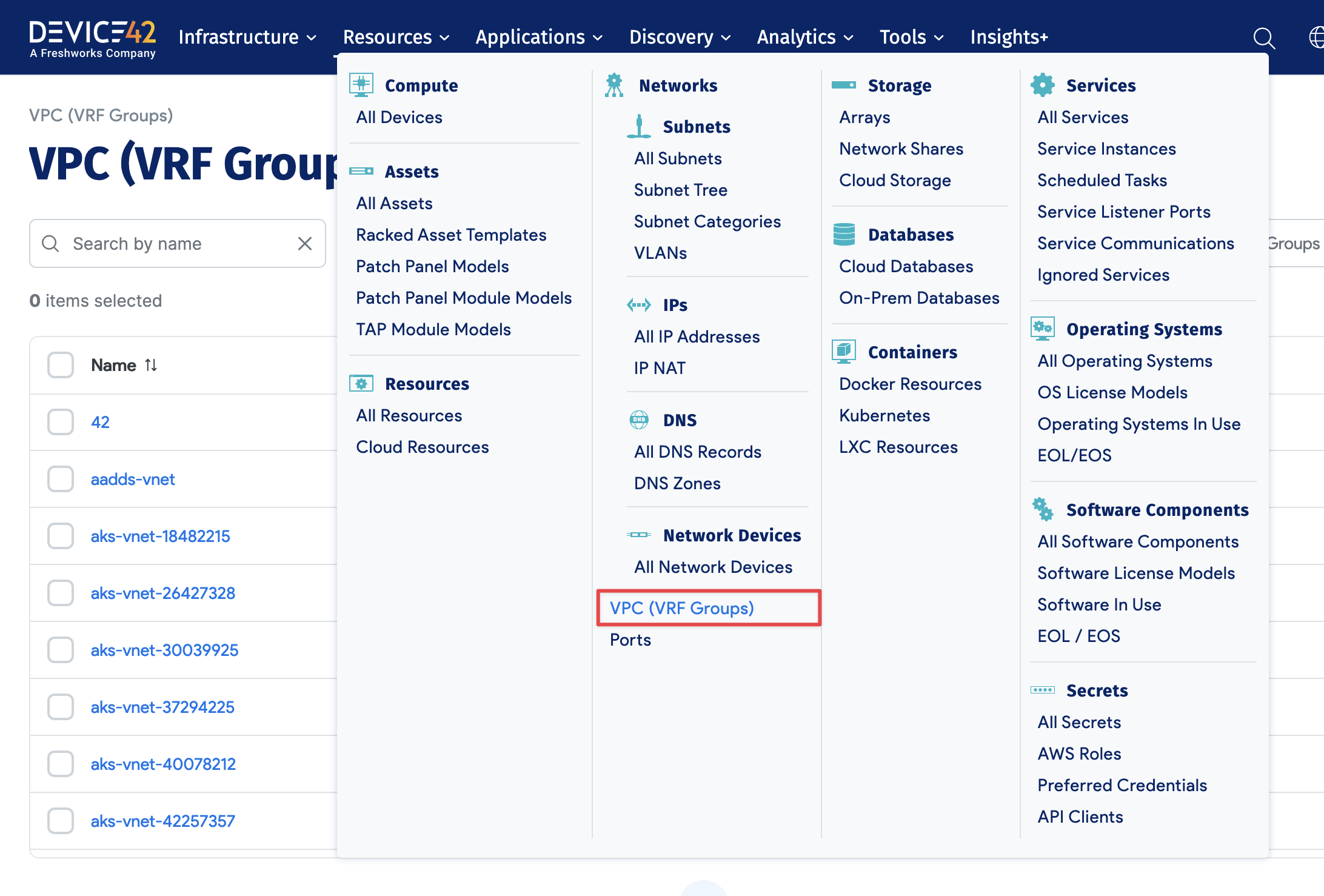
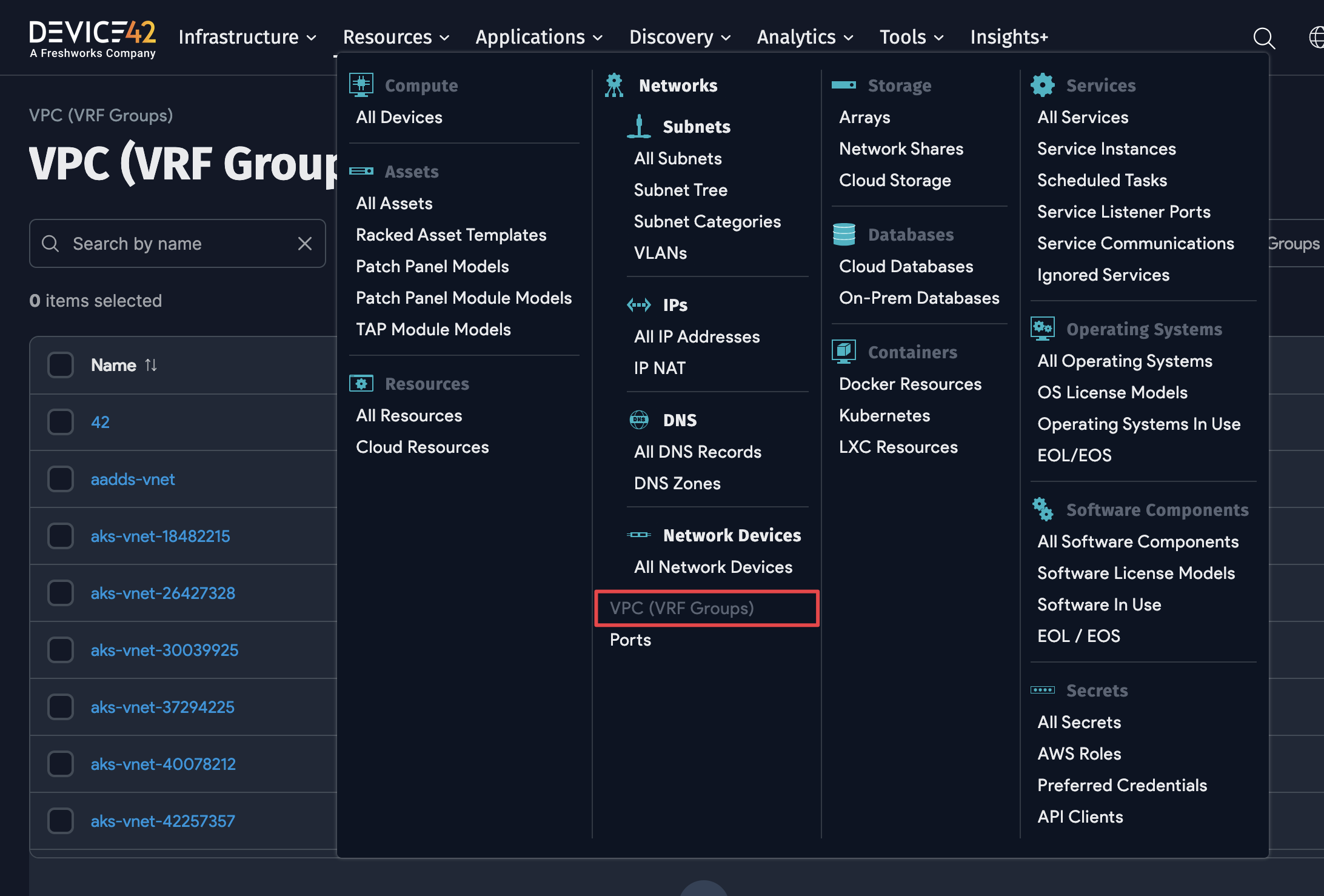
Create VRF groups in Device42 via Resources > Networks > VRF Group. Assign networks to VRF groups as appropriate, dividing your individual networks into VRF groups. IP addresses must be unique per VRF group, but you can have overlapping subnet ranges across VRF groups.
Add or Edit a VRF Group
Click Create to add a new VRF group, or click an existing VRF group name and then Edit to modify it.
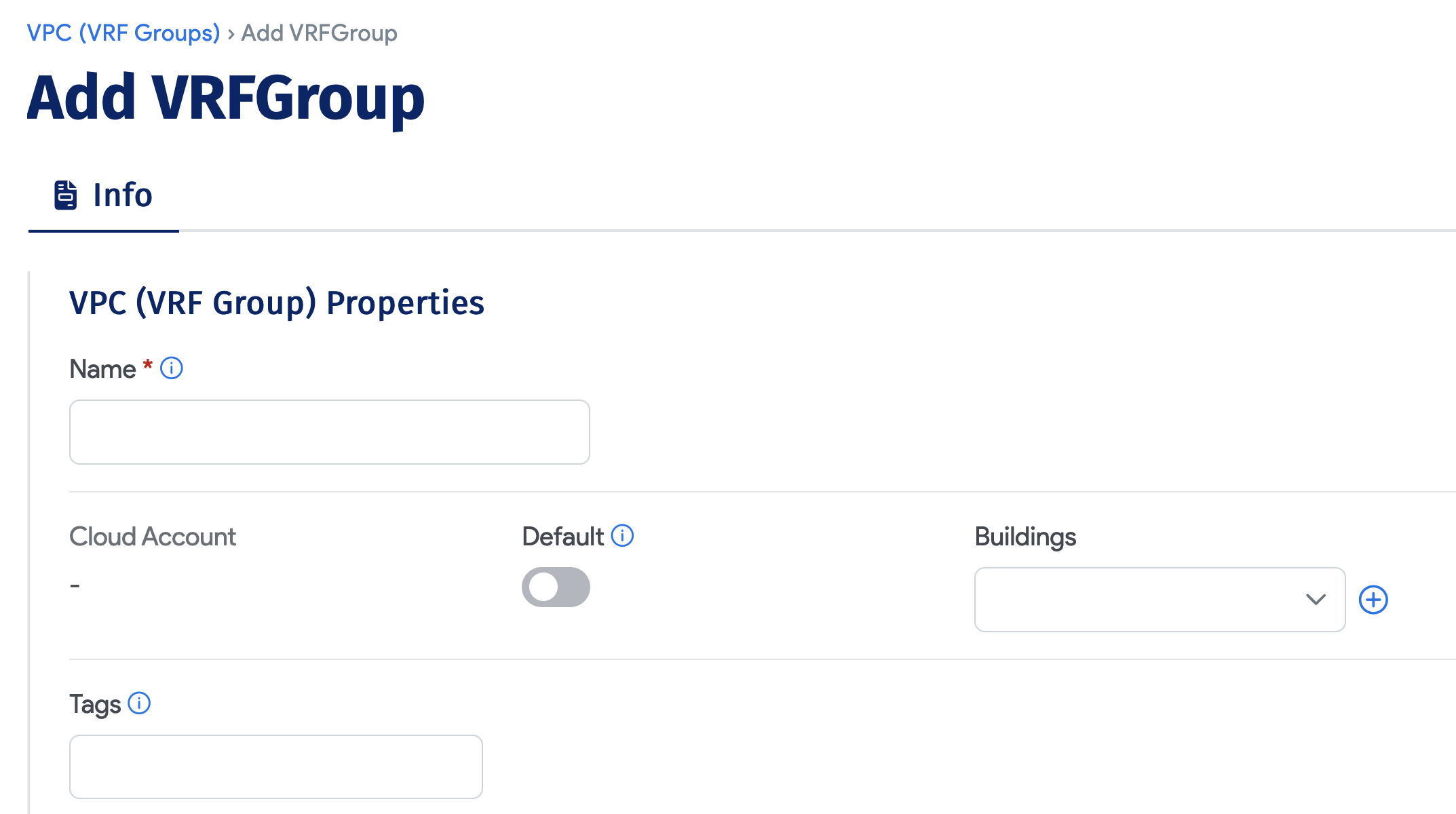
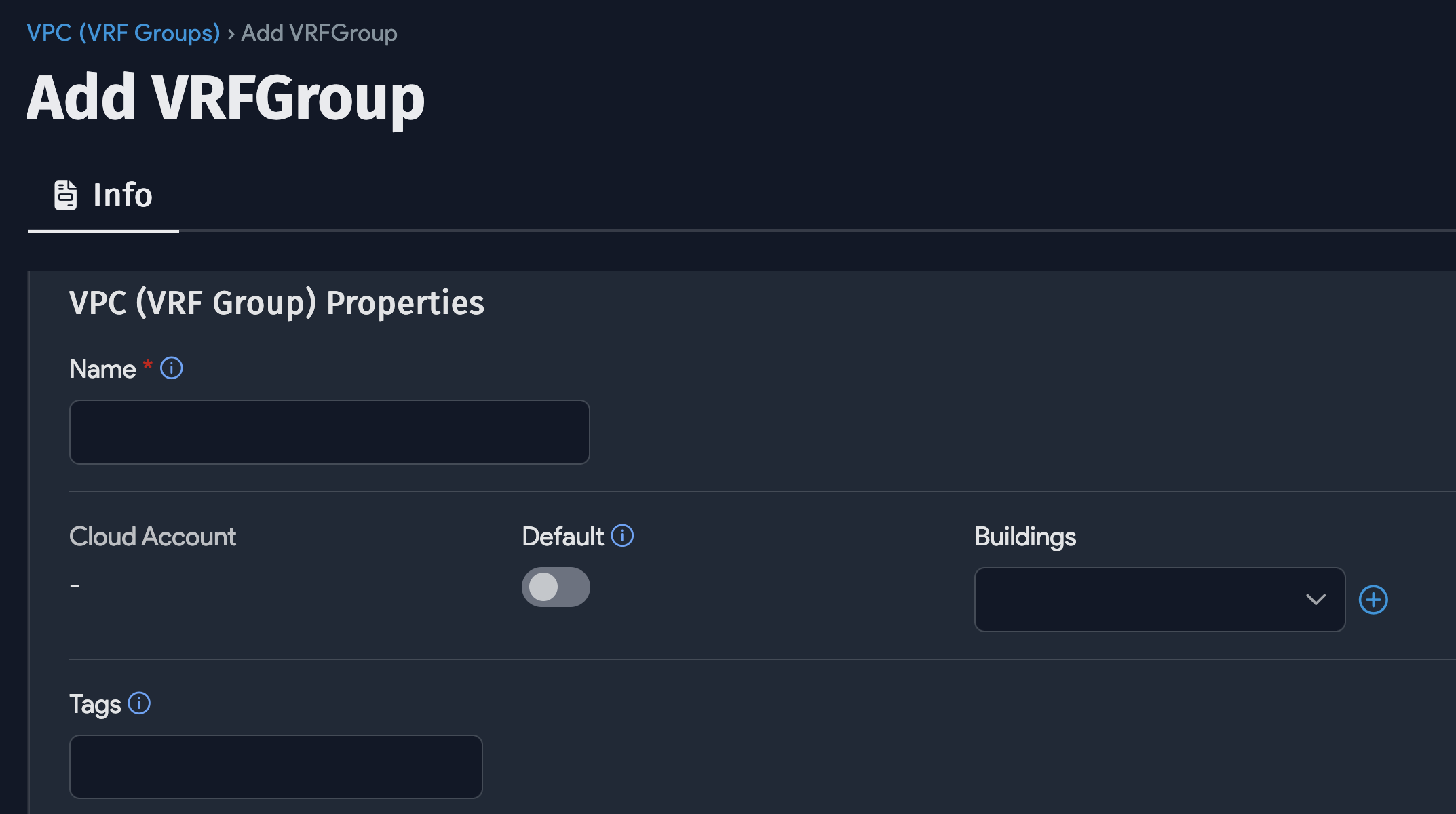
- Name: Required and must be unique among VRF groups.
- Description: Free-form text field for any additional details.
- Default: Select this checkbox to have all newly discovered subnets added to this VRF group automatically. This does not apply to existing subnets.
If you set a VRF group as the default, subnets and IPs are automatically assigned to it unless otherwise specified.
View an Existing VRF Group
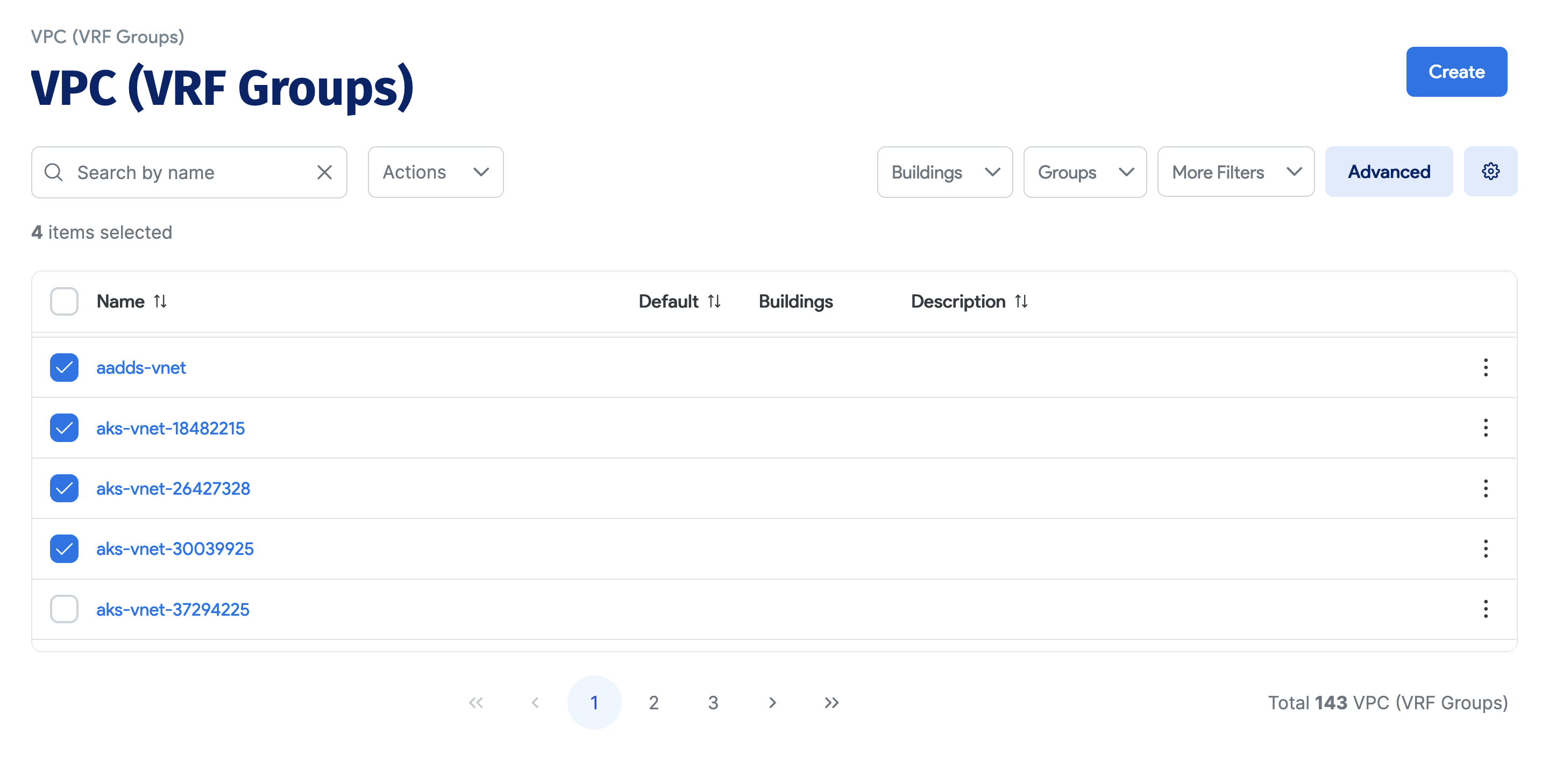
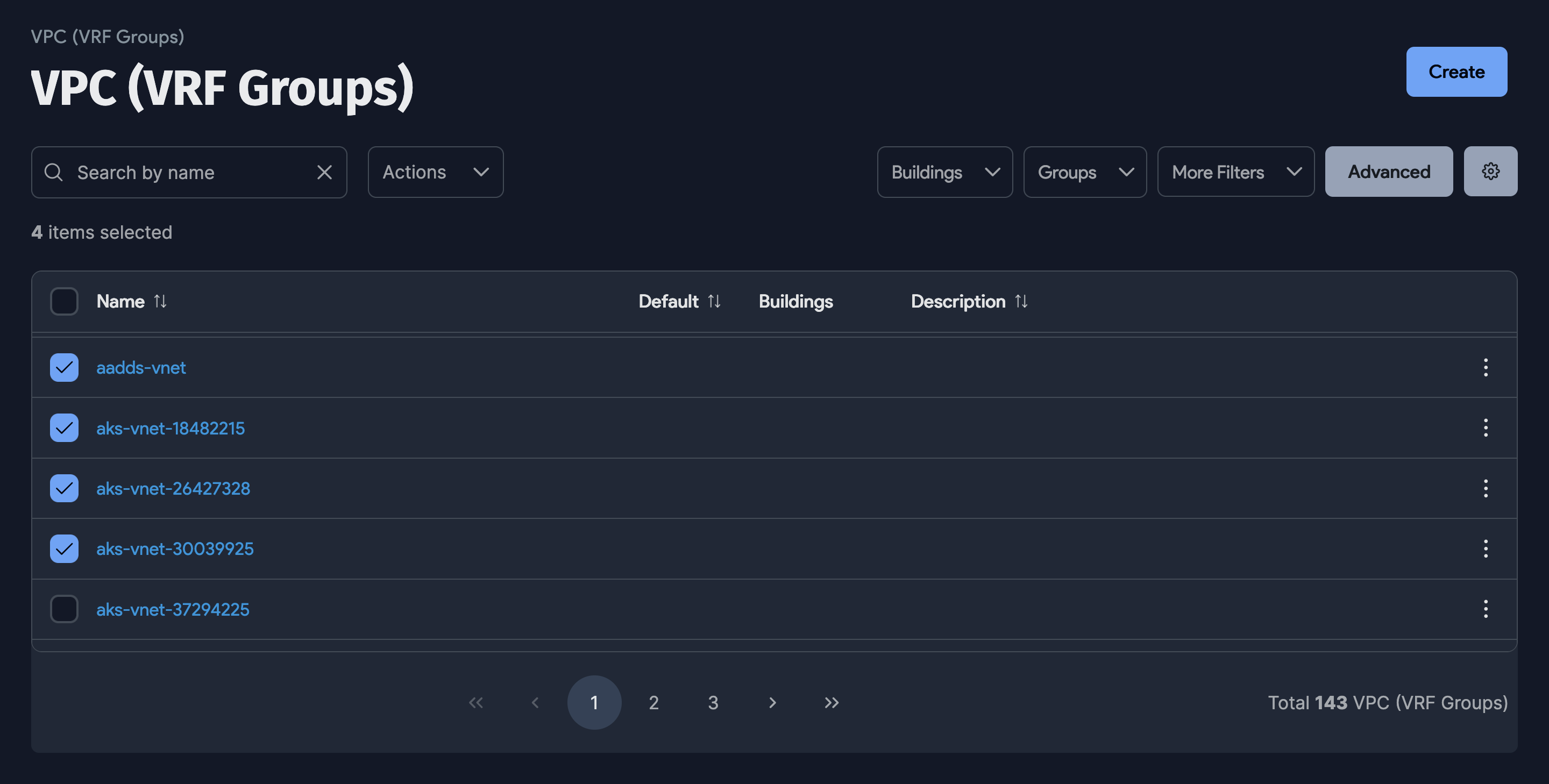
The list page shows all defined VRF groups with their associated subnets and details.