VLANs
VLANs (virtual LANs) are Layer 2 network segments that logically divide a physical network. View and manage VLANs discovered by Device42 or add them manually.
VLAN List Page
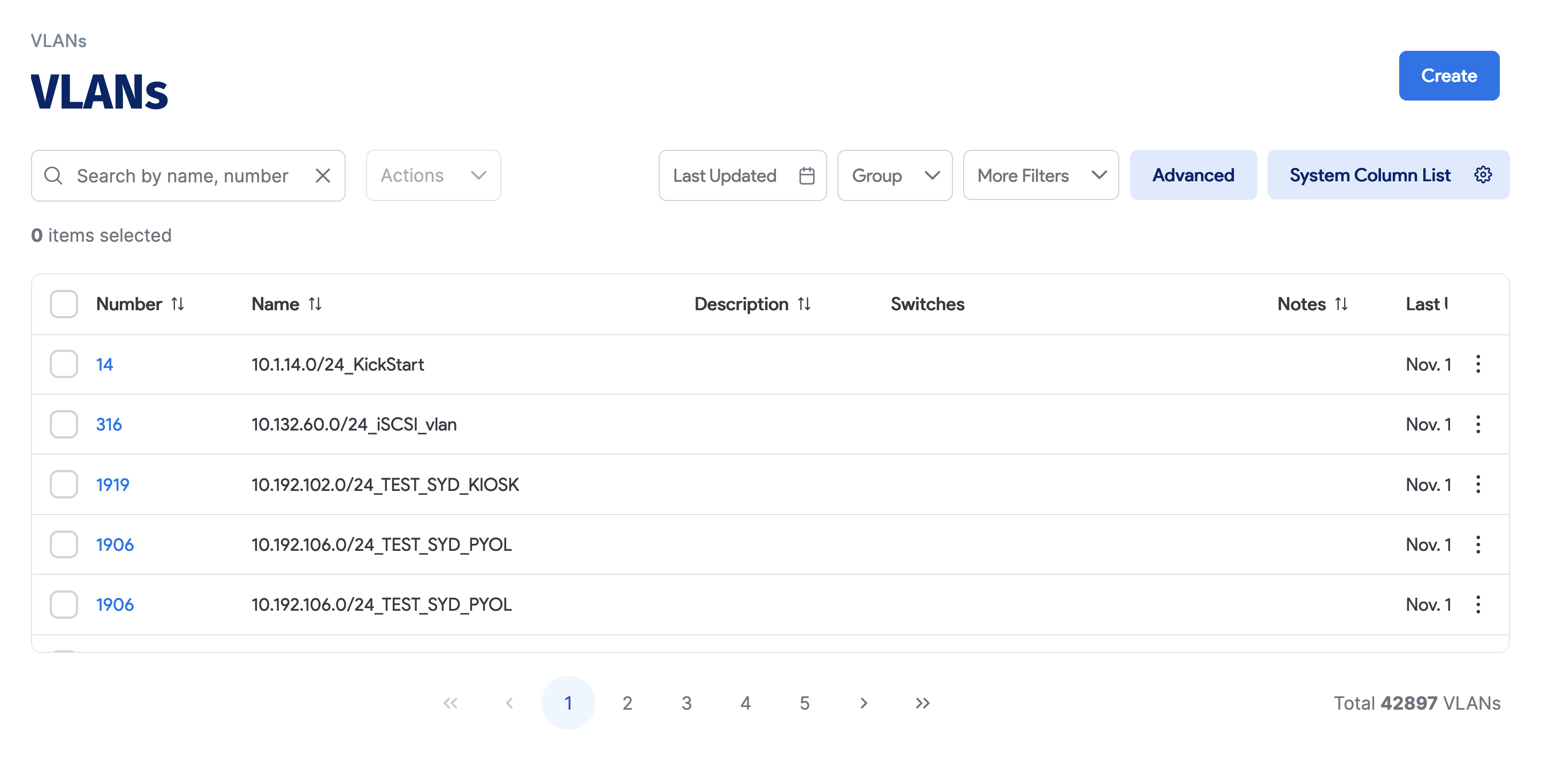
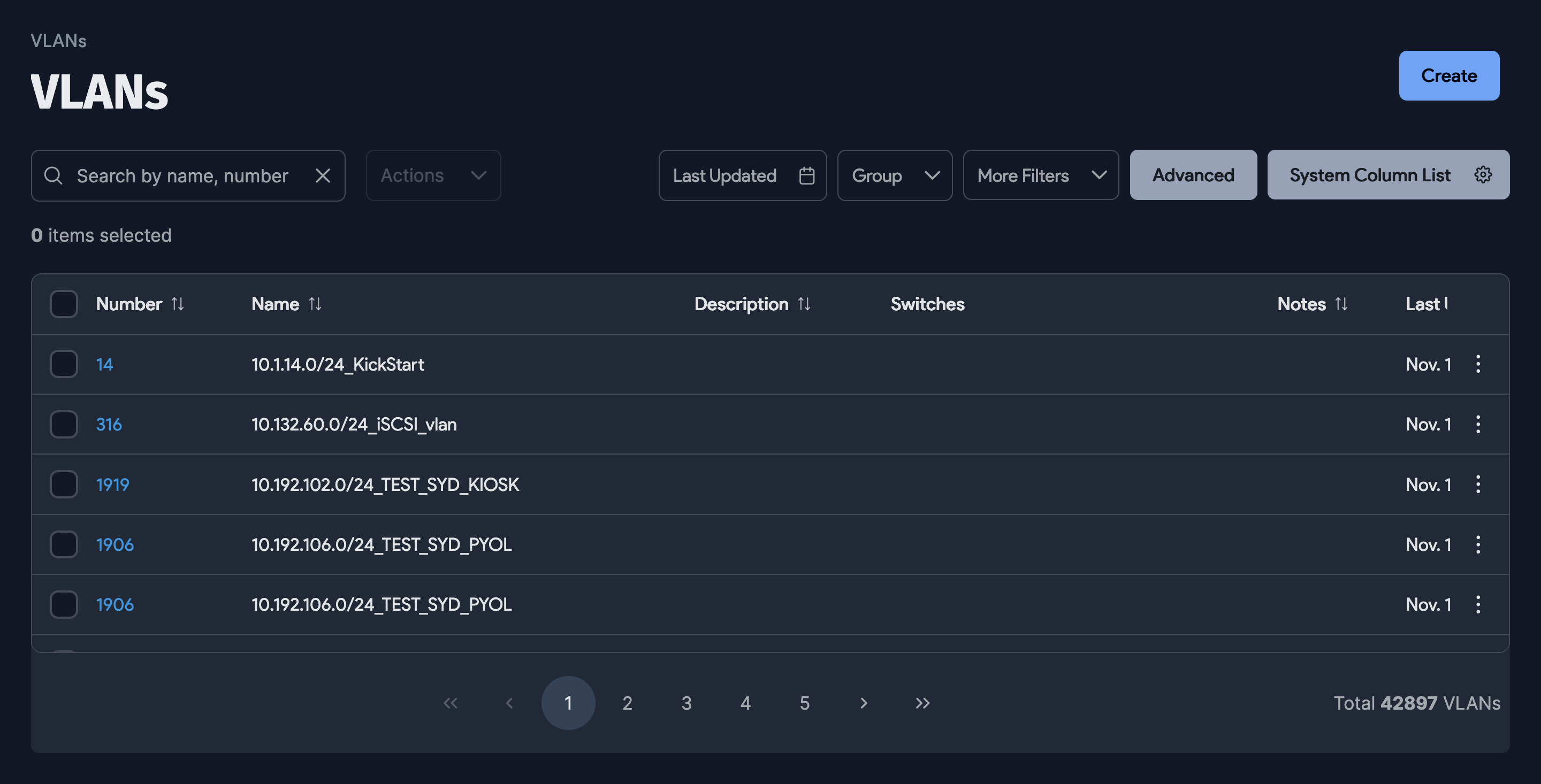
Navigate to Resources > Networks > VLANs to view the VLAN list page.
The list page displays all L2 VLANs that have been defined, along with all the switches that each VLAN is on. You can sort by multiple fields, search by VLAN Number or Name, and click on an individual VLAN to open its details page.
Add a New VLAN
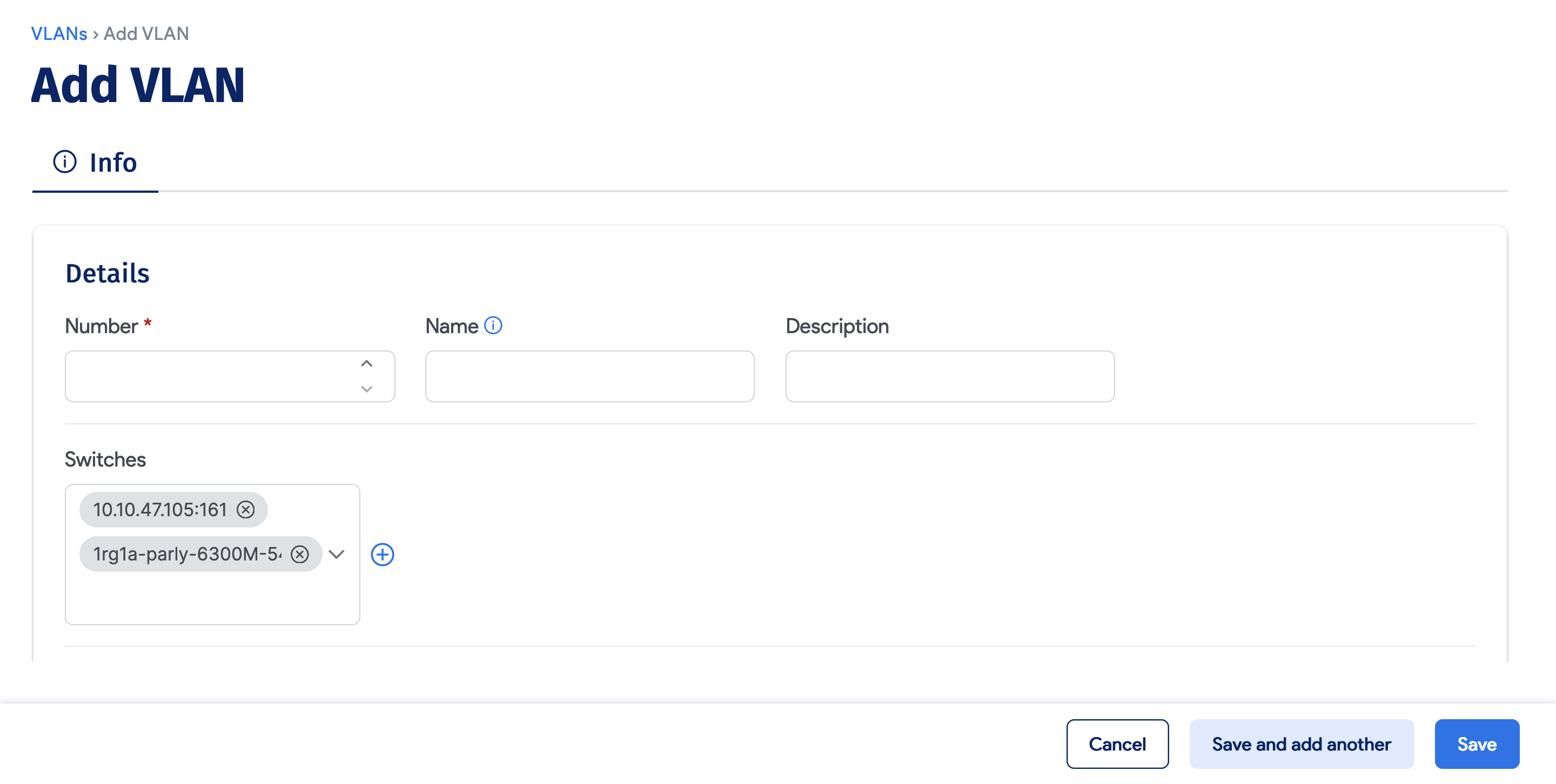
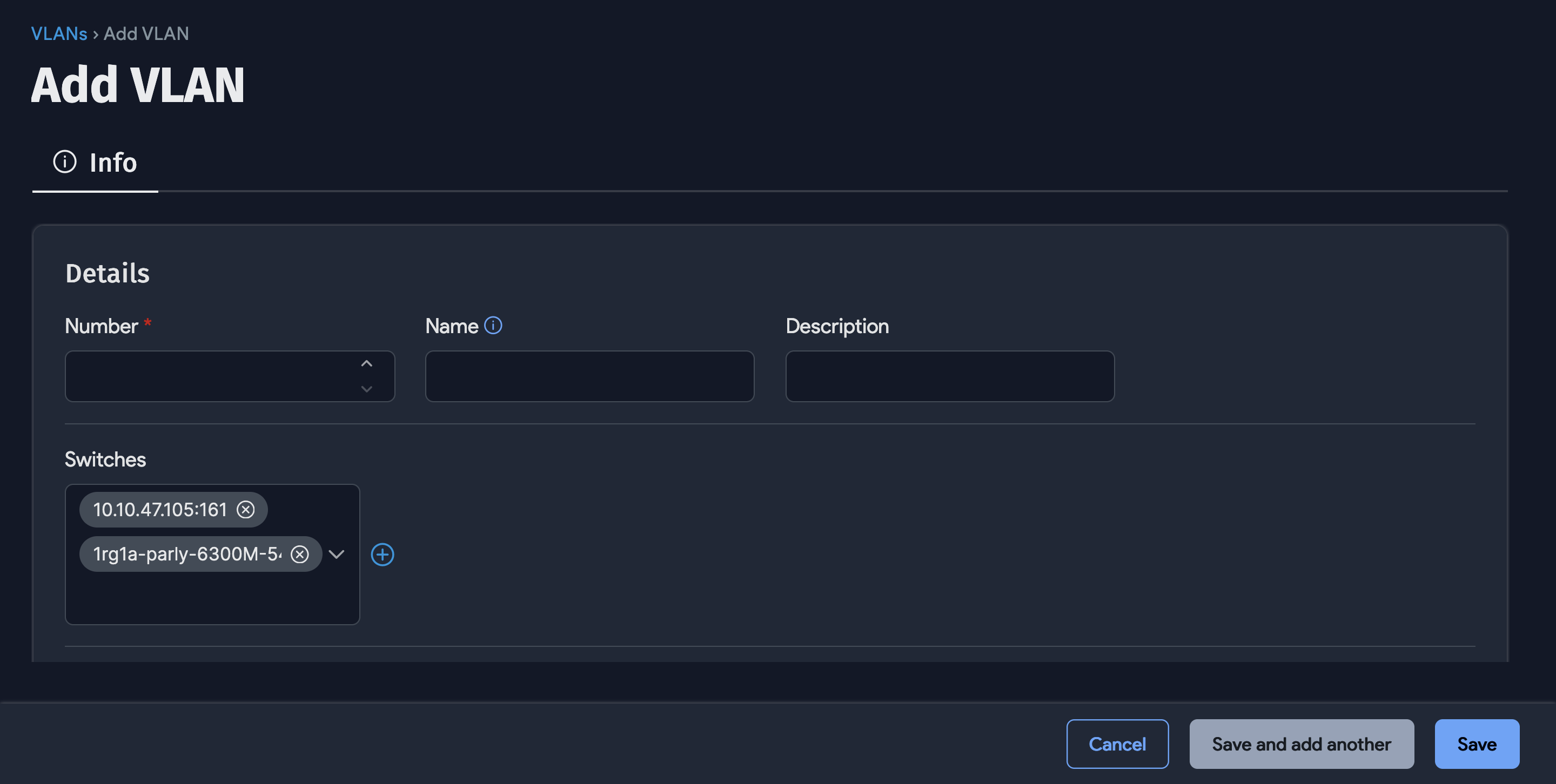
The VLAN number is the only required field. The name is automatically set to VLANxxxx if not entered. You can associate multiple switches with a VLAN.
Merge Discovered VLANs
During VLAN discovery, all VLANs are pulled into Device42 from each switch. The system does not assume that matching VLAN numbers from different switches are the same VLAN, so it is common to have duplicates after running discovery. While most duplicate VLANs are actually the same VLAN, this is not always the case.
The Merge selected Vlans bulk action addresses this by merging duplicate VLANs. There are two approaches:
-
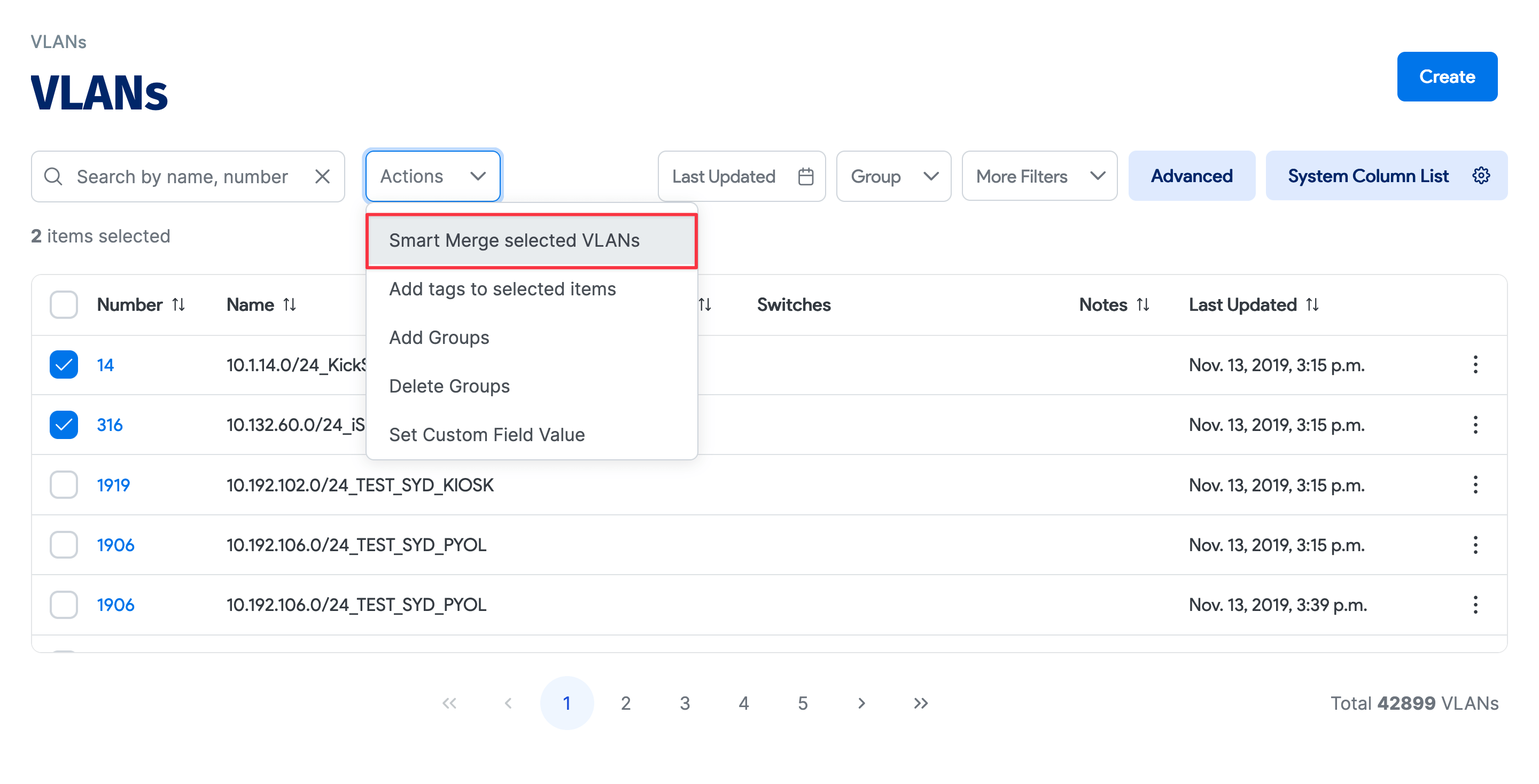
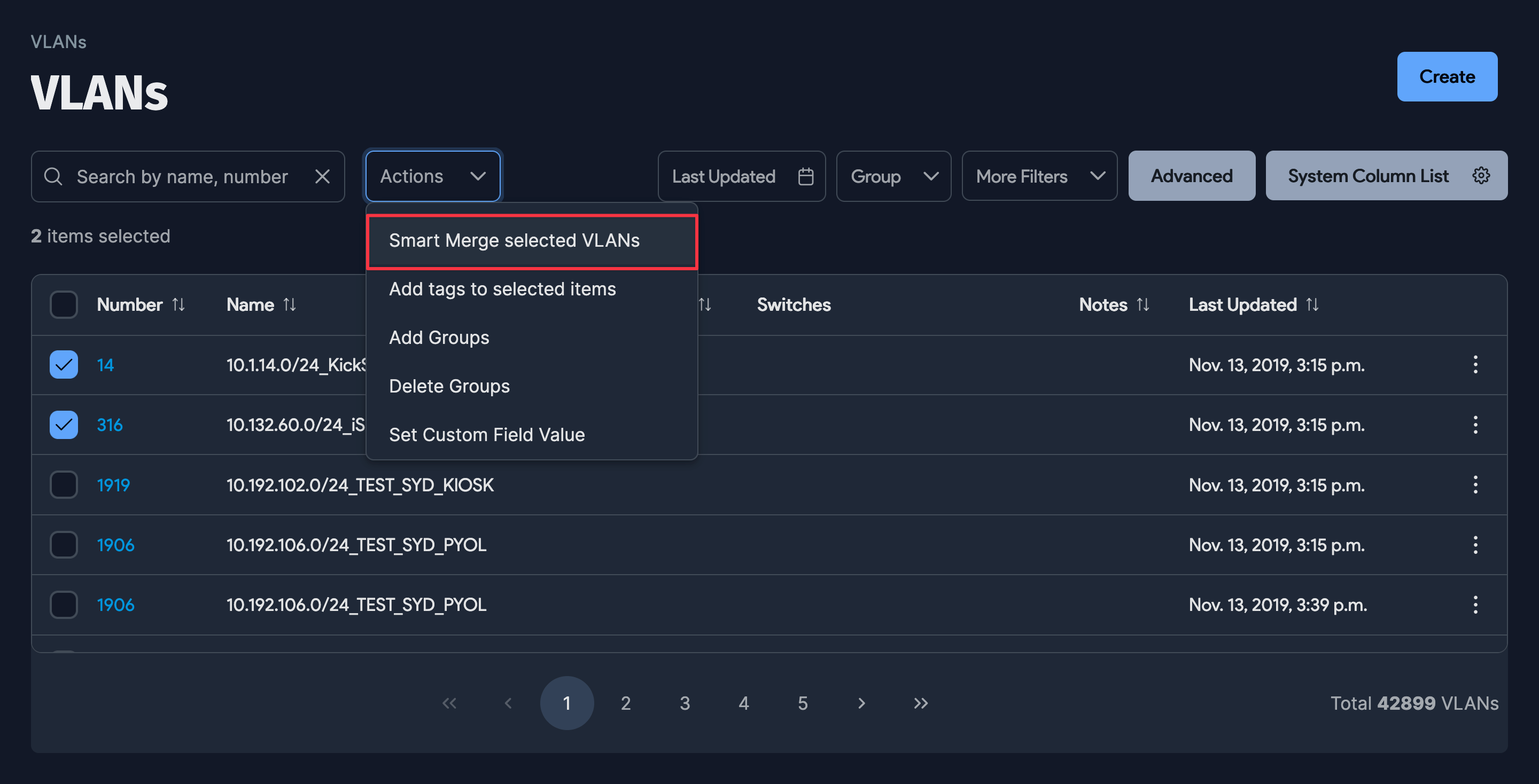
Merge specific VLANs: For example, if VLAN #42 was discovered on 10 different switches and you know each instance is the same VLAN, select those VLANs and choose Merge selected Vlans from the Actions dropdown menu.
-
Smart merge all VLANs: Select all VLANs on the list, then choose Smart Merge selected Vlans from the Actions dropdown menu to automatically merge all matching VLAN numbers.
What Happens When VLANs Are Merged?
Duplicate VLAN numbers are eliminated, and all subnets, switch ports, and MAC addresses are consolidated into the merged VLAN.
Does a VLAN Merge Prevent Future Duplicates?
Yes, with one exception: VLANs on any newly discovered switches are pulled in as unique VLANs. If this occurs, merge the newly discovered VLAN using the same approach.