DNS Zones
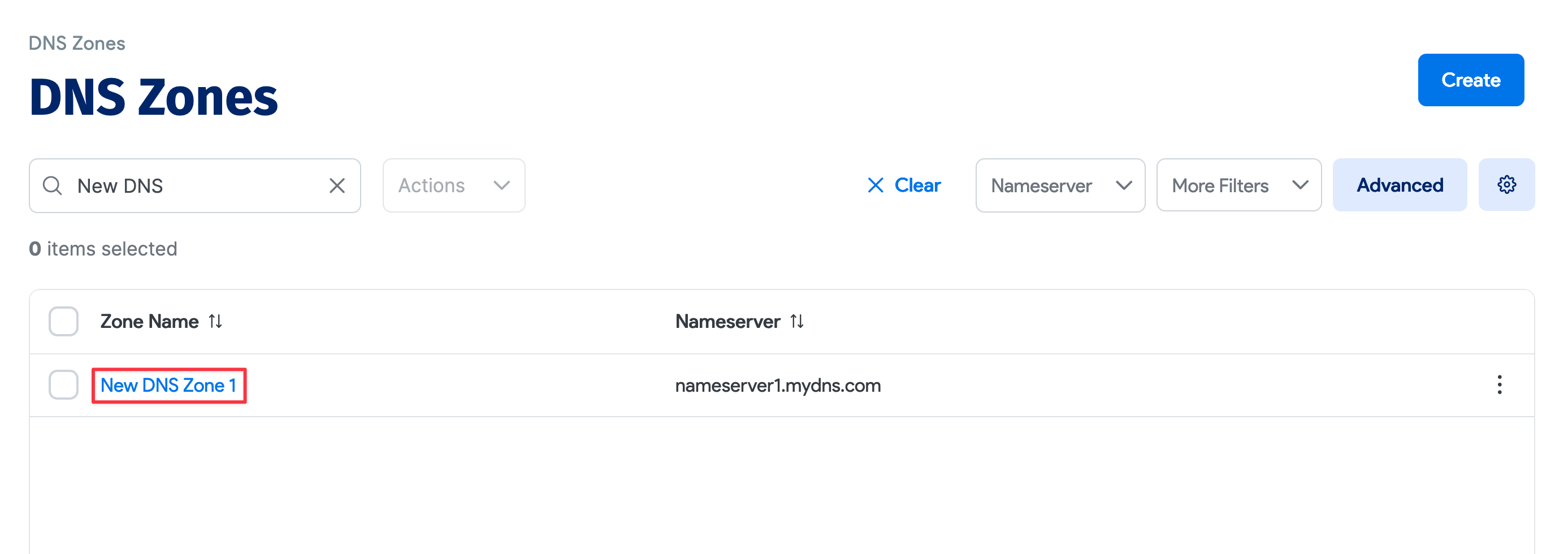
DNS zones represent sections of the domain name space managed by a specific nameserver. Zones can be added manually or populated via DNS discovery.
View DNS Zones
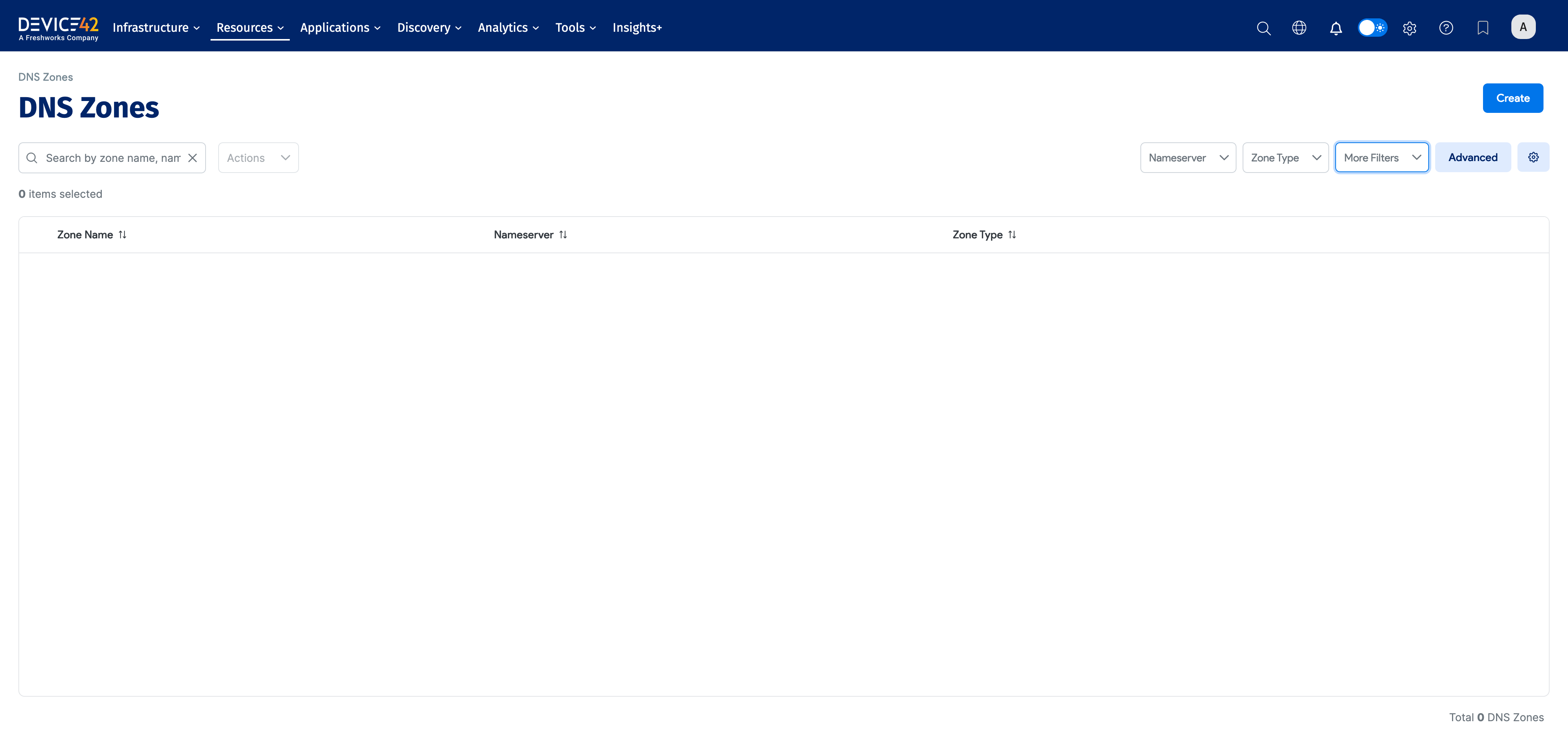
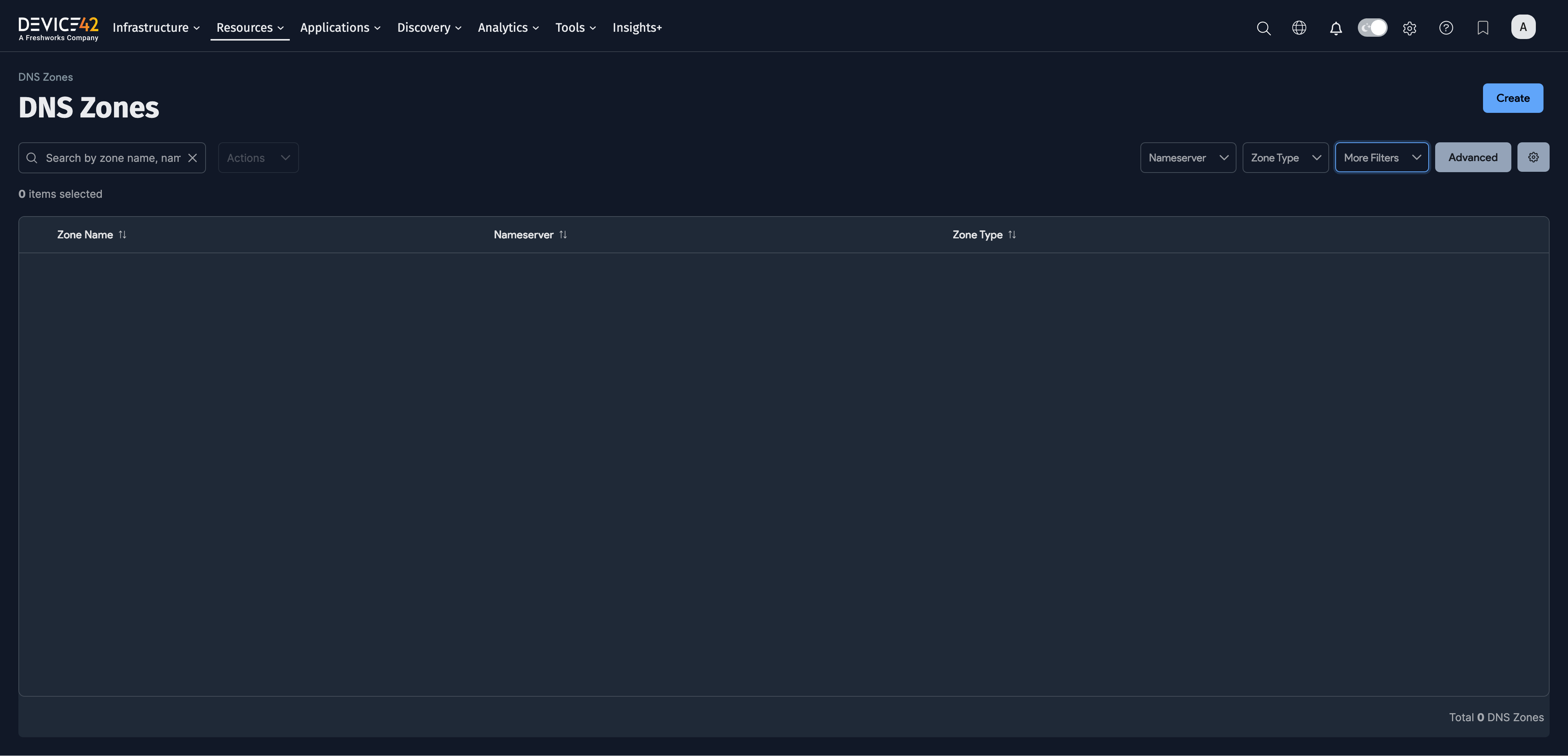
Navigate to Resources > DNS > DNS Zones to view, search, and filter DNS zones. The Zone Type column and filter identify zones as Public or Private. Zone Type also appears on each zone's details page.
Route 53 Zone Types
Device42 sets Zone Type automatically for zones discovered from AWS Route 53. It remains blank for other DNS sources. If public and private Route 53 zones share a name, Device42 uses Zone Type to keep the zones and their records separate.
The view_dnszone_v1 DOQL view exposes the value in the zone_type column.
Add a DNS Zone
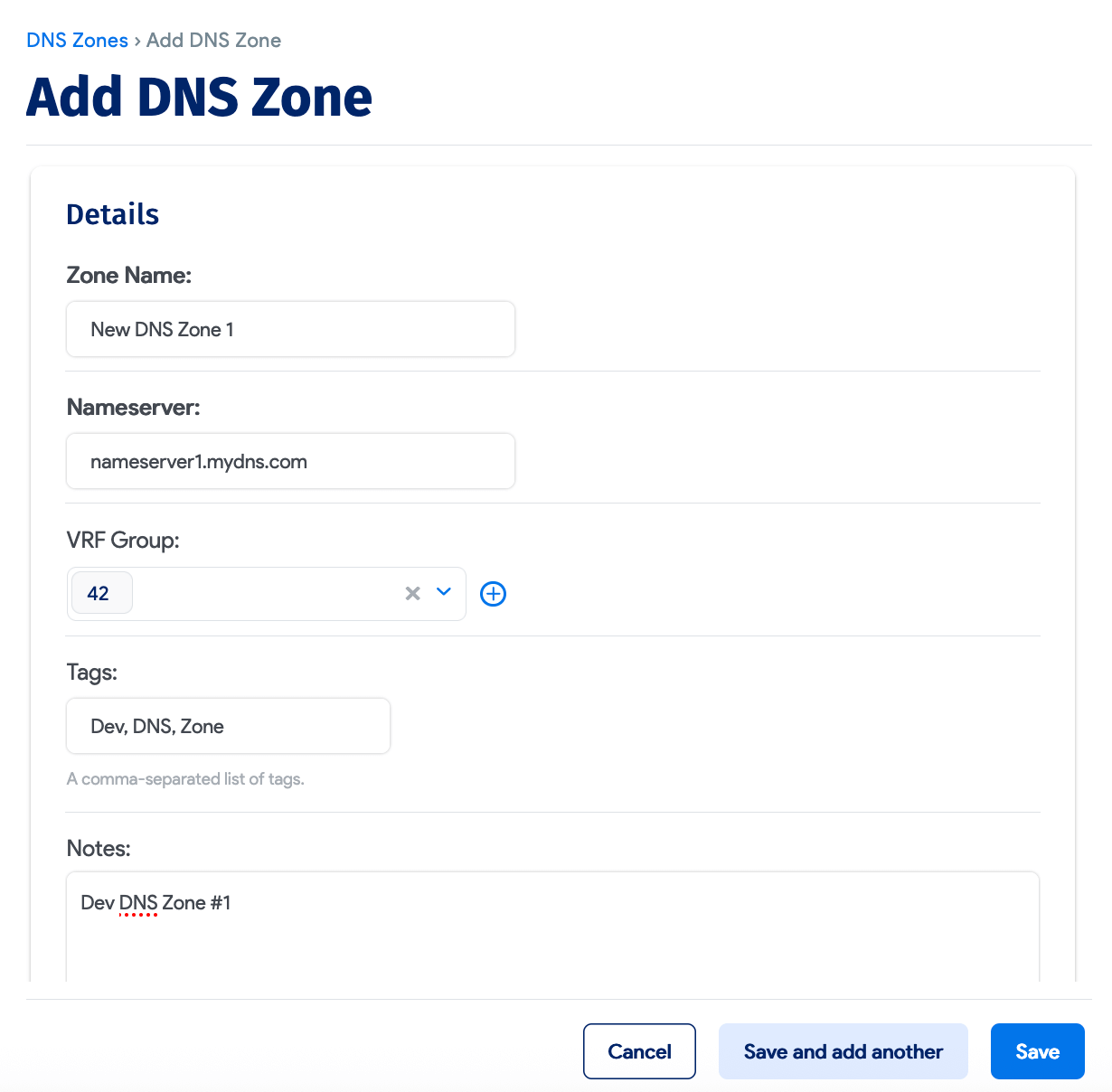
Navigate to Resources > DNS > DNS Zones and click Create to add a new zone.
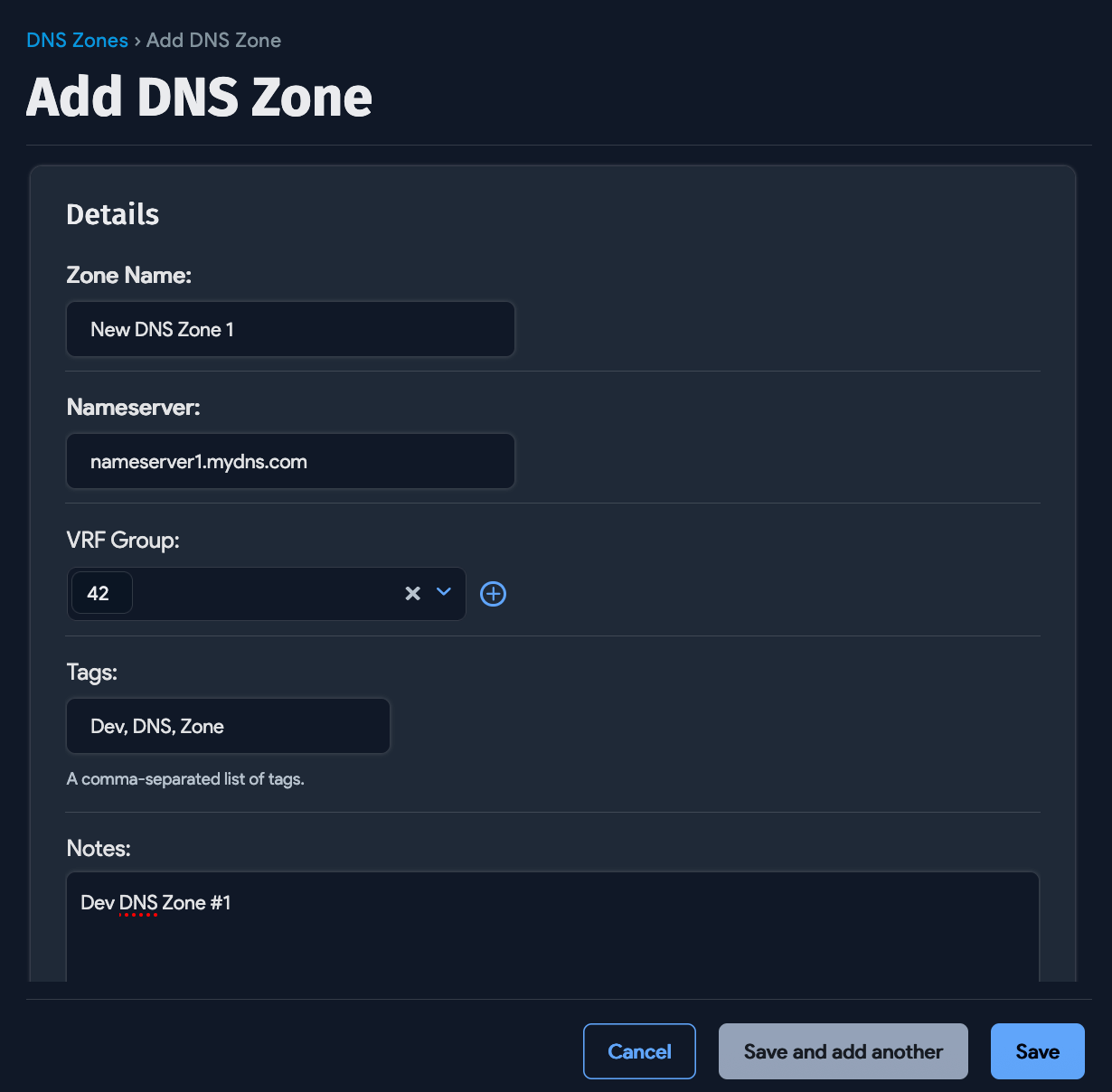
Enter a name and specify the Nameserver for the zone. Optionally, specify the VRF Group the zone belongs to, add Tags, and add any relevant Notes. Click Save when finished.
Edit an Existing DNS Zone
Navigate to Resources > DNS > DNS Zones, click the name of the DNS zone you want to edit, then click Edit.