IP NAT/Map
IP NAT/Map entries define network address translation (NAT) mappings, such as routing external IPs to internal IPs or routing traffic between different network segments. NAT mappings are not found during discovery and must be defined manually.
Create an IP NAT/Map
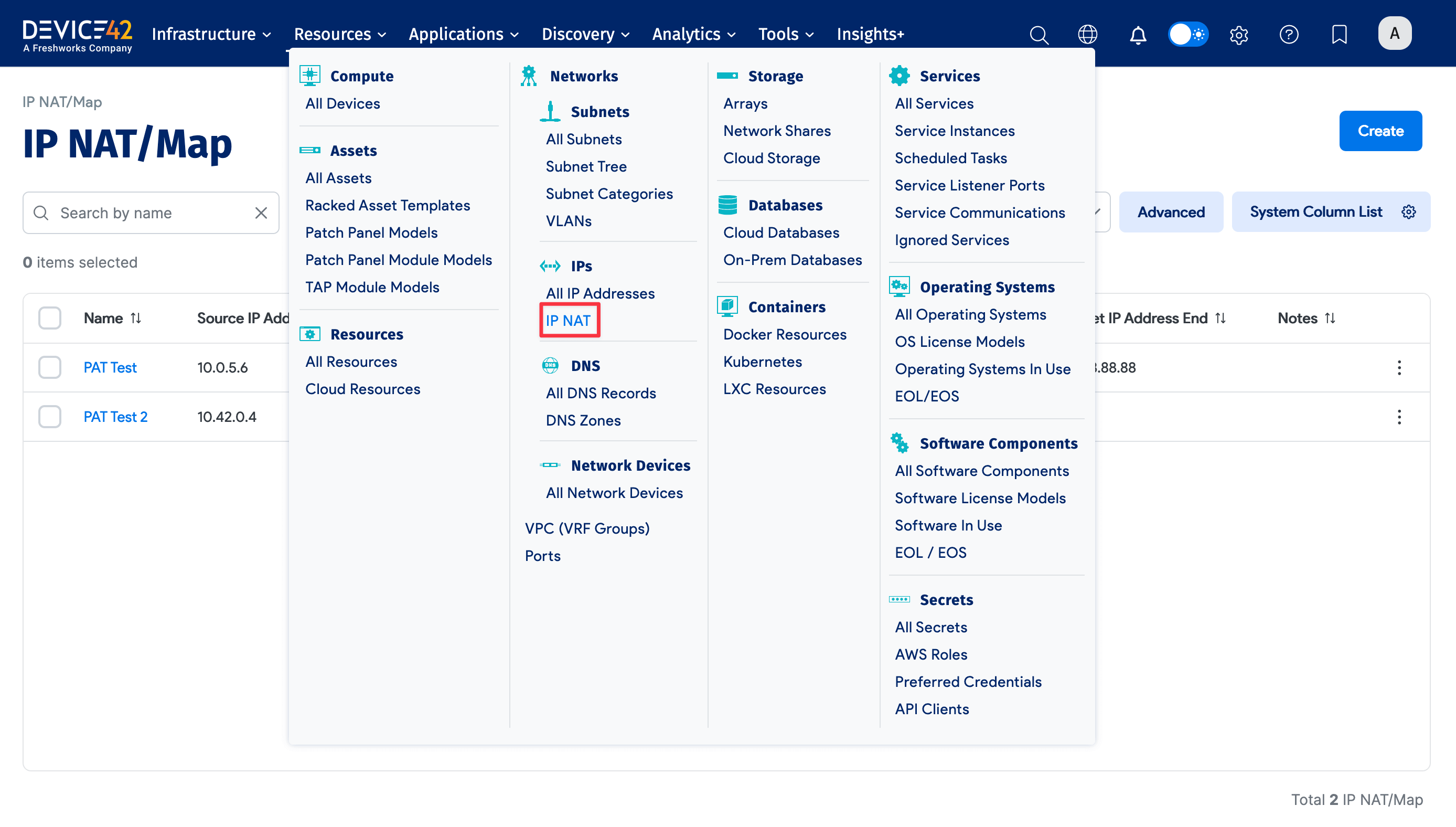
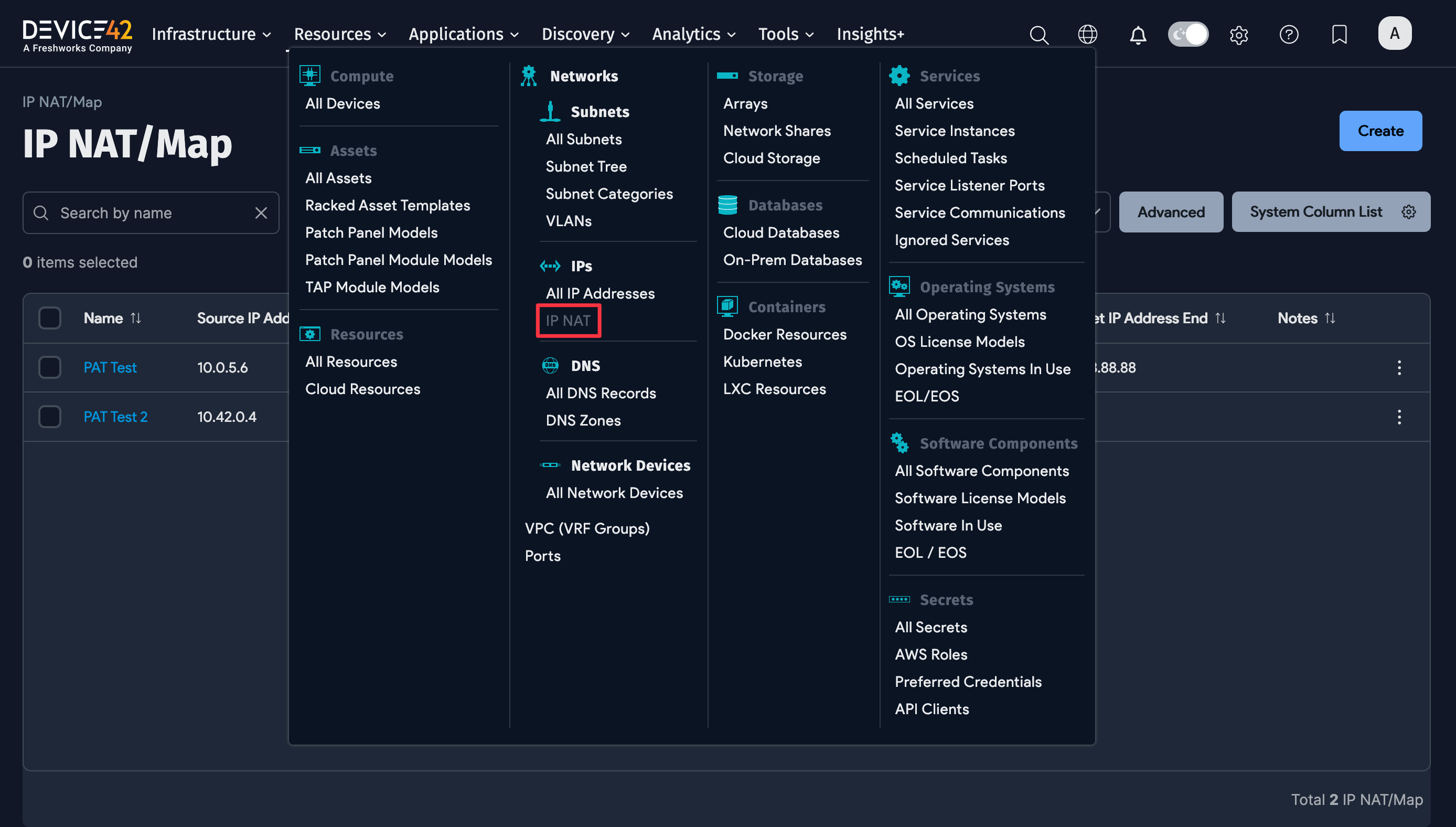
Navigate to Resources > IPs > IP NAT to display the NAT/Map list page, then click Create.
Enter a Name for the NAT/Map, then enter the Source IP Address Start and Target IP Address Start. You can also use the plus icon to select an IP address.
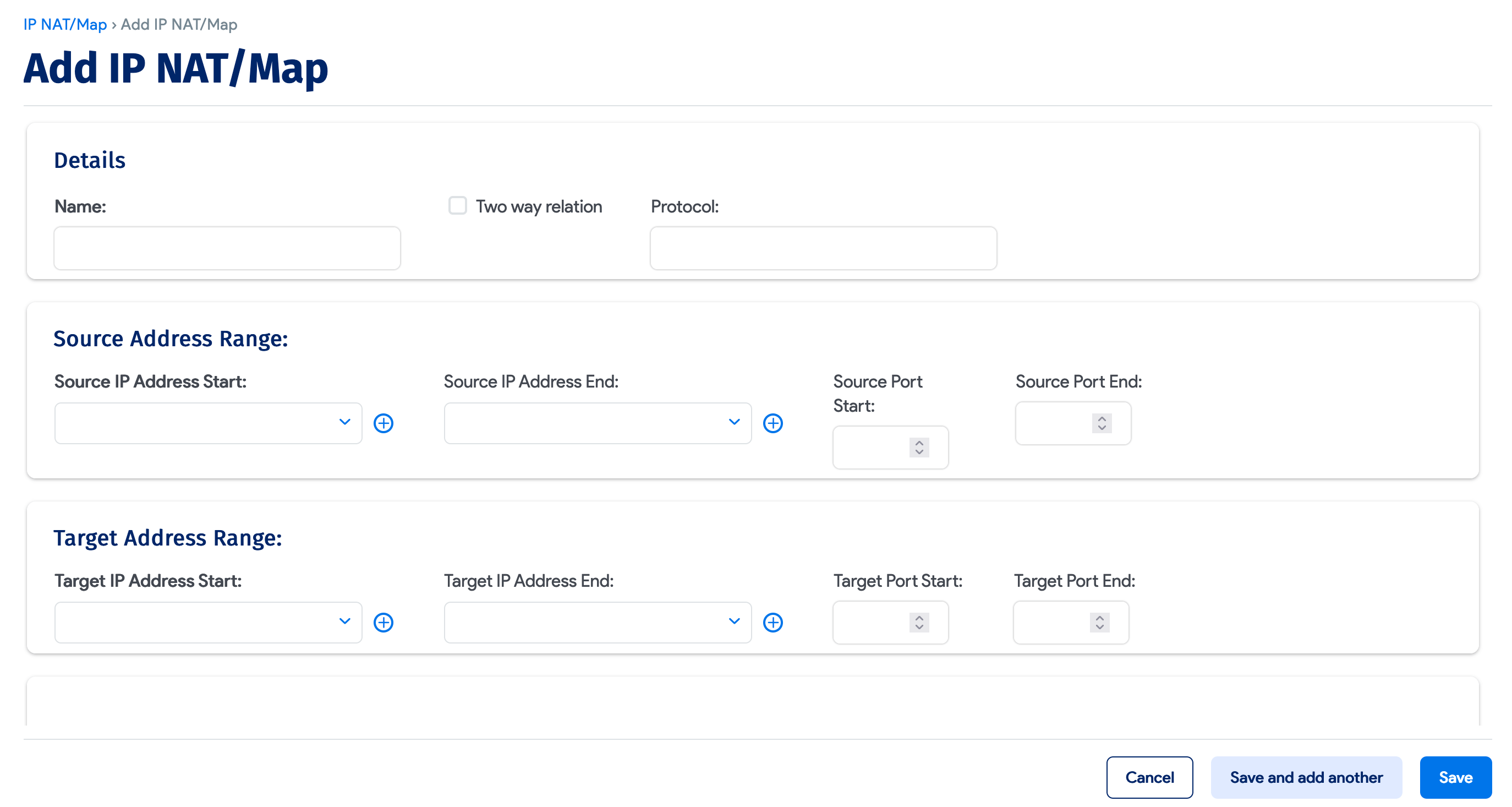
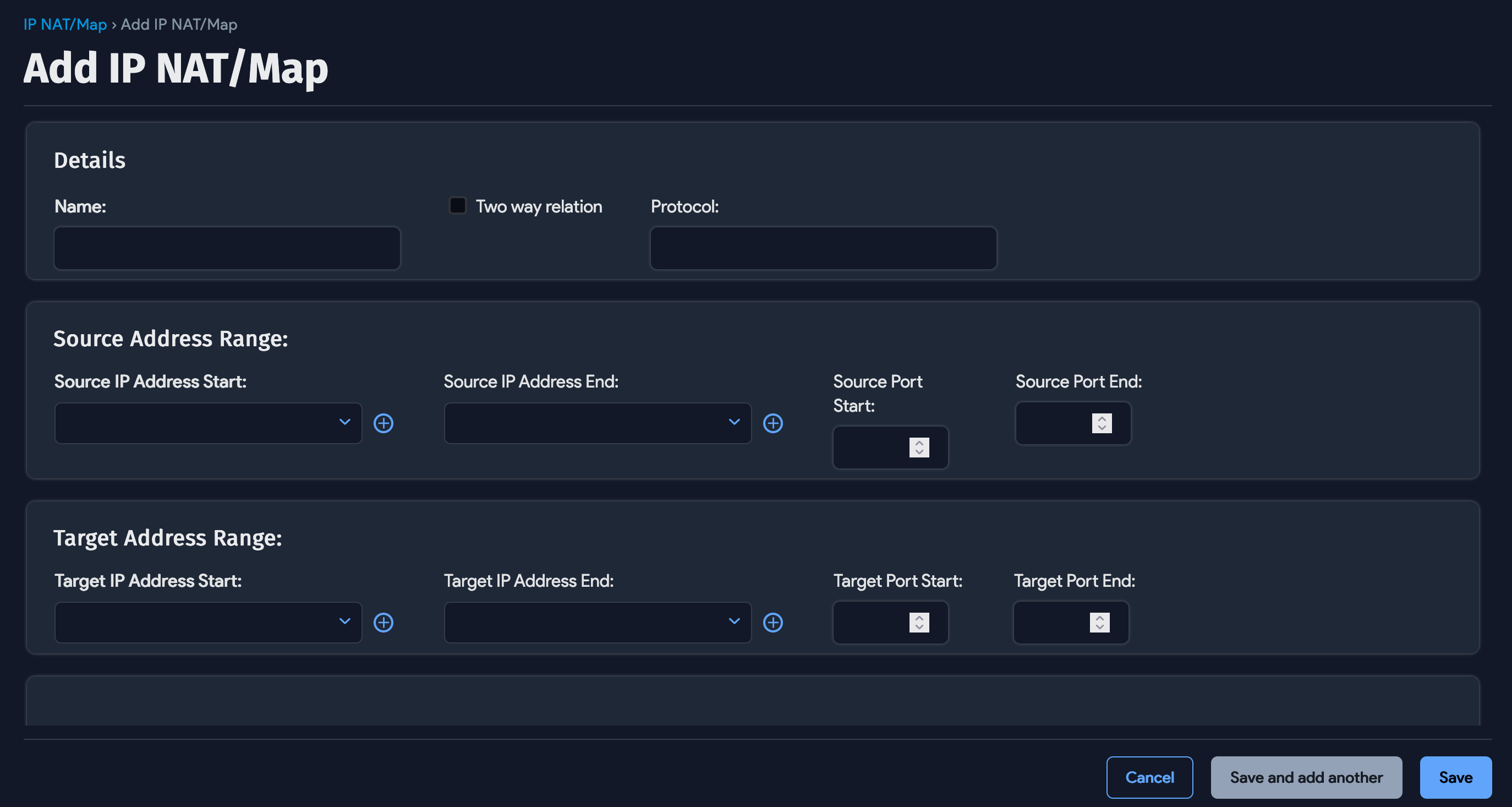
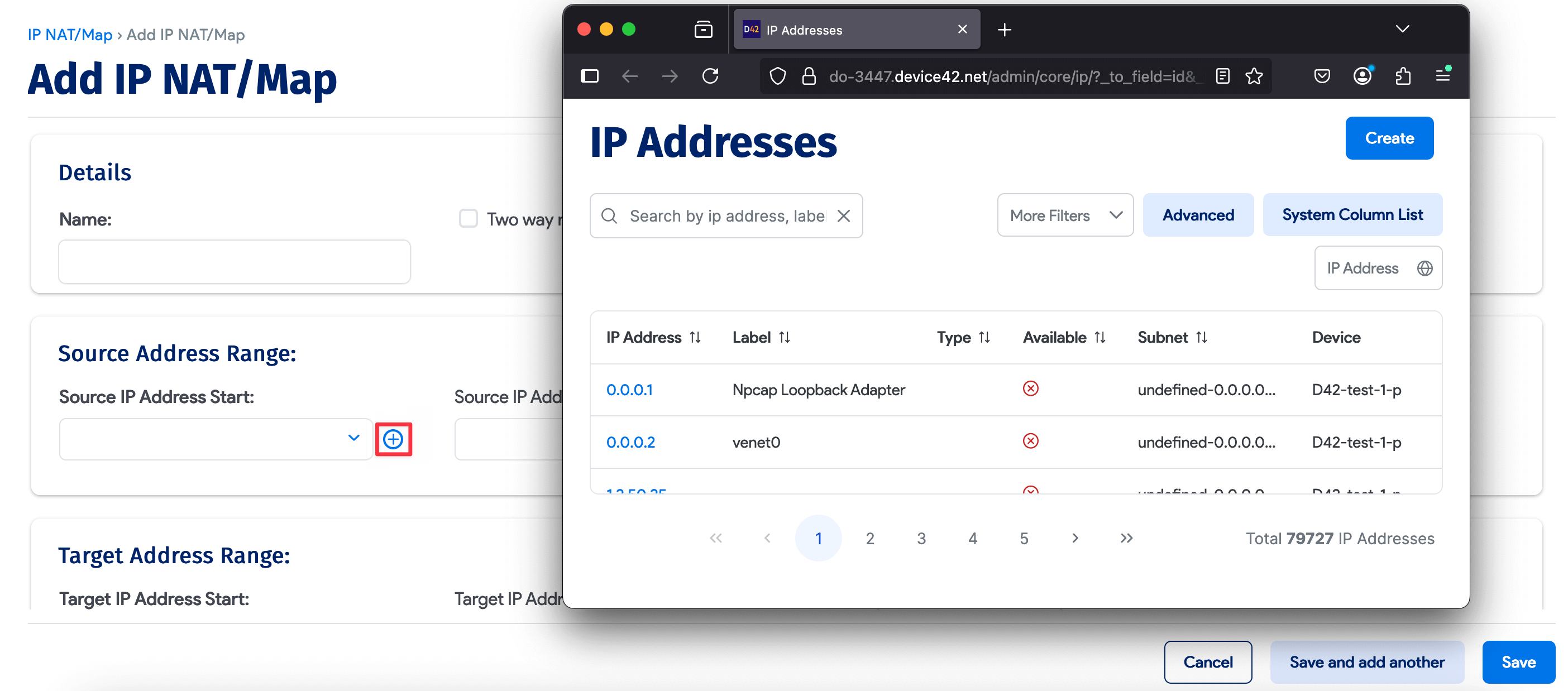
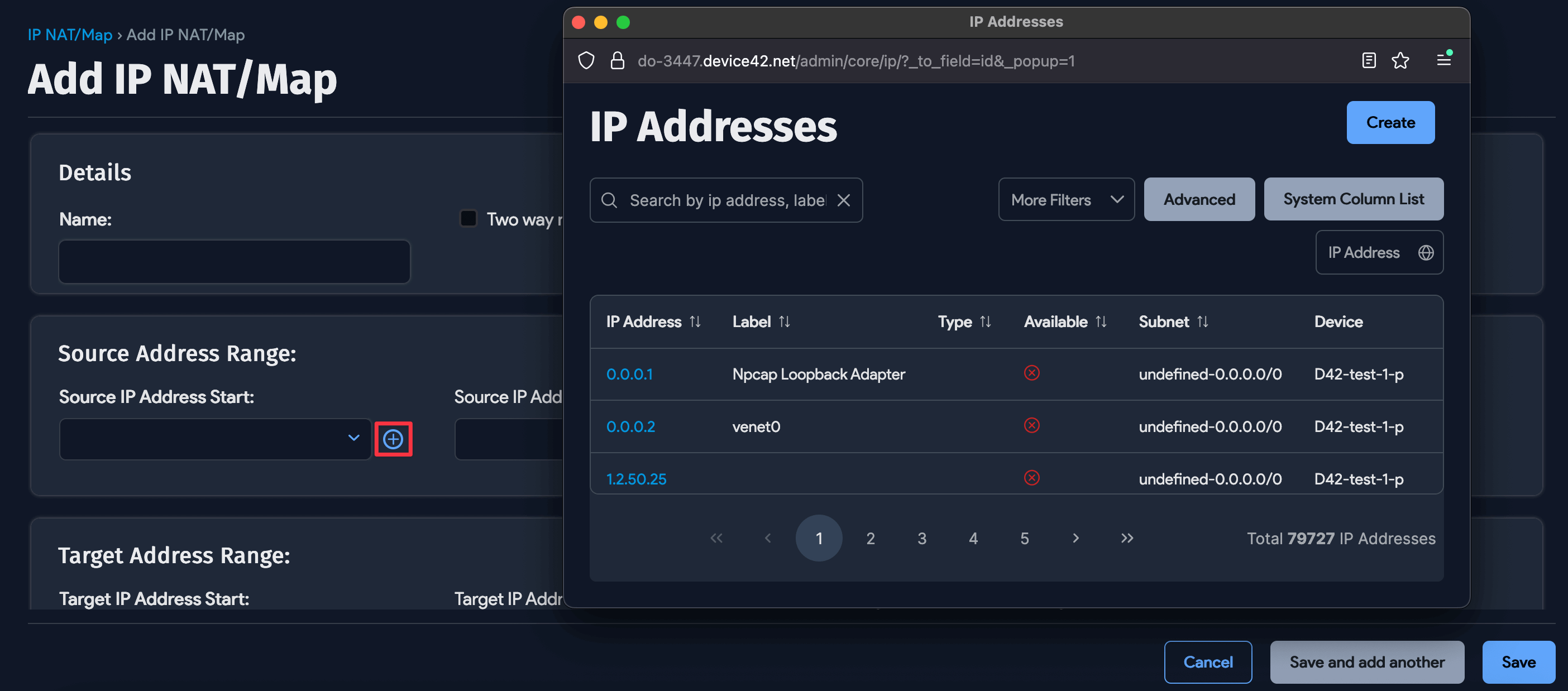
The following optional fields are also available:
- Two Way Relation
- Protocol
- Source IP Address End
- Source Port Start
- Source Port End
- Target IP Address End
- Target Port Start
- Target Port End
Click Save to add the IP NAT/Map to the list.