Operating Systems
Device42 tracks which operating systems (OS) are running on which devices, and integrates with Software License Management so you can compare licensed counts against actual usage.
Navigate to Resources > Operating Systems > All Operating Systems to view the Operating Systems list.
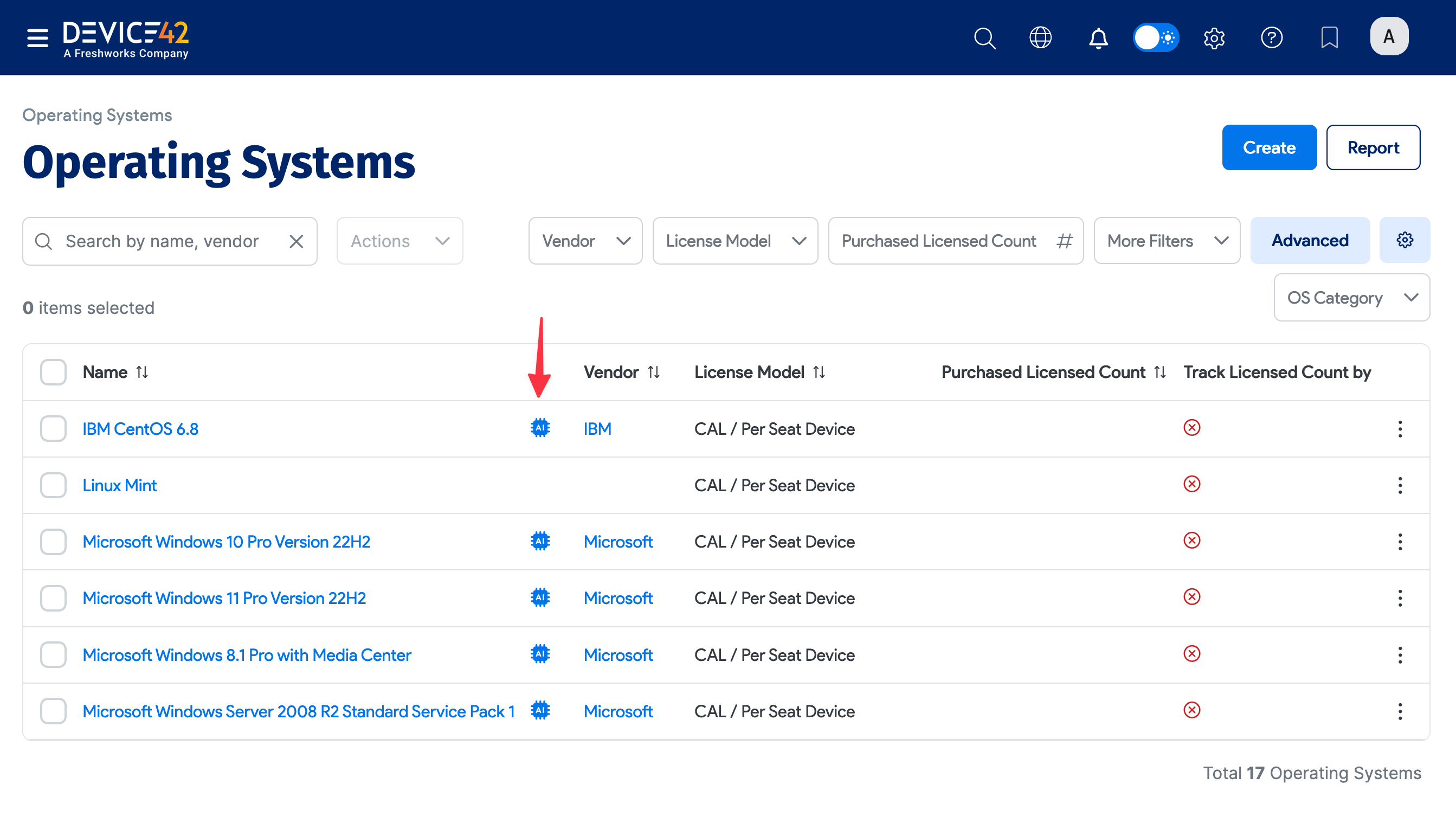
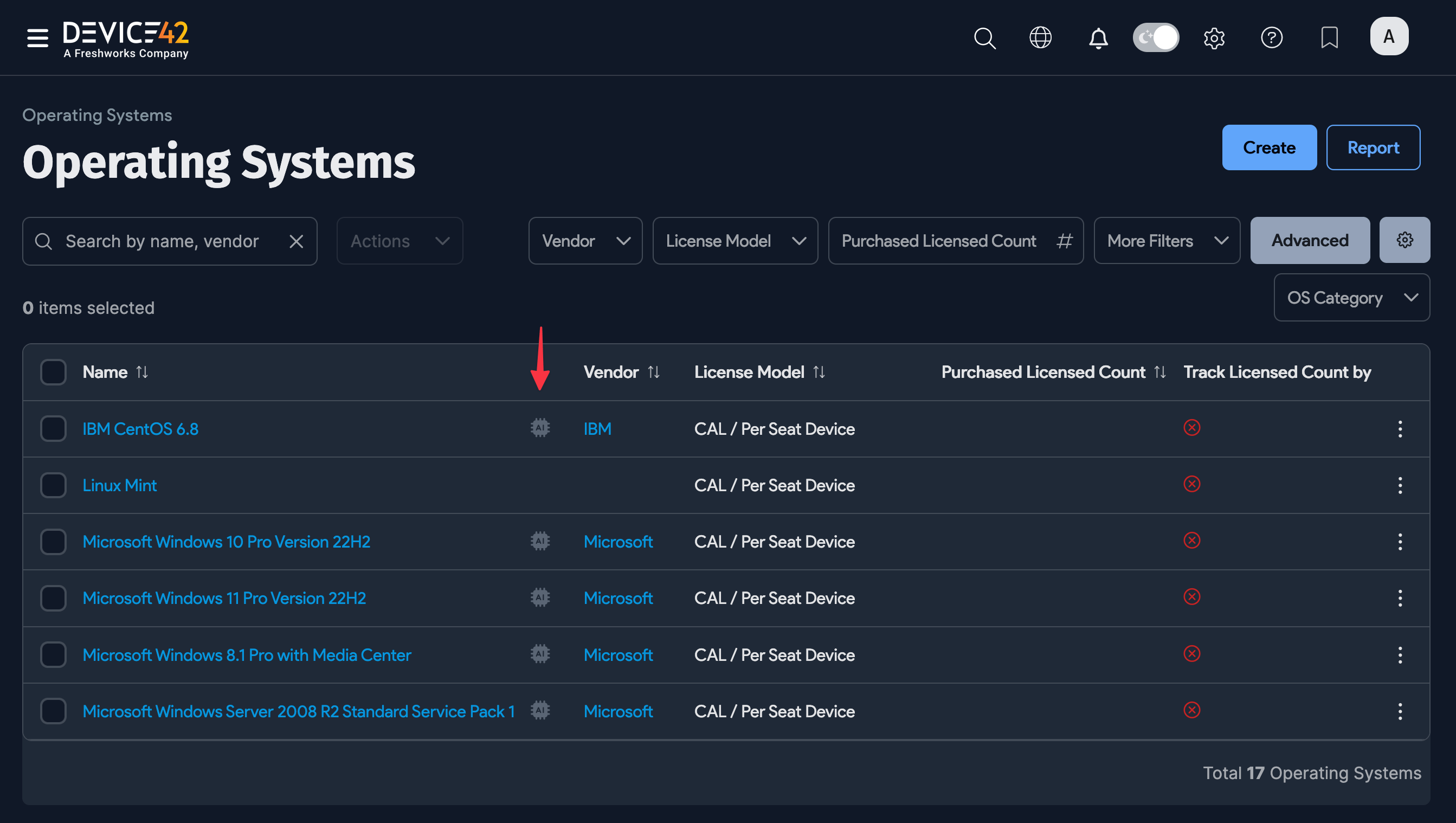
If the OS is standardized and enriched by the data Normalization and Enrichment Service, an AI icon appears to the right of its name.
The list shows all operating systems with the Total Count of devices running each OS, the Discovered Licensed Count, and the Discovered Non-Licensed Count. Click an operating system to see details, including which machines are running it.
Enriched Data Operating System Fields
When an OS record has been enriched, key maintenance dates and other OS details appear in the Enriched Data section of the record.
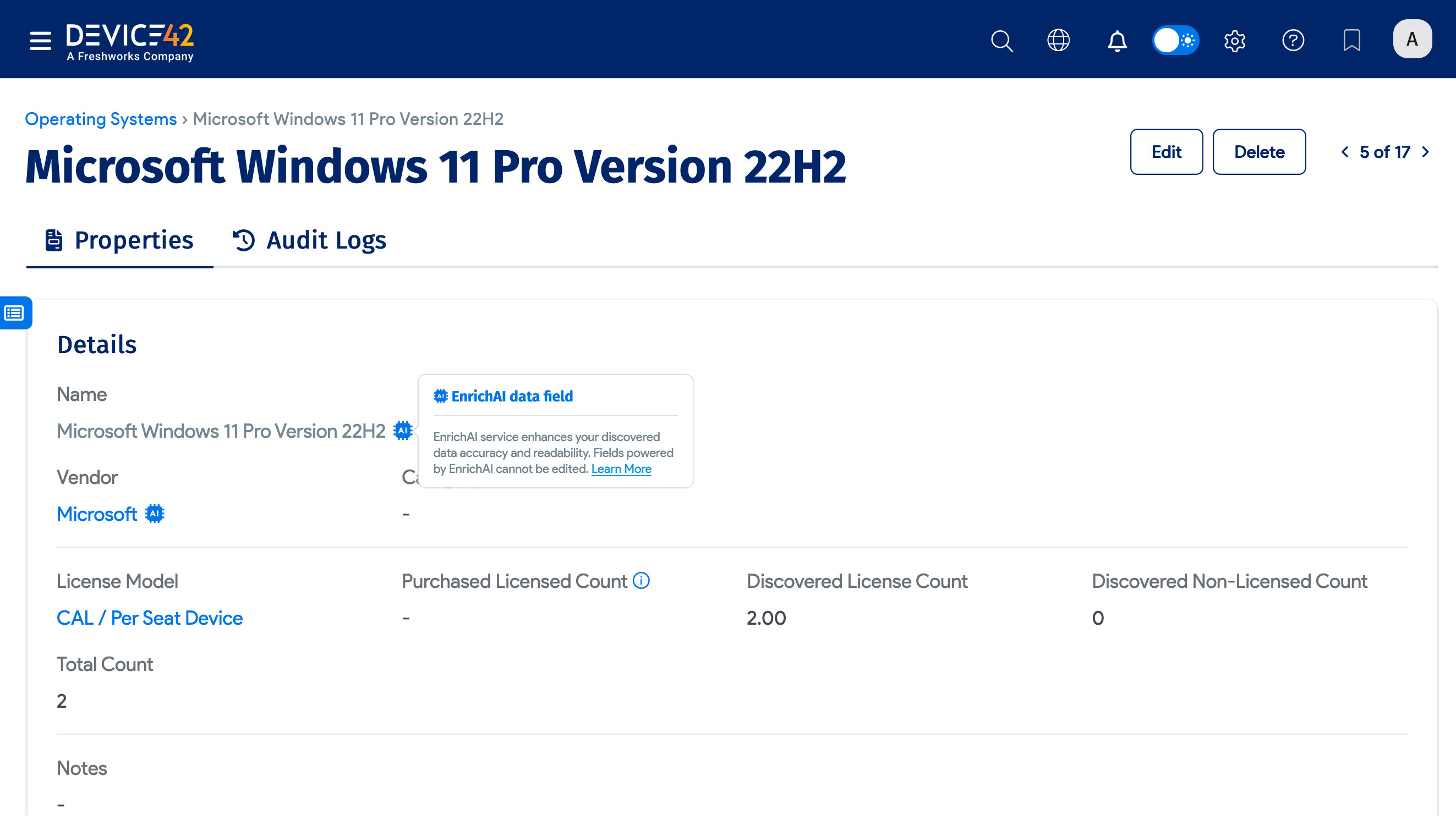
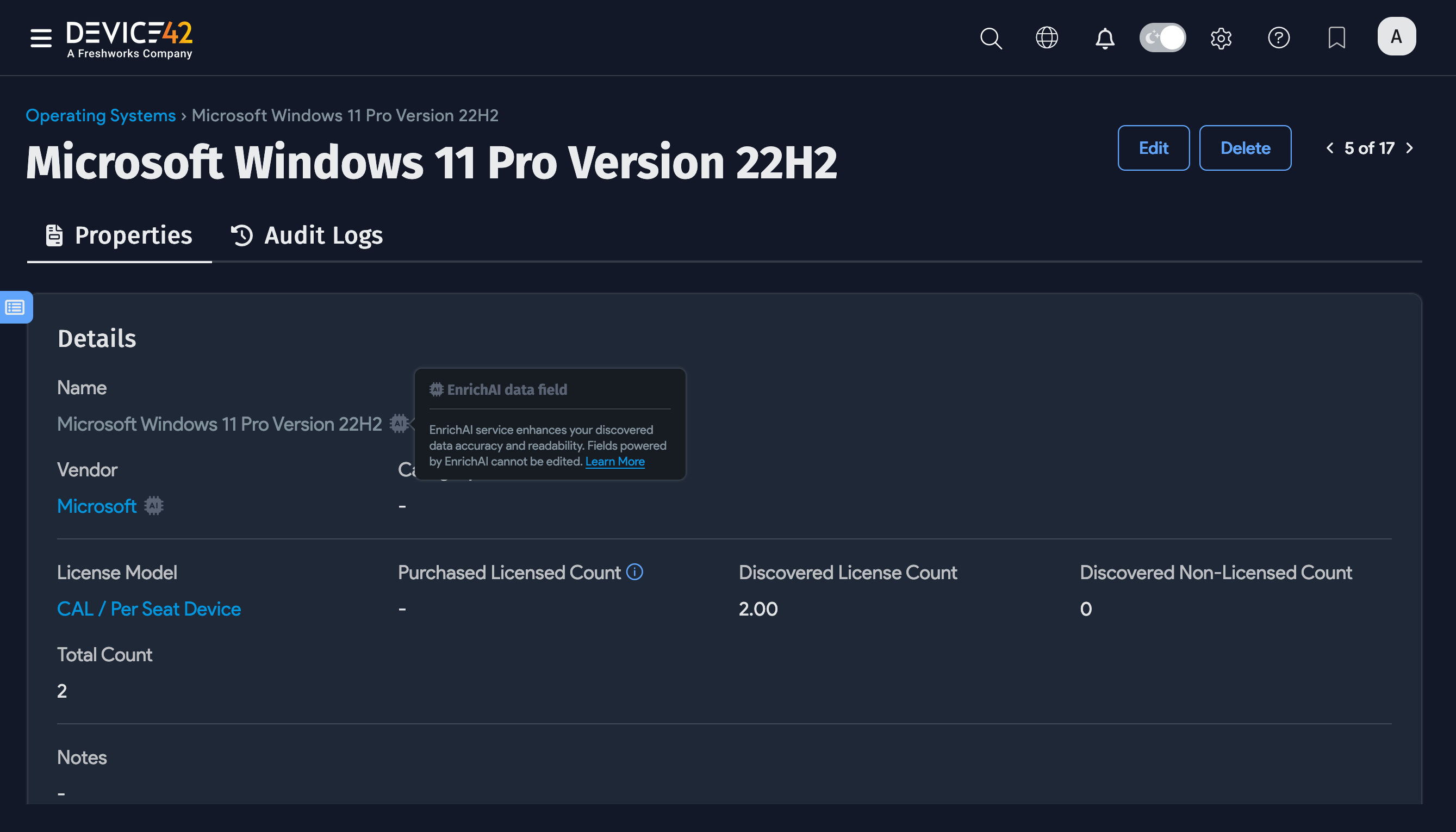
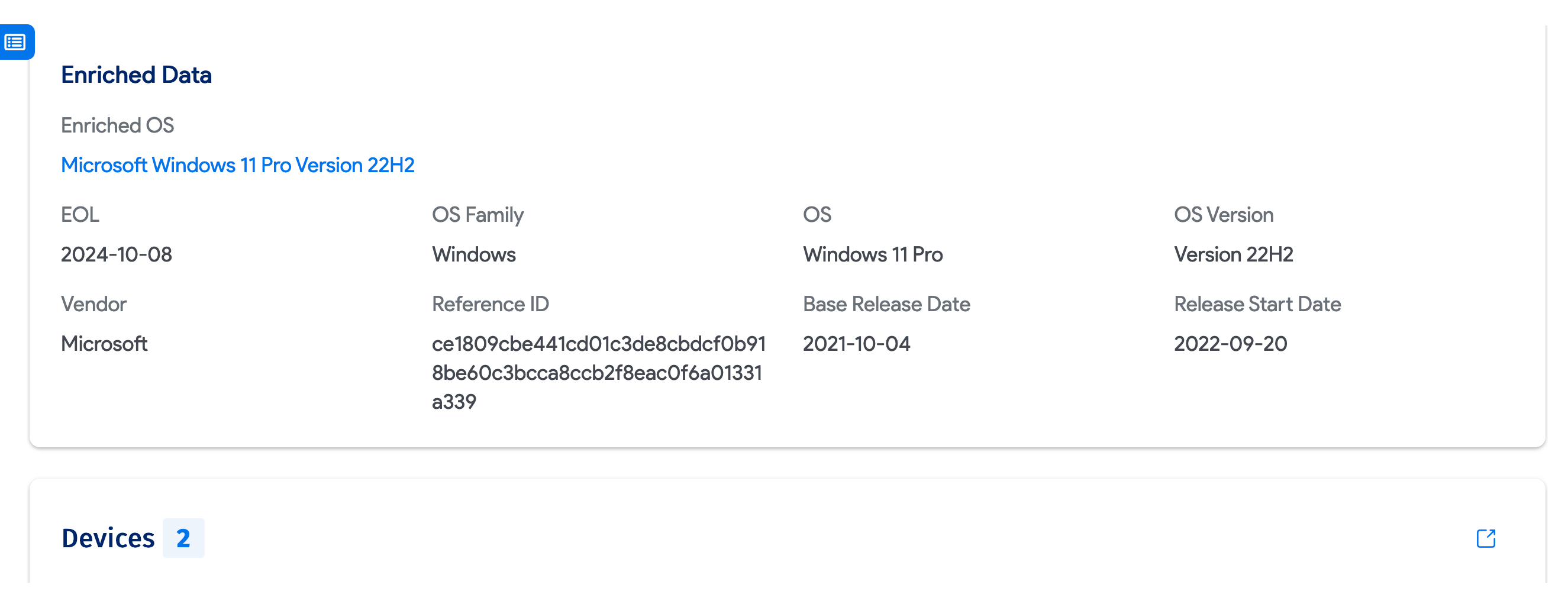
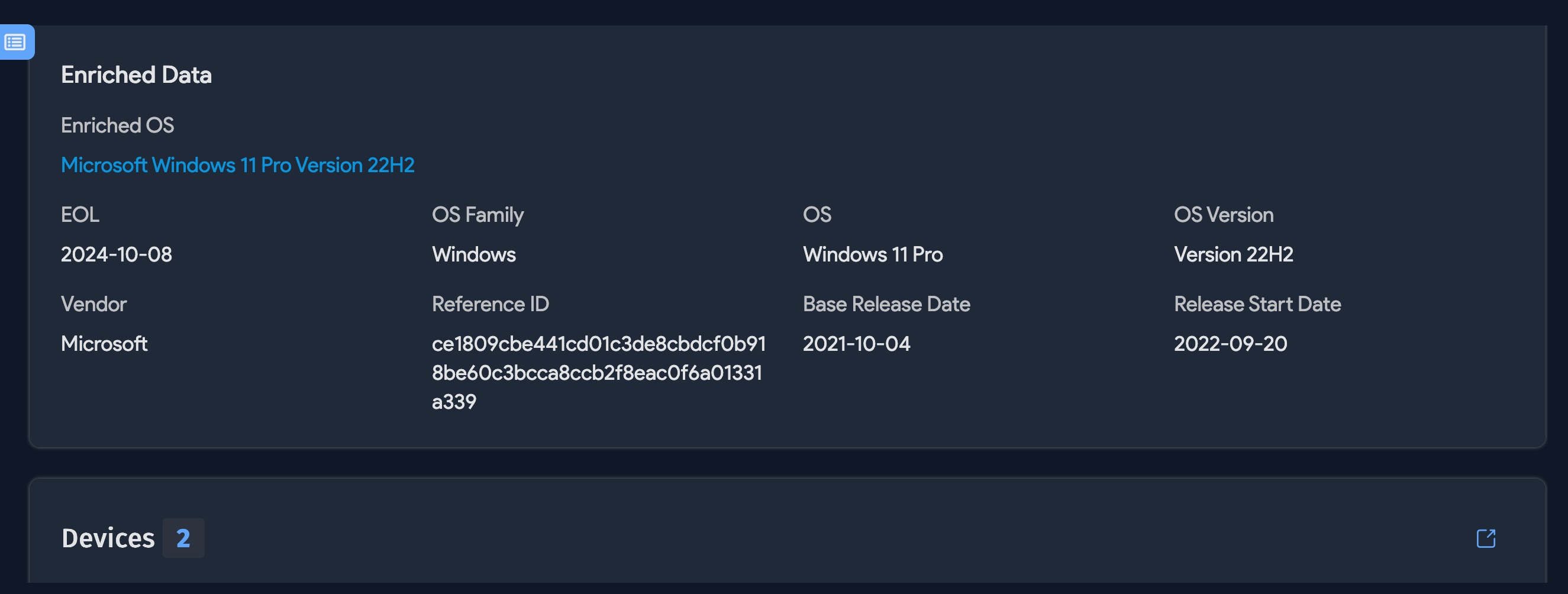
See the Operating System Attributes and Key Support Dates sections of the Enriched Data page for the list of fields that can be populated by the data Normalization and Enrichment Service.
Note that data will only be populated by the data Normalization and Enrichment Service if it's used by the OS vendor and if the data is available.
Operating System fields that contain Enriched Data cannot be edited or changed.
OS Lifecycle Date Priority
Device42 can have OS End of Life and End of Support dates from manual entry or Enriched Data. When both sources provide a date, the manually entered date takes precedence. The Enriched Data service fills a blank date and can update a date that it previously supplied, but it does not overwrite a manually entered date. This behavior applies to Device42 On-Premise and Cloud.
DOQL returns the prioritized dates through the following views and fields:
| View | Fields |
|---|---|
view_deviceos_v1 | eol, eos |
view_dbb_compute_v2 | os_end_of_life, os_end_of_support |
view_dbb_network_v2 | os_end_of_life, os_end_of_support |
When a manual date exists, these fields return it. Otherwise, they return the Enriched Data date when available. See the Data Dictionary for information about viewing DOQL fields and their descriptions.
Disable OS Changes via API, Discovery, or EnrichAI
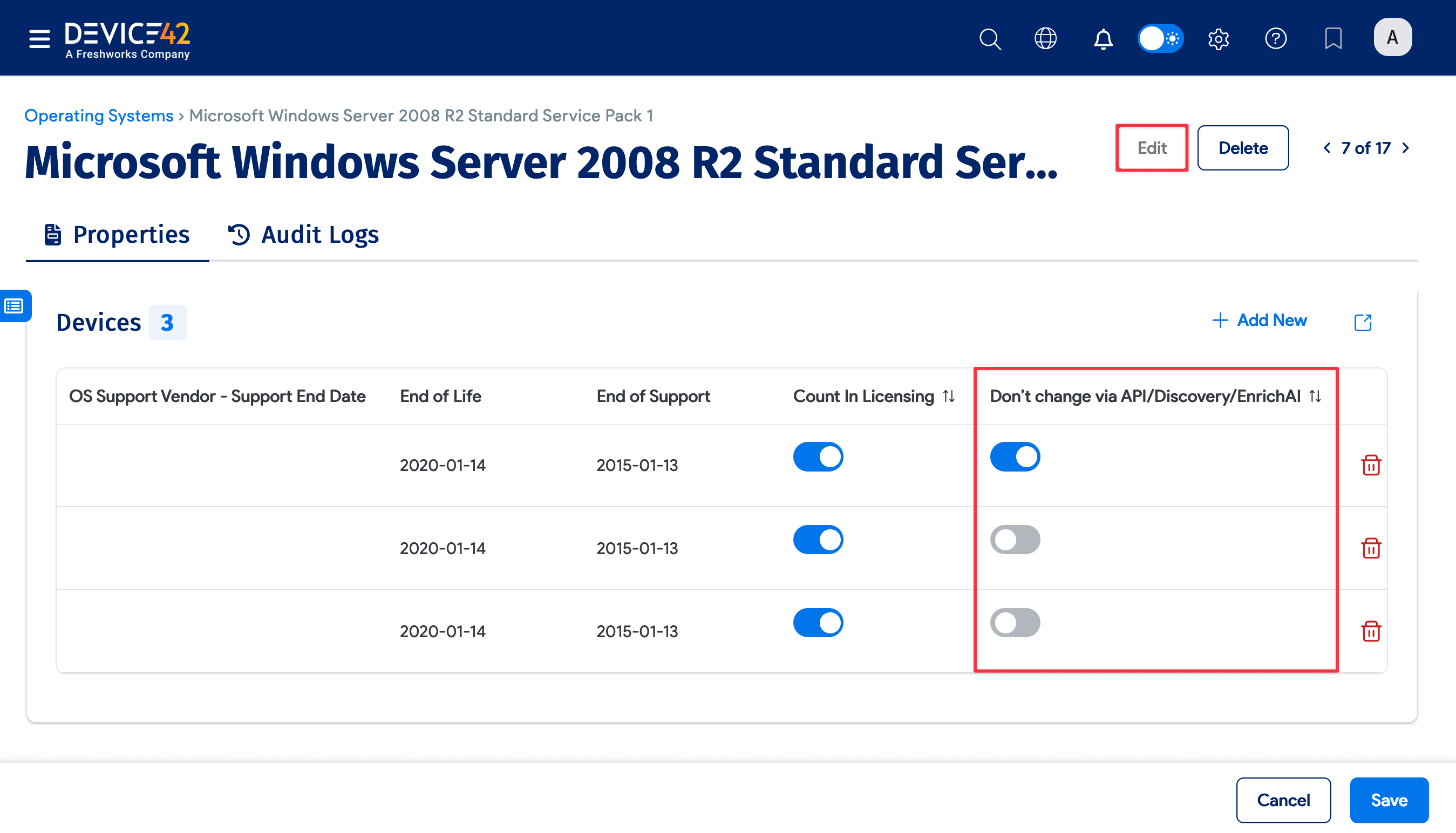
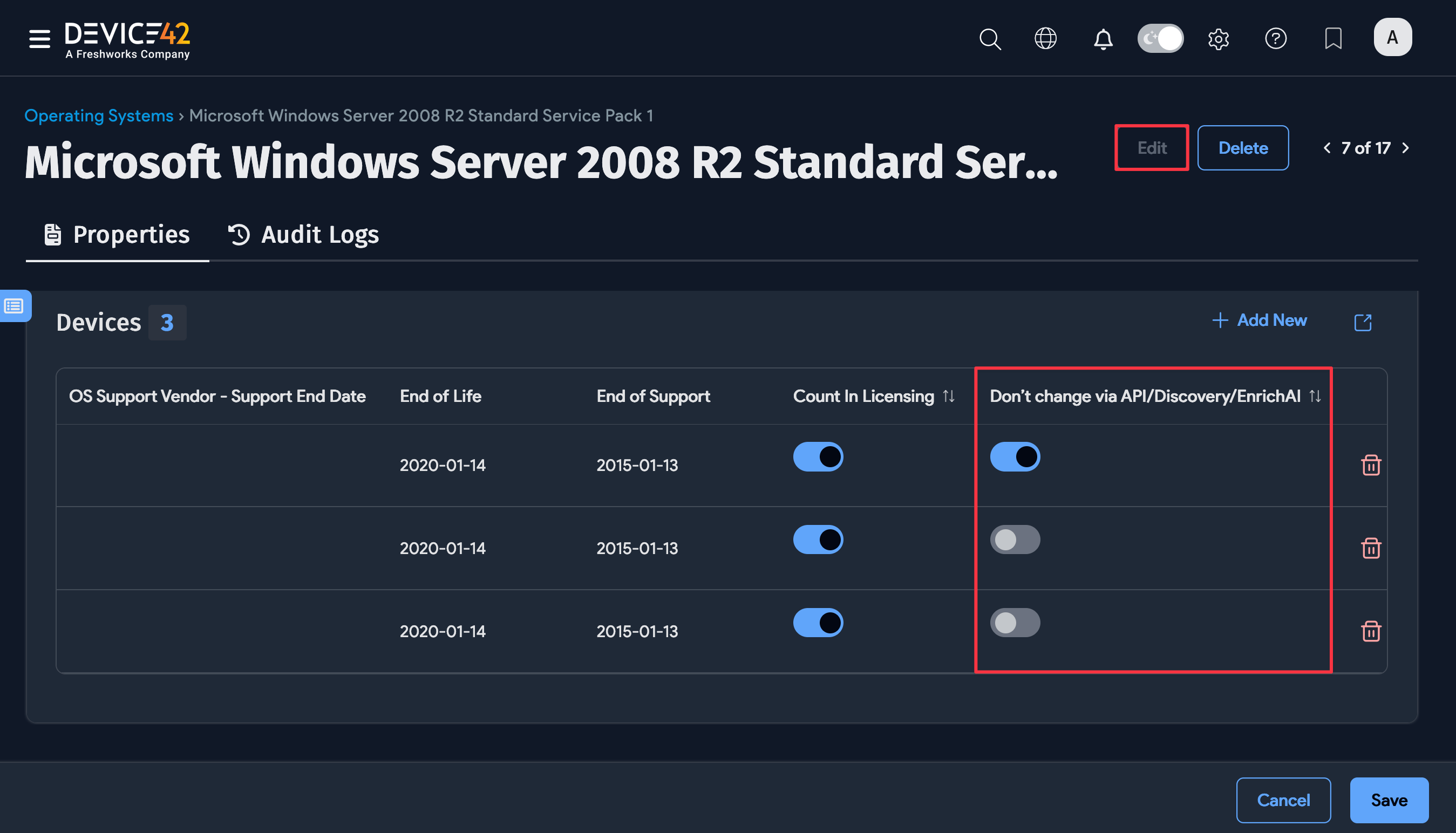
Use this option to protect OS data from being overwritten by automated processes. On the OS record, click Edit and enable the Don't change via API/Discovery/EnrichAI option.
OS Update Logic
Each discovery job assigns an accuracy score to the OS it detects. Device42 only updates a device's OS information if the newly discovered OS has an accuracy score equal to or greater than the previously recorded score.