Switch Templates
Switch templates let you define switch configurations as reusable blueprints for creating switches and their ports. Once you create a template, you can add or edit switches and switch ports using the UI or REST APIs.
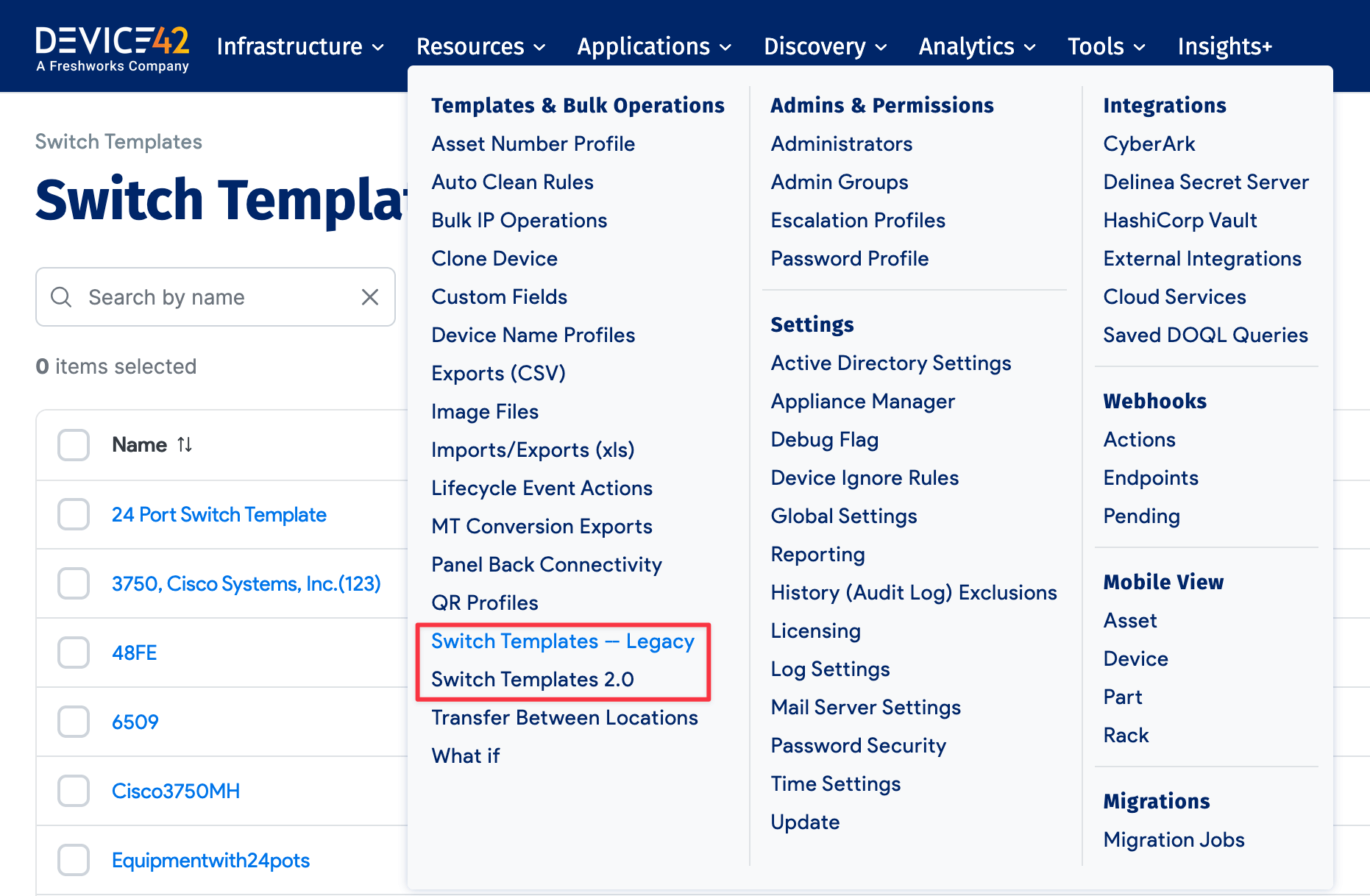
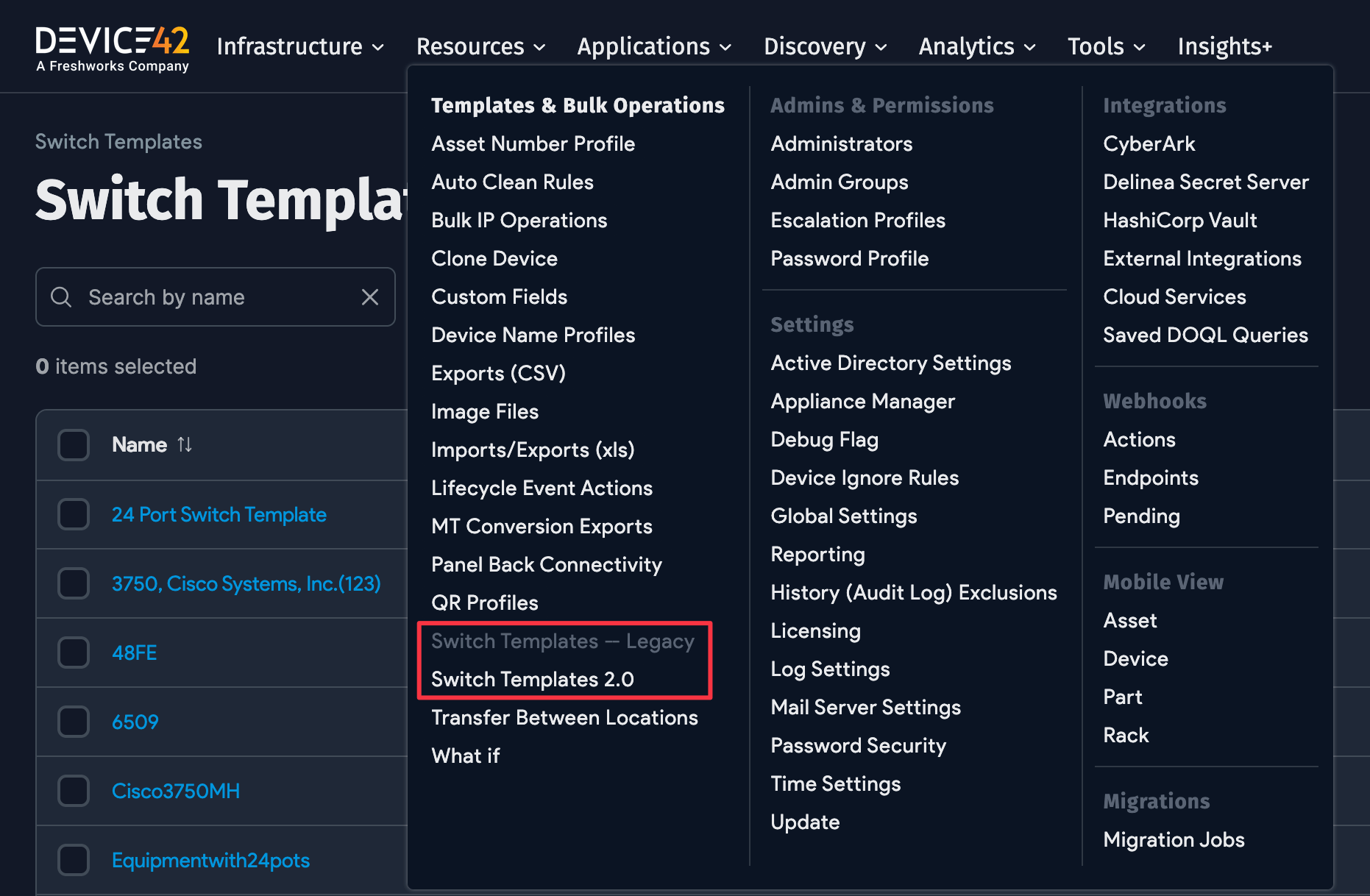
- Switch Templates – Legacy: Create new switches and ports, or edit existing switches and ports.
- Switch Templates 2.0: Similar to Legacy, but port information is derived from hardware models to auto-create ports. Select the hardware models you want to generate switches from and Device42 creates them for you. If a hardware model has parts slots (for modular switches), you can populate the part models to prepopulate those switches. This is typically used when manually adding hardware types rather than relying on discovery.
Switch Port Properties
The template defines extended properties for each port.
- Module or Asset: Indicates whether a port belongs to a blade or fabric extender.
- Network Switch 2nd: Represents the cluster switch for stacked switches, or the second switch for paired switches.
Switch Types
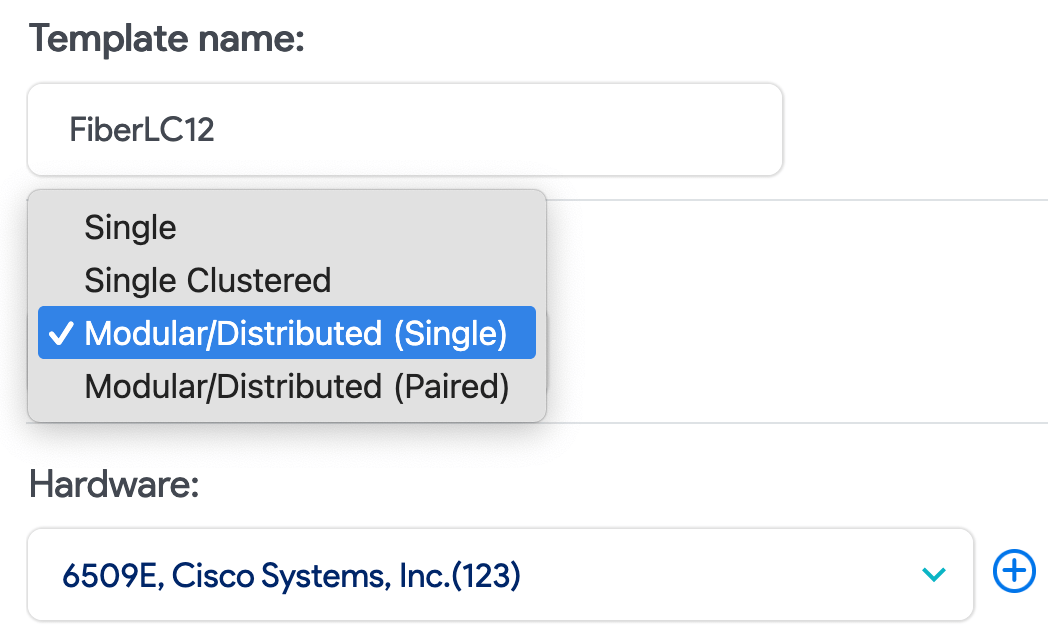
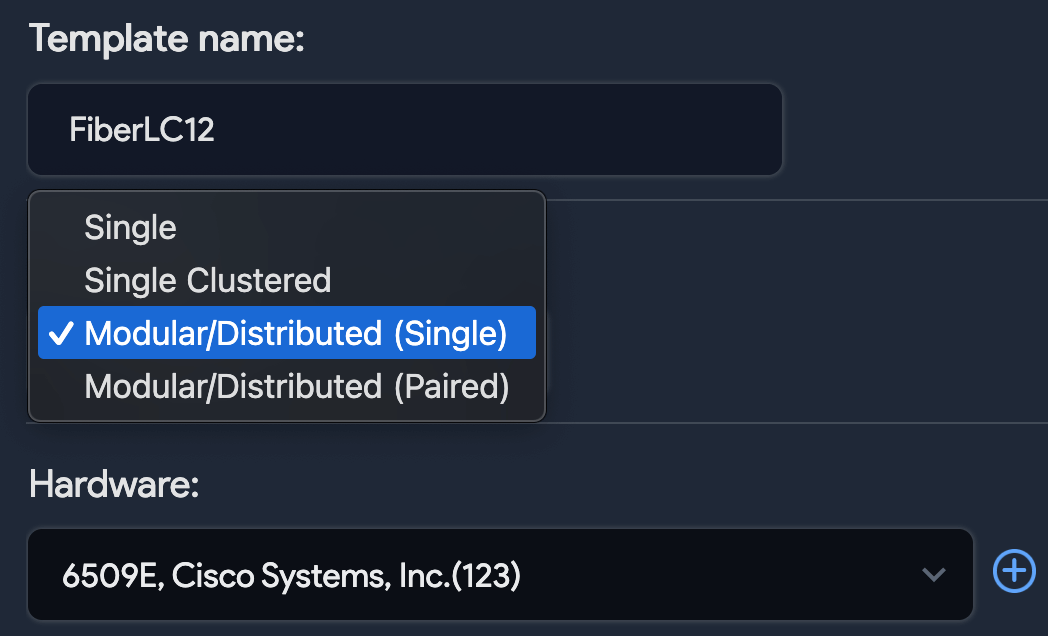
Templates support singular, modular, distributed, stacked, and paired switch configurations.
Singular Switch
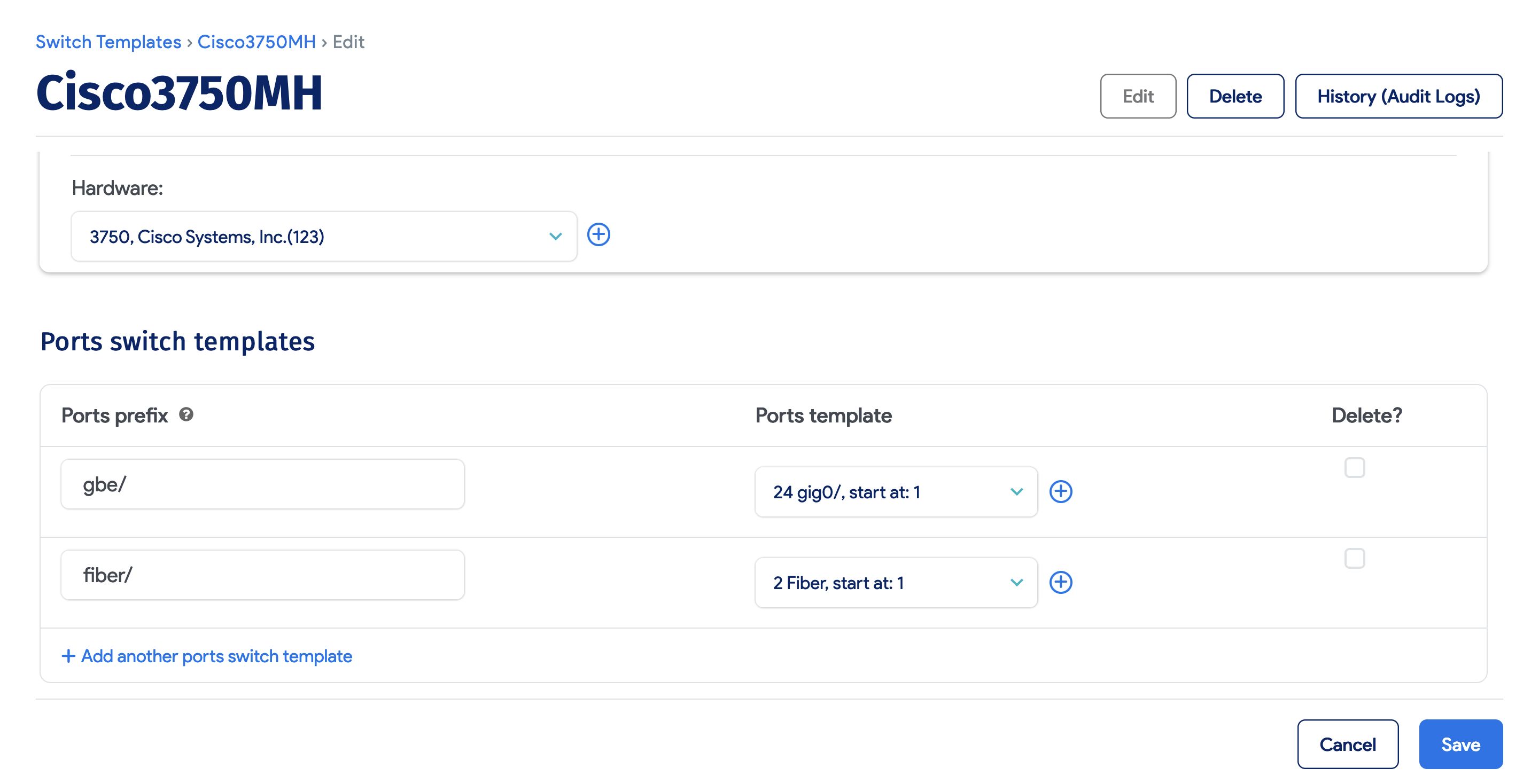
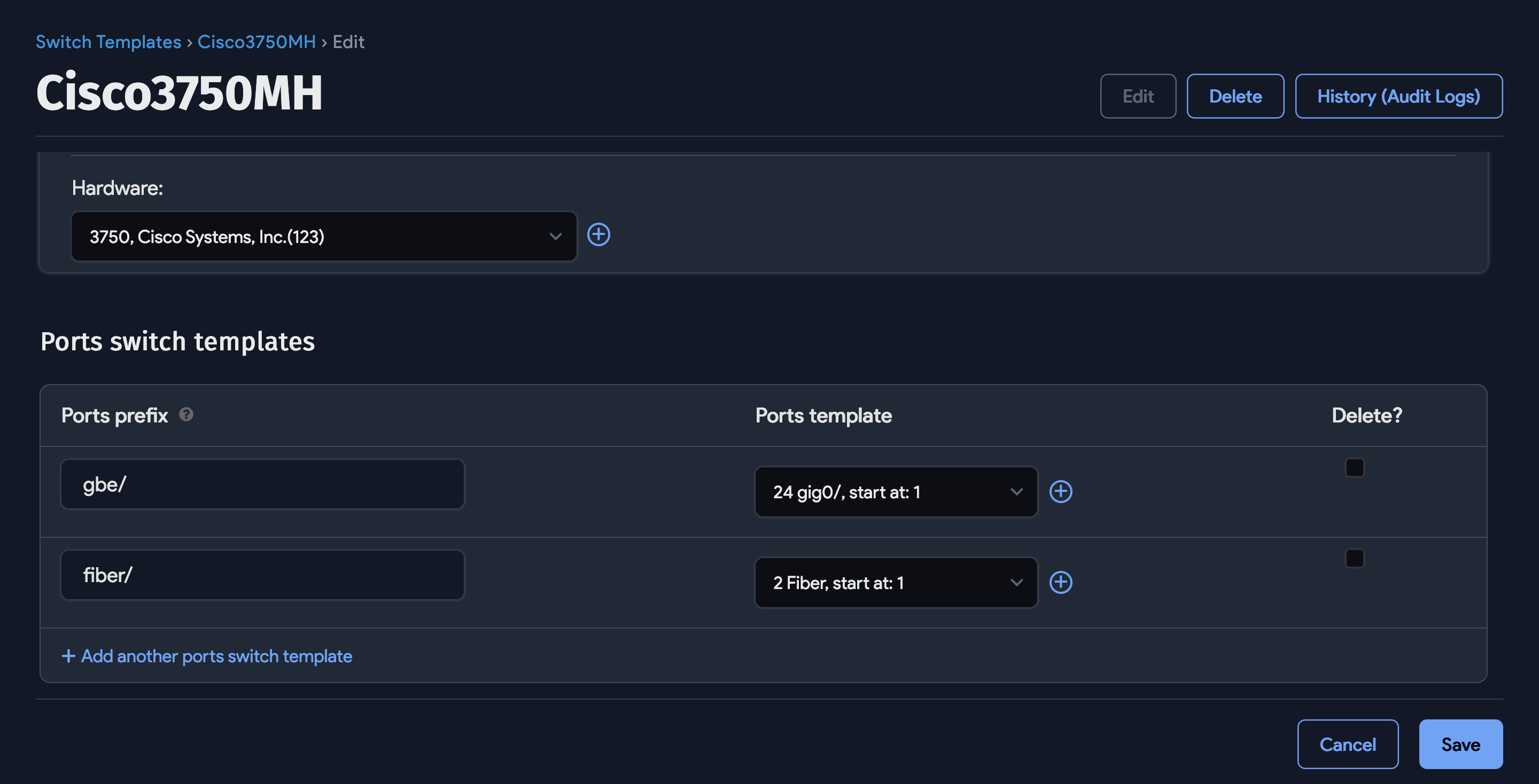
For a simple switch, choose or add a hardware model and define the ports with port prefixes, counts, and starting numbers. For example, port templates gbe/ with 24 ports and fiber/ with 2 ports would create gbe/ and fiber/ ports accordingly. After saving, the list page displays a create/edit link next to the switch. Click it to choose an existing switch or enter a name for a new one, and the ports are created automatically.
Stacked Switches
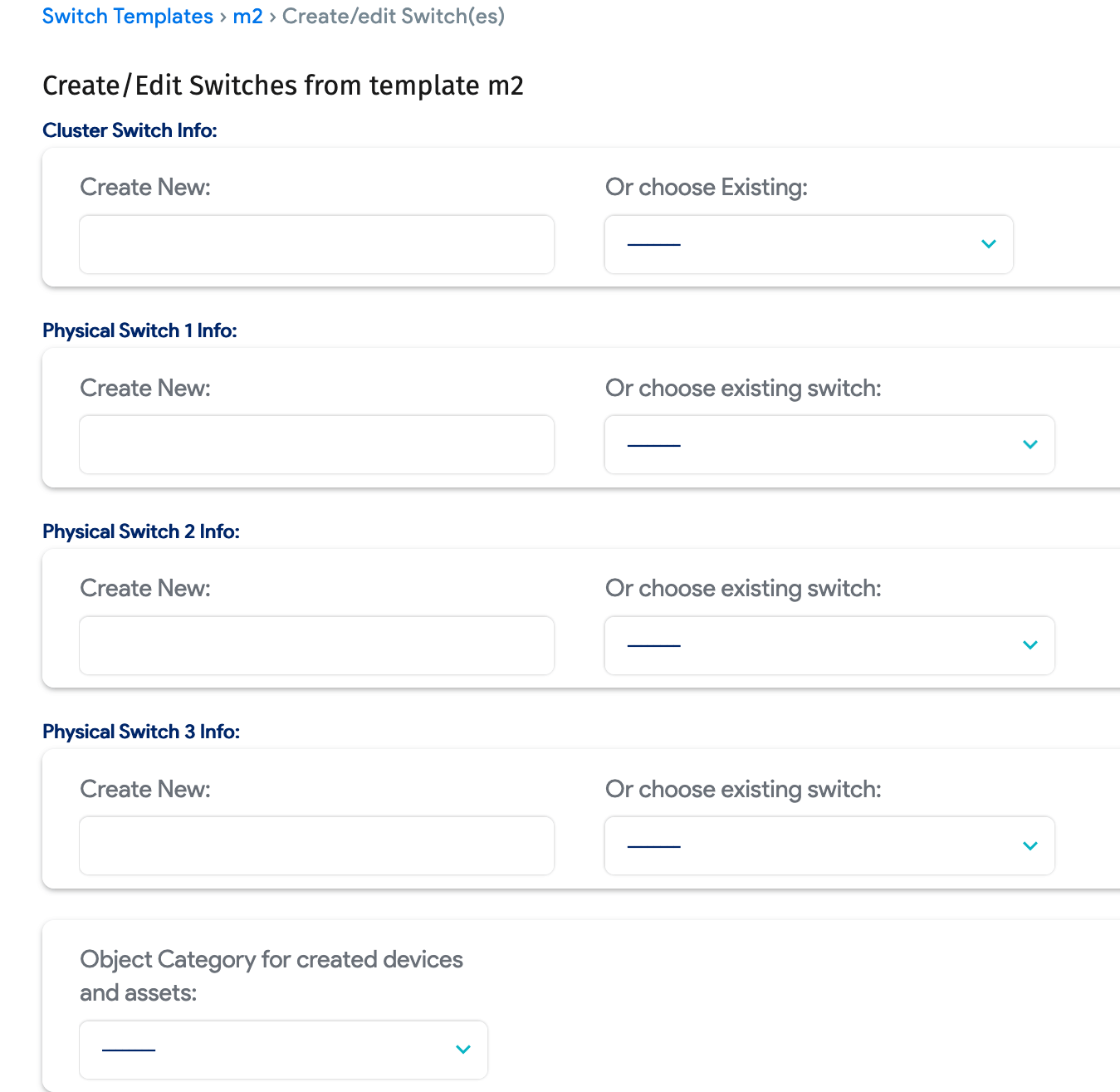
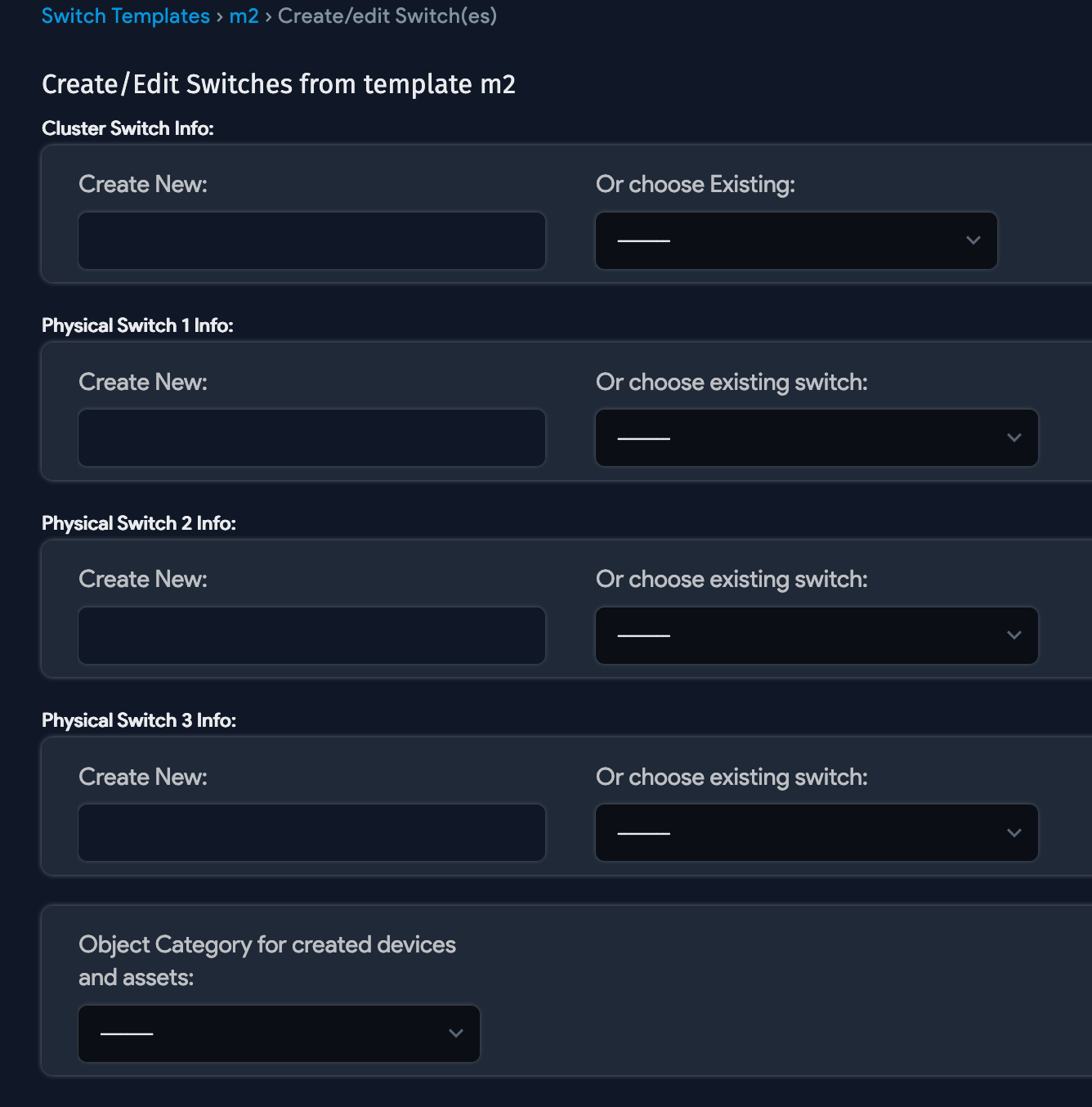
Stacked switches (for example, Cisco 3750s) let you add multiple singular switches to a stack. The stack is represented by a cluster device in Device42. All physical switches belong to the cluster device, and all ports have the cluster switch set as their Network Switch 2nd value.
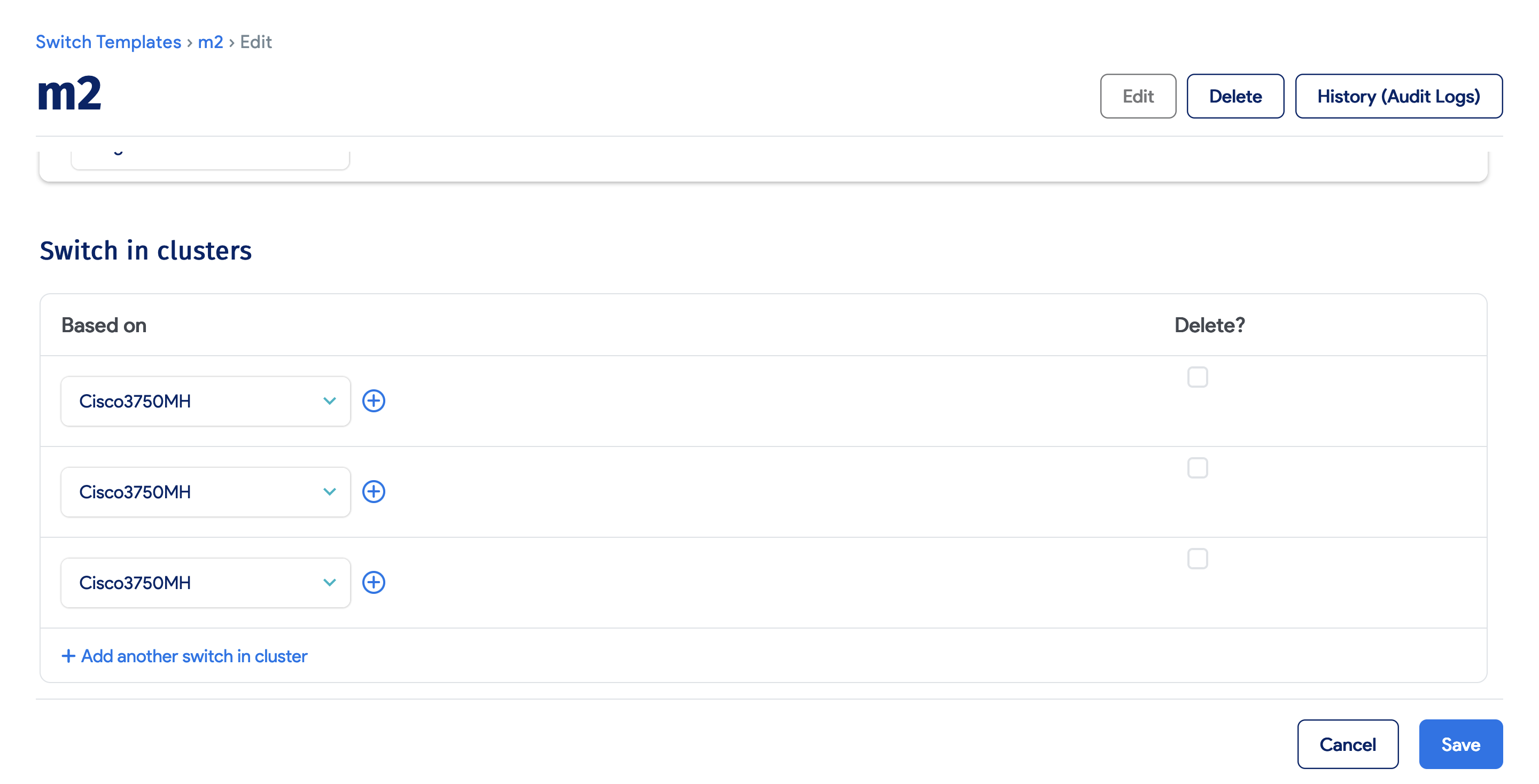
Click Create Switches to enter a name for the cluster device (or choose an existing one) and enter values for the switches in the stack. Switch ports and switches are created based on the template.
Modular or Distributed Switch
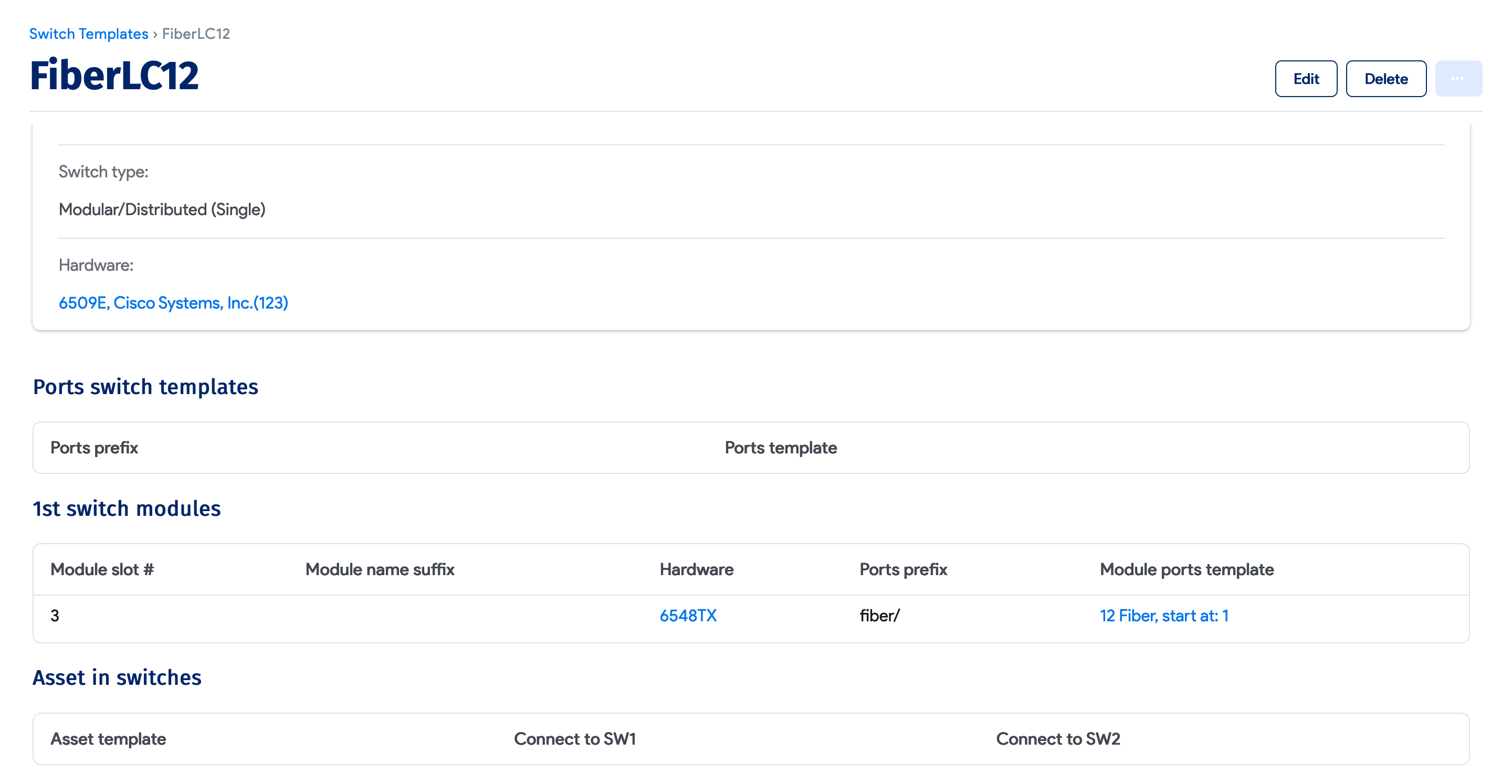
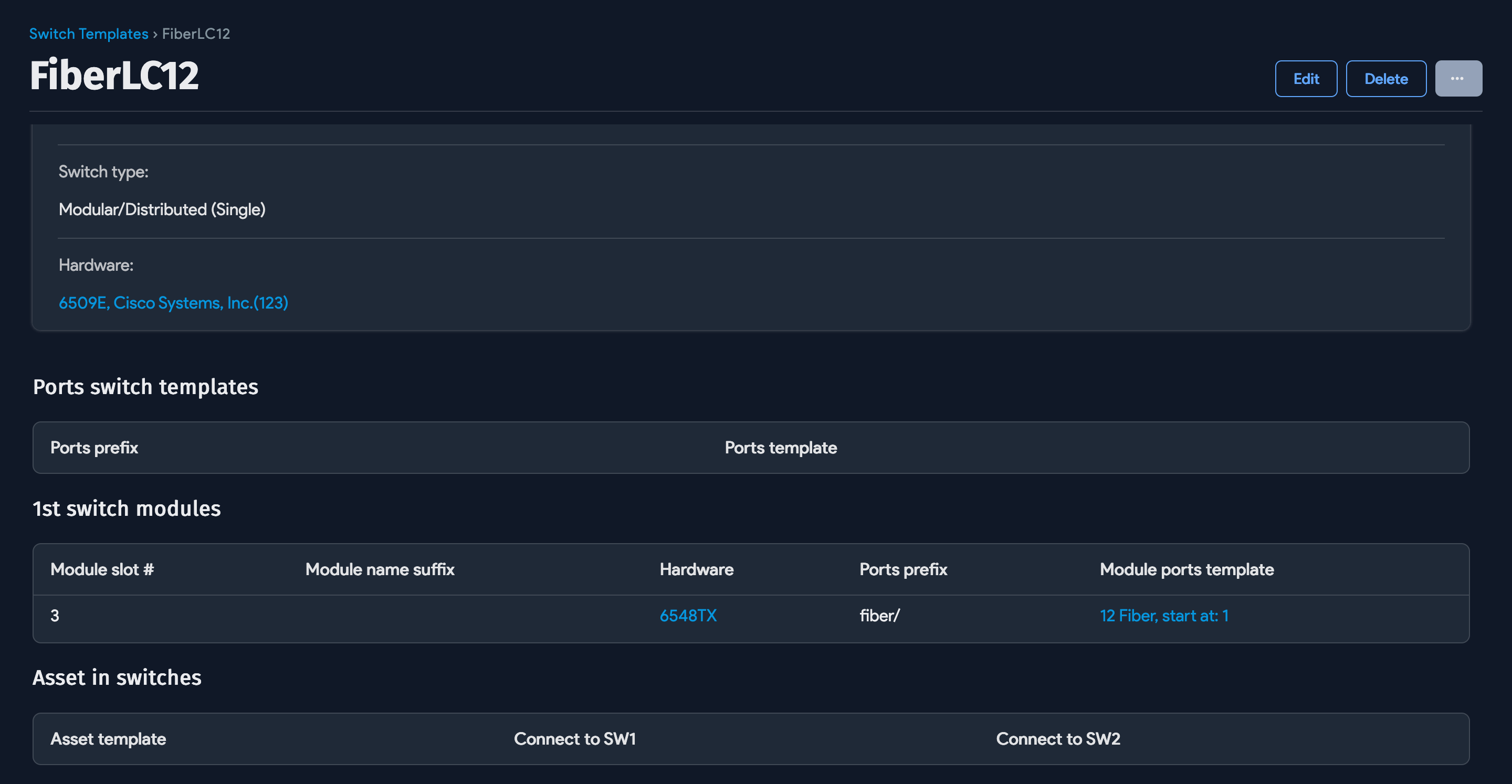
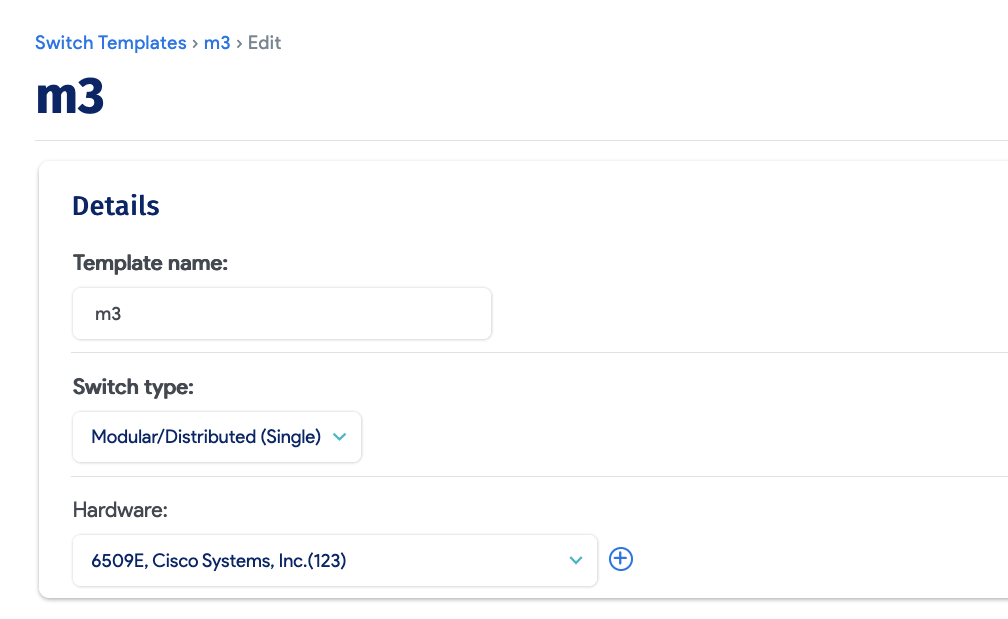
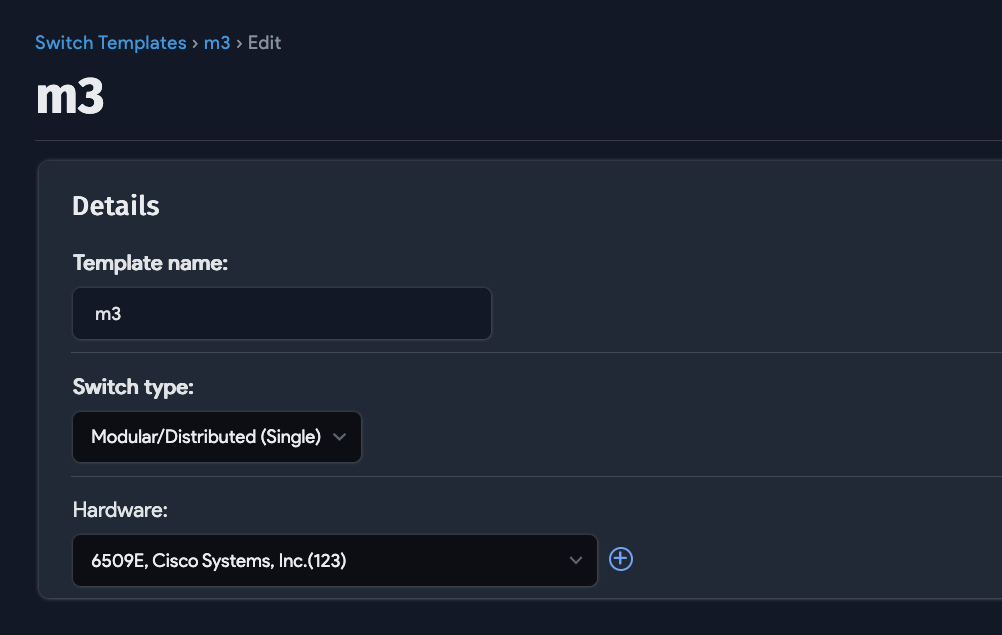
Use this type for modular or distributed switches, such as a Cisco 6509 with modules, or a Nexus 7K or 5K with fabric extender modules. Define modules with a hardware model, slot number, port prefixes, and port count. You can also add asset templates for fabric extenders. Device42 creates the switch, modules, assets, and switch ports based on the template values.
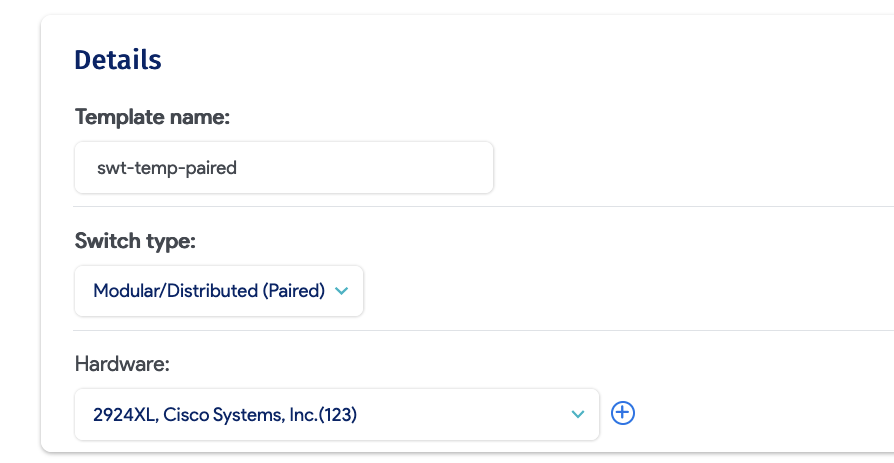
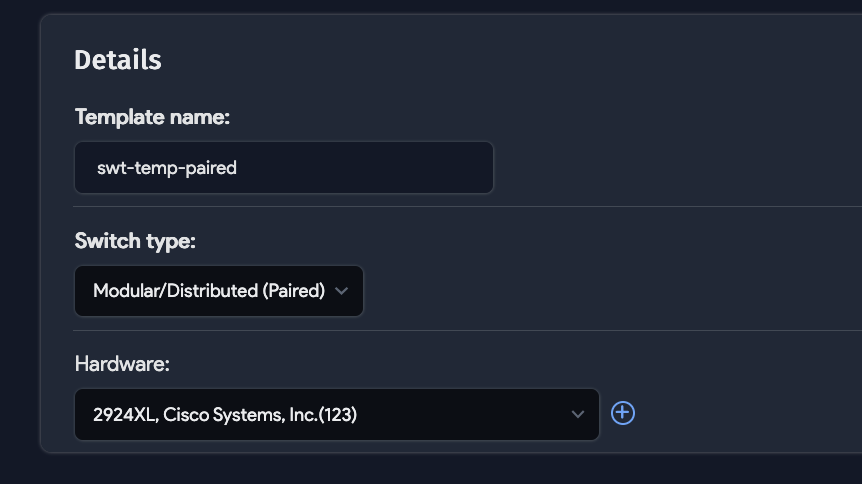
Paired Modular or Distributed Switches
This template type covers paired switch configurations, such as Cisco VSS paired 6509s or two Nexus 5Ks running in active/active mode. Define port information and Device42 creates the modules, assets, and switch ports. Ports on the fabric extender can be marked to indicate whether they are connected to both switches or just one.