Define PDU Models
This page provides reference information for PDU models, including the available model fields and how port definitions on a model affect newly created PDUs.
PDU models are optional in some cases, but they are required if the PDU is rack-mounted or if you want to track its individual ports. To manage PDU models, go to Data Center > Power Units > Power Unit Models.
Add a PDU Model
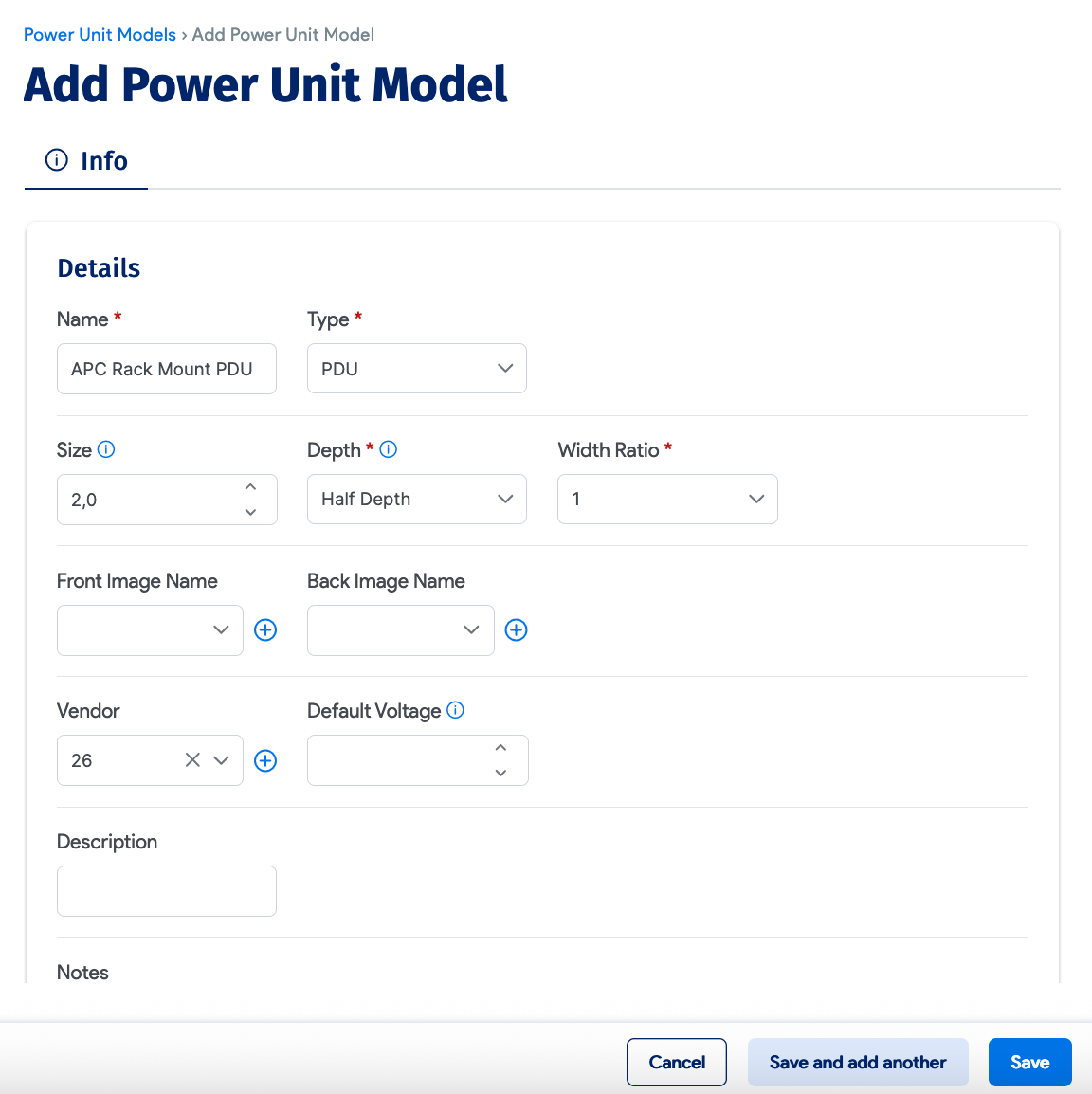
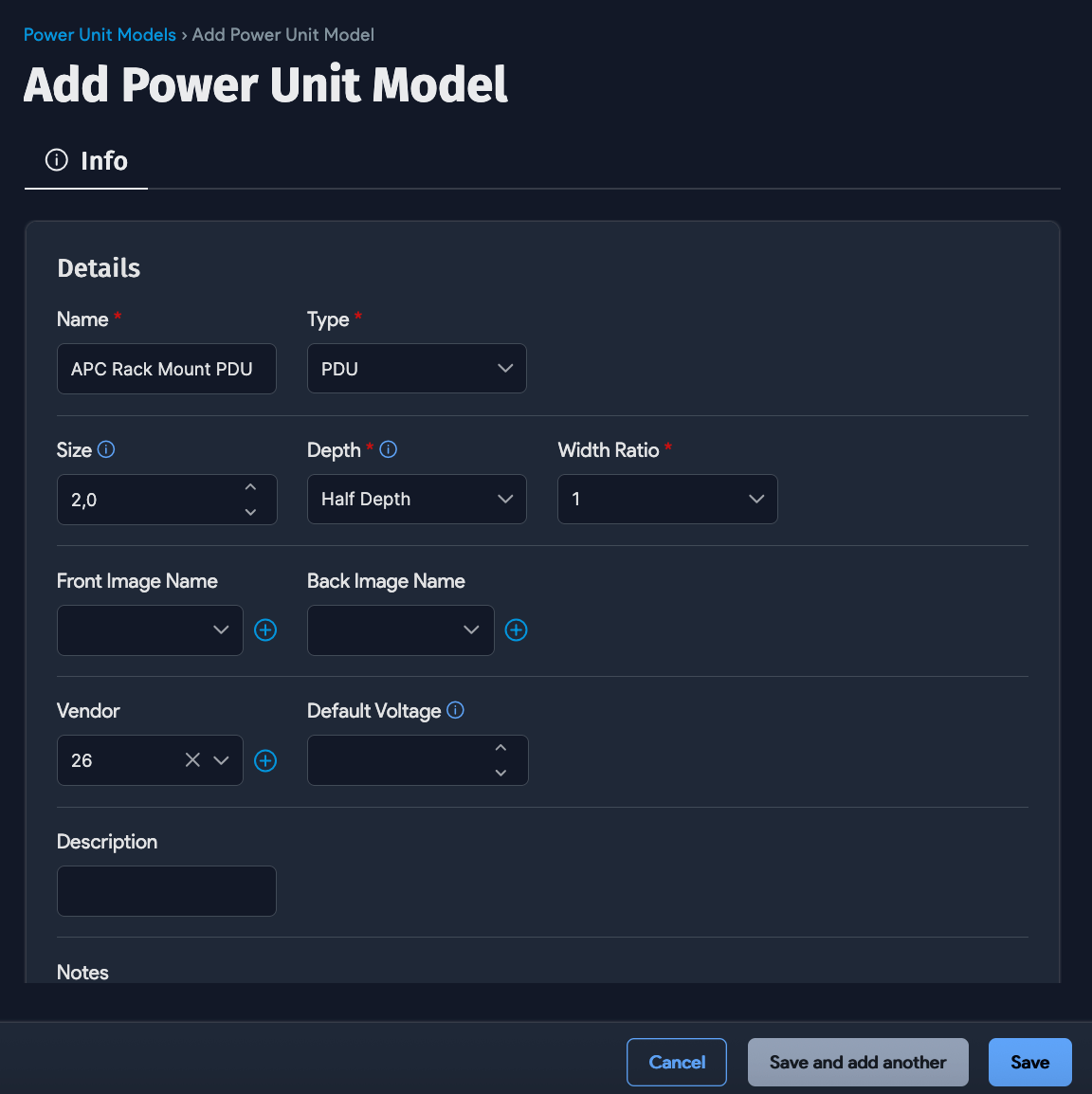
PDU Model Fields
Use these fields when creating the model:
- Name: Enter the model name. Use a clear, descriptive name so you can easily distinguish it from other PDU models.
- Size: Enter the PDU size in rack units if it will be rack-mounted, or define the size for left-mounted or right-mounted PDUs, such as
10Uor20U. If you do not specify a size, the PDU is treated as a rack-displayed left-side or right-side mounted PDU with the default size of20U. - Depth: Specify whether the PDU is half-depth or full-depth. The default is half-depth.
- Front / Back Image: Use these fields to upload custom front and back images for the PDU on the rack display screen.
- Manufacturer: Specify the PDU manufacturer.
Add Ports to a PDU Model
Add ports while creating the PDU model. The model serves as a template, and every PDU assigned to that model inherits its port configuration. Define the ports to match the physical outlet layout of the real PDU.
Ports can be added either in bulk or one at a time:
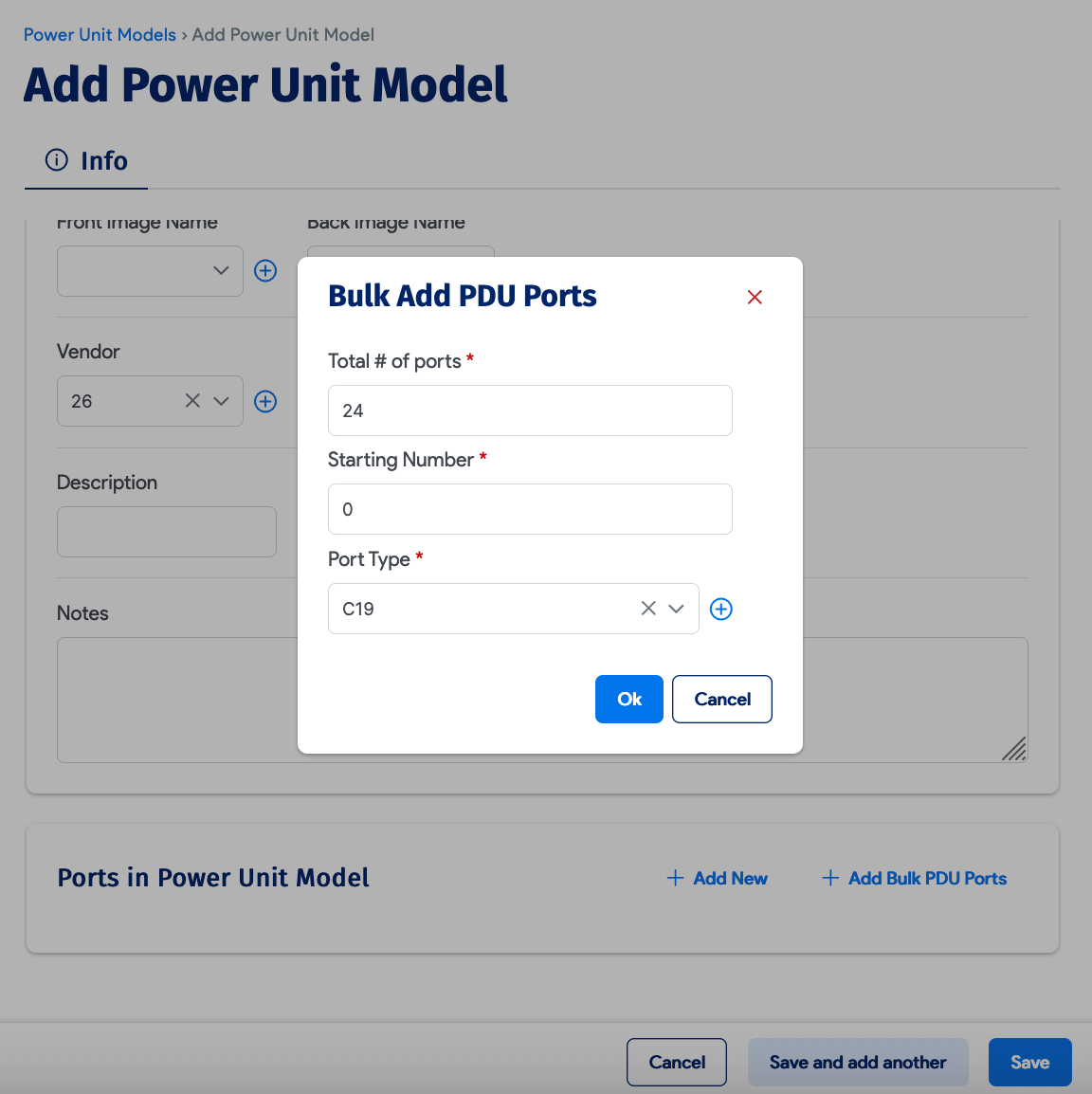
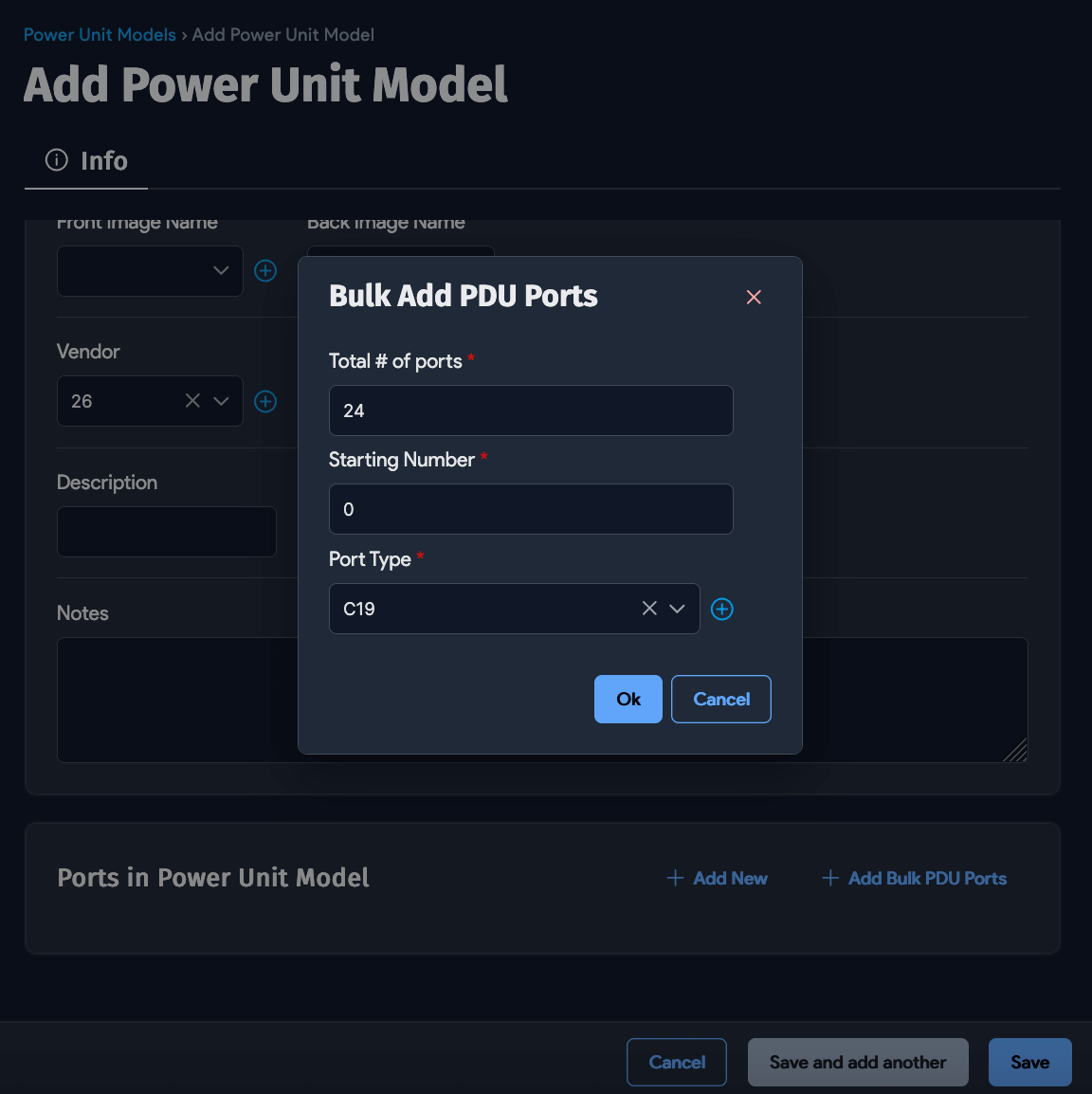
This step is critical if you want to define ports for your PDUs. You cannot add ports directly to a PDU — PDU ports can only be created based on PDU models.
Example Port Definition
A PDU model is primarily defined by its output connection types and port counts. For example, to create an APC PDU with 16 NEMA 5-20R ports:
- Enter
16as the port count andNEMA 5-20Ras the port type. - Add additional port types if needed. A single model can include multiple port types with different port counts.
- Review the port layout carefully before saving. Changes to an existing PDU model do not update existing PDUs that already use that model. Only newly created PDUs are affected.