Printing QR Codes from IE
This page covers the print settings required for printing QR code labels from Internet Explorer.
Set the printer resolution to 300x600 and the QR profile resolution to 300x300 for the QR code to print correctly.
-
Printer preferences (from OS)

-
Chosen QR profile
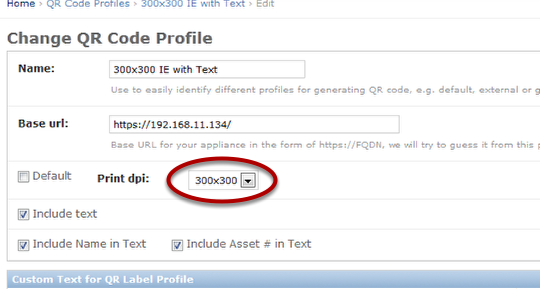
-
IE page setup
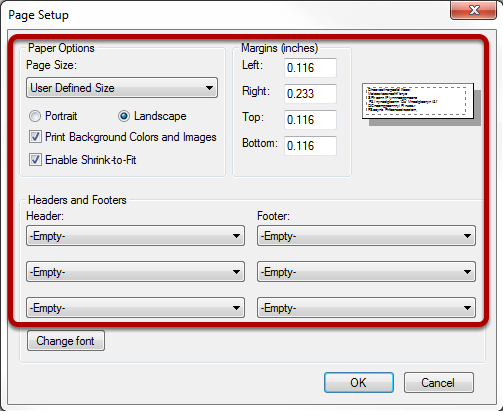
Landscape mode. Empty out headers and footers. Print background colors and images. Enable shrink-to-fit. Minimum margins.
-
IE page to print the label
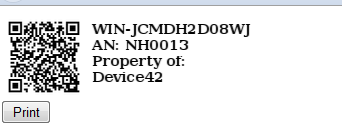
Print from IE menu or from the QR code page.