Printing QR Codes from Firefox
This page covers the recommended DPI, margin, and format settings for printing QR code labels from Firefox.
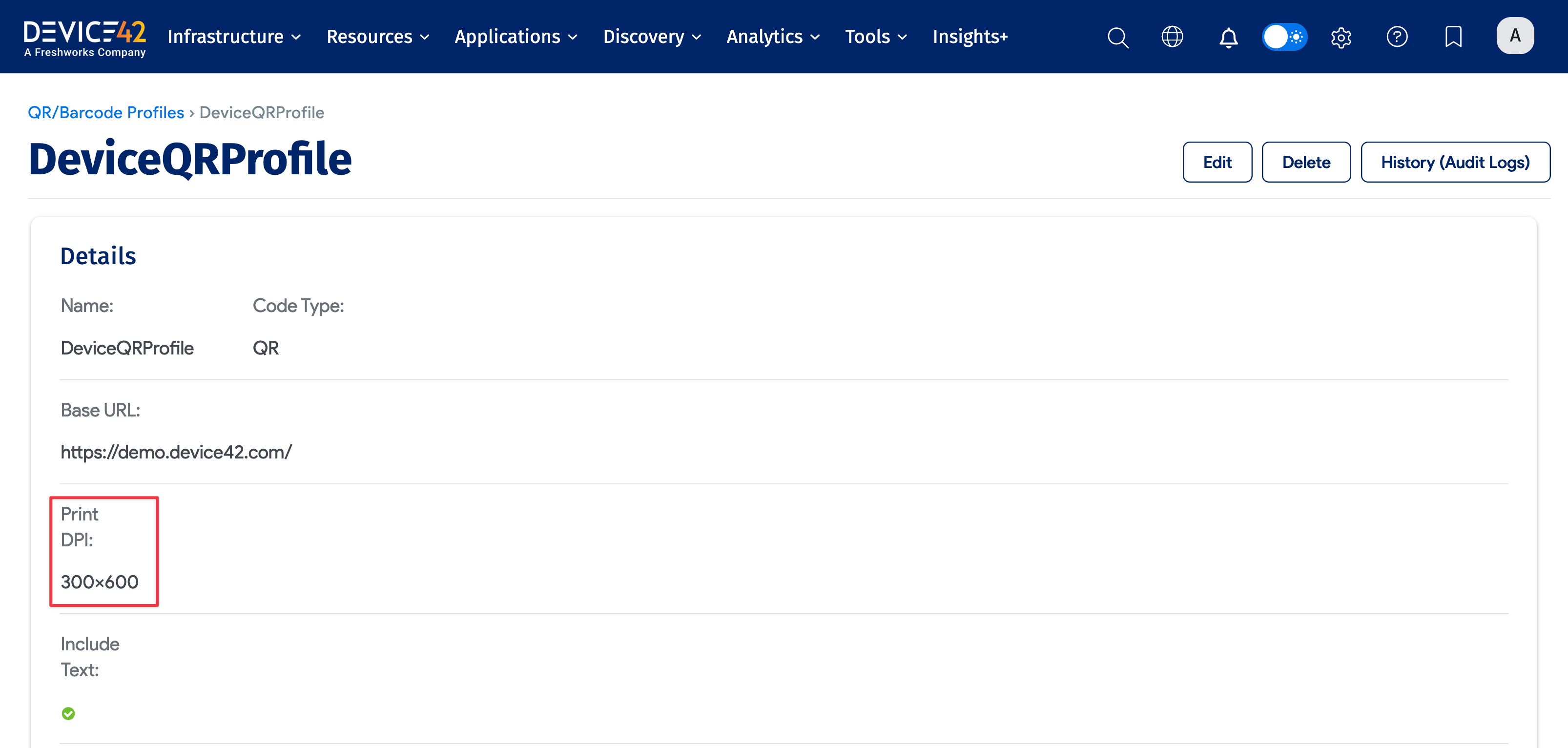
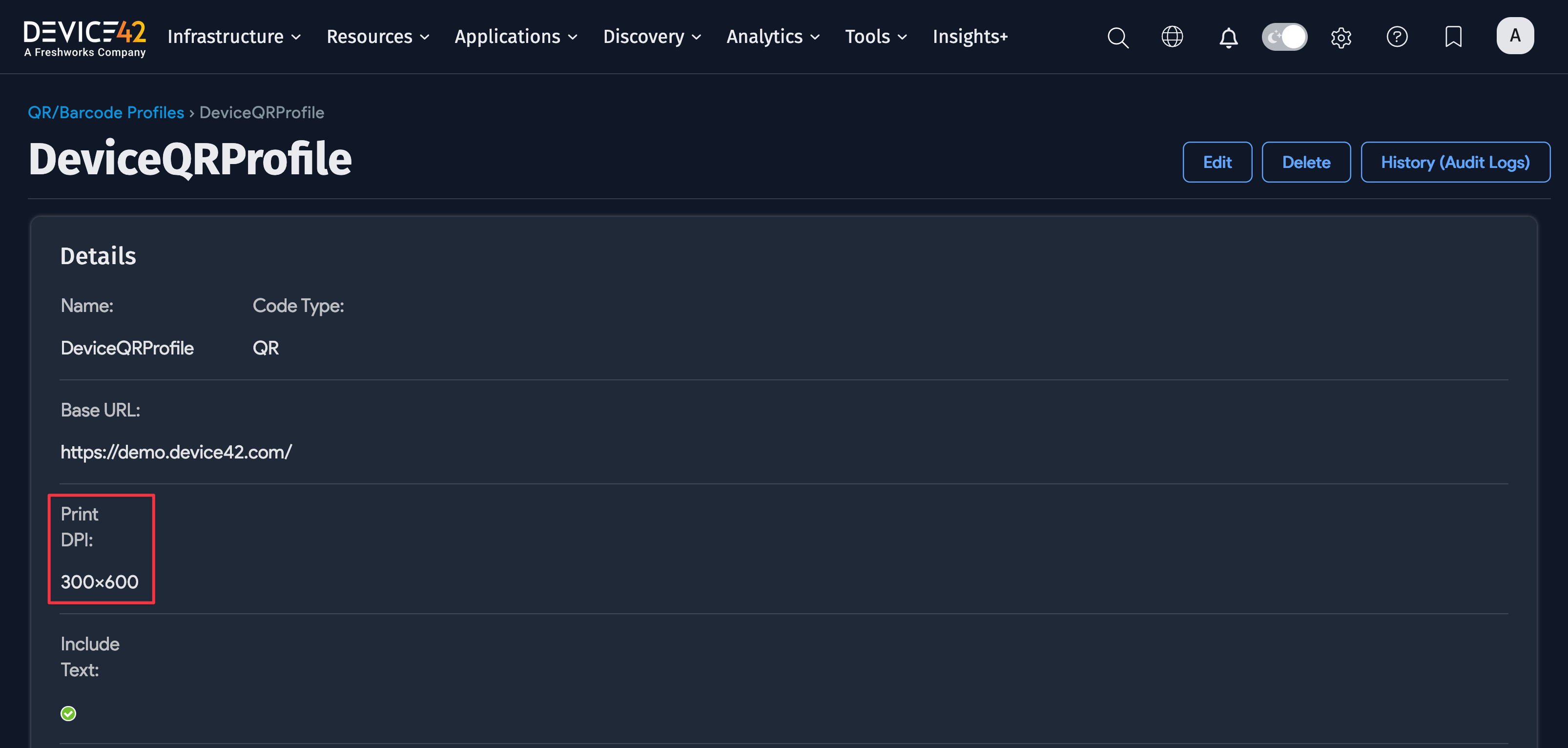
DPI Settings in QR Code Profile and Printer
The Print DPI of the QR Code Profile used to generate the QR code should match the DPI in your printer settings.

Firefox Print Page Setup
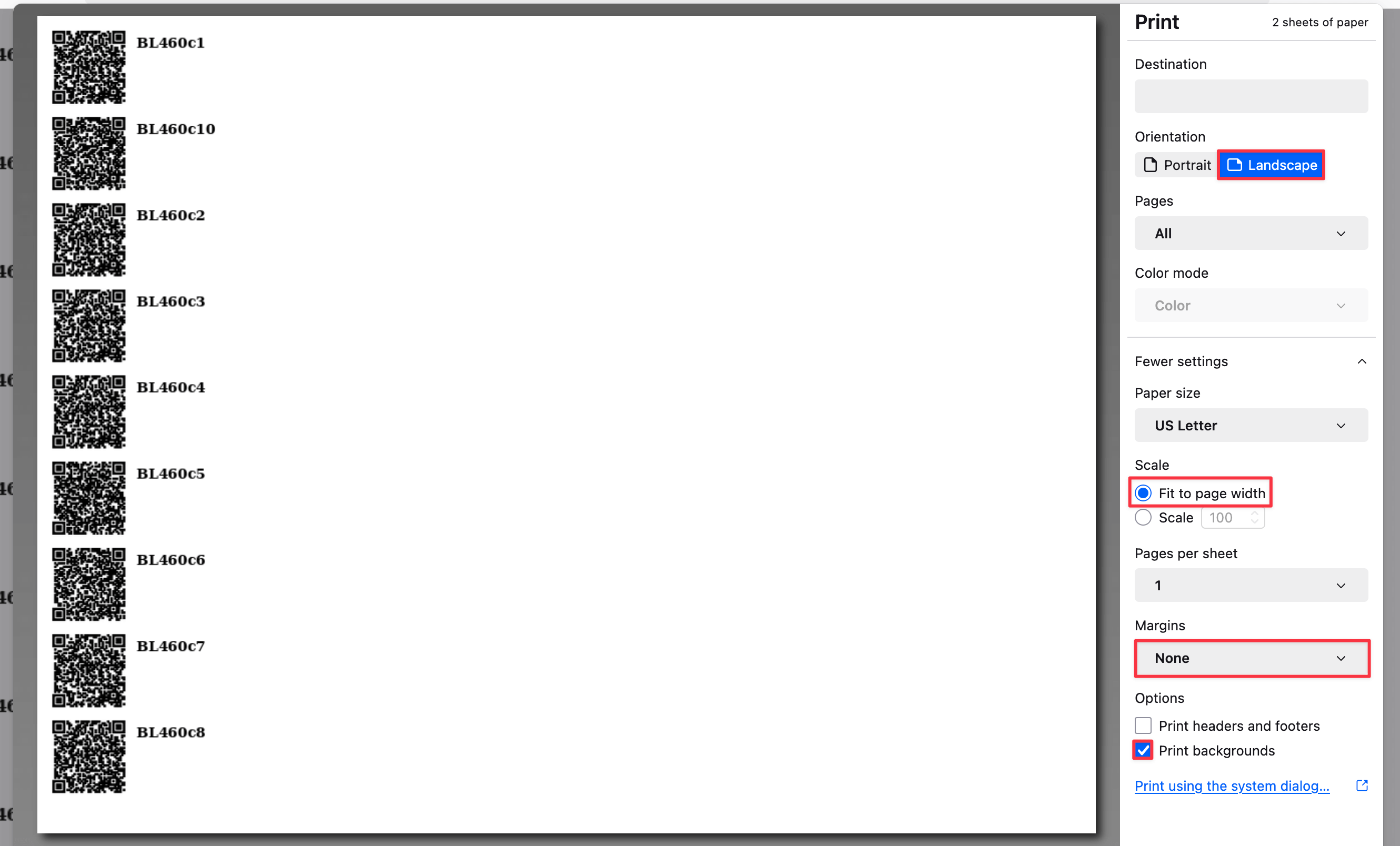
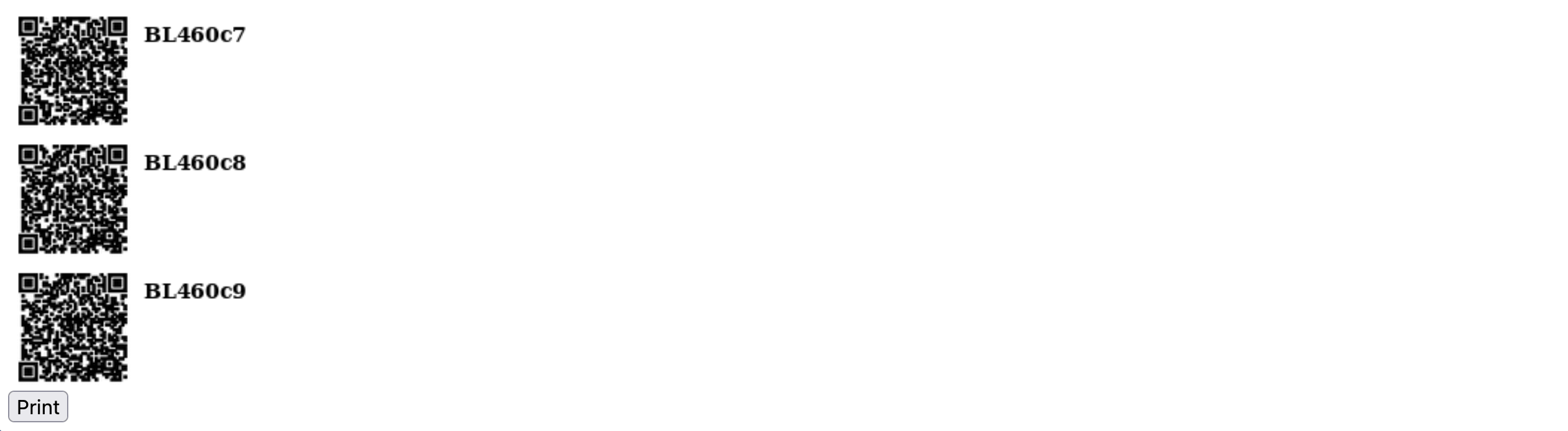
In Firefox, you can choose File > Print... or click the Print button on the QR code page to print the label.
Set up the print page with the following recommended settings:
- Landscape mode
- Enable Fit to page width (shrink-to-fit)
- No margins
- Deselect the Print headers and footers option
- Select Print backgrounds