Printing QR codes from IE
Printer resolution need to be set at 300x600 and QR profile resolution at 300x300 for the QR code to print right.
The steps required are shown in the images below.
-
Printer preferences (from OS)

-
Chosen QR profile
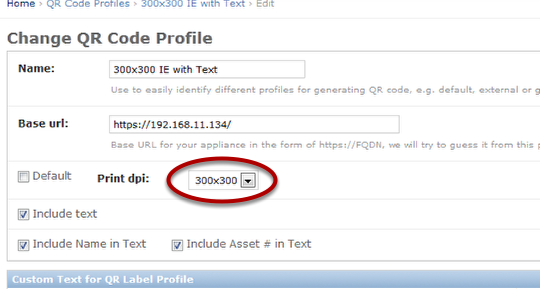
-
IE page setup
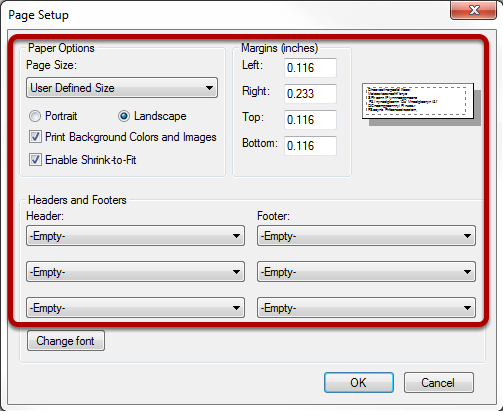
Landscape mode. Empty out headers and footers. Print background colors and images. Enable shrink-to-fit. Minimum margins.
-
IE page to print the label
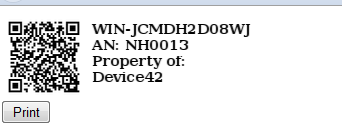
Print from IE menu or from the QR code page.