Unit Display Settings
You can customize how units are displayed in Device42's Power and Environmental Monitoring module. This applies to both Power units and Temperature units, and these settings are controlled separately.
To access the options, navigate to the Power options in the Global Settings menu, under Tools > Settings > Global Settings.
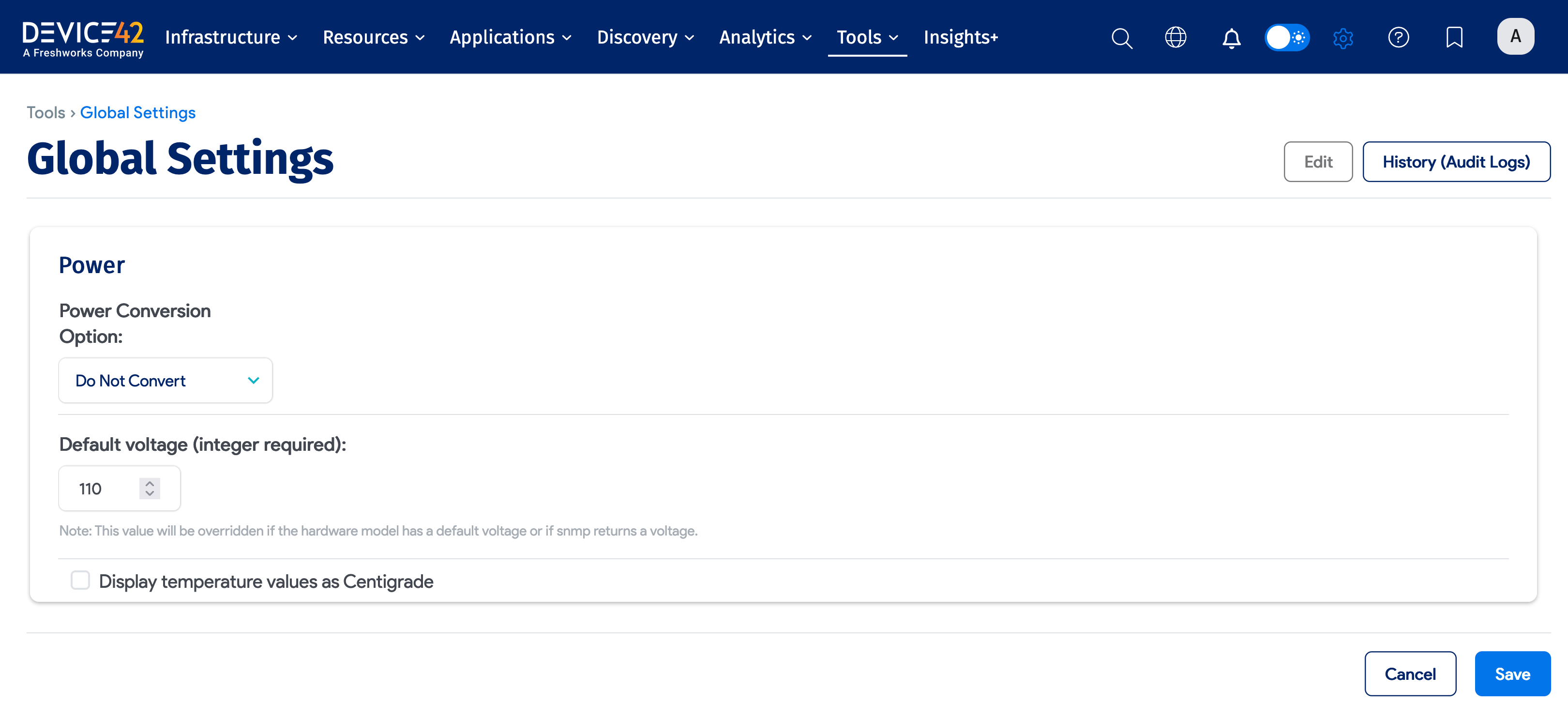
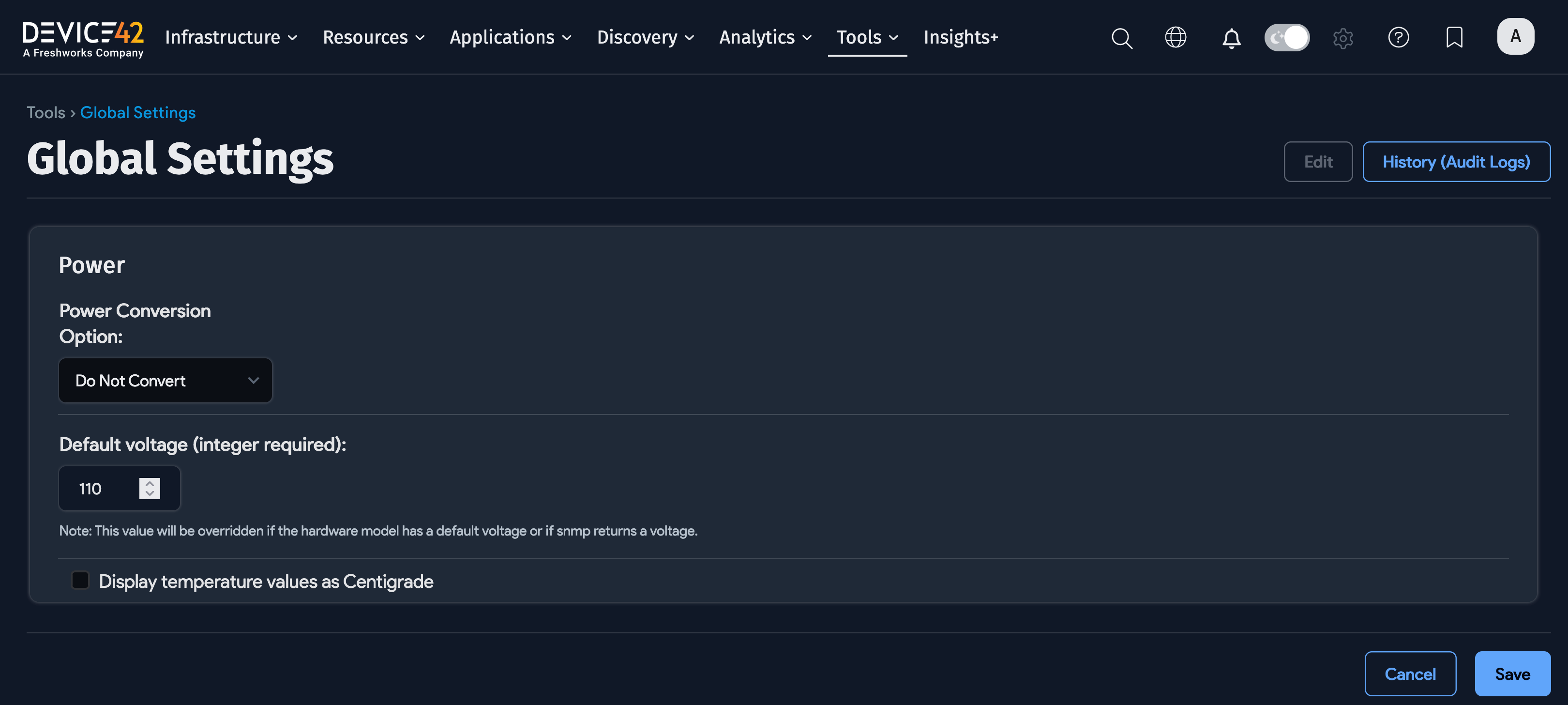
The two categories that control unit display are the Power Conversion Options dropdown and the Display temperature values as Centigrade checkbox.
Power Unit Conversion Options
The Power Conversion Options dropdown controls how power consumption values are displayed. The available options are:
- Do not convert: Default. Displays power values exactly as returned via SNMP, without conversion.
- Convert Amps to Watts: Converts and displays all power values in Watts.
- Convert Watts to Amps: Converts and displays all power values in Amps.
Default Voltage
The Default Voltage (integer required) setting lets you specify the default voltage for Device42 to use in calculations, only if a value is not returned via SNMP.
Display Temperature Values as Centigrade
The Display temperature values as Centigrade checkbox controls the temperature display:
- Checked: Converts all temperature values from Fahrenheit (°F) to Celsius (°C).
- Unchecked: Default. Displays values in Fahrenheit (°F) with no conversion.