Getting Started with Power and Environmental Monitoring
This page explains how to set up power monitoring for PDUs in Device42 using SNMP discovery. It covers prerequisites, discovery job configuration, and capacity recommendations.
The features described in this section require a Power and Environmental Monitoring license. Visit the Device42 pricing page to request a quote.
Set Up Power Unit Discovery
Install and configure a Remote Collector before proceeding. See Remote Collector for instructions.
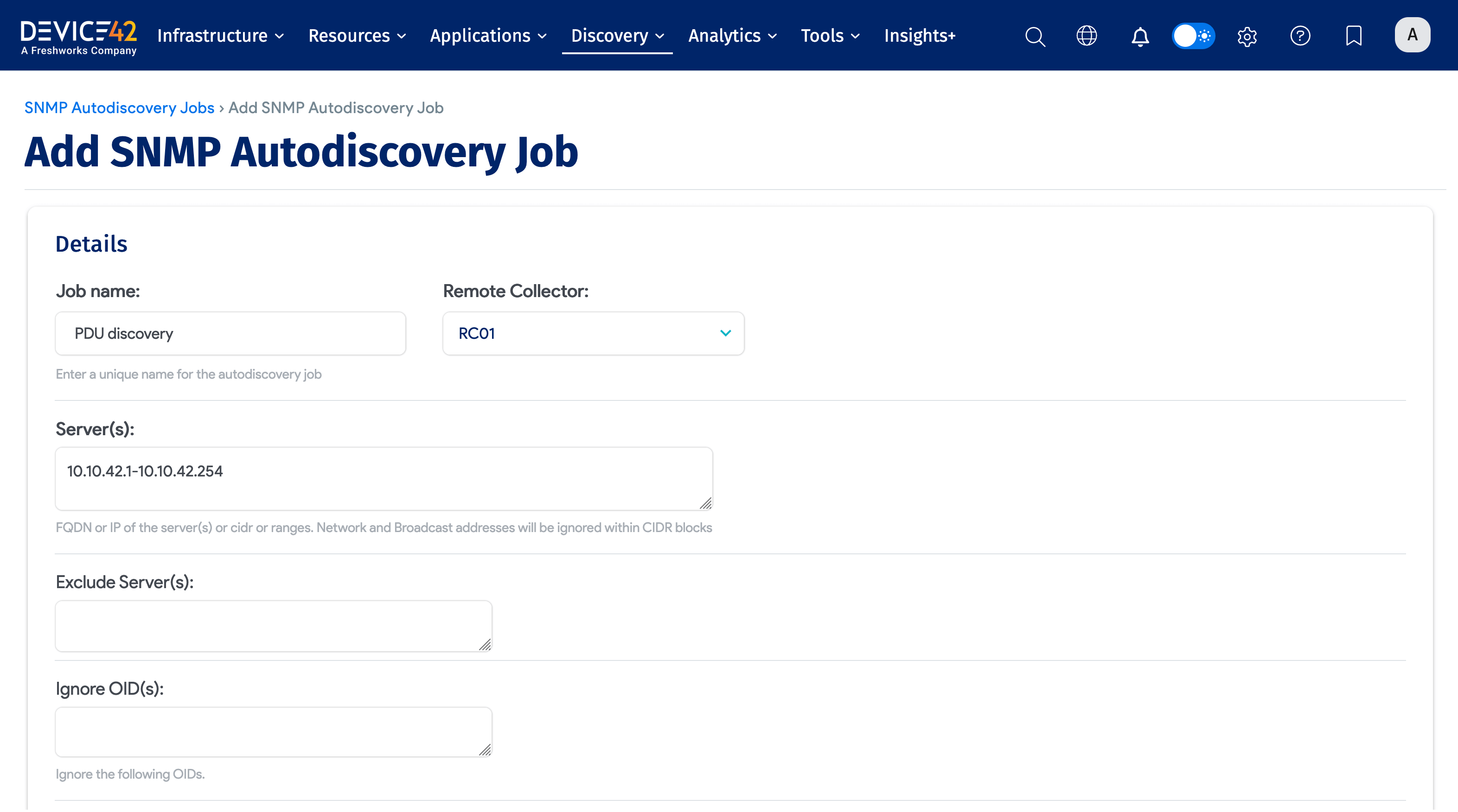
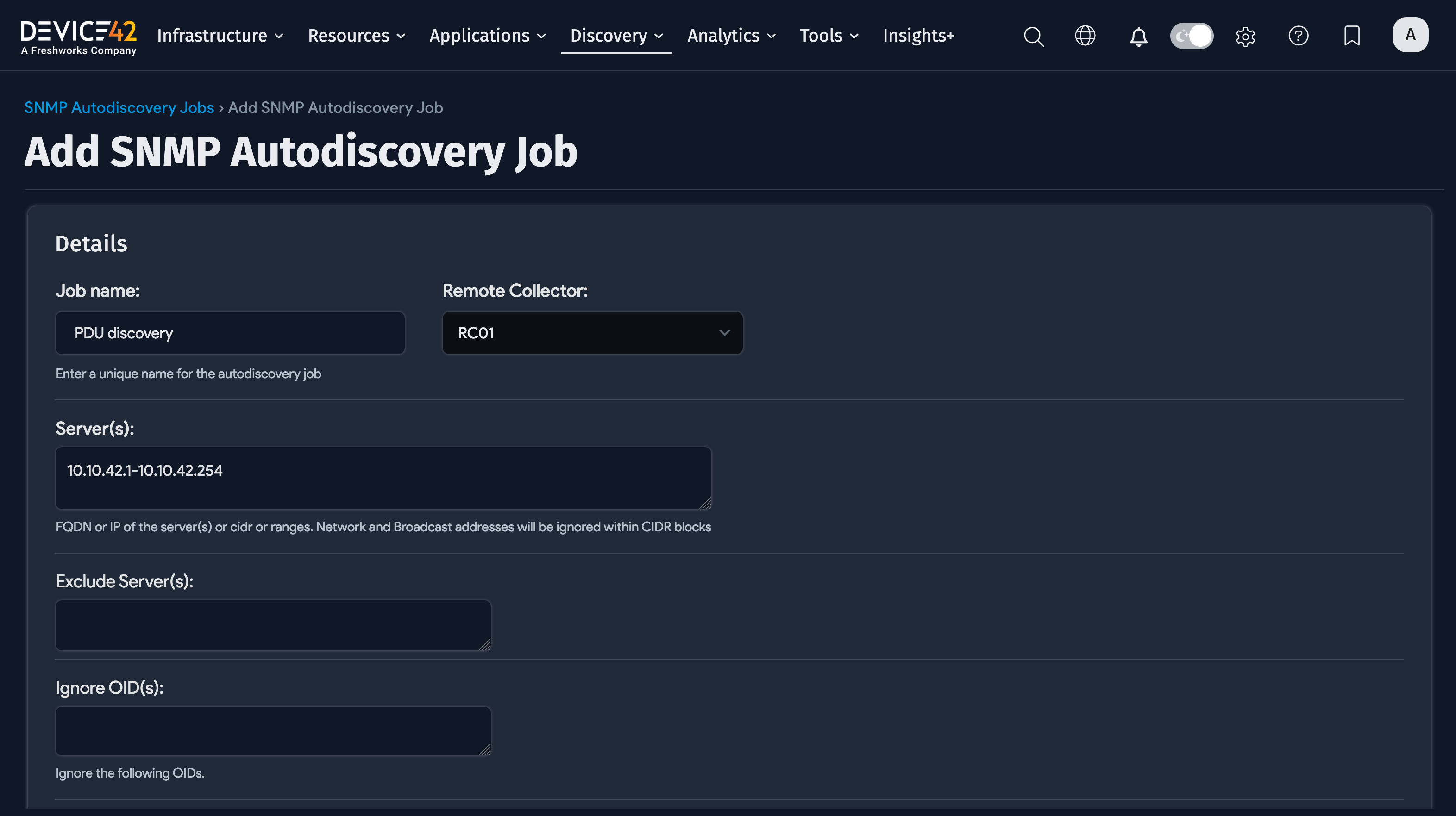
The process of discovering power-enabled PDUs is similar to Device42 Network Discovery. Navigate to Discovery > SNMP and enter an IP address range and a port if not using the default 161.
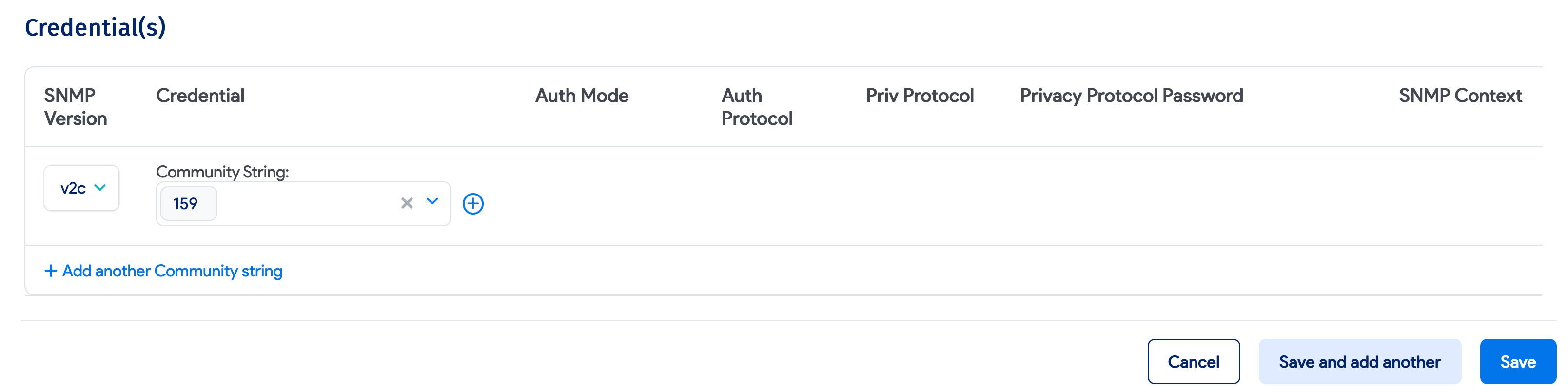
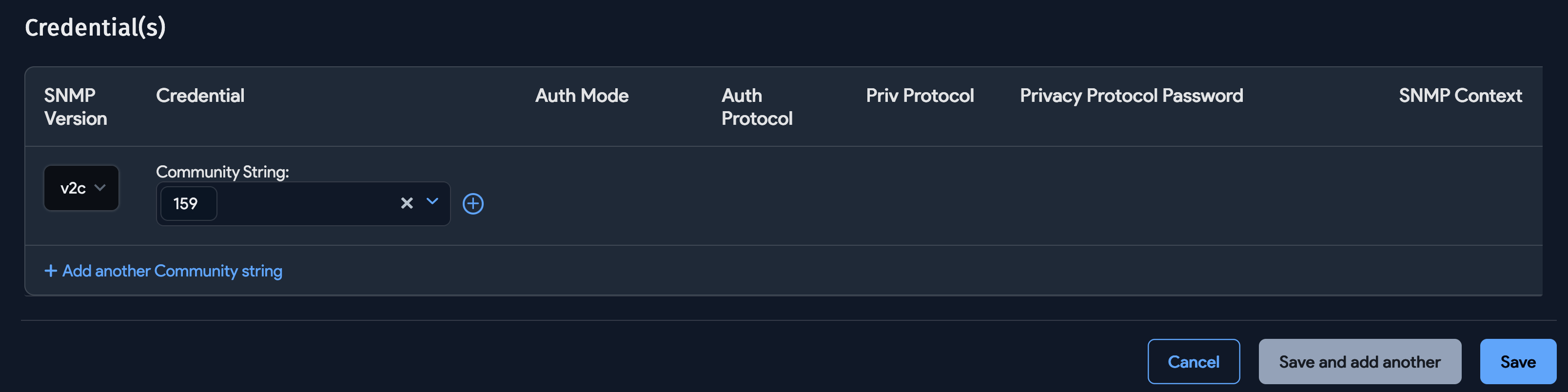
Add SNMP authentication information depending on whether you are using v1, v2c, or v3.
Power Monitoring Options
The Power (SNMP) discovery options are only visible if the power module is licensed and a Remote Collector is registered in Device42. Once both are in place, the Power/Environmental options section appears at the bottom of the SNMP discovery job setup screen.
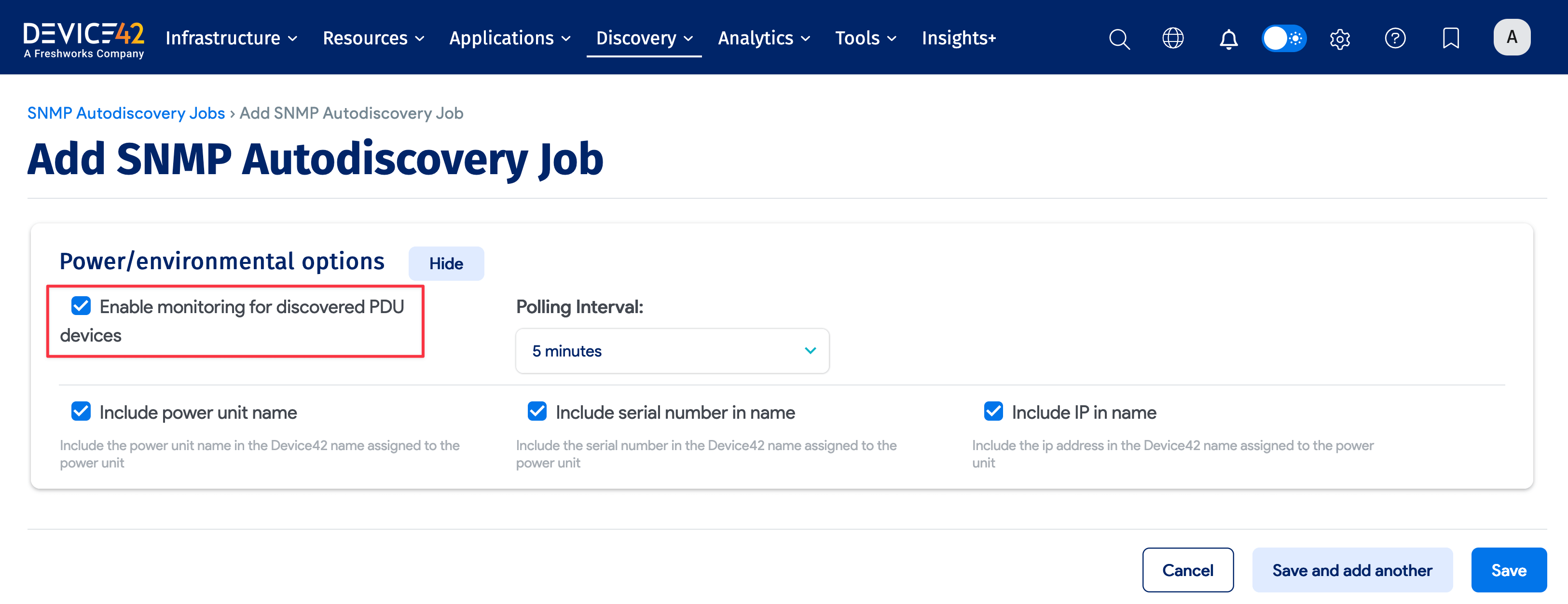
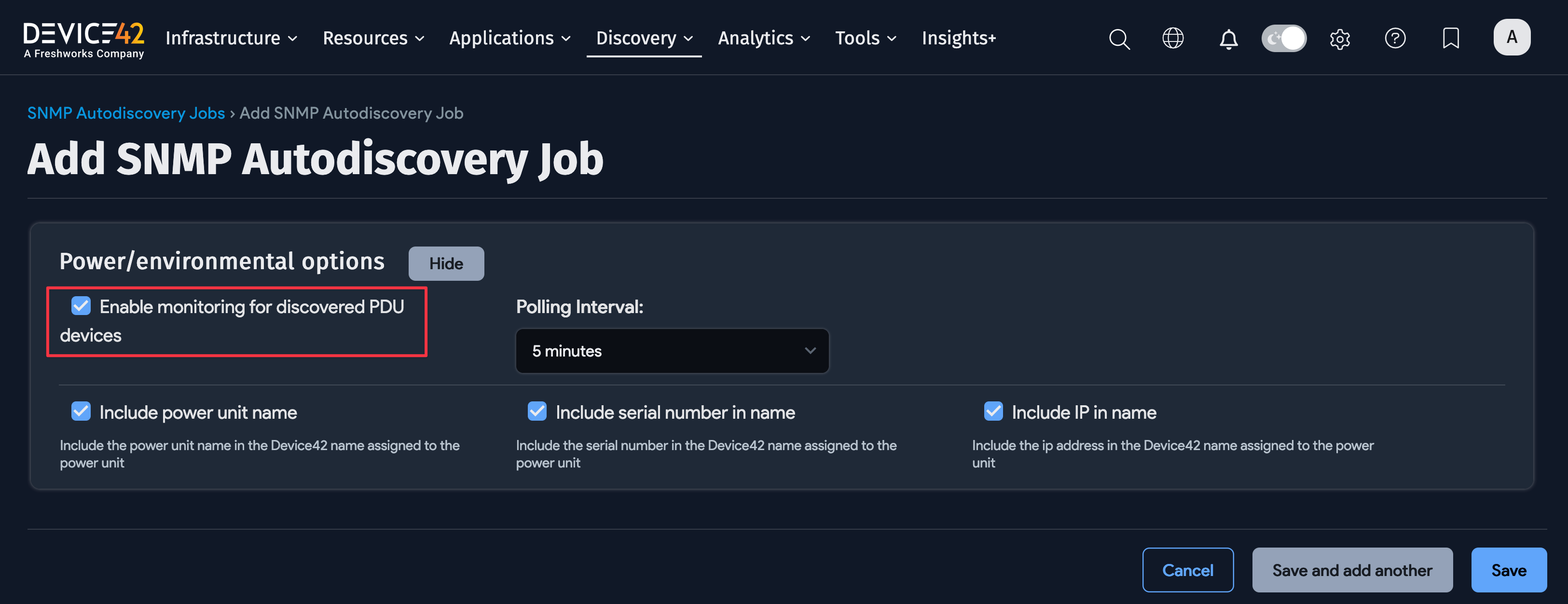
Select Enable monitoring for discovered PDU devices. You can also set the polling interval for PDUs discovered by this job using the Polling Interval dropdown, which controls how frequently monitoring polls each PDU.
View Discovered Sensors
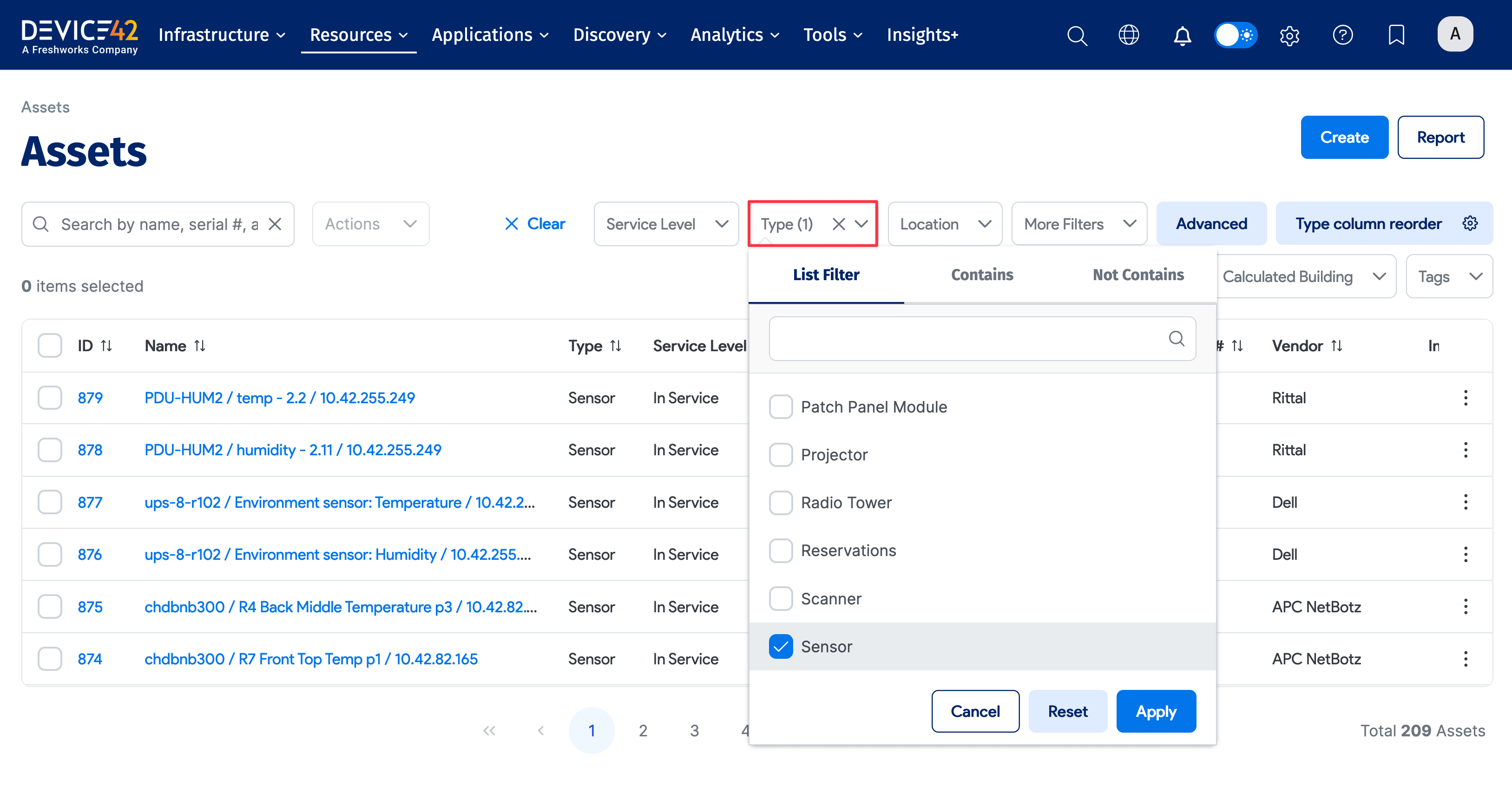
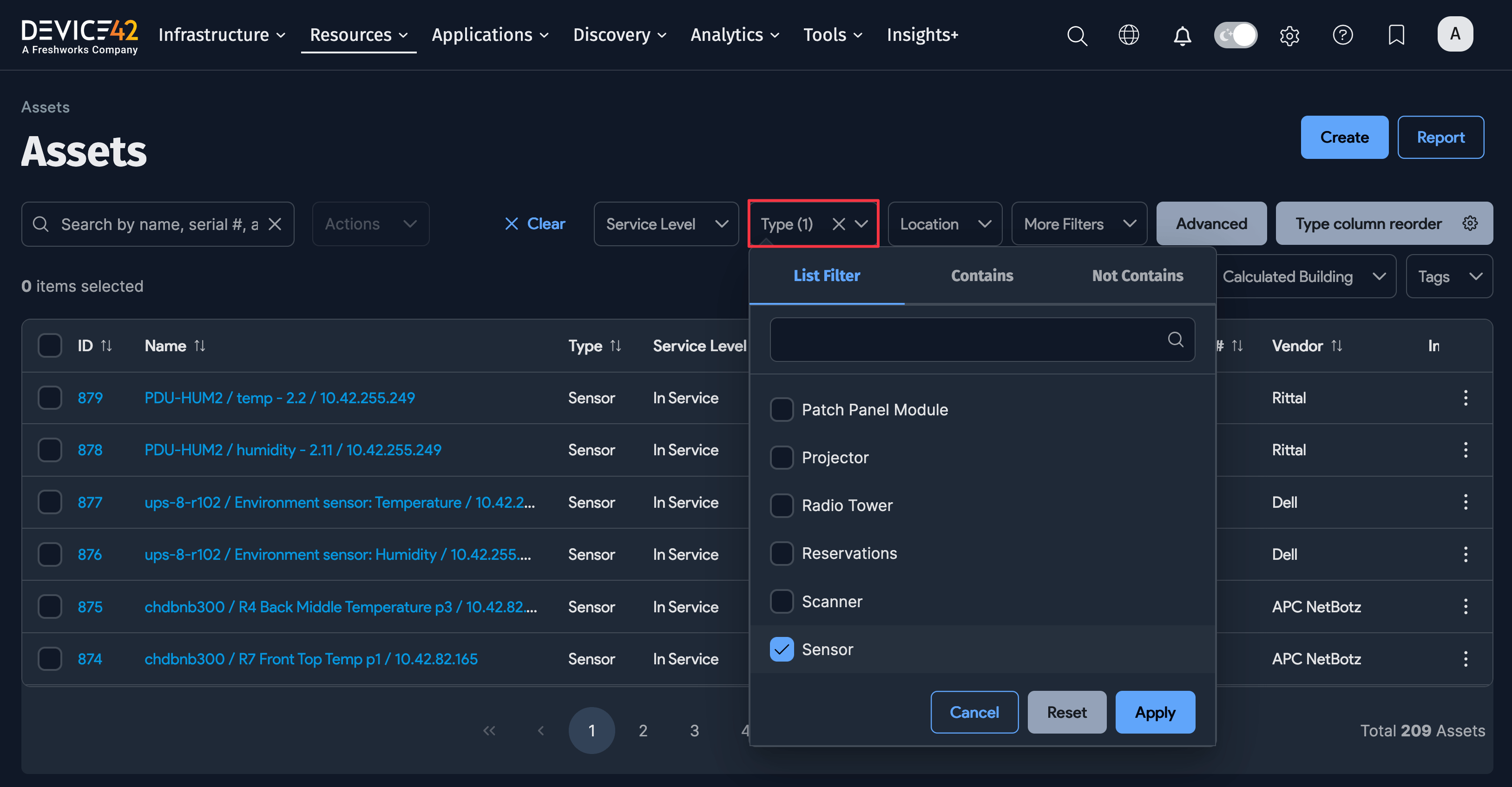
The PDU discovery process automatically finds environmental sensors attached to PDUs, including heat, temperature, and humidity sensors. When sensors are discovered, they are created with asset records in Device42. Navigate to Resources > Assets > All Assets and filter by Type="Sensor" to see all PDU-attached sensors.
Capacity Considerations
Monitoring is resource-intensive, and each monitoring appliance is limited in the number of PDUs, infeeds, and outlets it can handle. The primary constraint is the number of SNMP polls that can be completed within the selected polling interval.
For example, at 5-minute intervals (default), Device42 recommends one monitoring appliance per 200 PDUs. At 1-minute intervals, assume 40 PDUs per appliance. If your network is slow, reduce the number of PDUs per appliance. You can deploy as many monitoring appliances as needed with no additional license cost.