Manage Monitored Power Units
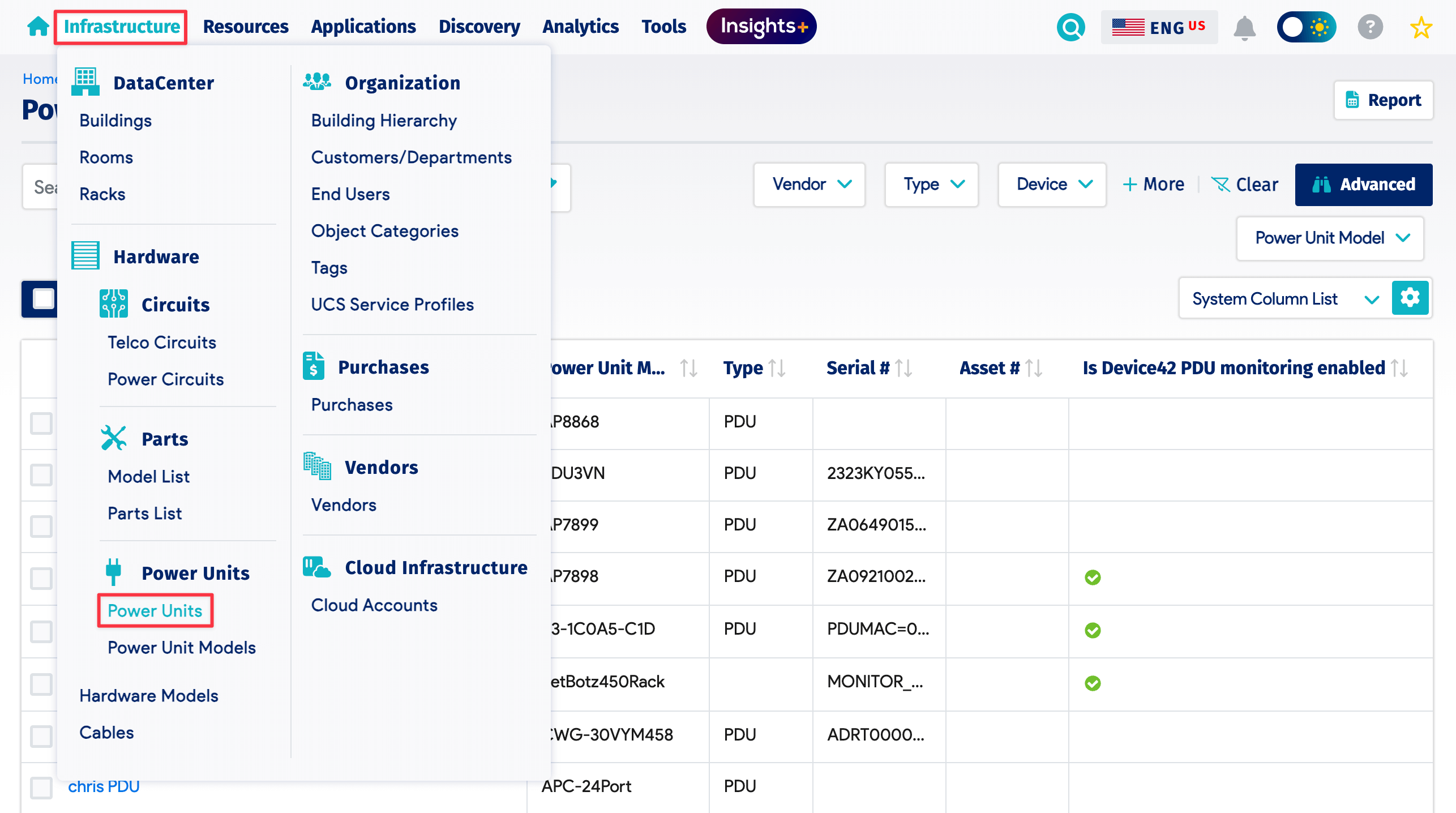
To view all power units, navigate to Infrastructure > Hardware > Power Units. From the list page, you can view and manage discovered power units.
Enable and Disable Monitoring
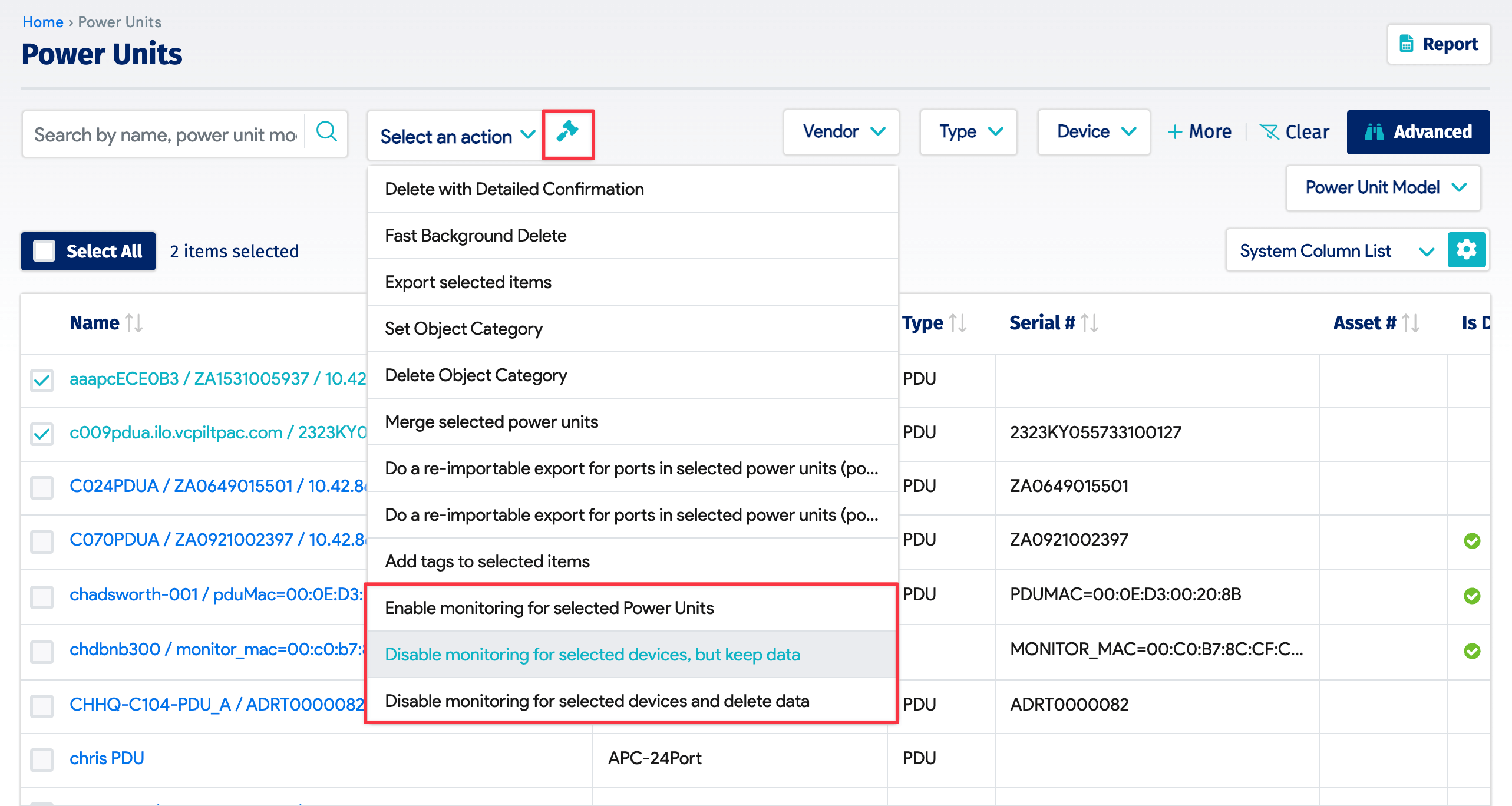
Select one or more power units from the list page and choose Disable monitoring for selected devices, but keep data or Disable monitoring for selected devices and delete data, depending on what you want to do with the existing data.
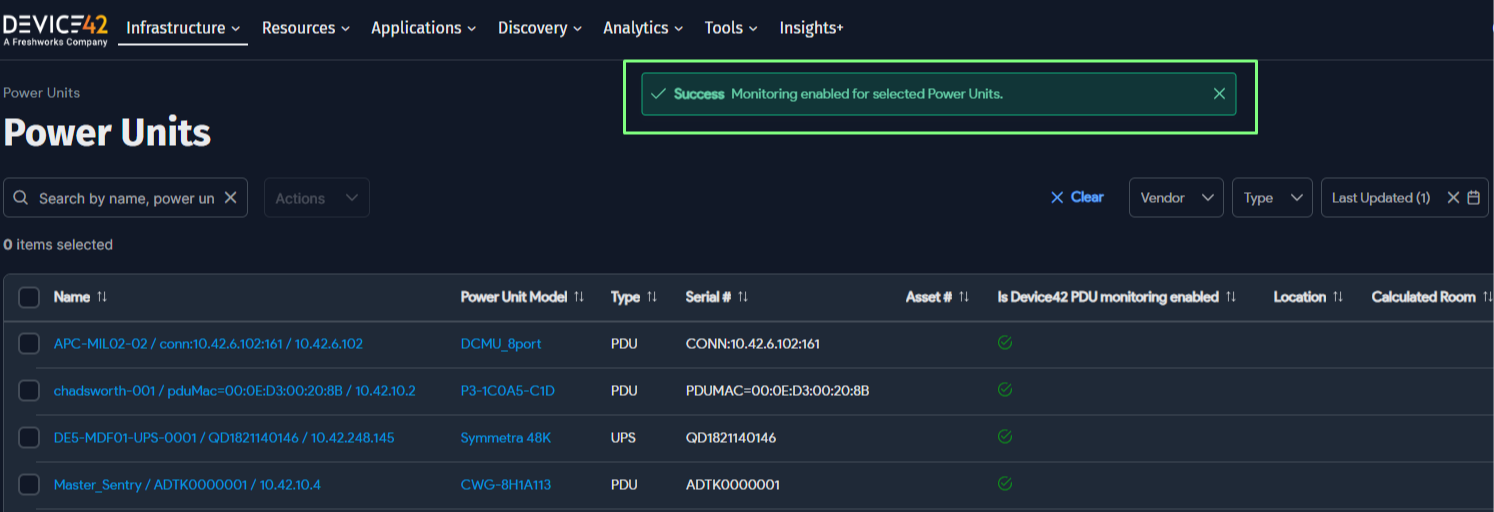
To re-enable monitoring, select the Enable monitoring for selected Power Units bulk action.
A success notification is displayed on completion, or a failure notification with a reason if the action did not succeed.
View Periodic Jobs
To view all periodic jobs configured to run, navigate to Analytics > Periodic Jobs. From here, you can view or delete jobs via the Action menu.