Discovery Scores
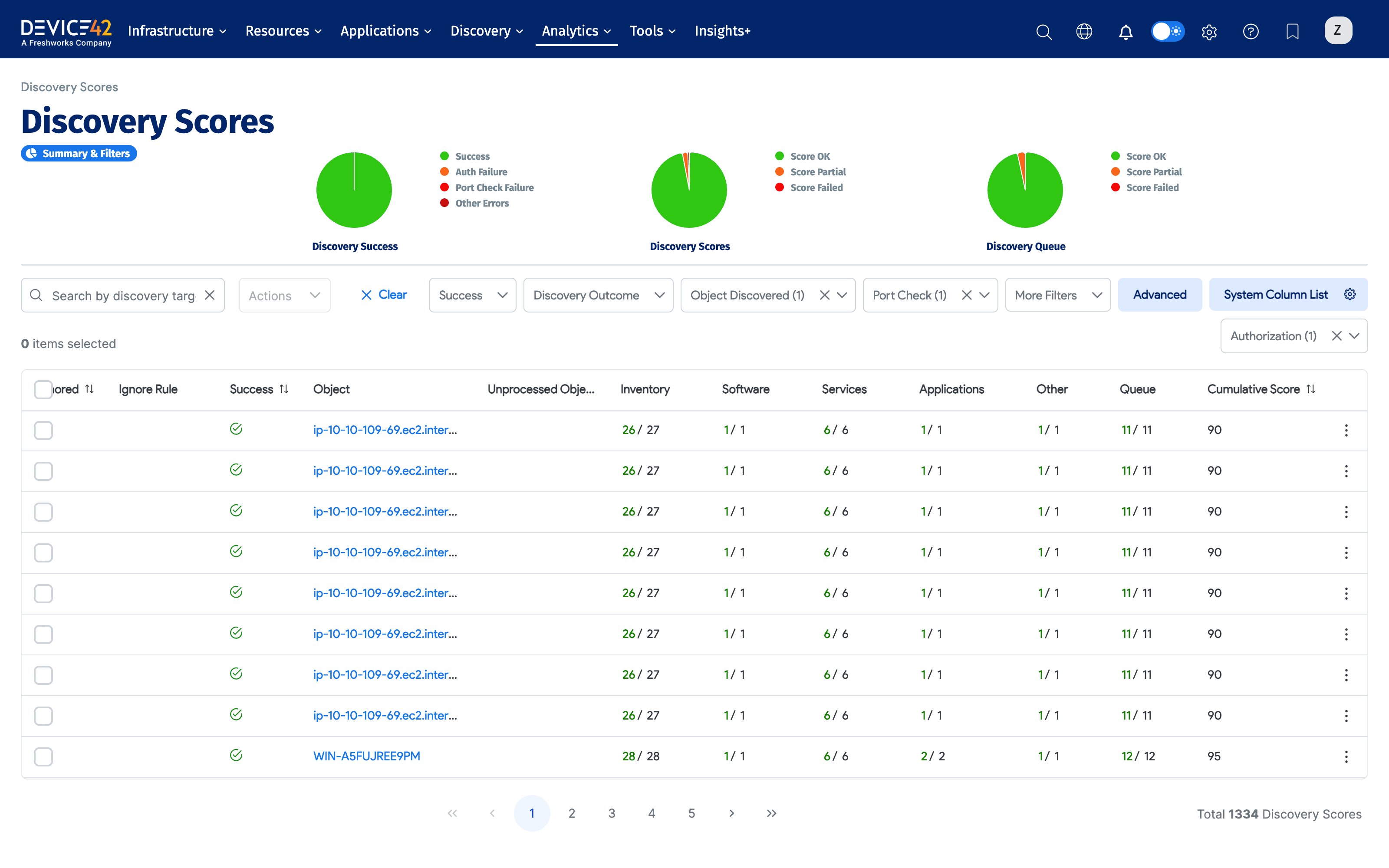
The Discovery Scores page lets you view the success of your discovery jobs at a granular level. For each discovered device, you can see the target IP it was discovered from, the job name, timestamps, and the status of port check and auth.
When Device42 communicates with an API rather than an individual endpoint (for example, a virtual machine), it creates an API Manager discovery score record to report successes or failures against the API endpoint directly. Devices returned by the API then generate individual discovery score records.
To view the Discovery Scores page, select Analytics > Discovery Status > Discovery Scores from the main menu.
Score Summary Charts
The top of the page displays pie charts — Success, Scores, and Queue — for a quick visual summary of your discovery score status. Hover over the charts, click on a chart section or legend entry, and filter the scores list for additional context.
Score List Columns
The score list includes the following columns.
| Column | Description |
|---|---|
| Discovery Target | The IP or FQDN targeted by the discovery job that found this device. |
| Job Name | The name of the discovery job that discovered the device. |
| Job Start Time | The time the discovery job started. |
| Sub Type | The chosen subtype for the job. |
| Port Check | Status of the first step of discovery: connecting to the target port (for example, port 22 for Linux SSH). Green check (success) or red X (failure). |
| Auth | Status of authentication using the credentials in the job settings. Green check (success) or red X (failure). |
| Discovery Successful | Green check when both Port Check and Auth succeed. If either fails, this is marked as a failure (red X) only when the device is not added. Otherwise, based on the scores, it is marked as PARTIAL or OK. |
| Sudo Access | Whether sudo access is allowed. Green check if allowed, red cross if not, dash if not applicable. |
| Ignored | A Device Ignore Rule was applied and the device was excluded. |
| Ignore Rule | The text entered in the Ignored text contains field when the Device Ignore Rule was created. |
| Success | Whether the device was successfully discovered (and ignored if applicable). |
| Object | The discovered device. |
| Unprocessed Device | Whether there is an unprocessed device requiring further attention. |
| Inventory | Count of basic inventory items discovered. |
| Software | Count of discovered software. |
| Services | Count of discovered services. |
| Applications | Count of discovered applications. |
| Other | Success rating for discovery functions outside the four main categories. A generic measure of all steps Device42 took to gather information. |
| Queue | Queue-processing success for the job. |
| Cumulative Score | Cumulative success score for actions attempted by the job. Click into the job for a list of attempted actions. |
View the Discovery Score Details Page
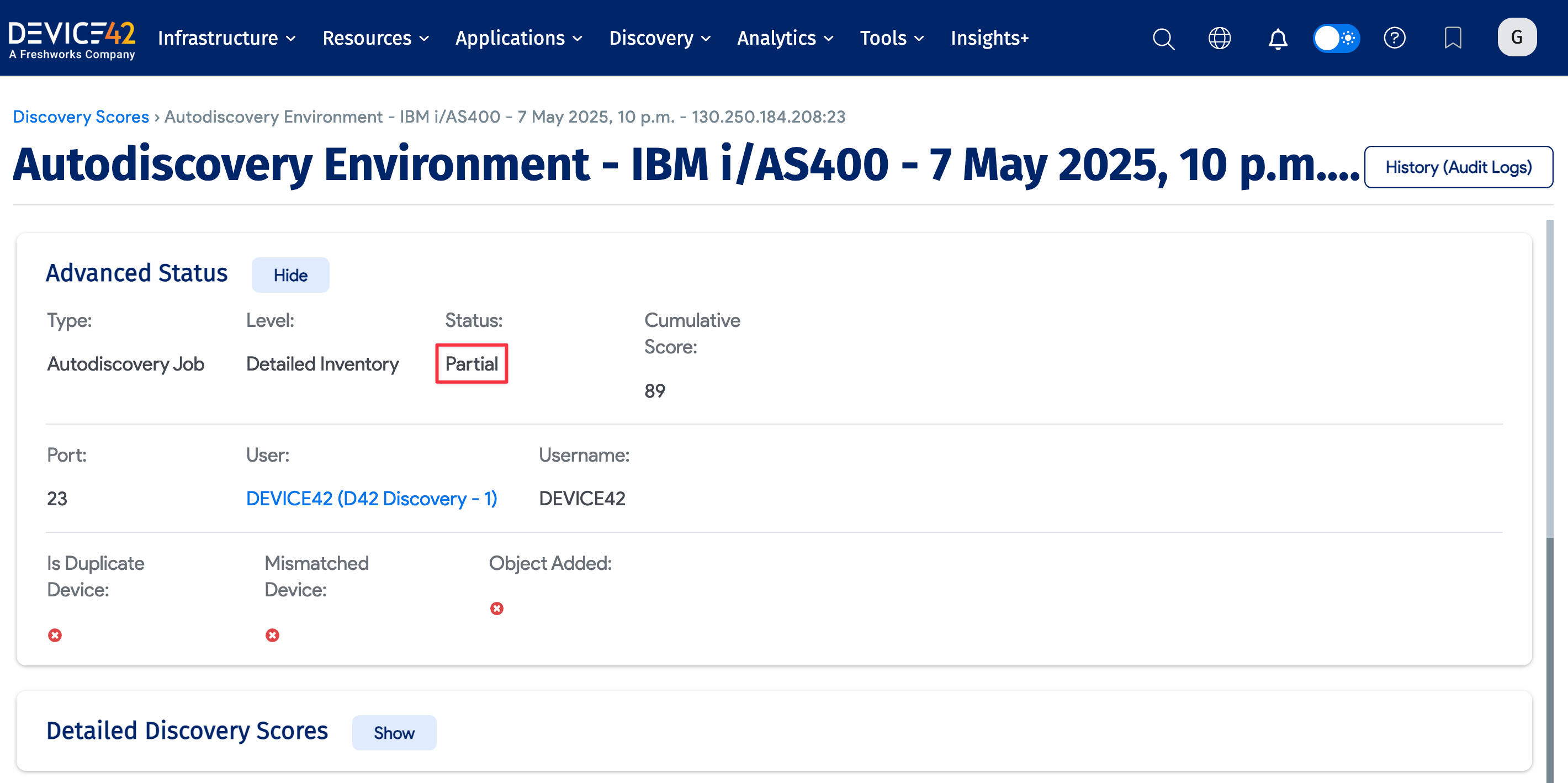
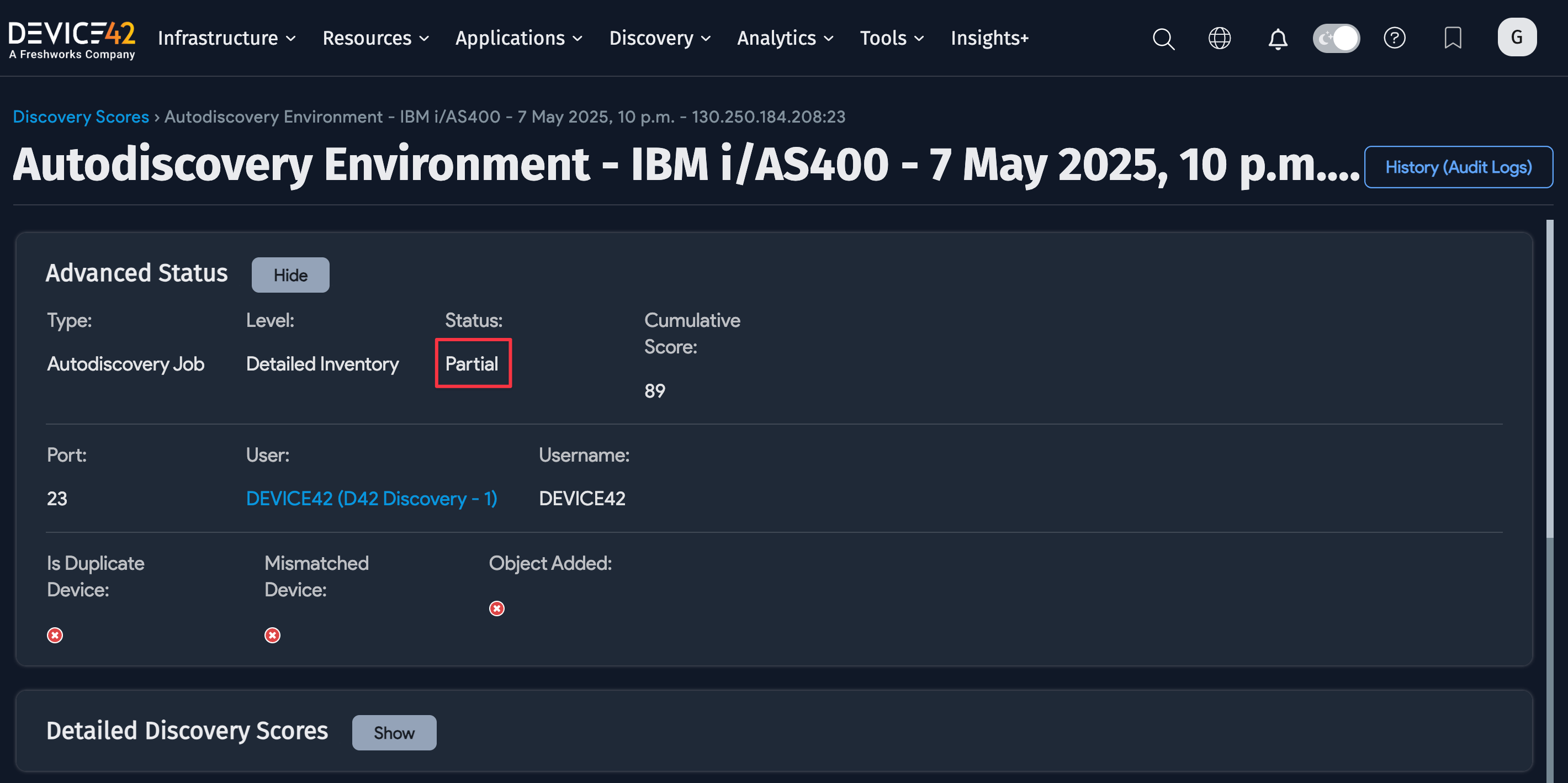
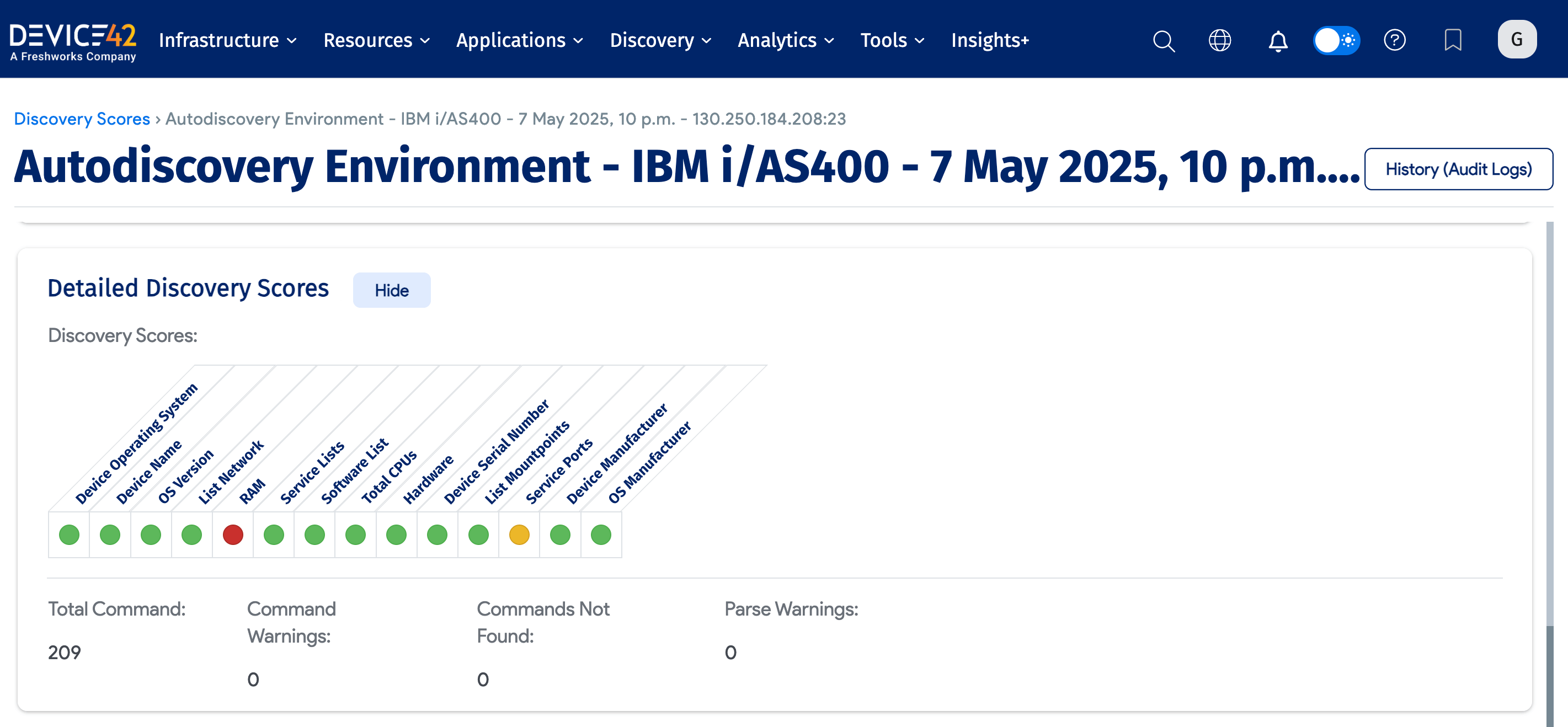
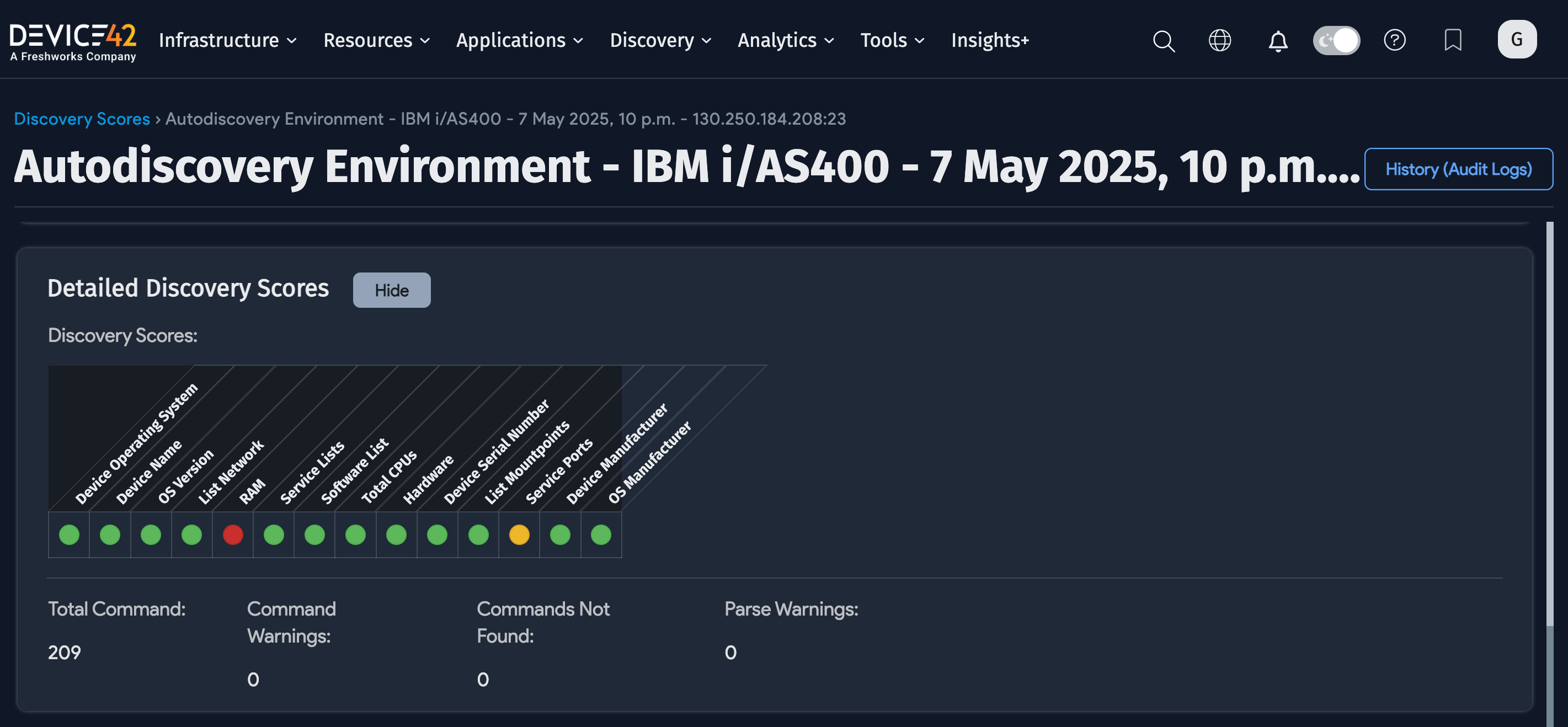
Click any item in the Discovery Target column to open the View Discovery Score details page for that item.
Partial Failure indicates that some of the discovery was successful, but not all components were. The detailed view helps narrow down what could not succeed.
Device pages display the five latest discovery scores, and you can scroll down to see more.
View Discovery Job Status
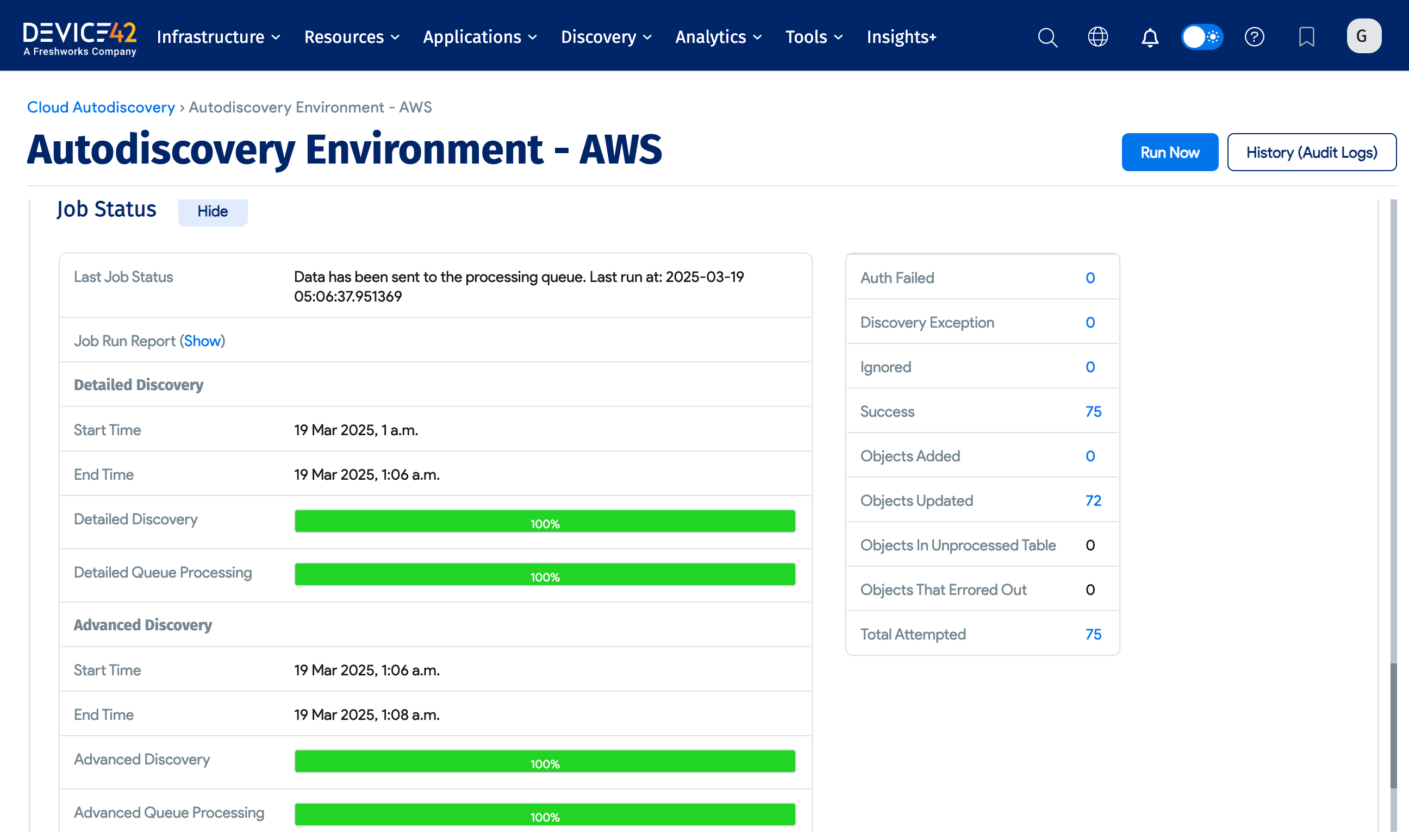
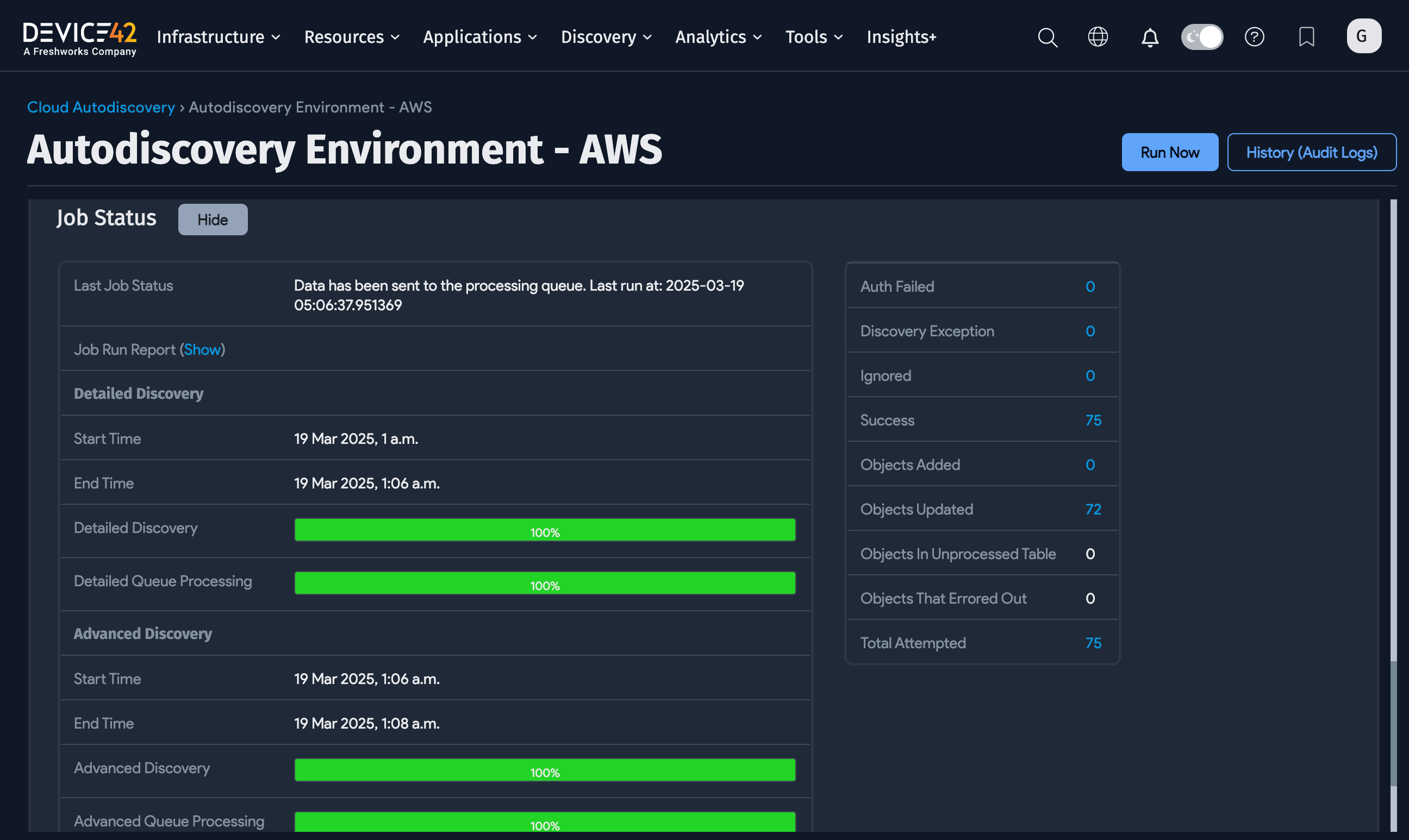
Click an item in the Job Name column to open the View Discovery Job page. This page shows the job's progress, including progress bars for Detailed Discovery and Advanced Discovery phases, and a summary panel with counts for auth failures, discovery exceptions, successes, objects added or updated, and total actions attempted.
Discovery Score Permissions
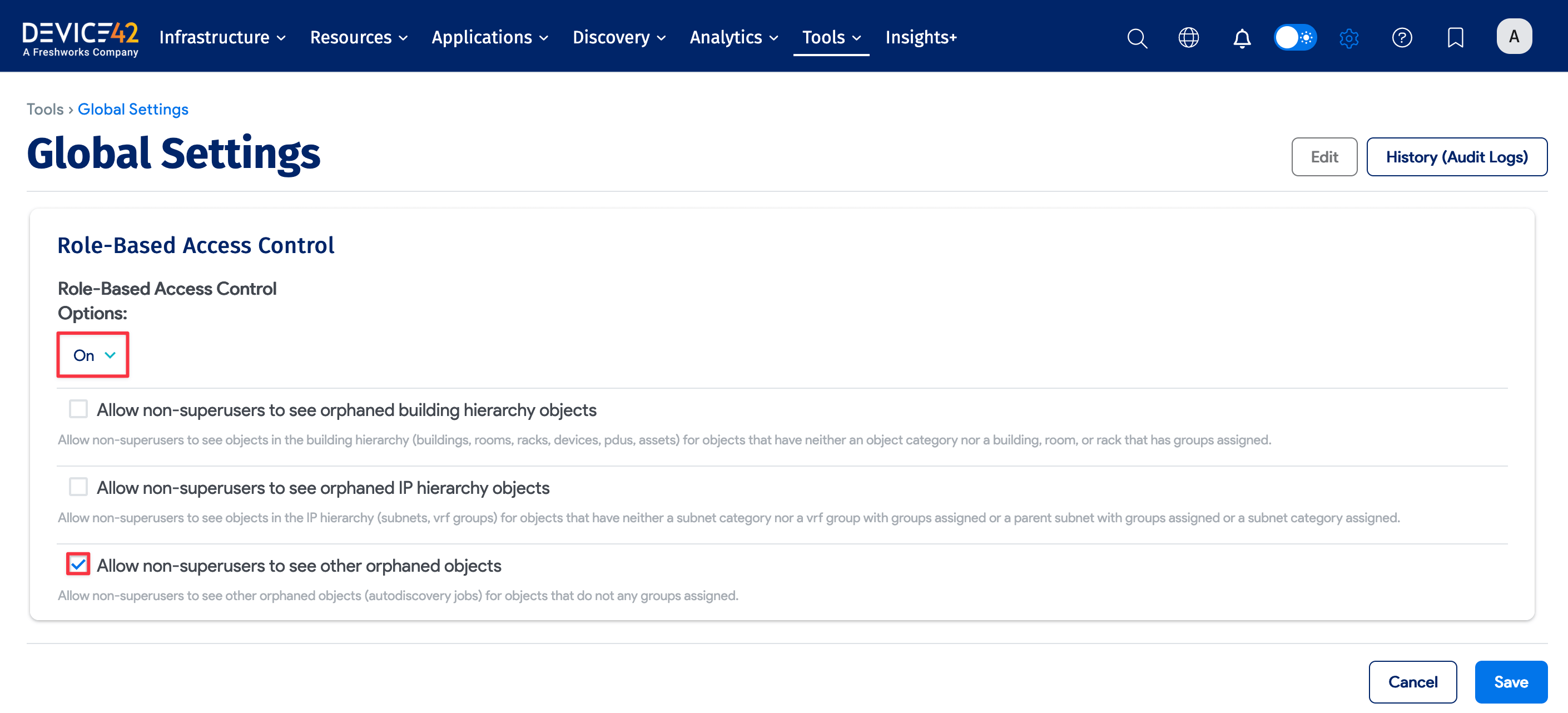
If you use Role-Based Access Control (RBAC), one of its settings affects which Discovery Scores non-superusers can view. If you select Allow non-superusers to see other orphaned objects, non-superusers can see all discovery scores. If this setting is disabled, non-superusers can only see scores that contain objects for which they have permission.