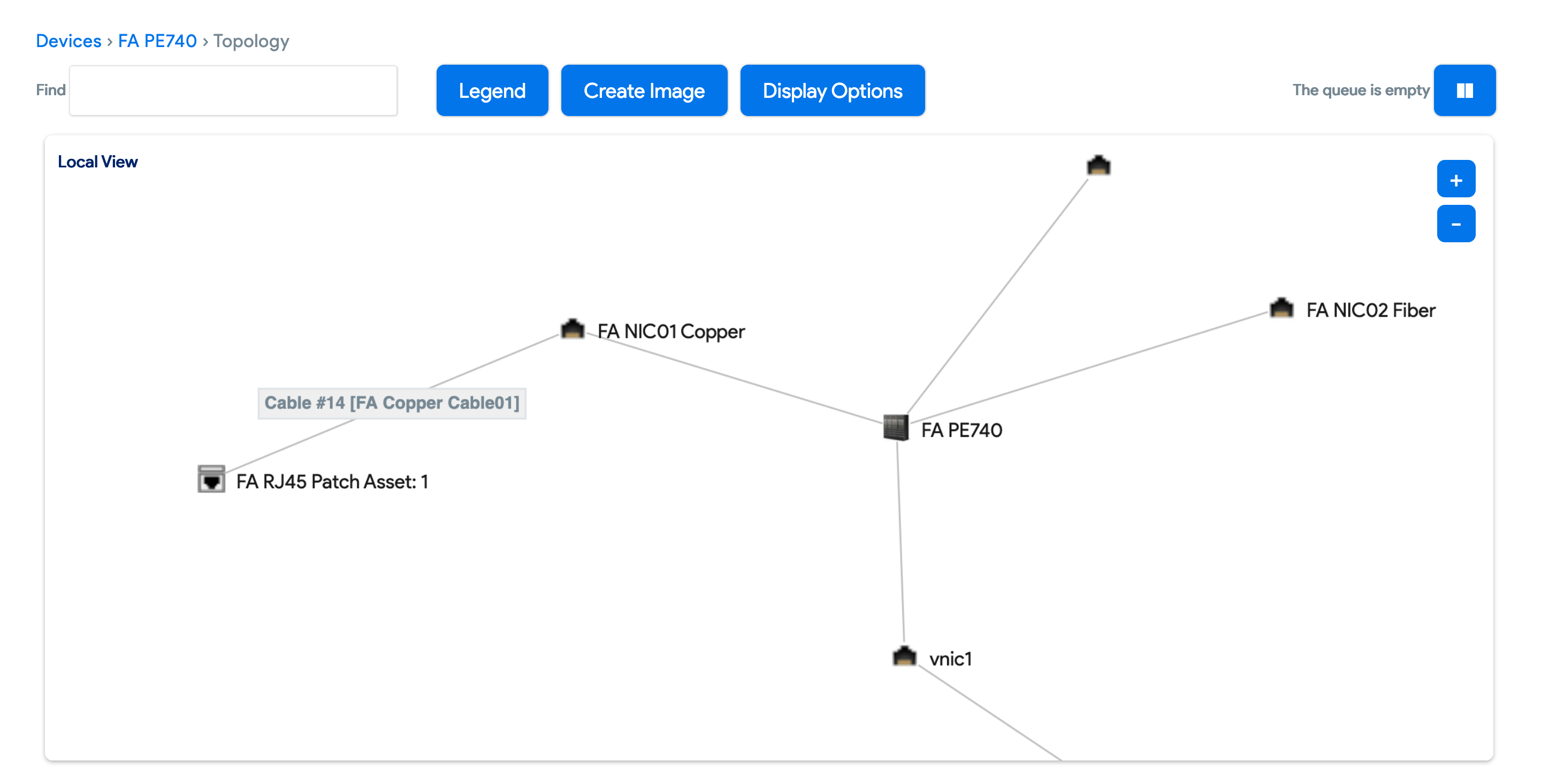
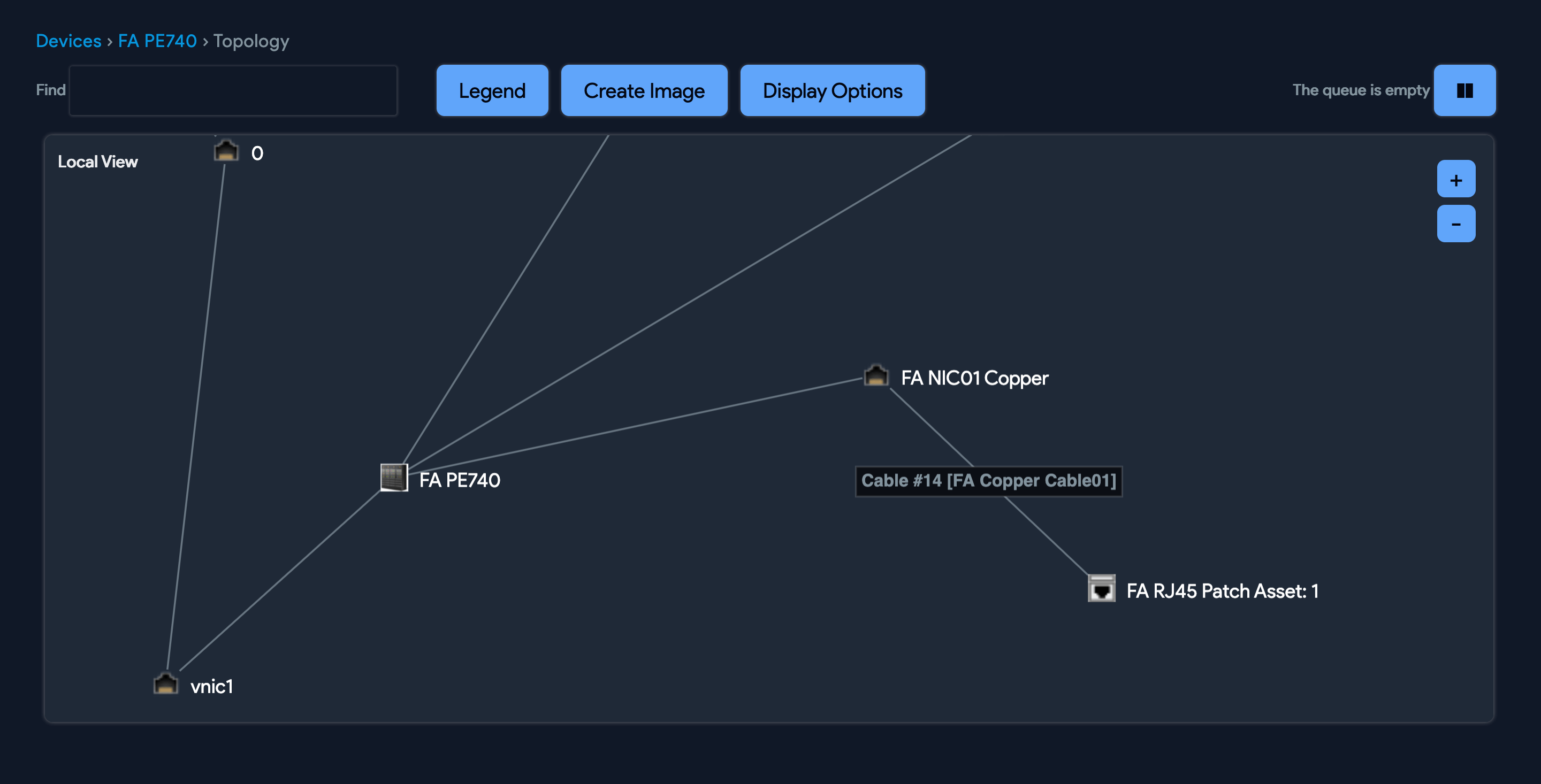
Cables
The Device42 cables module can track the origin, end connection(s), length, and path for each of your cables.
The origin and endpoint types can be patch panel ports, switch ports, devices, circuits, or other cables. A given cable endpoint can also be an origin for multiple other cables.
Navigate to Infrastructure > Connectivity > Cables to view and add cables.
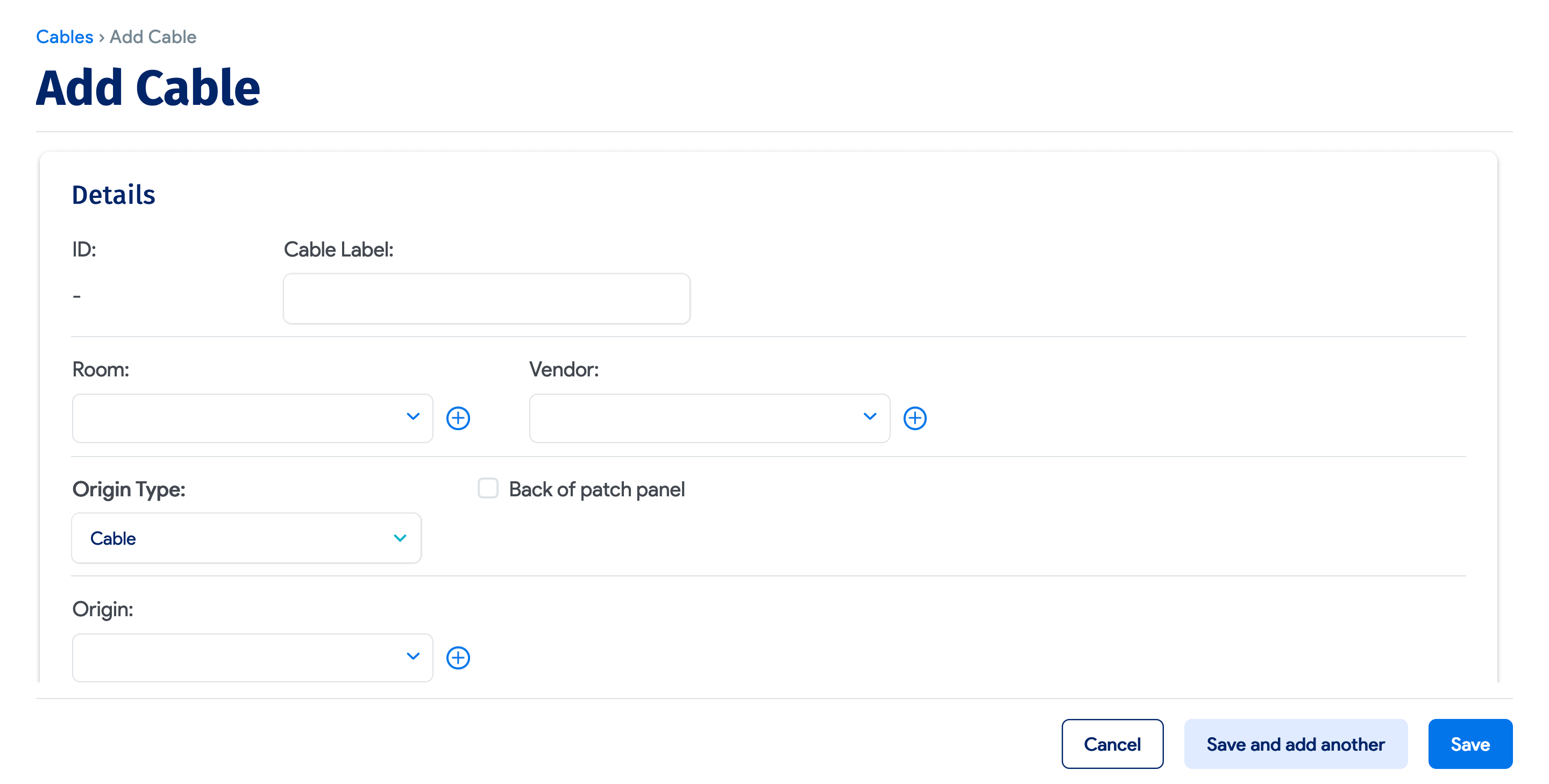
Cables also have their own unique properties. In addition to length, connector type, and location, cables support custom fields.
Drag-and-Drop Cabling From the Rack View
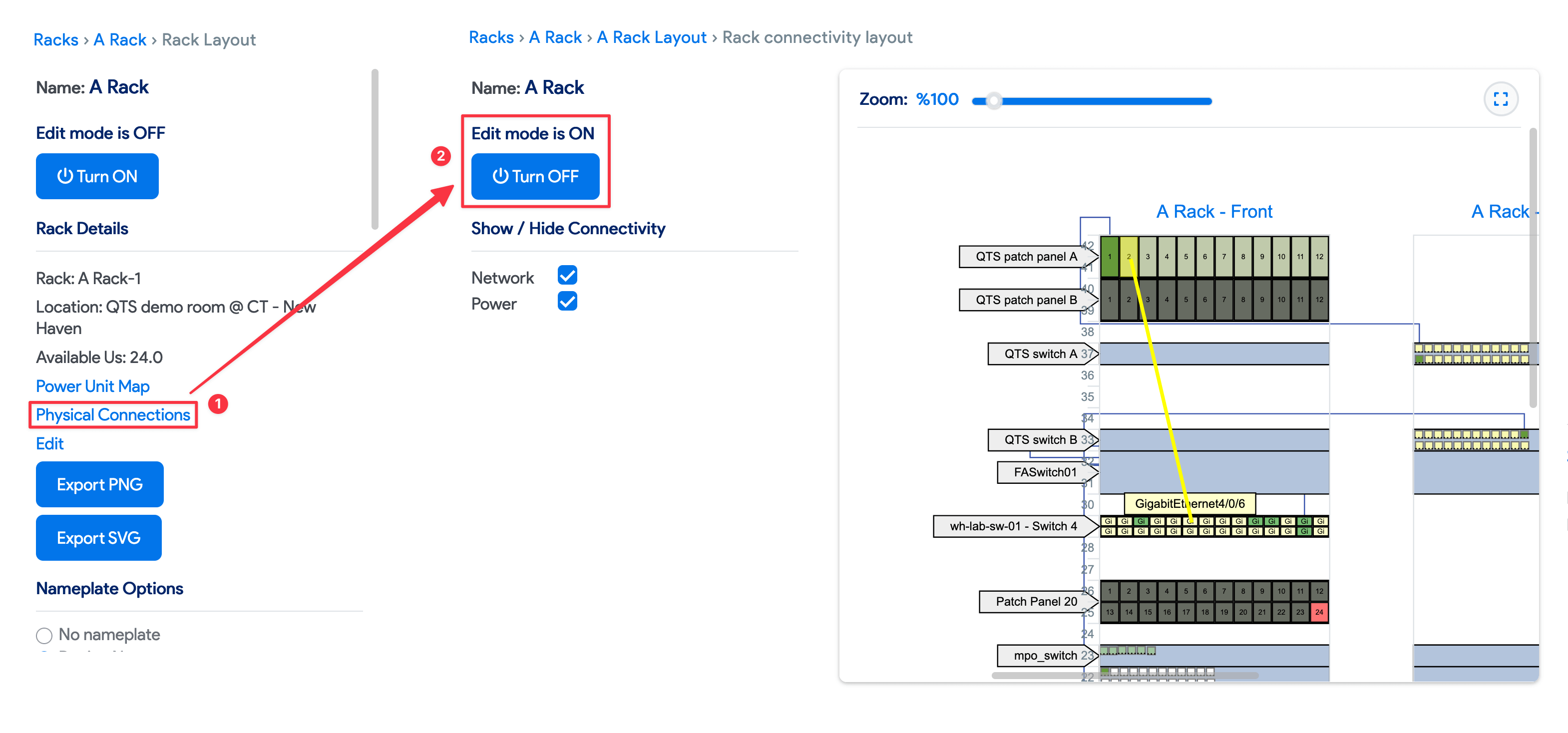
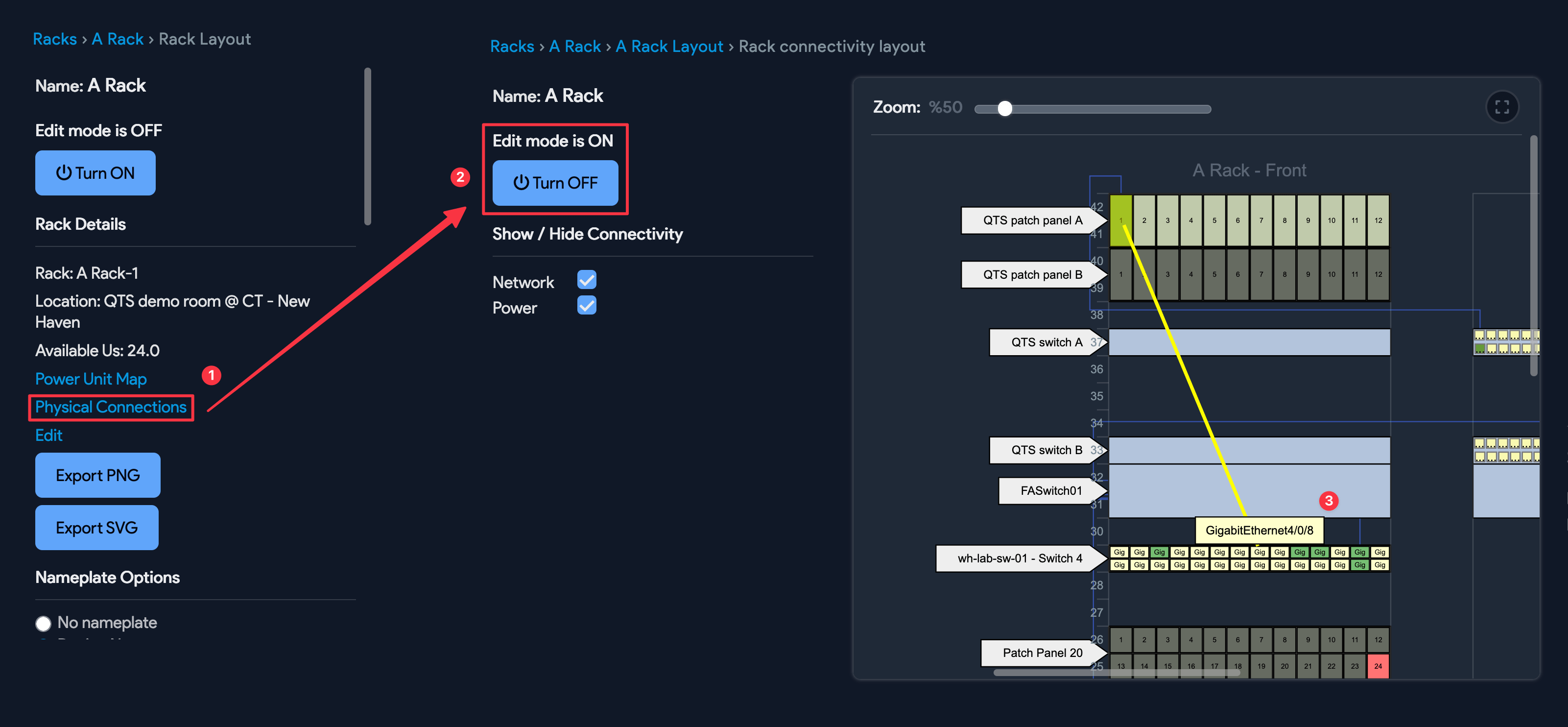
From the rack layout view under Infrastructure > DataCenter > Racks, open a rack and select View Rack Layout to create, move, edit, and trace cables visually using drag-and-drop.
You can also view or add a cable connection by clicking Physical Connections under Rack Details on the left and enabling edit mode:
View Cables on Impact Charts
If your network device has cables connected to it (a load balancer, for example), you can view those connections in the device's impact chart.