Software EOL / EOS
Tracking end-of-life (EOL) and end-of-service (EOS) dates helps you identify software that is no longer supported or maintained, so you can plan upgrades and reduce security risk.
Navigate to Resources > Software Components > EOL / EOS to view, edit, or add EOL / EOS information.
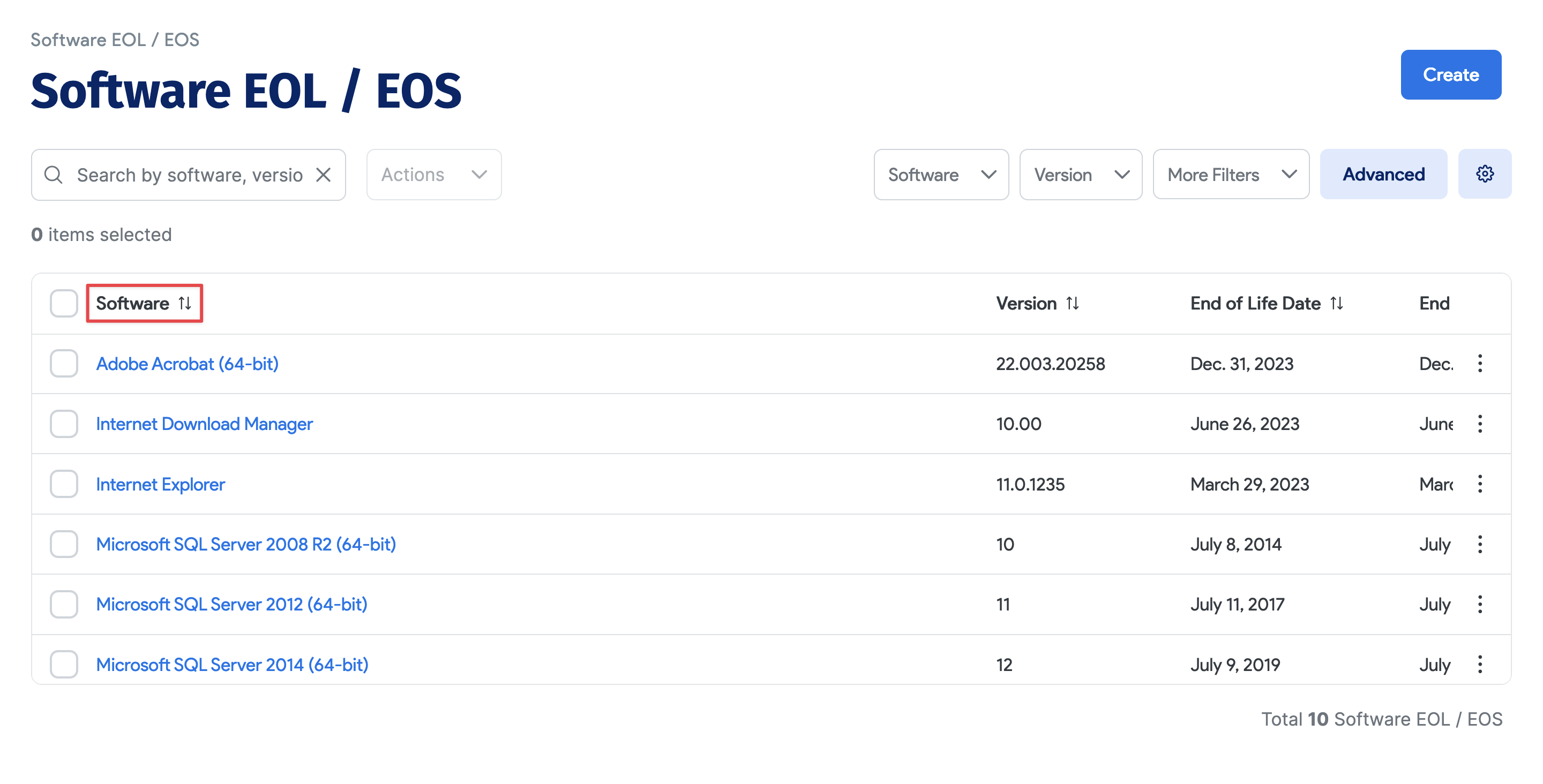
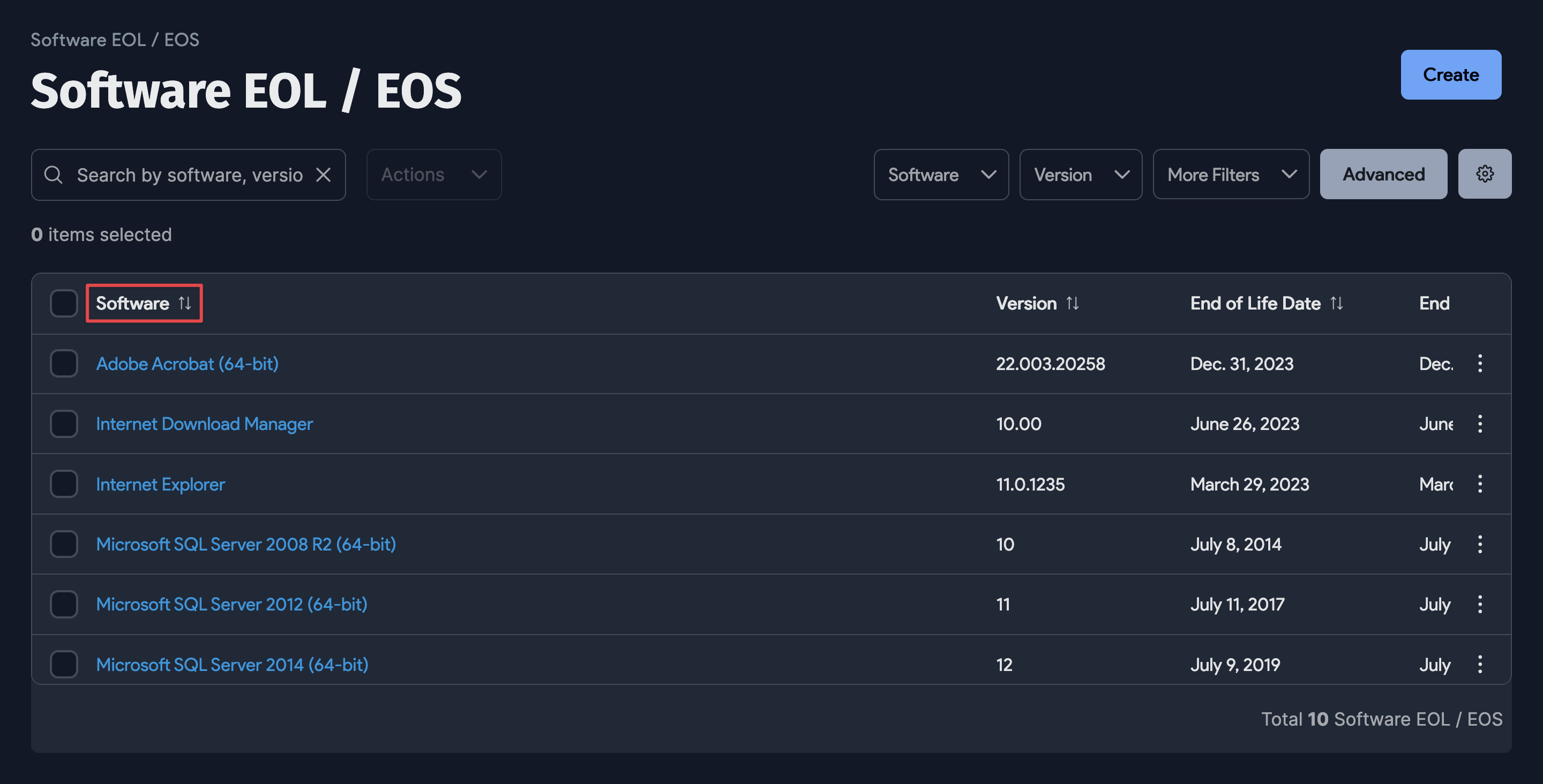
Click a name under the Software column to view and edit an existing software End of Life Date or End of Service Date.
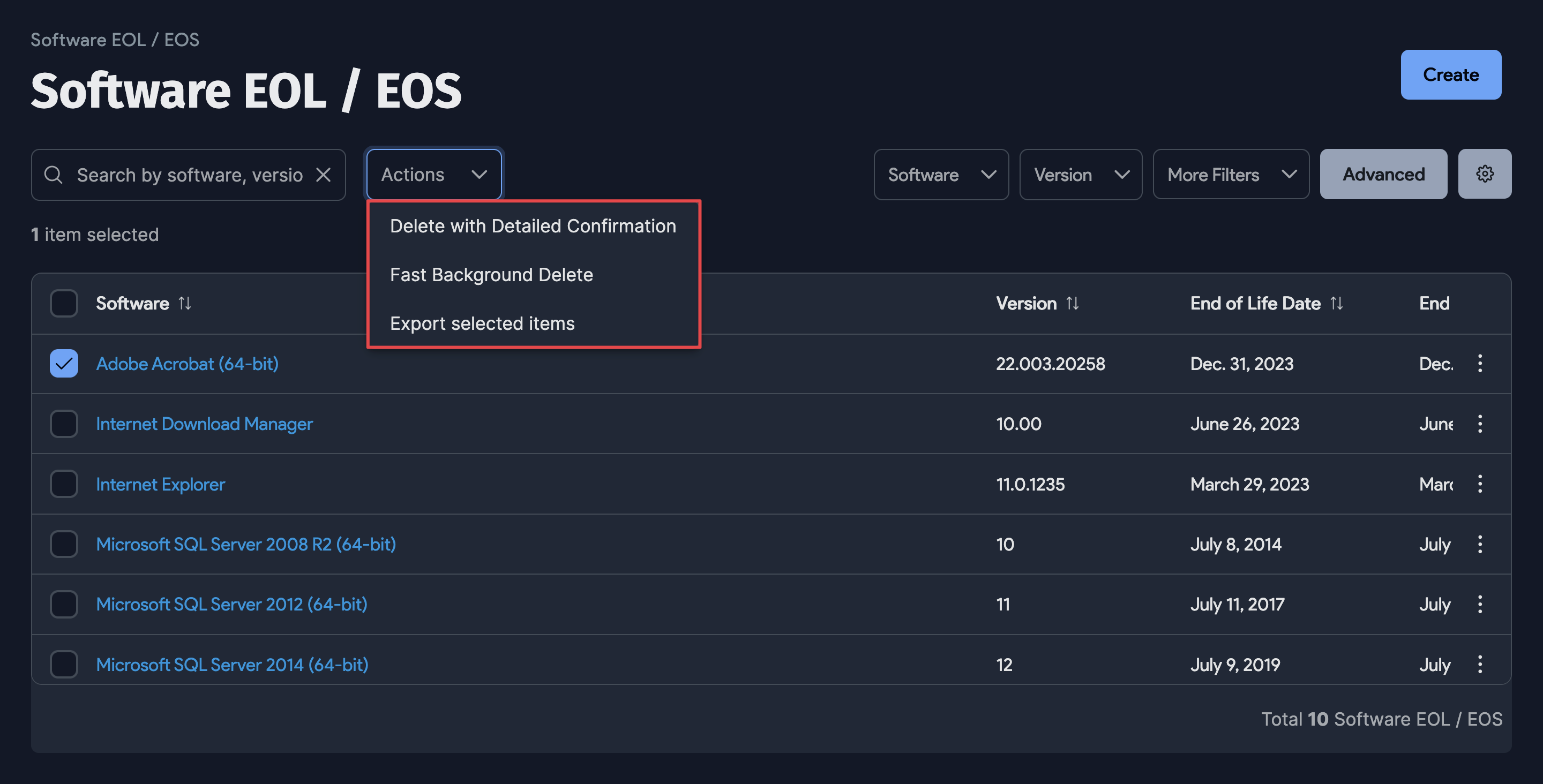
Software EOL / EOS Actions
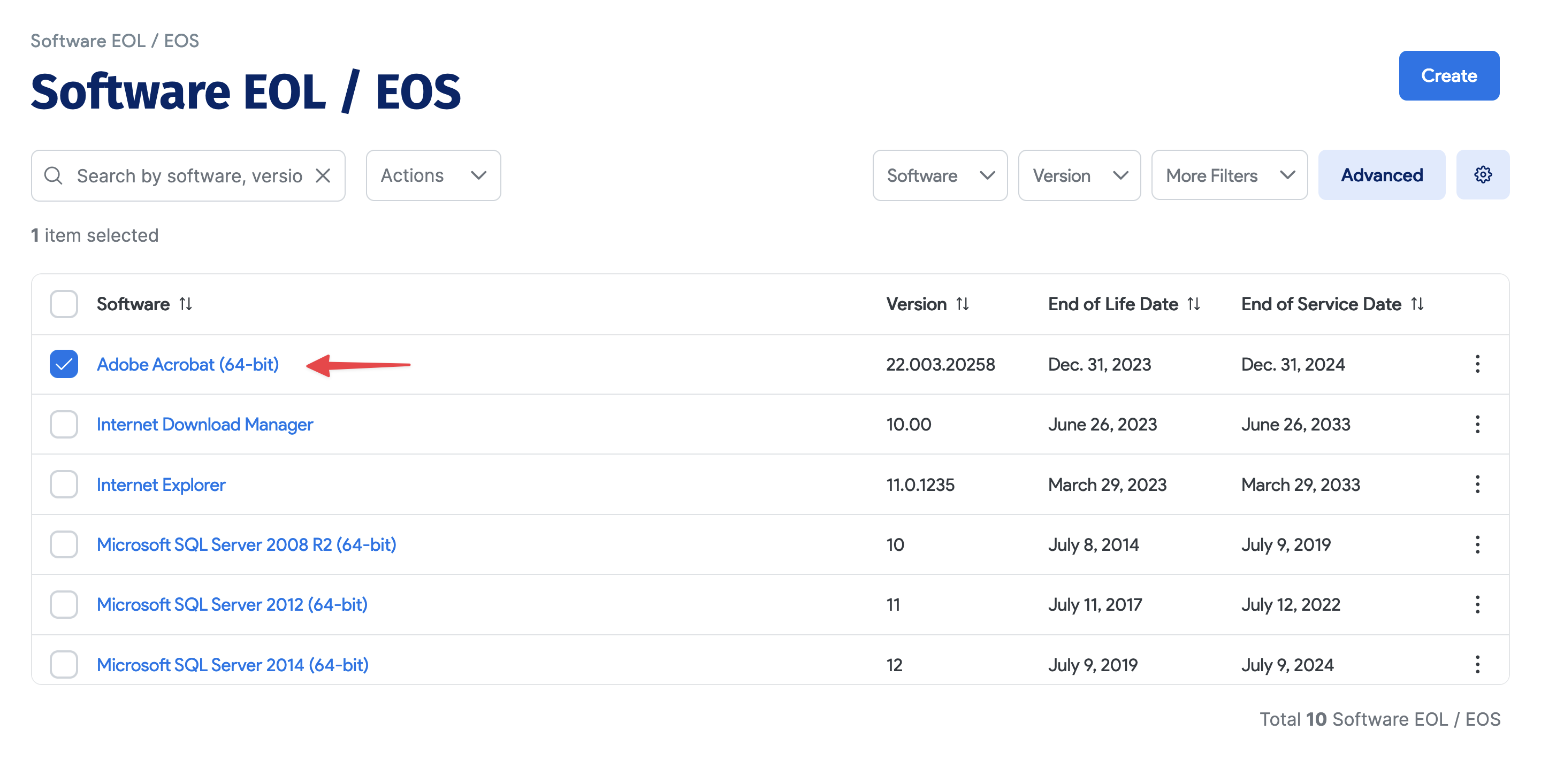
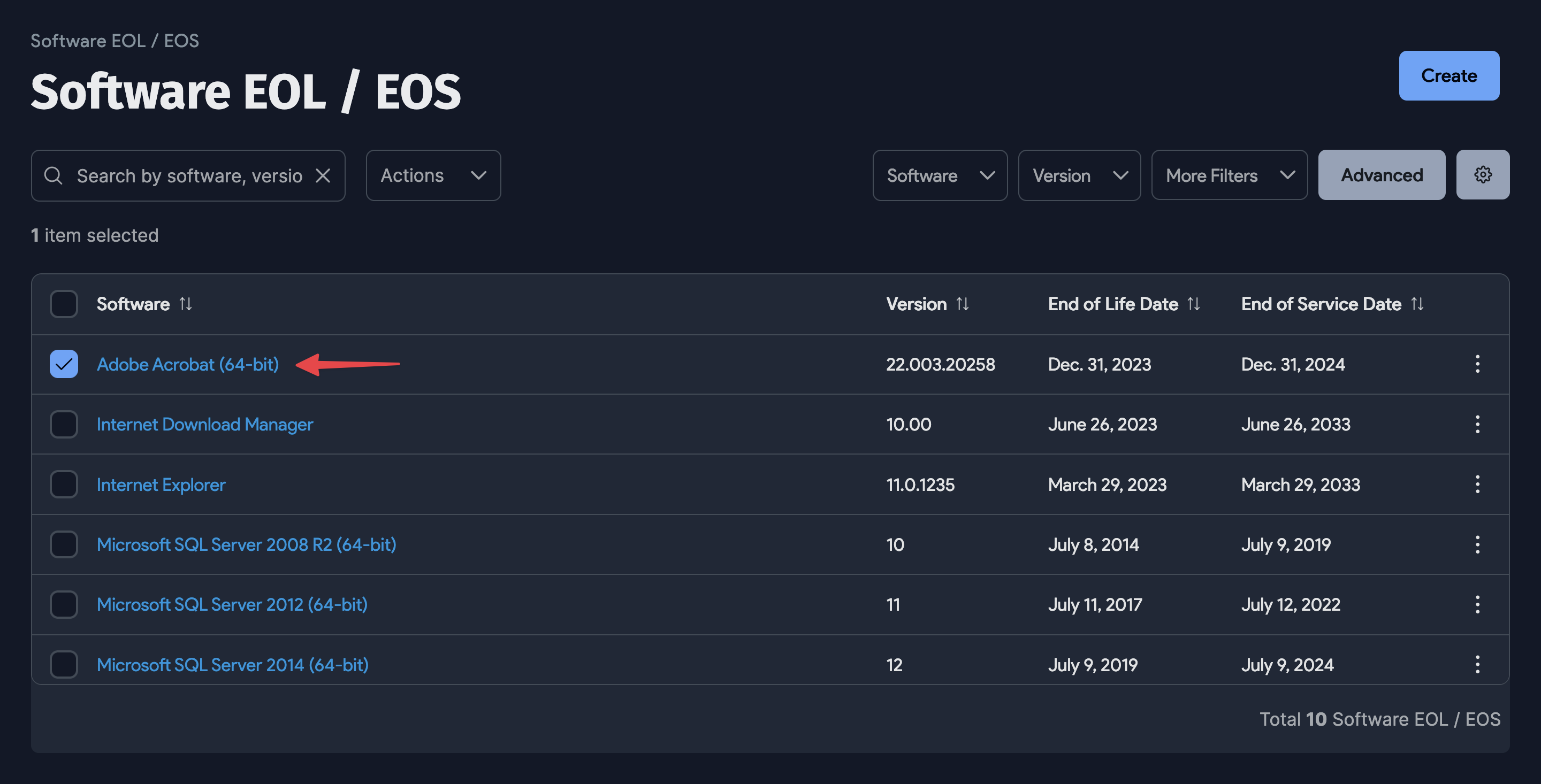
Select one or more Software entries, choose an action from the Actions dropdown, and confirm the dialog.

Add a Software EOL / EOS Entry
Click Create to add a new entry.
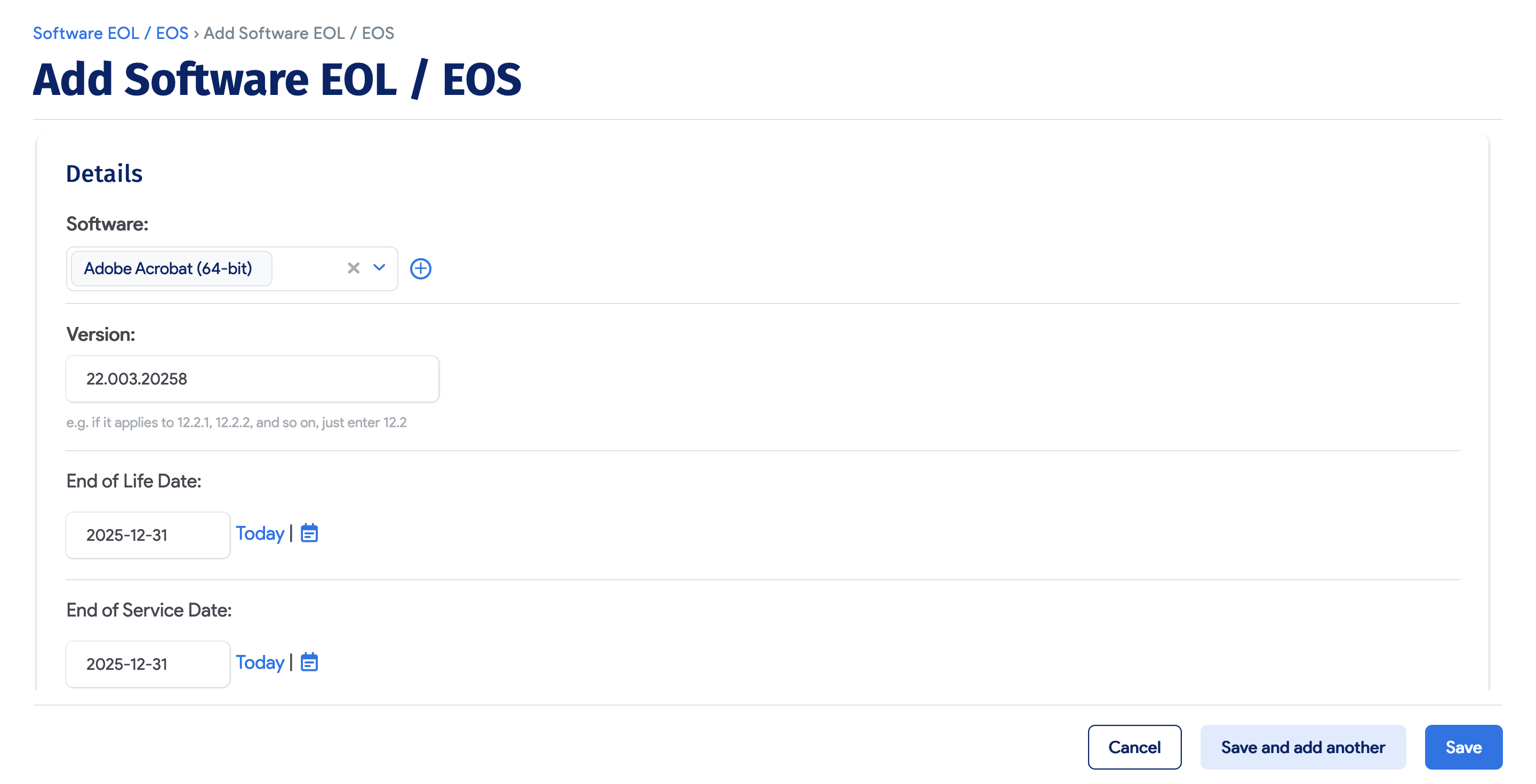
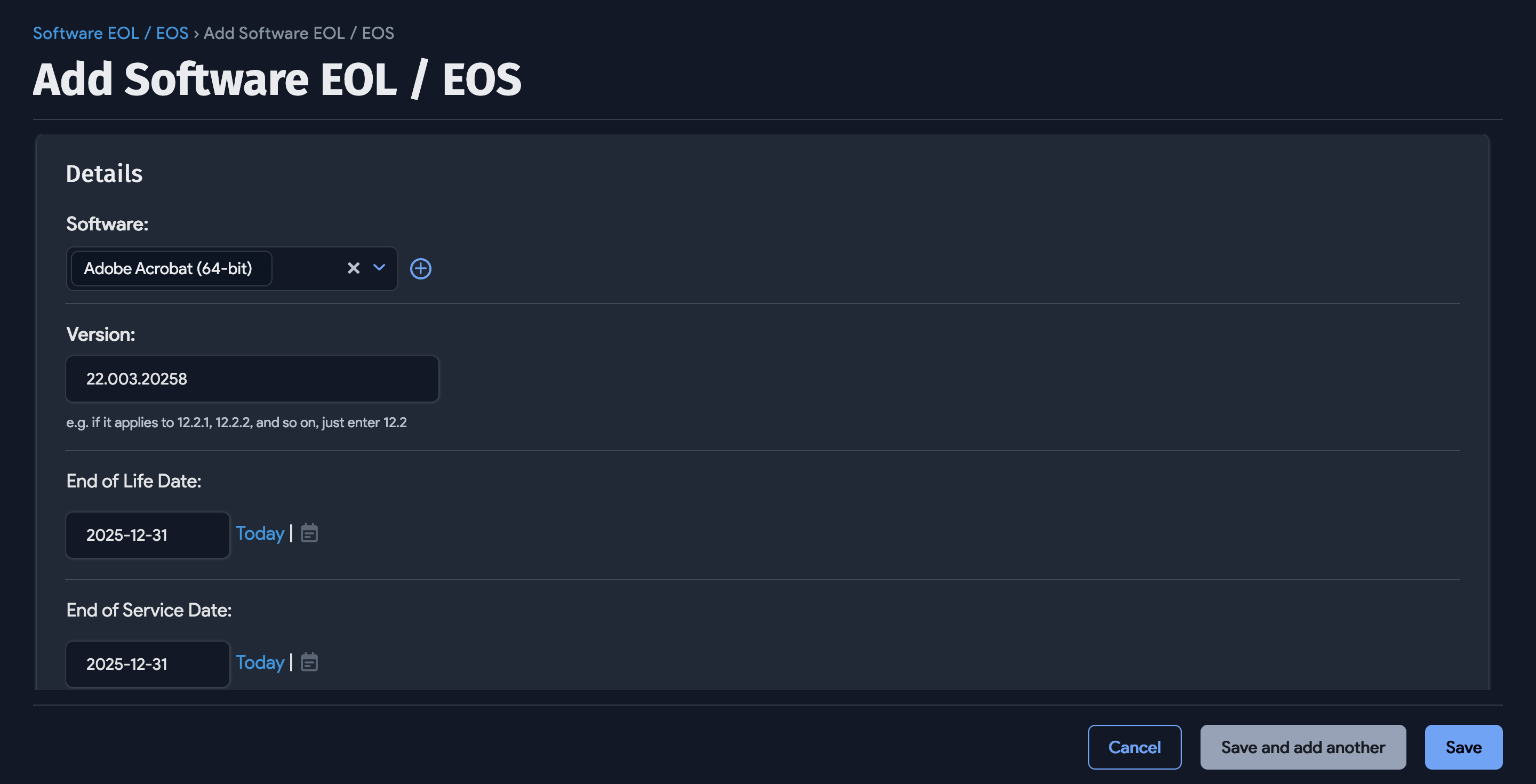
Click the plus icon next to the Software field to select an existing software component. In the Select Software Component dialog, click the component Name to add it to the entry. Enter the software Version, End of Life Date, and End of Service Date, then click Save.