Device - Other Tab
The Other tab is a legacy view that groups miscellaneous device information such as URLs, BIOS details, custom fields, cloud instance data, file attachments, and discovery scores. The current UI organizes this information differently through the Breakdown panel and other sections of the device details page.
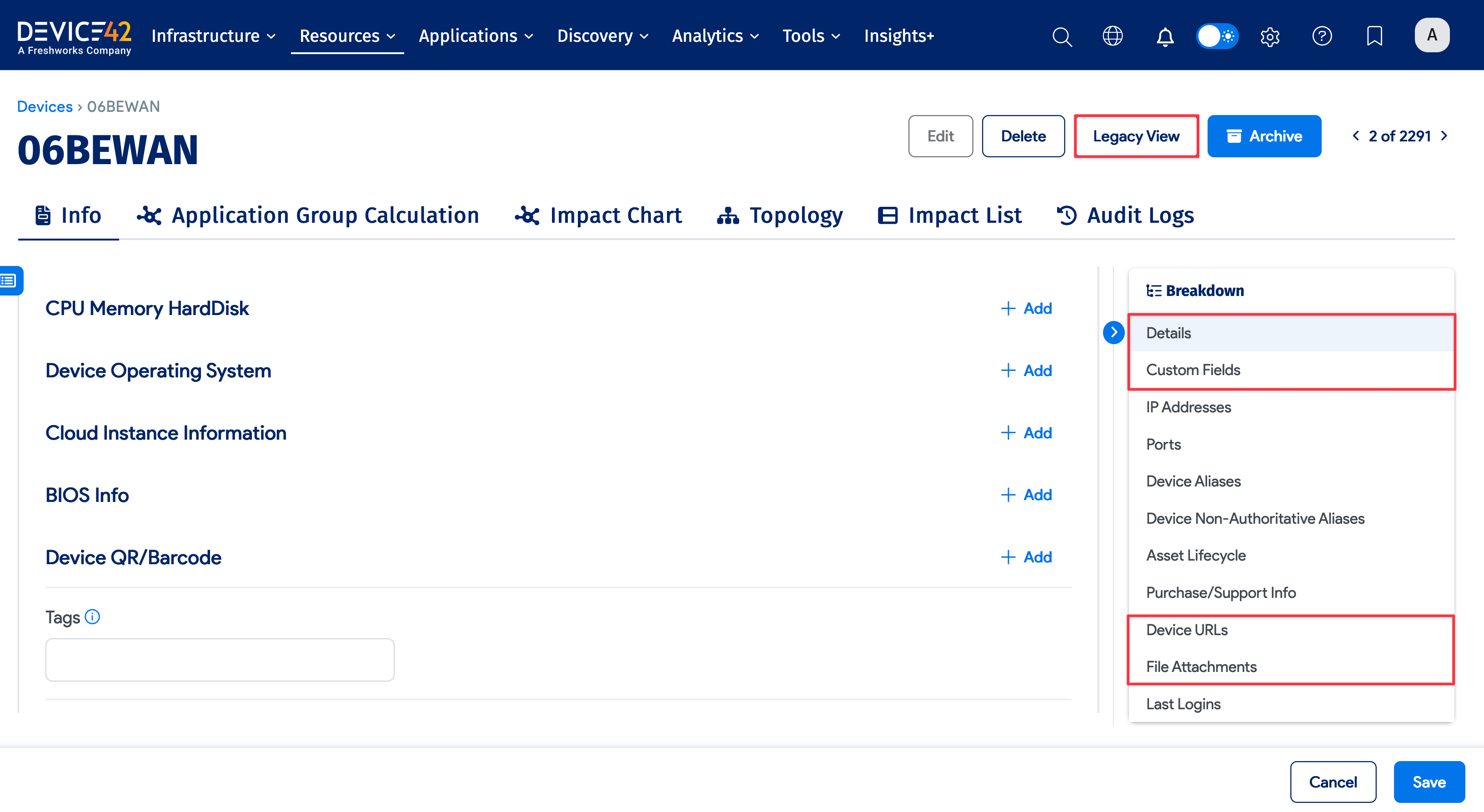
The following Other tab sections are available in the Breakdown panel:
- Device URLs: Links associated with the device
- BIOS Info: Vendor, version, and firmware details (under Details in the Breakdown panel)
- Custom Fields: Custom attributes for the device
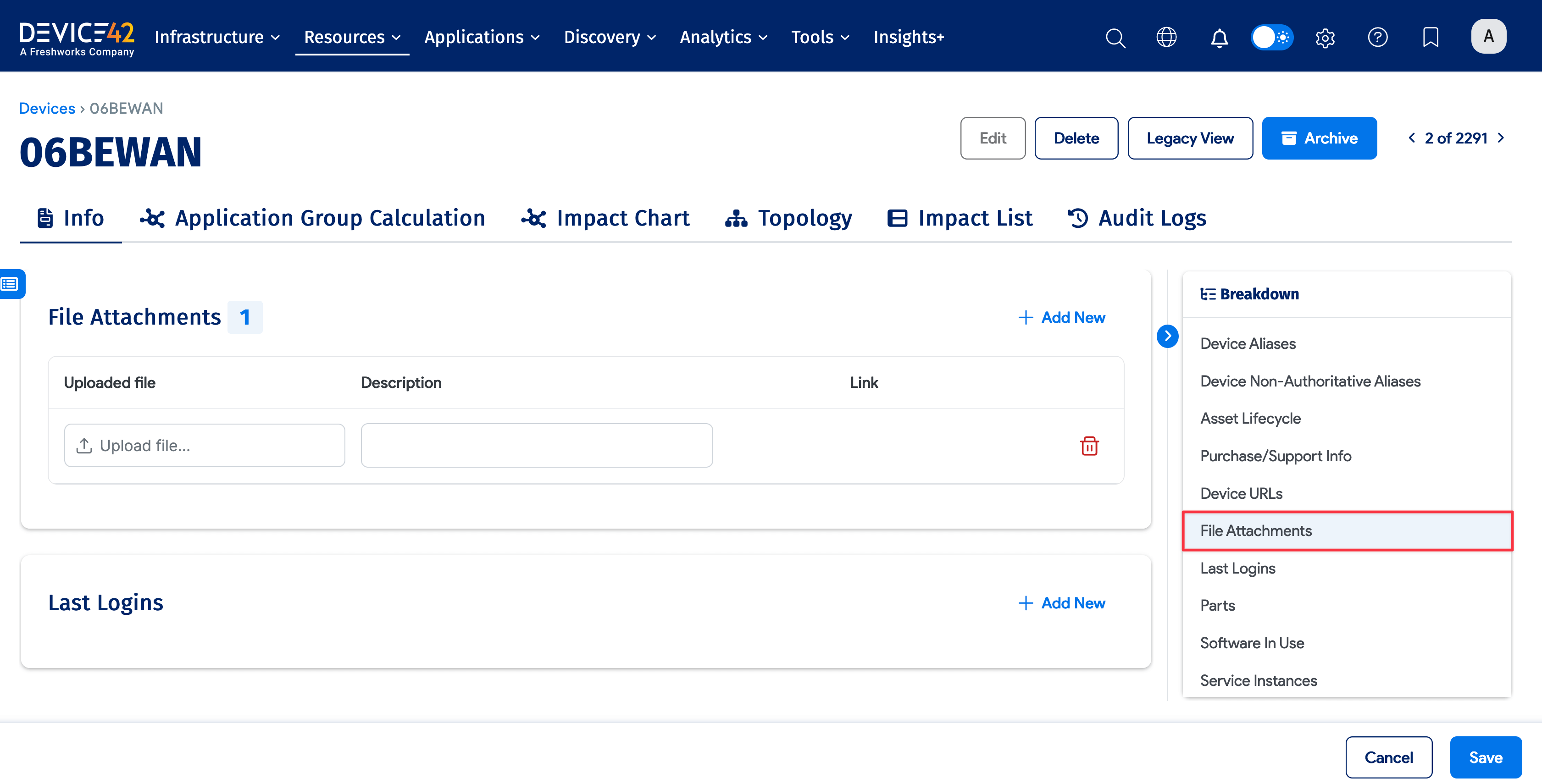
- File Attachments: Files associated with the device
You can access the full legacy Other tab using the Legacy View button on the device details page.
Device URLs
Device URLs let you create links associated with the device. The following variables are available:
{{device.name}}: Device name{{device.serial_no}}: Serial number{{device.asset_no}}: Asset number
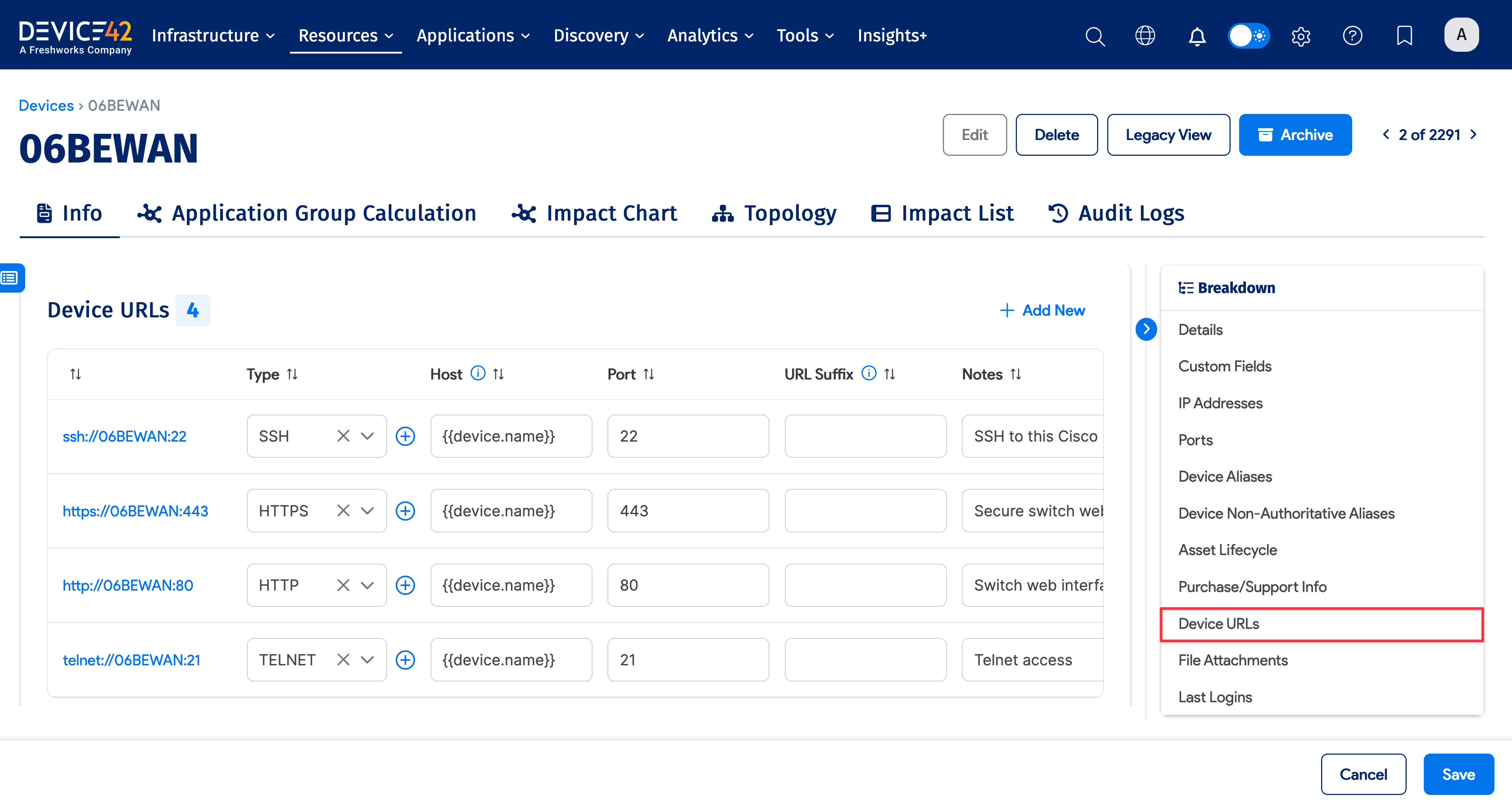
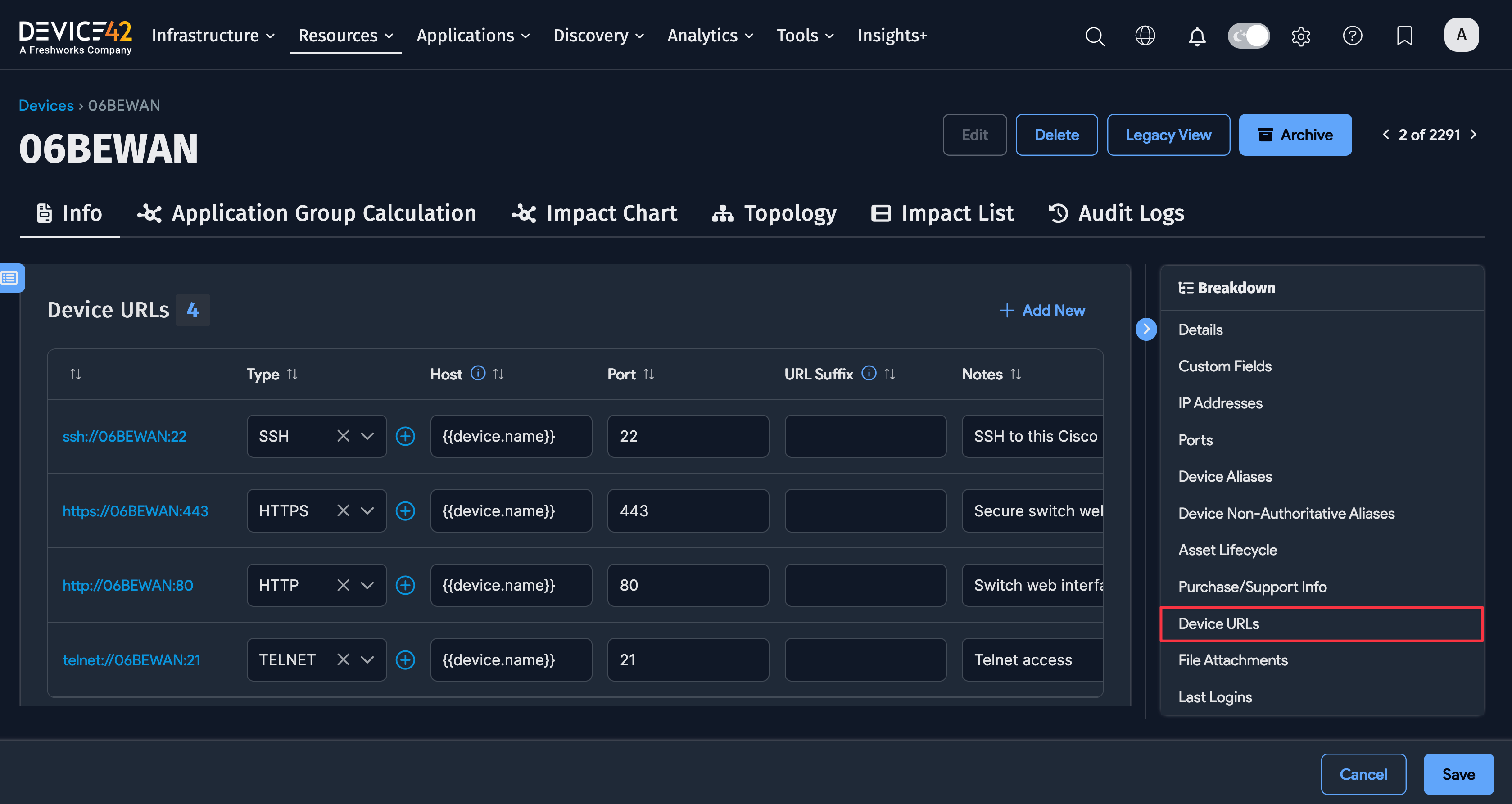
See also: Adding Links and Other URLs to Devices.
File Attachments
Upload files and add descriptions to associate them with the device. Attached files are displayed in the File Attachments section.