Auditing Racks
You can export rack data from Device42 to an Excel spreadsheet and use a barcode reader to audit physical devices against the records in Device42.
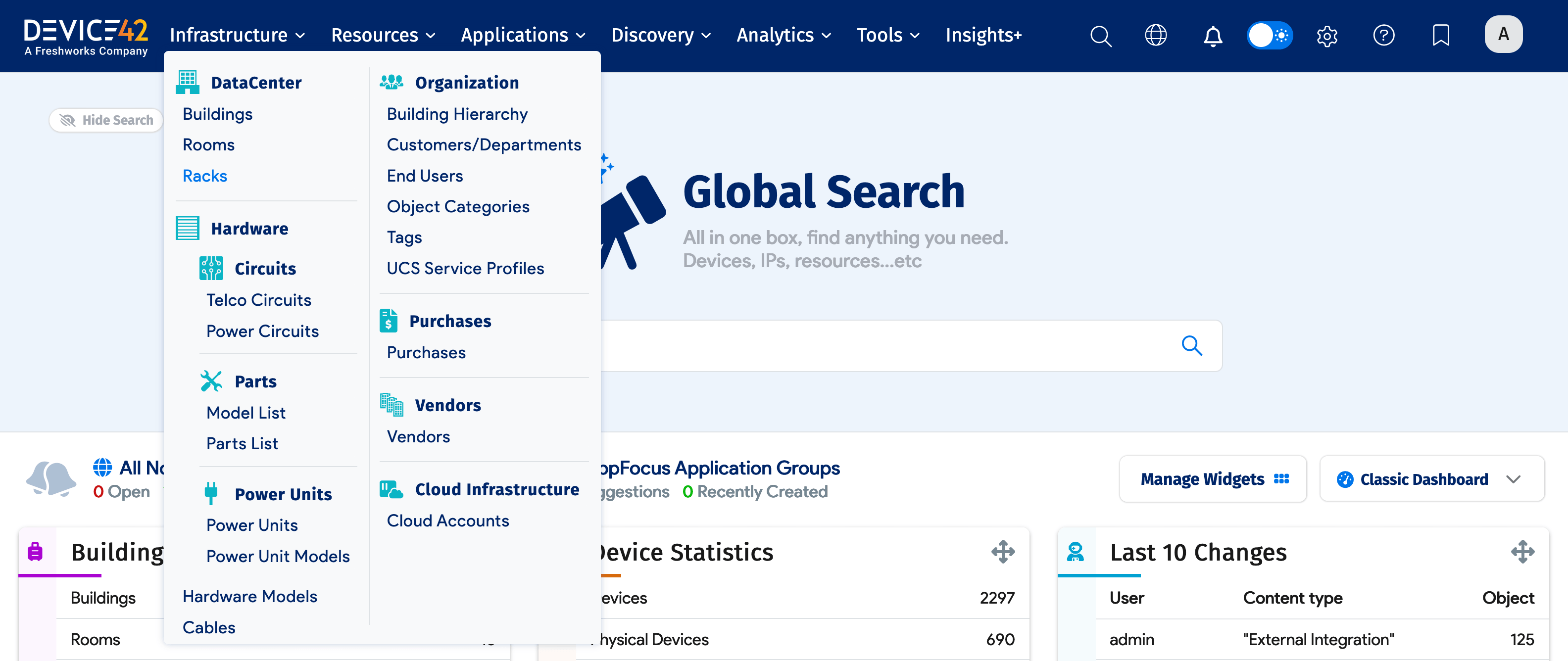
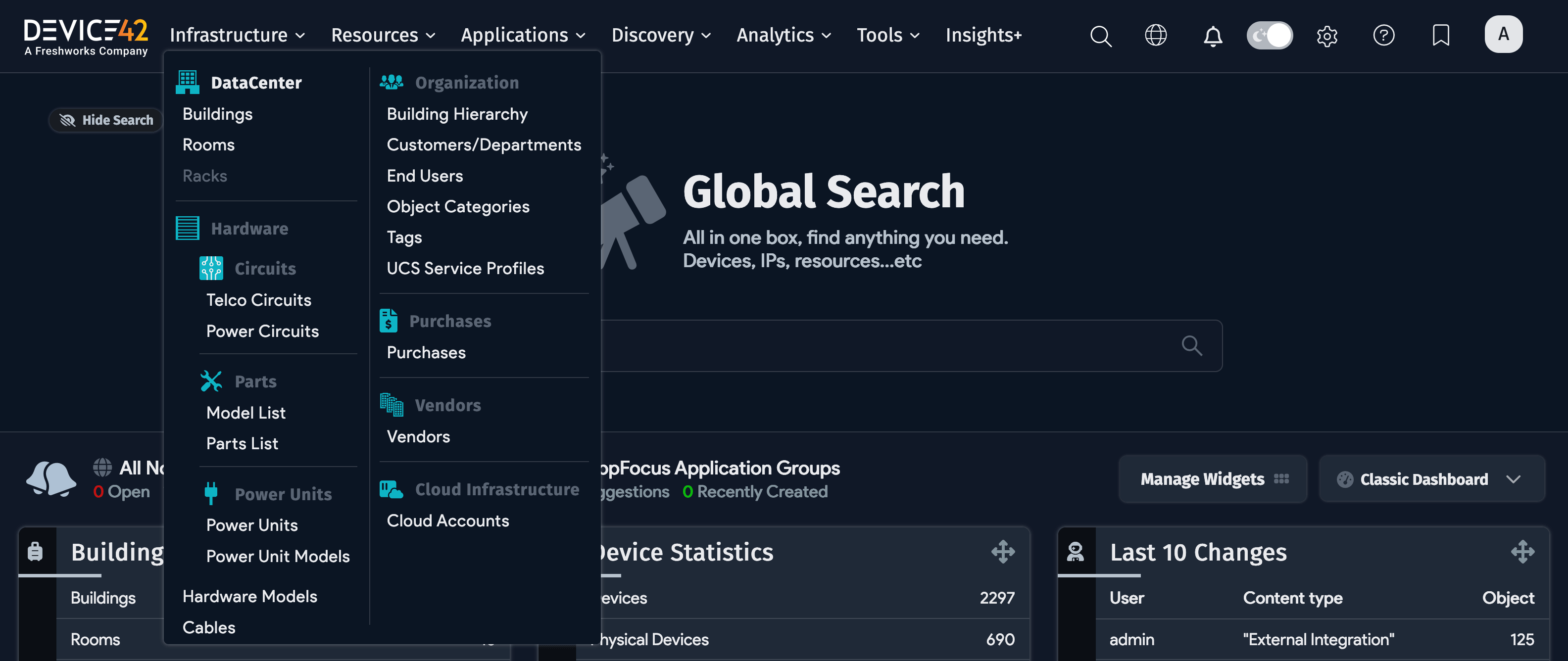
- Navigate to Infrastructure > DataCenter > Racks:
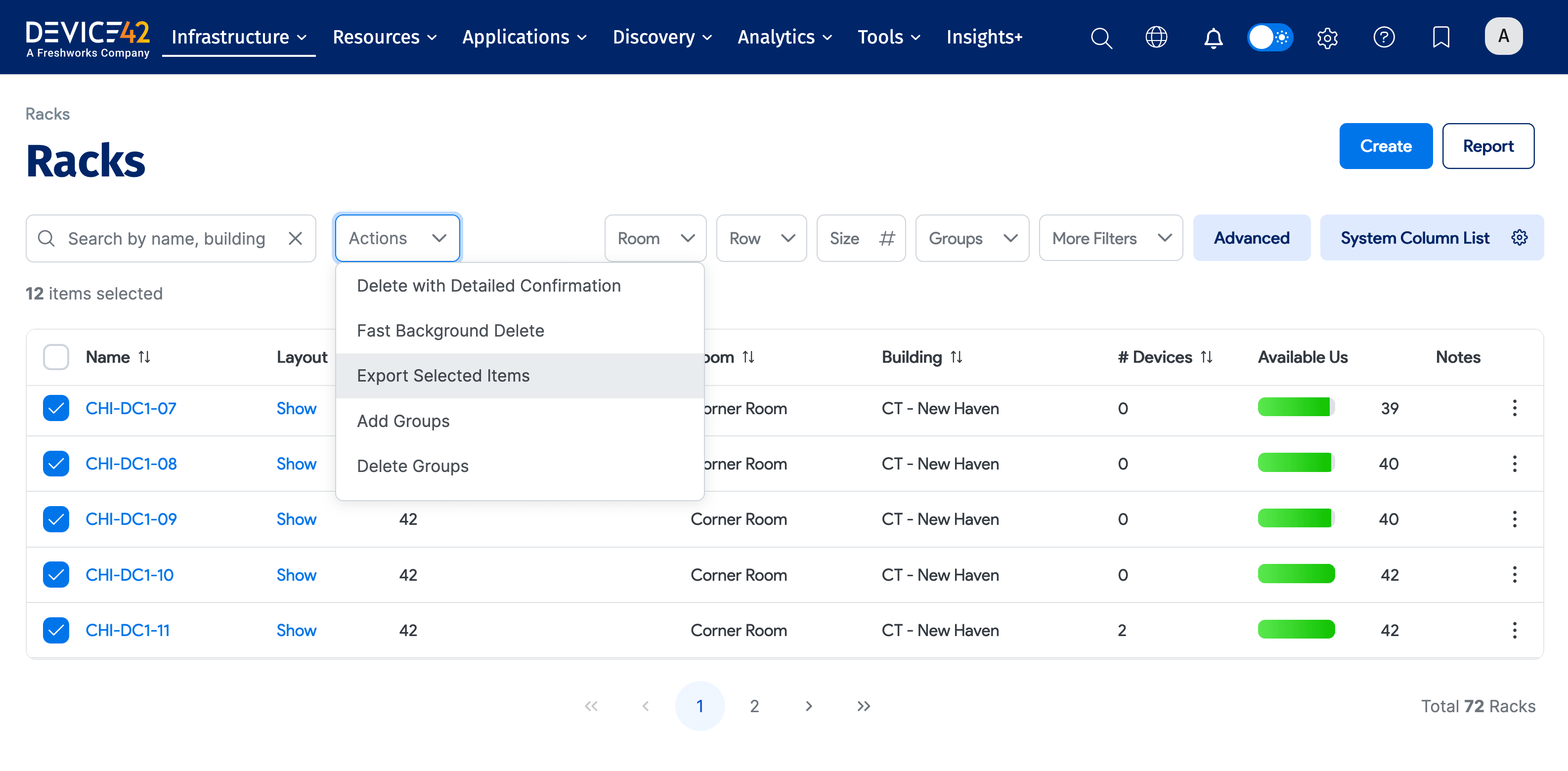
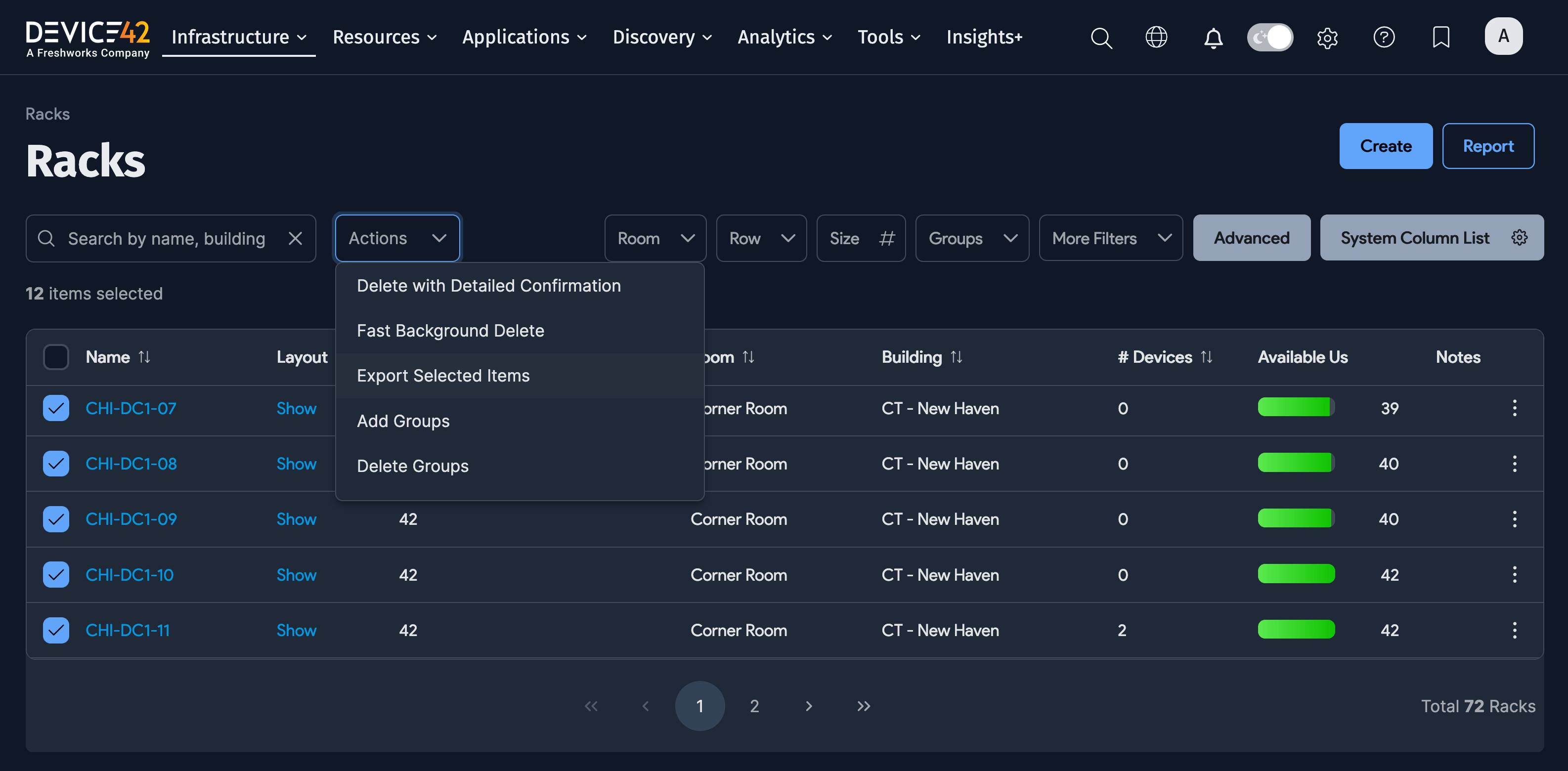
- Select the racks you want to audit, then choose Export Selected Items from the Actions menu:
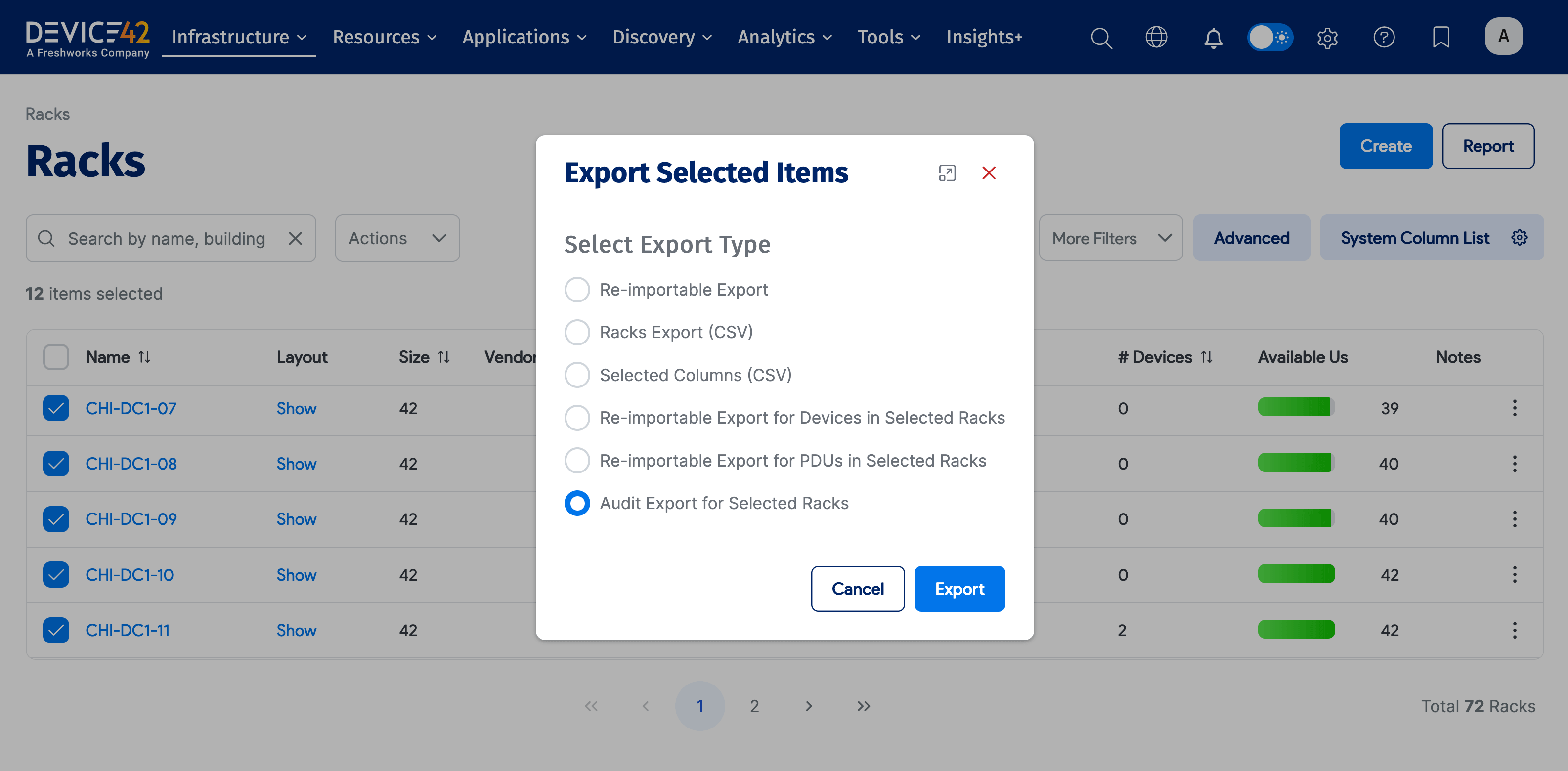
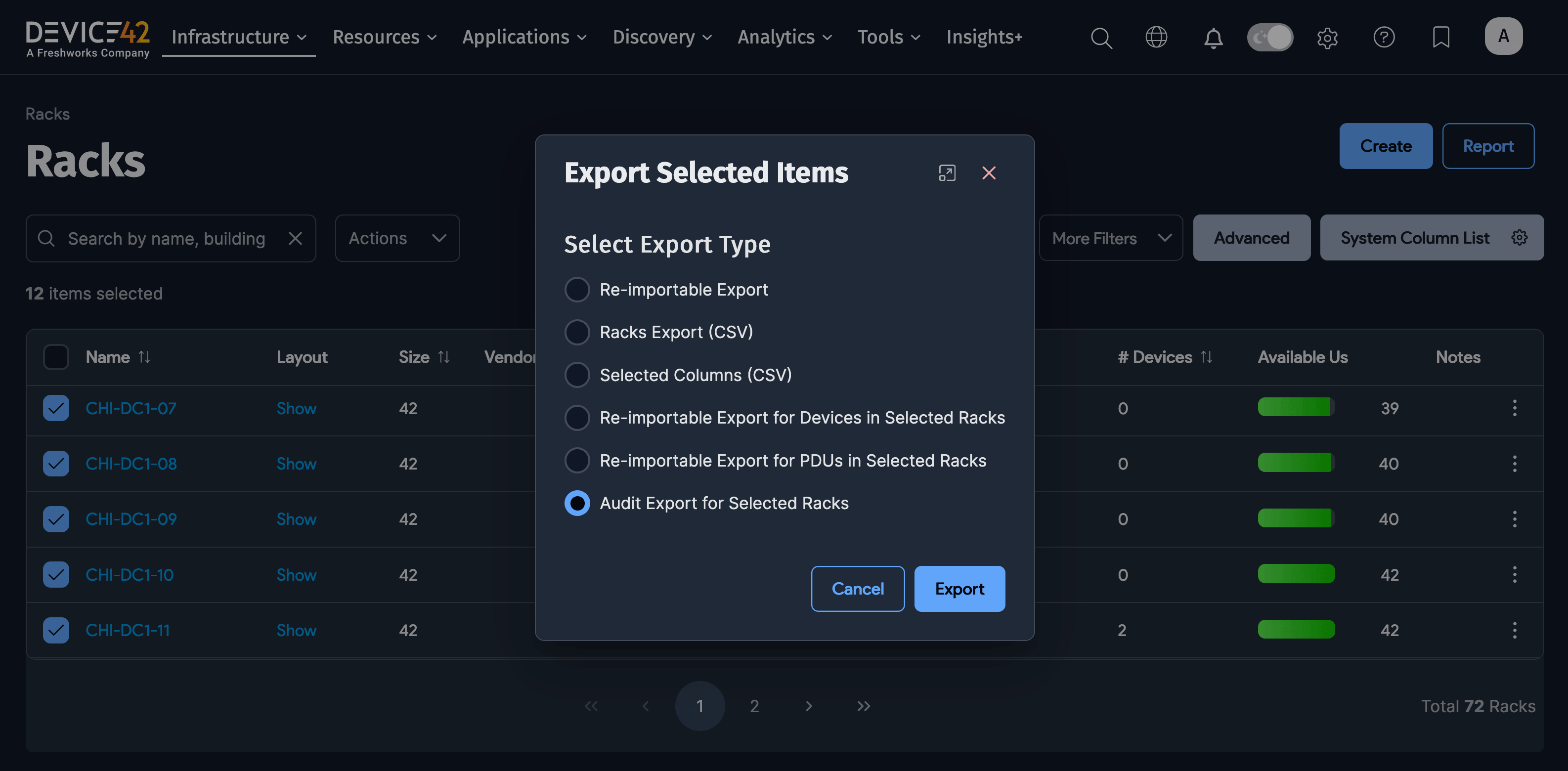
- Select Audit Export for Selected Racks and click Export:
- Save the spreadsheet when prompted and open it in Excel.

- With the spreadsheet open, use a barcode reader to scan devices in the rack by asset tag. Compare the scanned data to the records in Device42 and update the spreadsheet to reflect any changes as you move through the racks.