What If Scenarios
What If scenarios help you plan the deployment or migration of devices into racks. You define the devices you need to place, select the target racks or rooms, and Device42 calculates where the devices fit based on available space. If you use the power monitoring add-on, the calculation also accounts for amps and power supplies.
Create a What If Scenario
Navigate to Tools > Templates and Bulk Operations > What If.
-
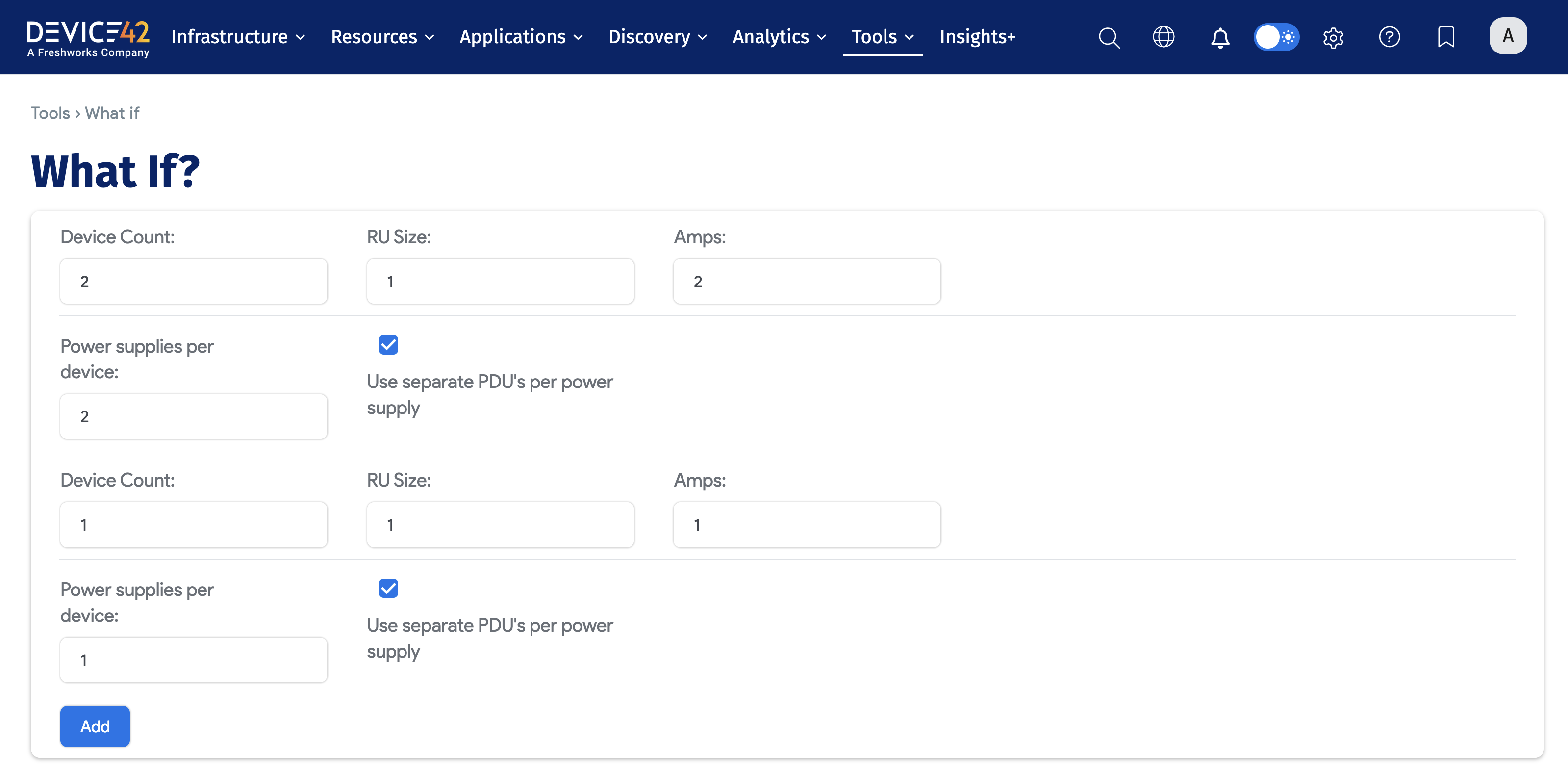
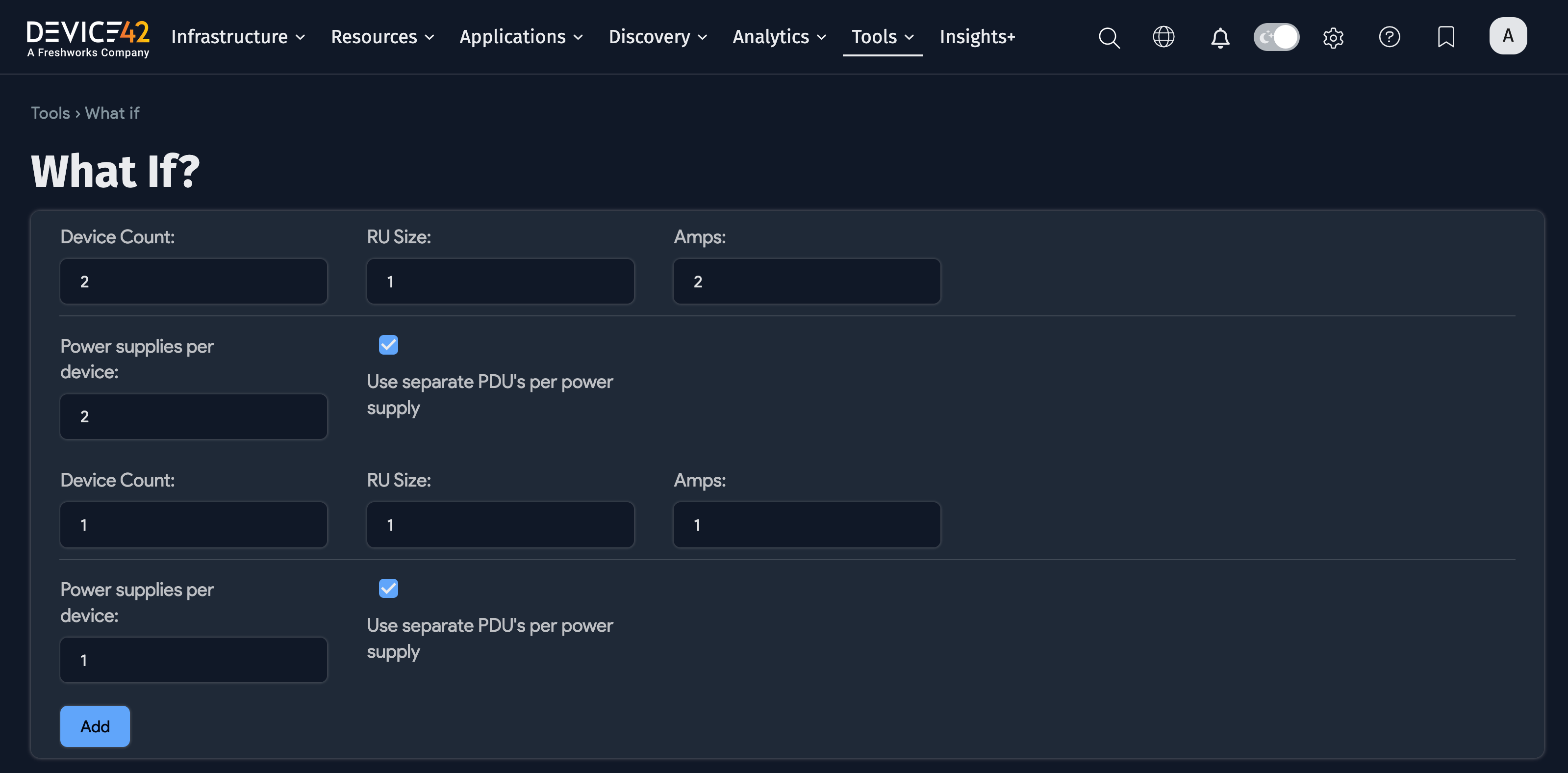
Enter the number of devices and their size, amps, and number of power supplies. To add devices of different sizes, click Add to create a new line.
-
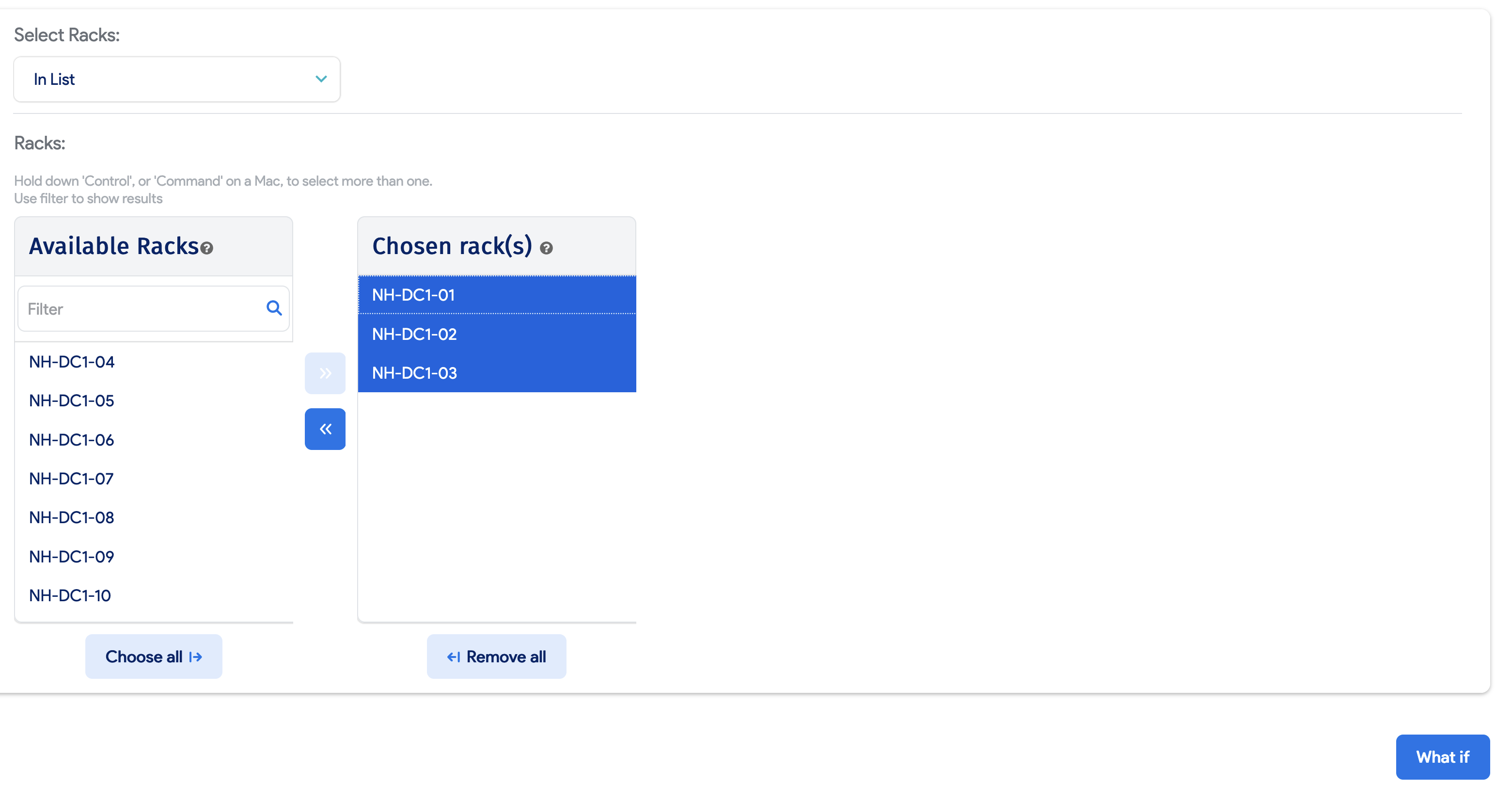
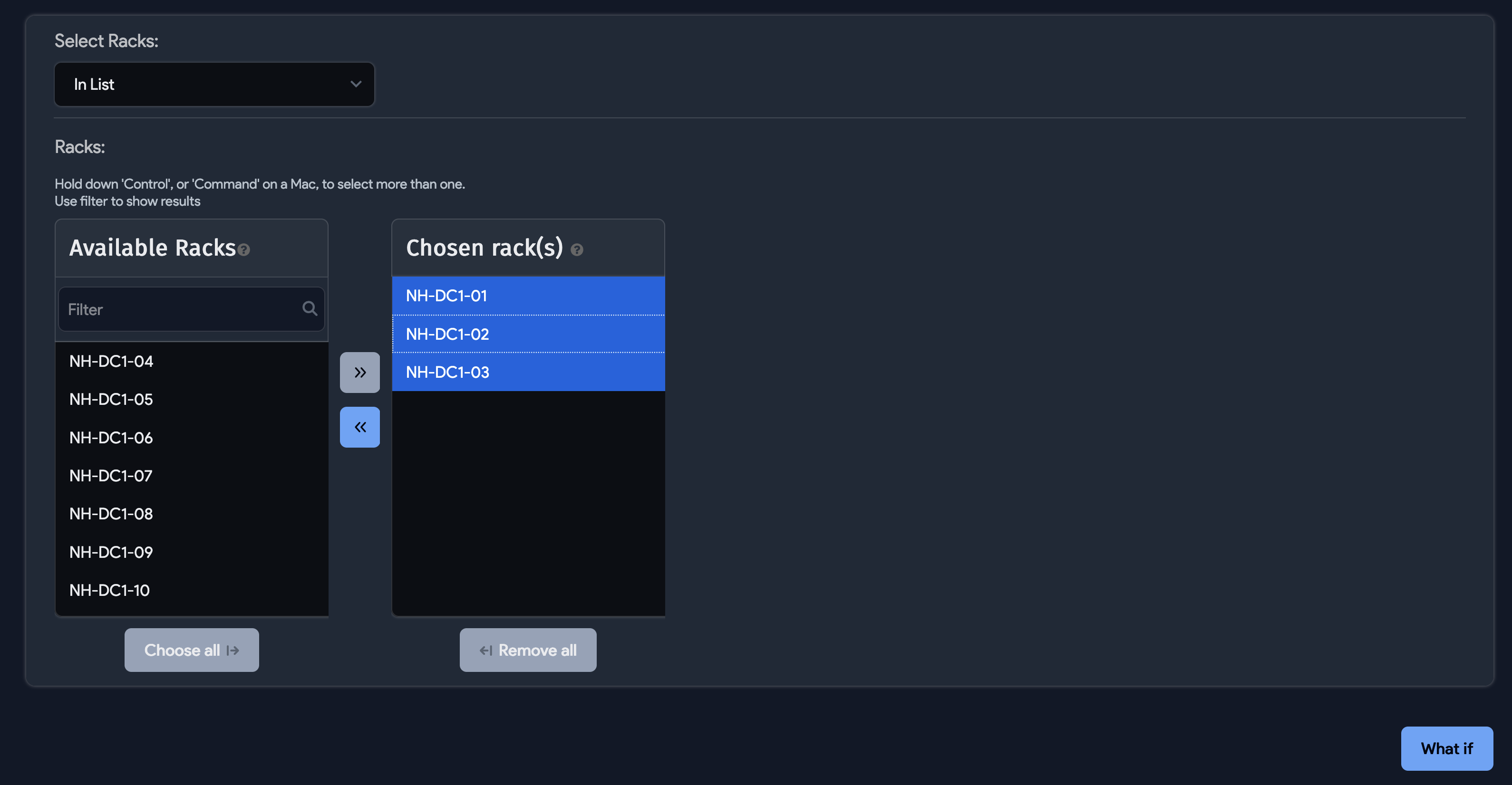
Choose whether to add the devices to a building, room, or specific racks. Enter part or all of a rack name in the Available Racks section to filter the list, then select the target locations.
-
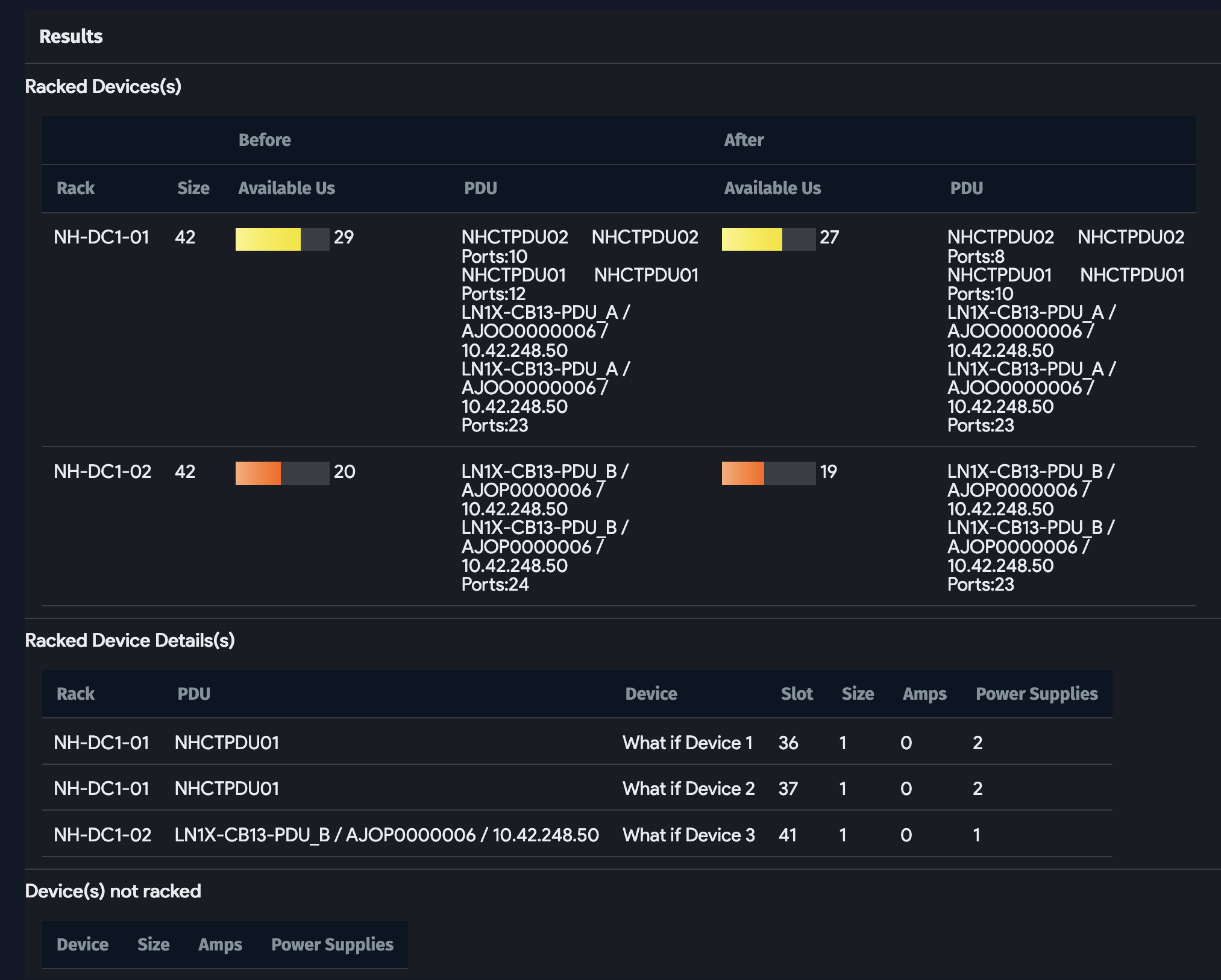
Click What If to run the calculation. Device42 displays the results, showing where devices can be placed based on available space and power.
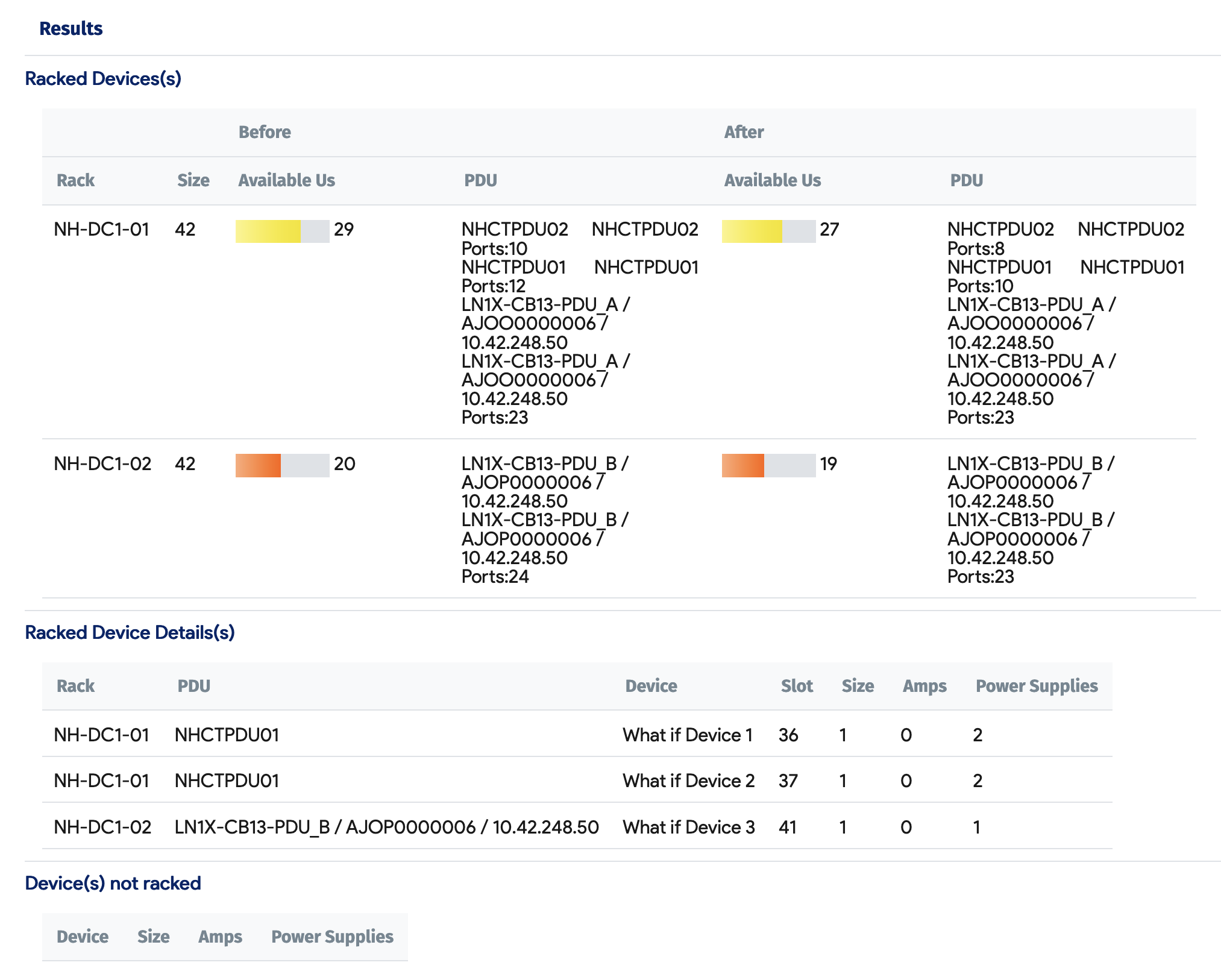
Use the results to identify racks with sufficient capacity before deploying or migrating devices.