Device - Virtual and Blade
Virtual and blade devices have specific fields and details that differ from standard physical devices. This page covers the device details view for virtual devices, VMware notes, and blade device configuration.
Virtual Devices
Virtual devices display their host assignment, along with properties like CPU Memory HardDisk and Device Operating System.
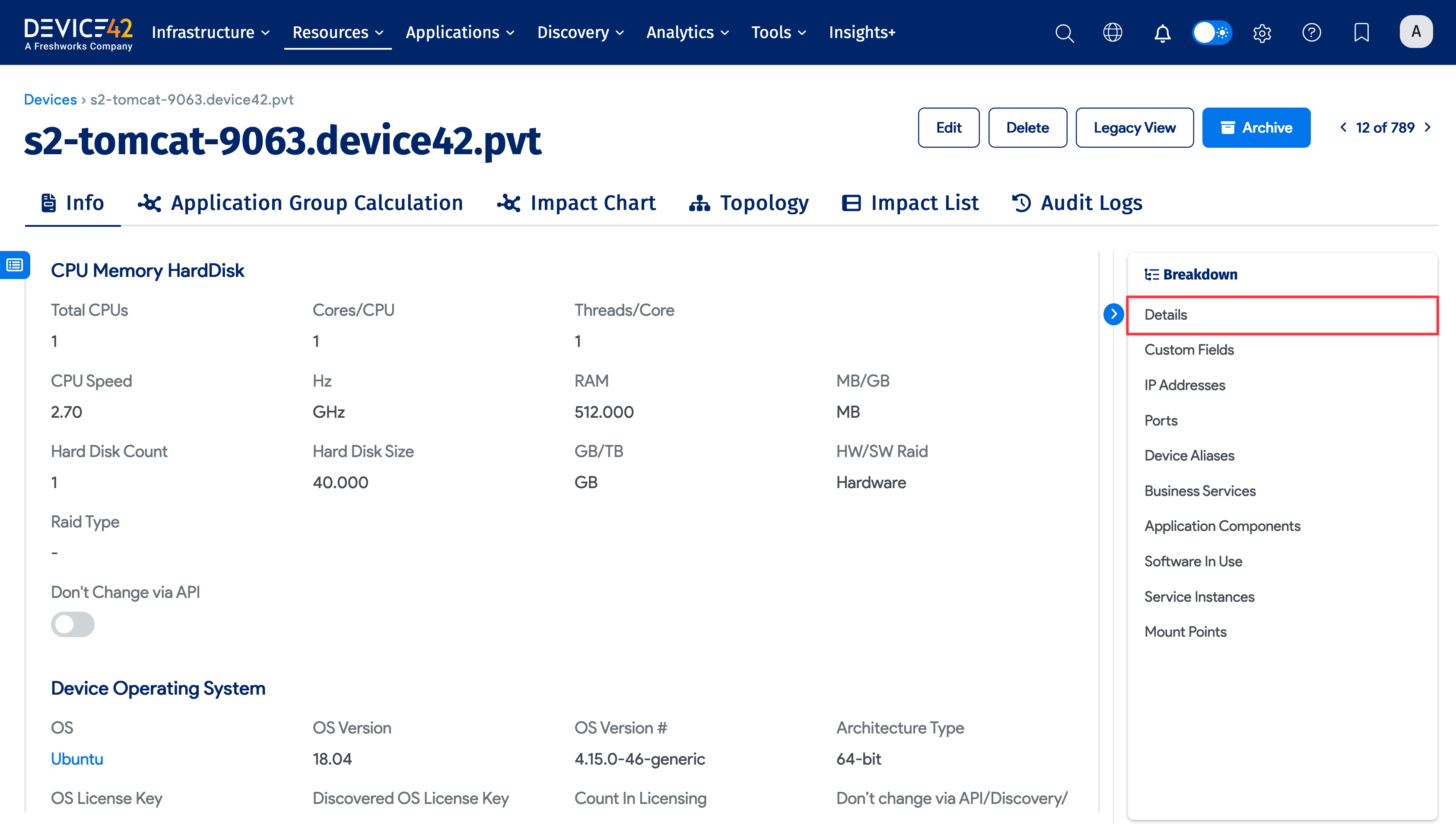
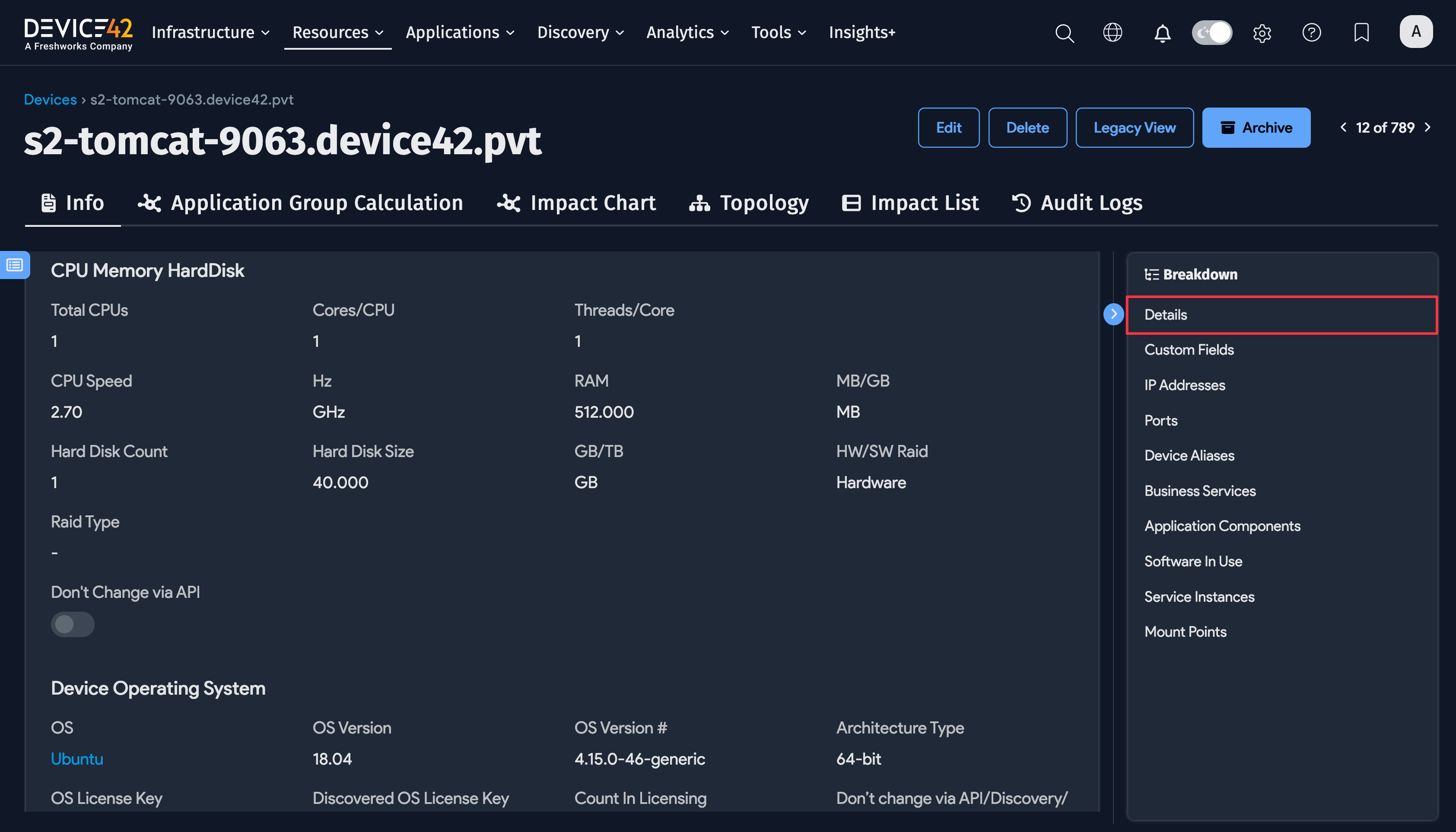
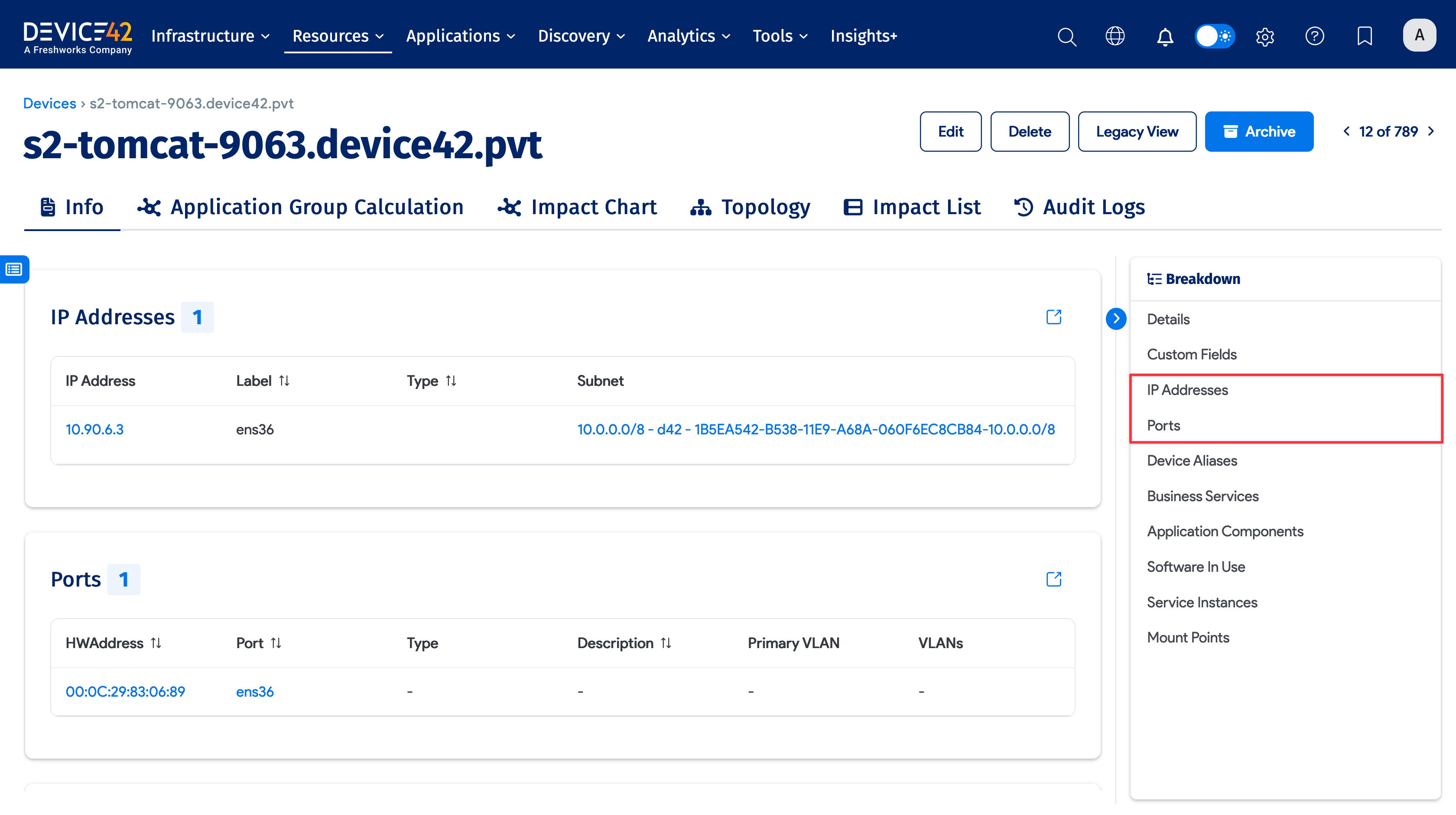
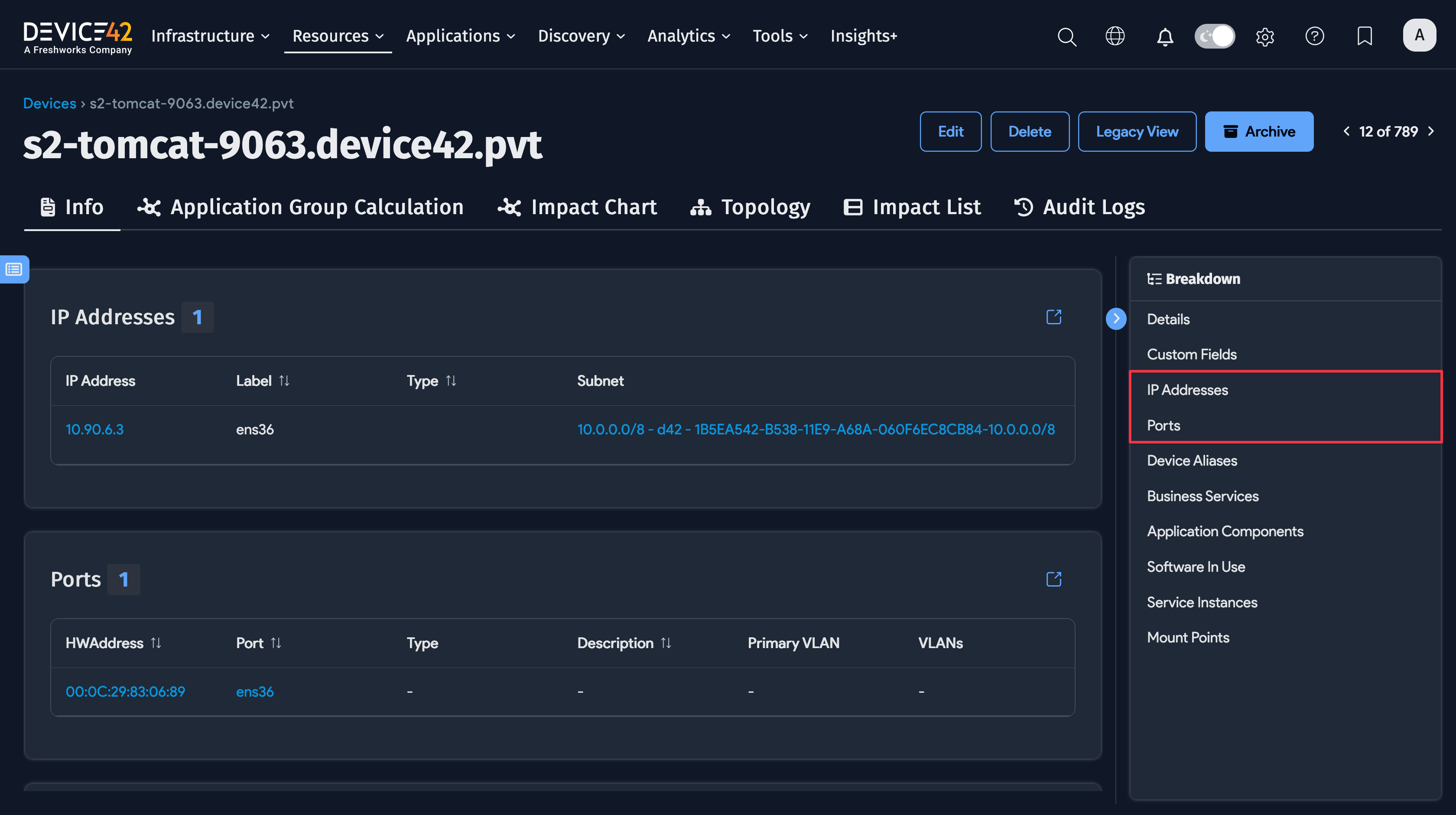
Virtual devices also display IP Addresses and connectivity Port details.
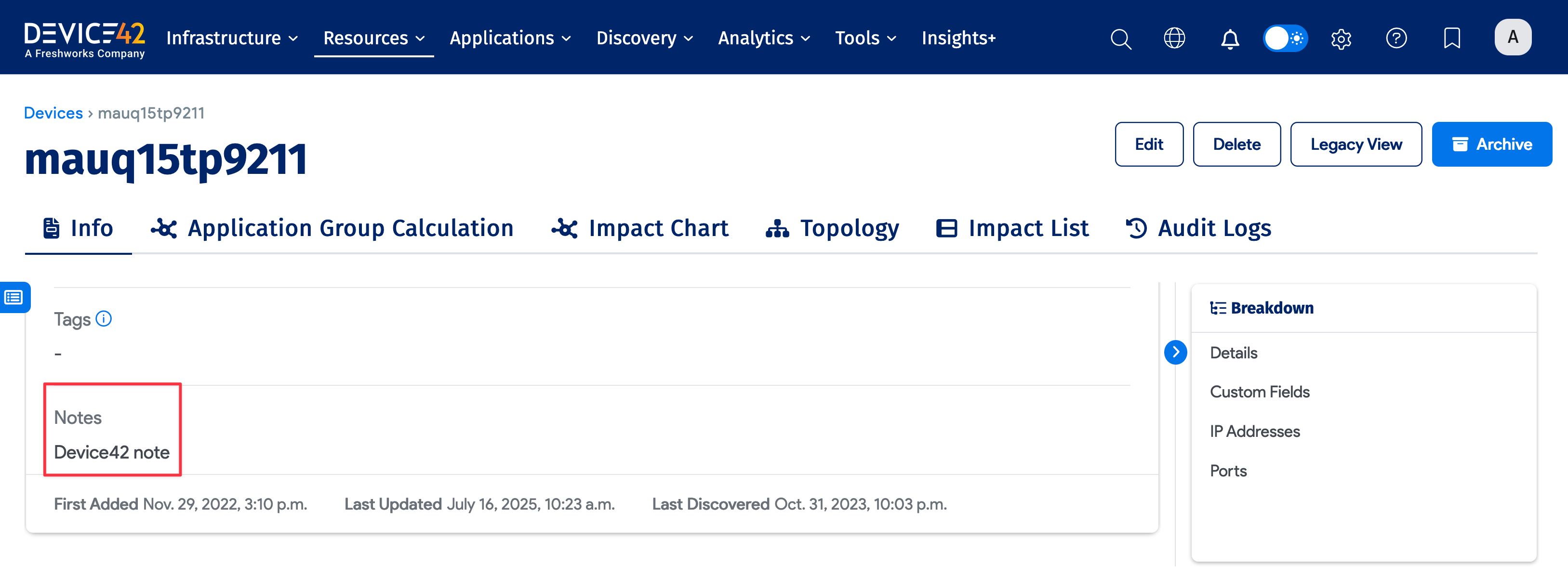
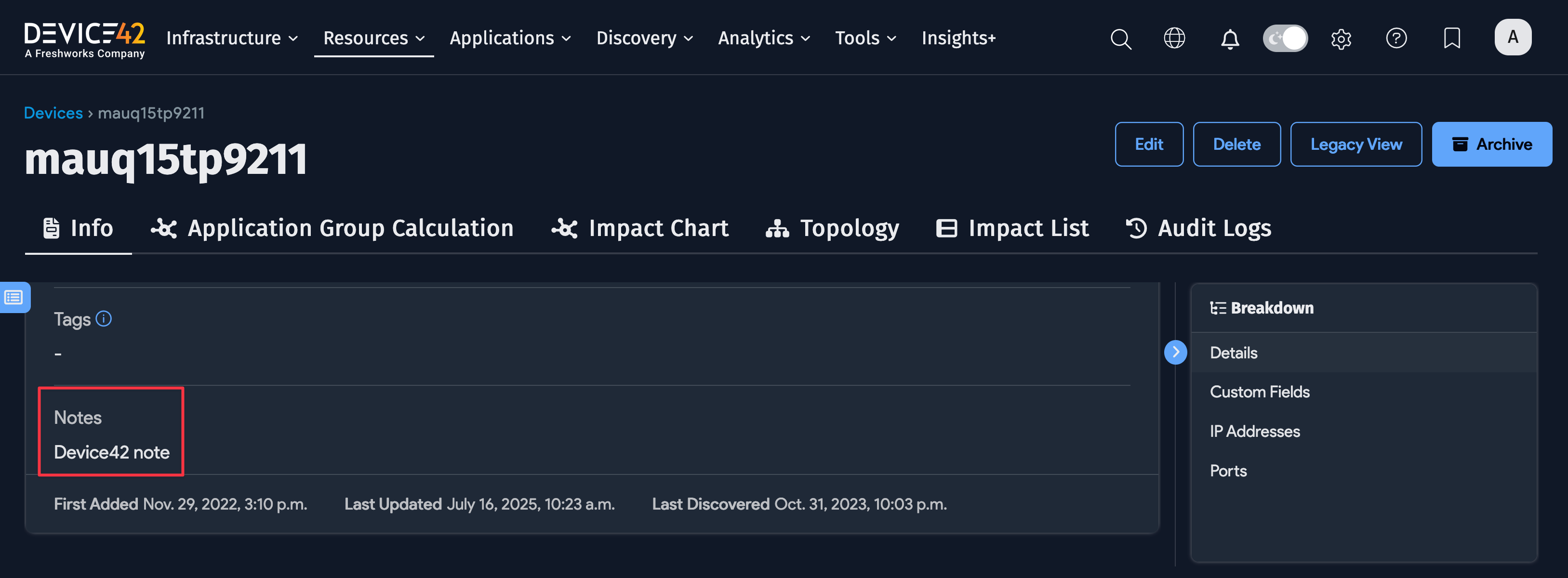
VMware Notes vs. Device Notes
Notes added to VMware virtual devices outside of Device42 appear in the Hypervisor Description field on the device view and edit pages. If the VMware virtual device does not have notes, the field does not appear.
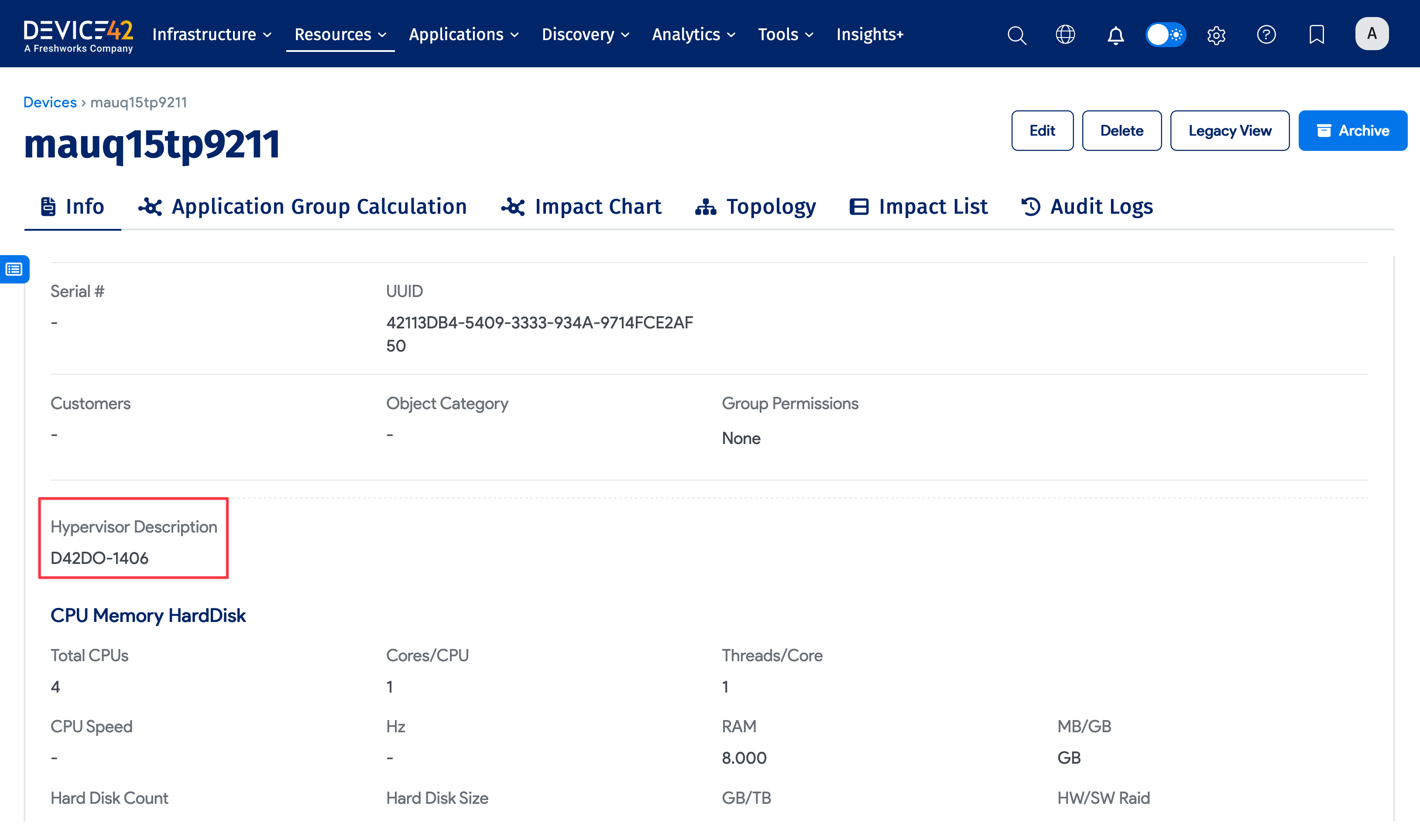
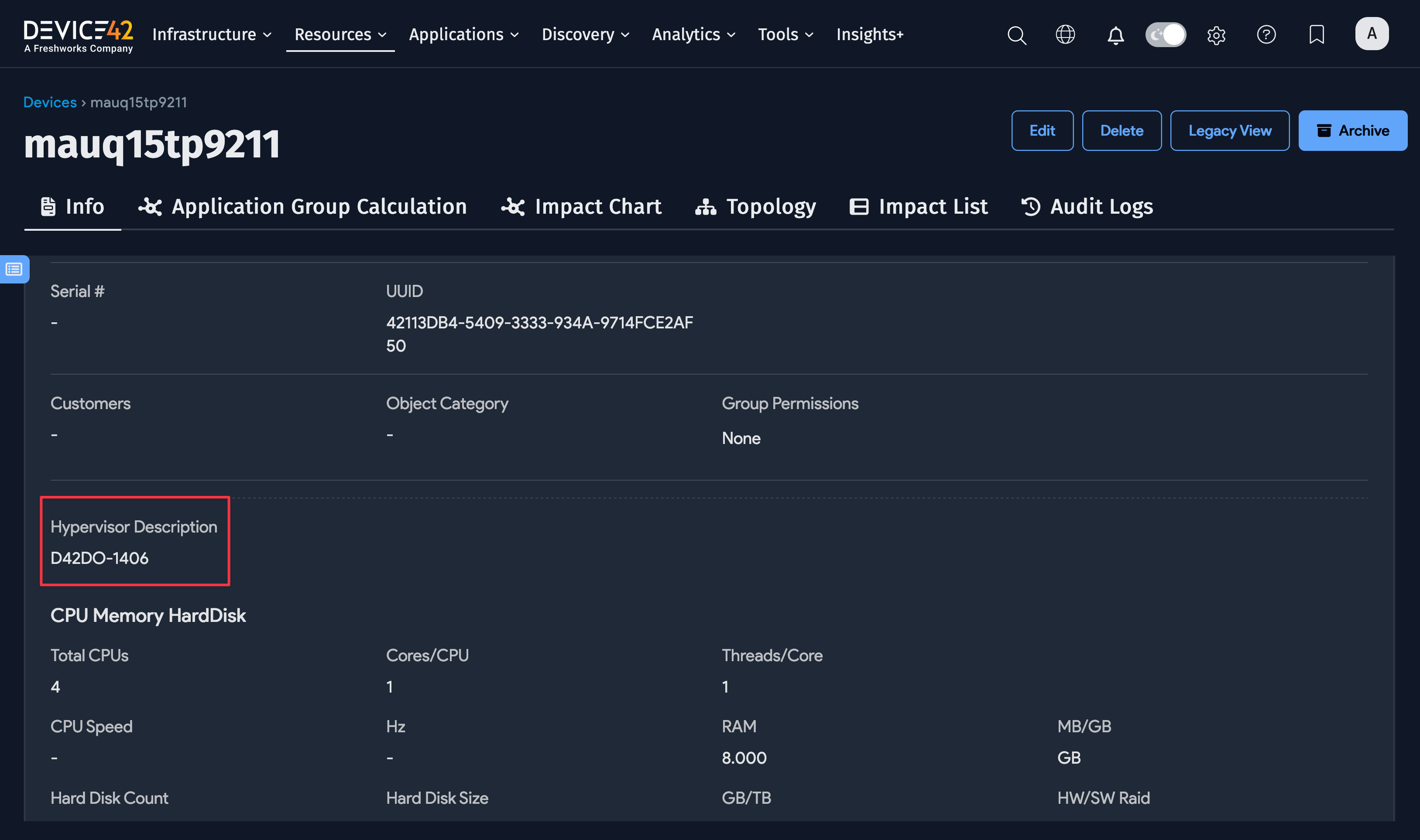
The Hypervisor Description is separate from the Device42 Notes field that you use to add or edit notes within Device42.
Blade Device Subtype
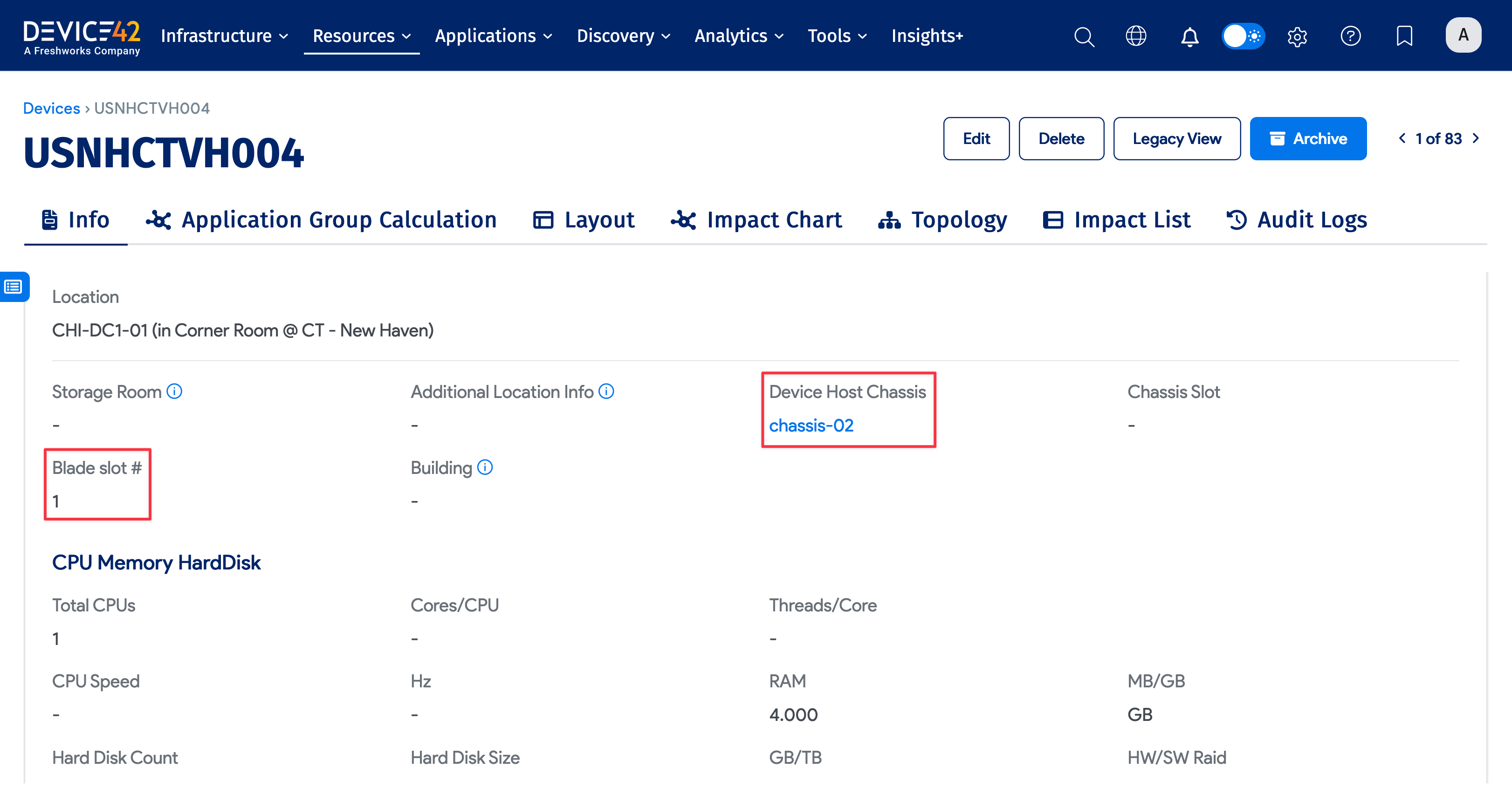
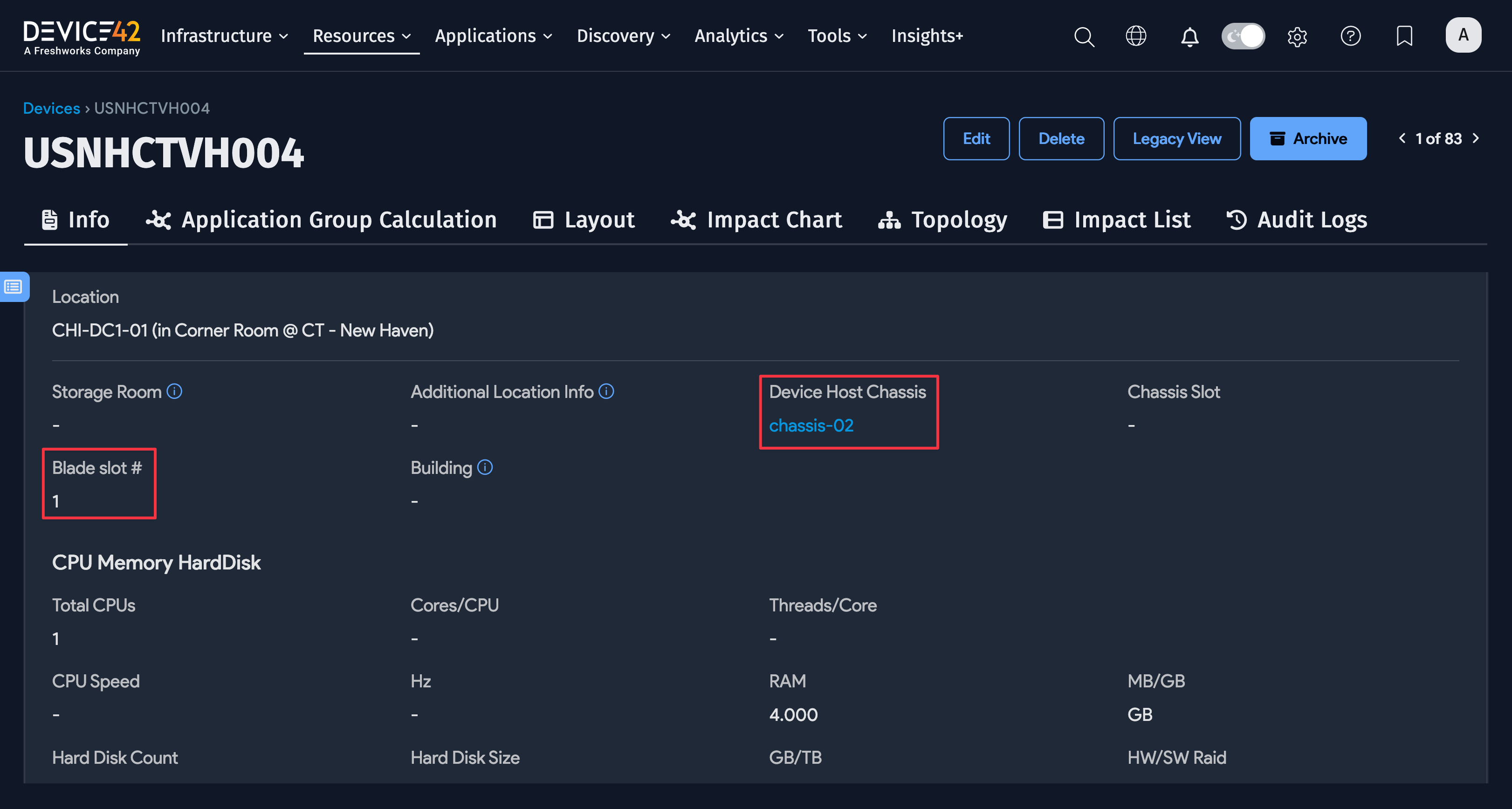
Blade is one of the physical device subtypes. You can also create custom subtypes as needed.
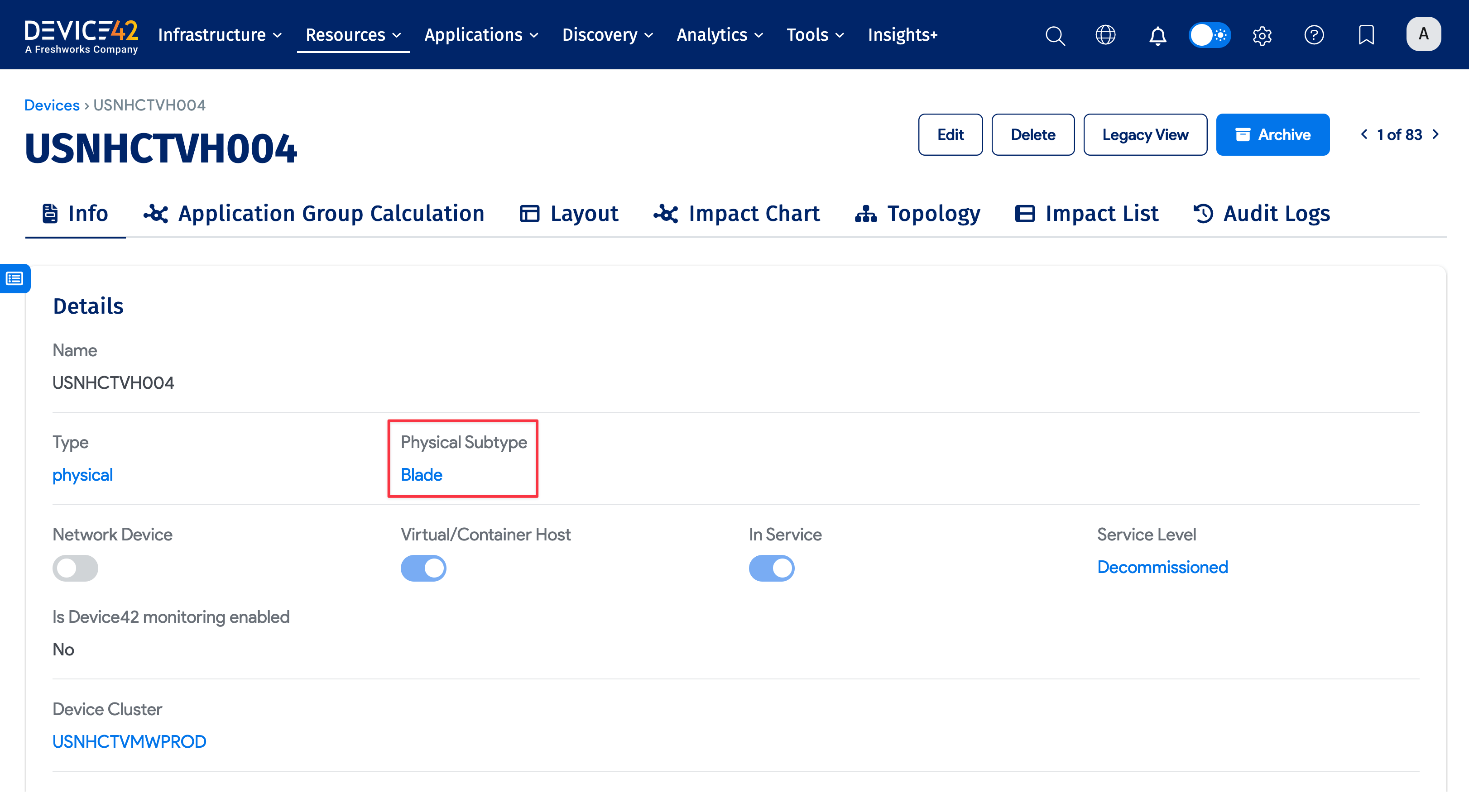
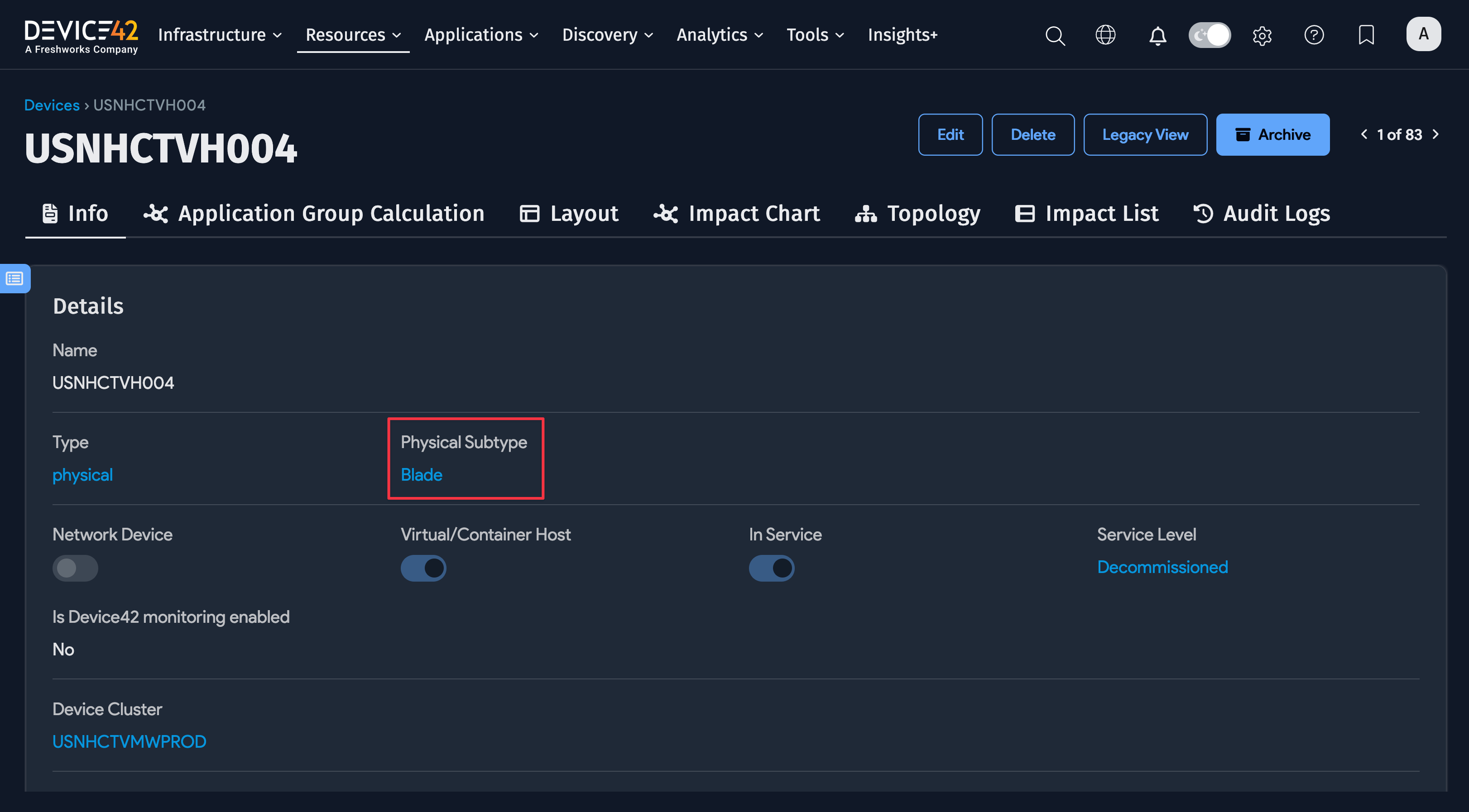
You can set the Device Host Chassis for this blade and the Blade Slot #. The other fields are generally shared with other device subtypes.