Device Name Profiles
Device name profiles help you maintain a consistent naming convention when creating devices in bulk. A profile defines a prefix, suffix, and number range that automatically generates sequential device names.
This page explains how to create a device name profile and use it to create devices.
Create a Device Name Profile
Navigate to Tools > Templates and Bulk Operations > Device Name Profiles.
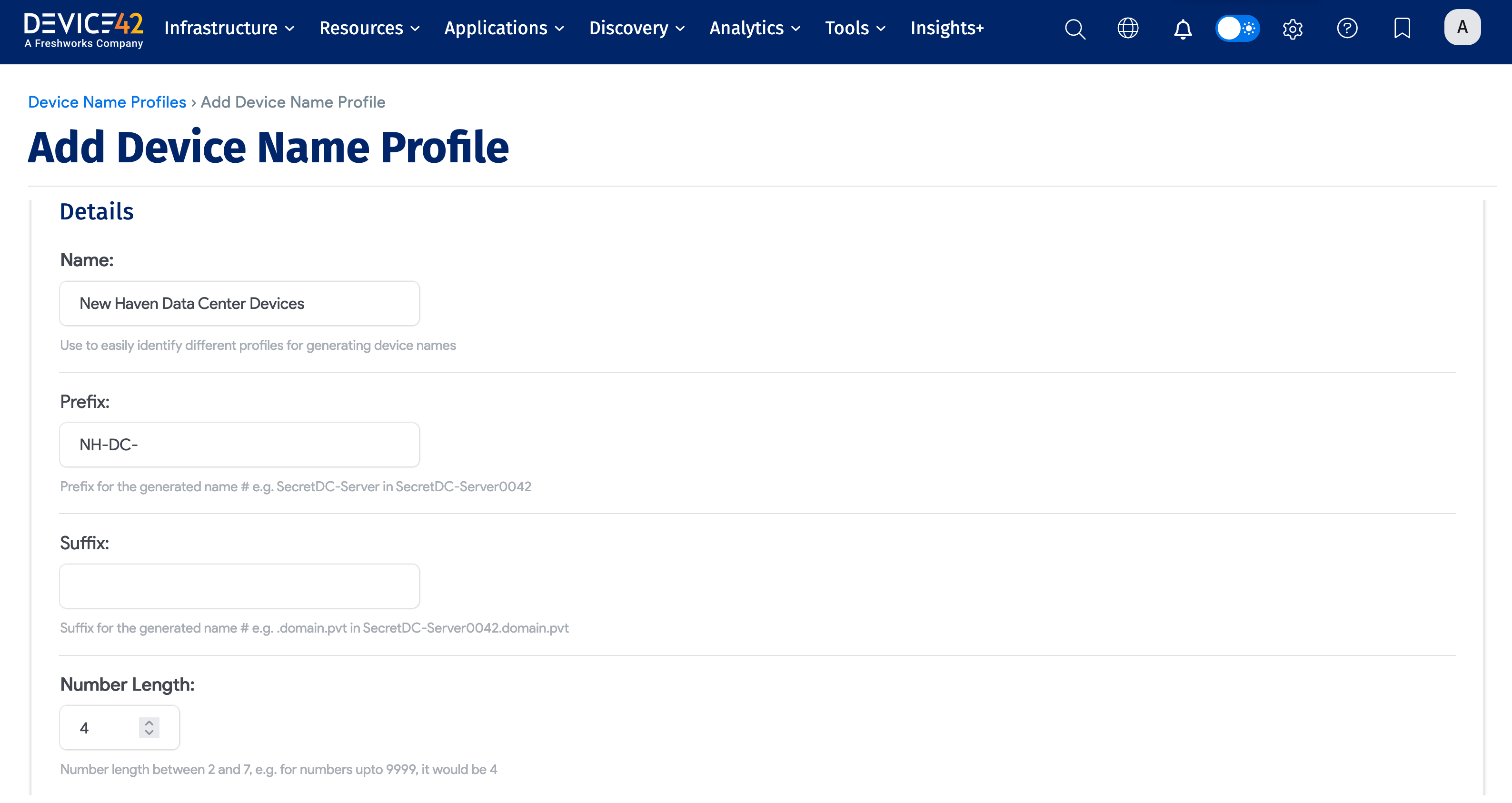
The following example creates a profile that generates device names from NH-DC-0001 through NH-DC-9999.
Enter the following fields:
- Name: A required name for the profile.
- Prefix: An optional string added to the start of each generated name (for example,
NH-DC-). - Suffix: An optional string added to the end of each generated name.
- Number Length: The number of digits in the sequential portion. For example,
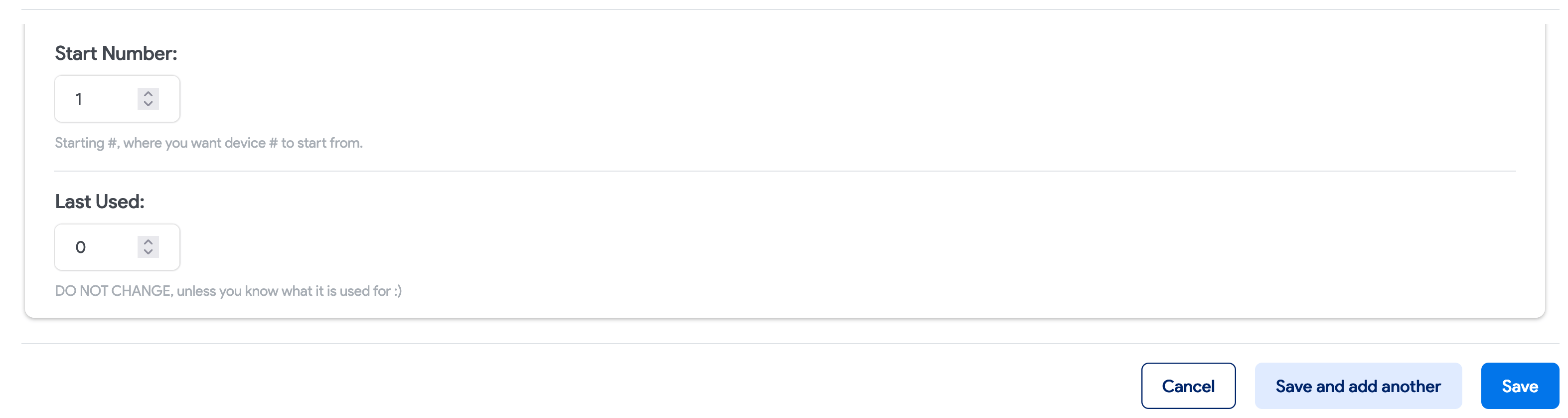
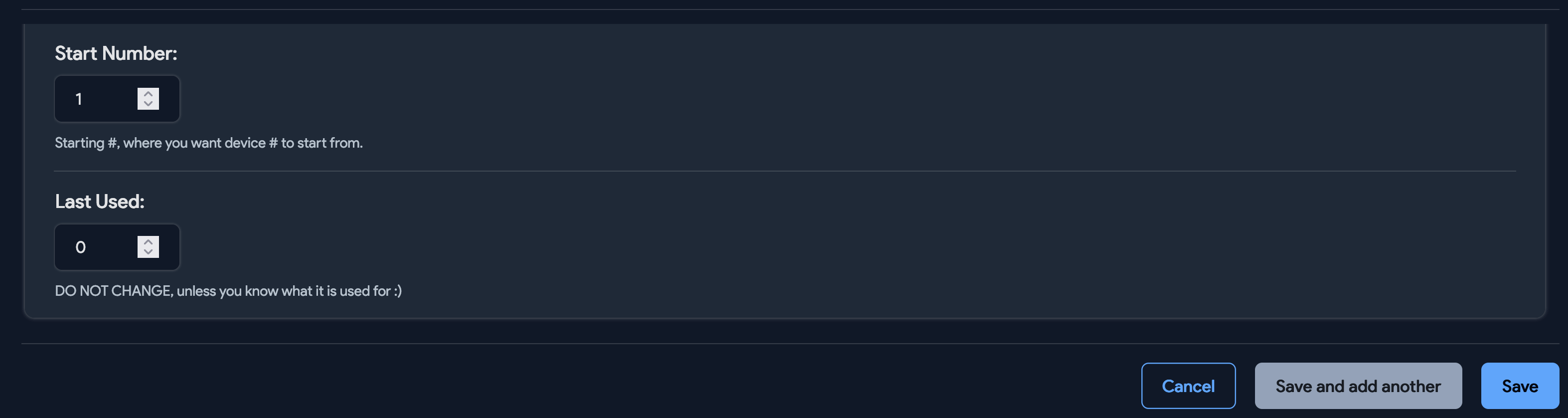
4digits with a Start Number of1produces the range0001to9999. - Start Number: The first number in the sequence. Usually
1, but can be any number.
Create Devices from a Profile
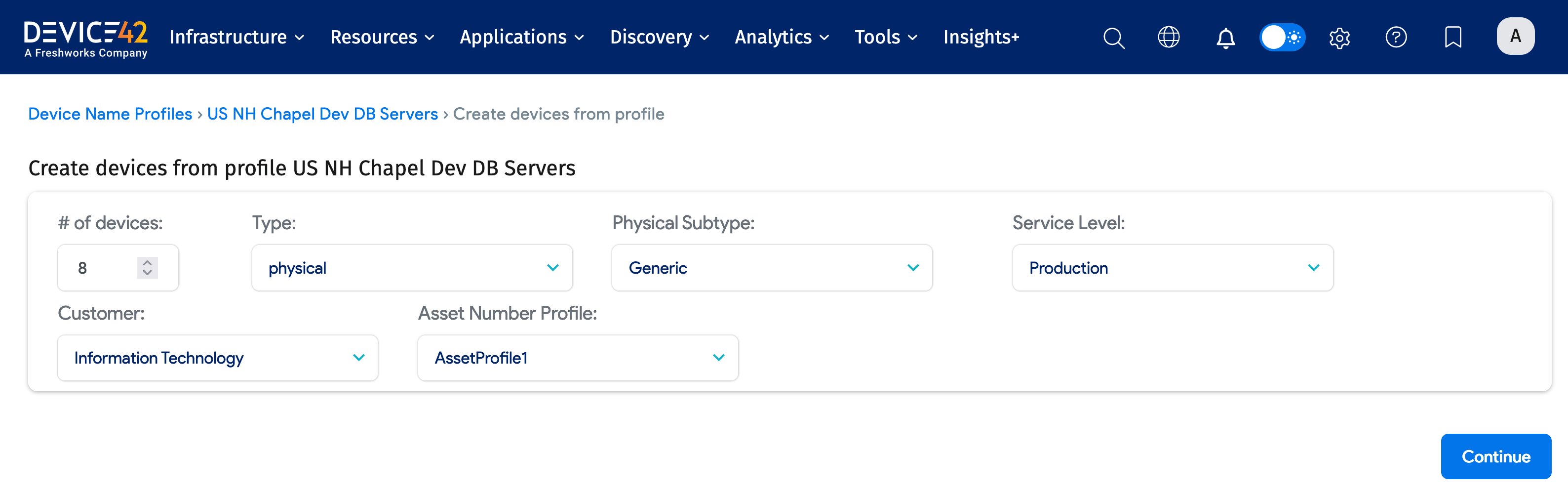
Create devices directly from the Device Name Profiles list page by clicking the Create link next to a profile.
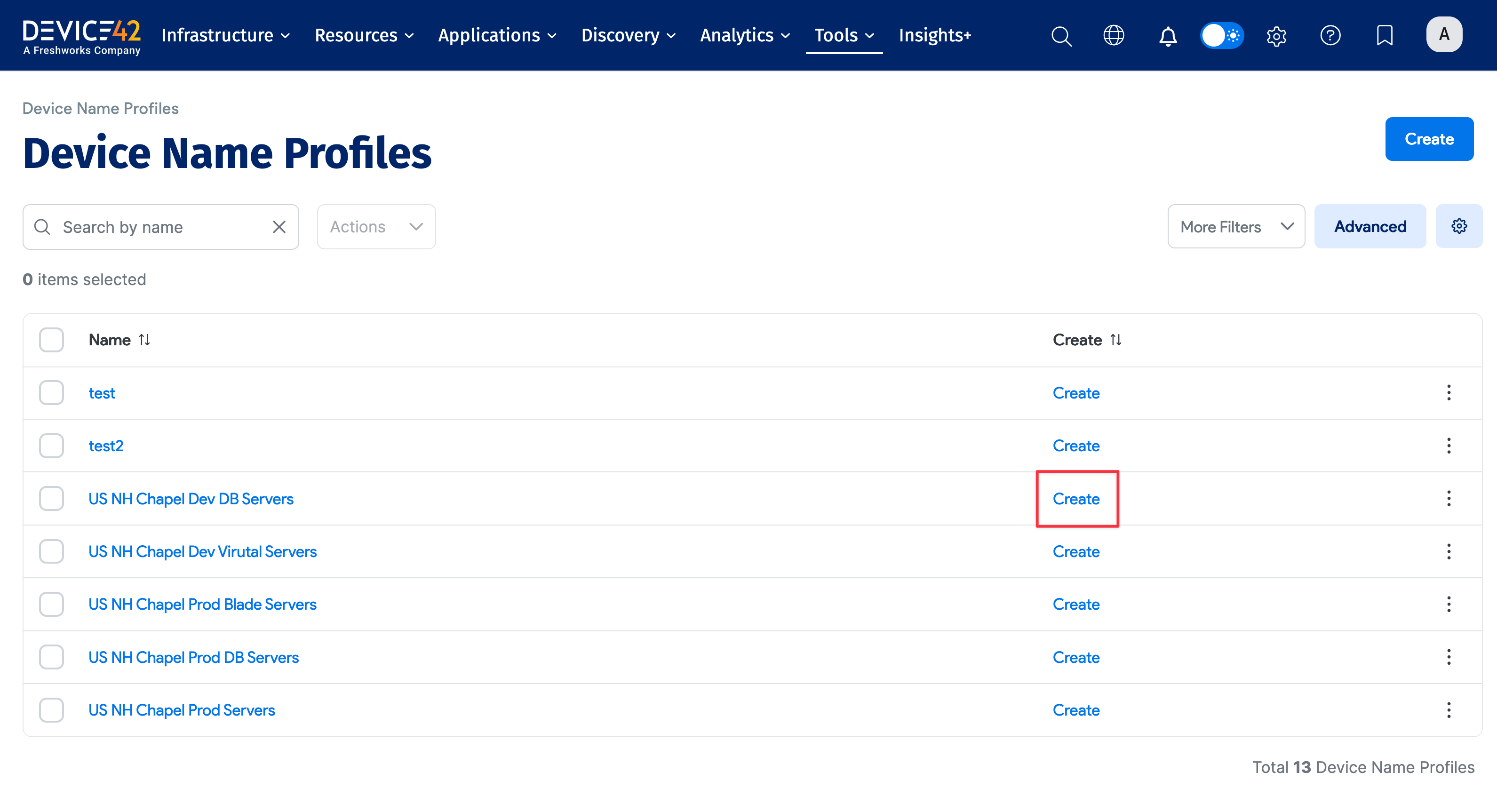
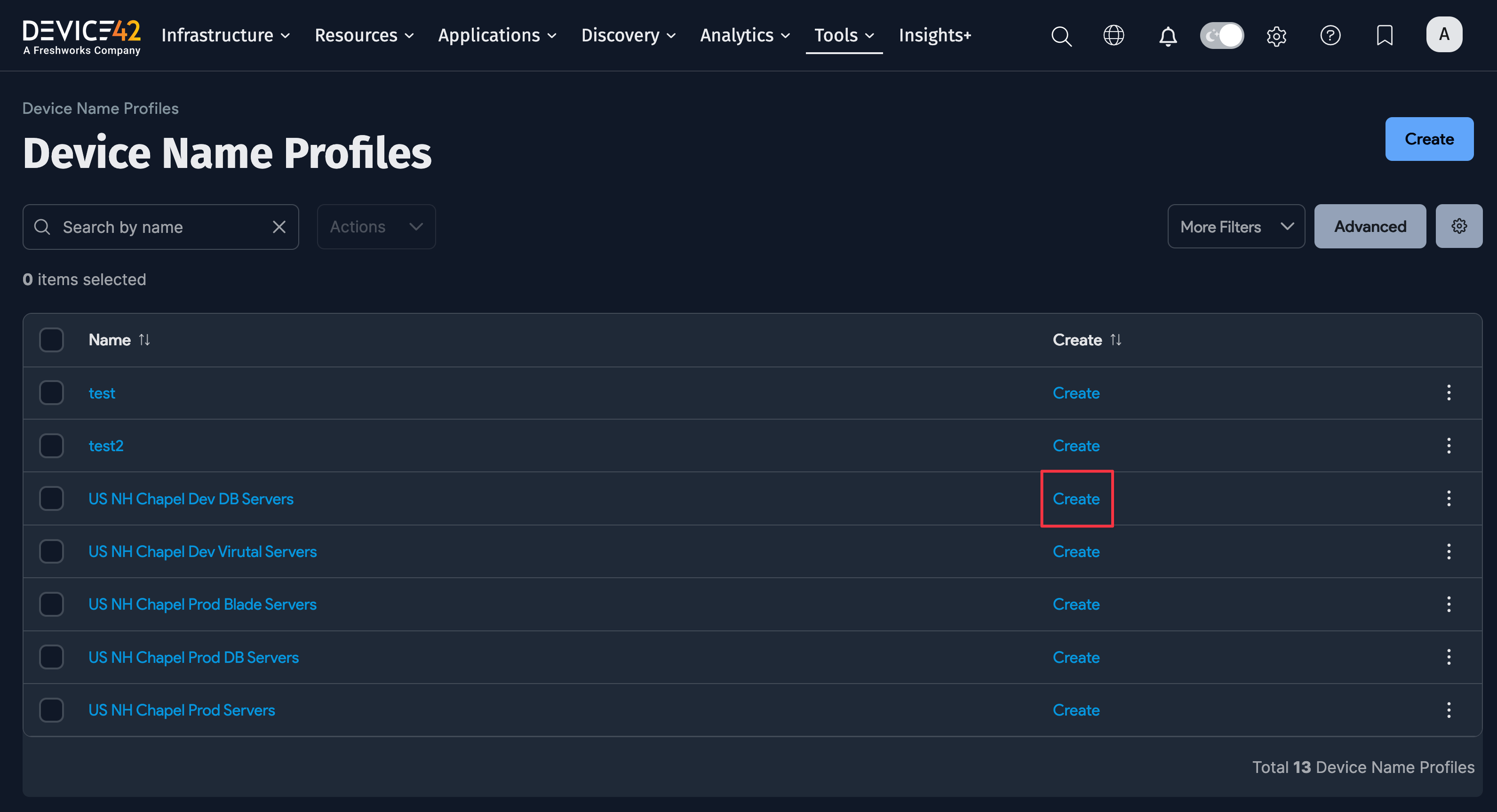
In this example, eight devices will be created from the "US NH Chapel Dev DB Servers" name profile. The name profile has a Prefix of NH-DC-, so each created device name is in the format NH-DC-xxxx, where xxxx is the next sequential number for the profile.
If no devices have been created yet, the first name will be NH-DC-0001. If the last created device was NH-DC-0051, the next eight devices start at NH-DC-0052.