Device - Cluster
A device cluster is a logical grouping of devices that functions behind a single name or IP address, such as a server farm, an active-active cluster, or an active-passive cluster.
Add a New Cluster
Cluster is one of the available device types, in addition to the physical, virtual, and unknown types.
To create a new cluster, navigate to Resources > All Devices and click Create. Select cluster as the device Type to reveal the cluster-related options.
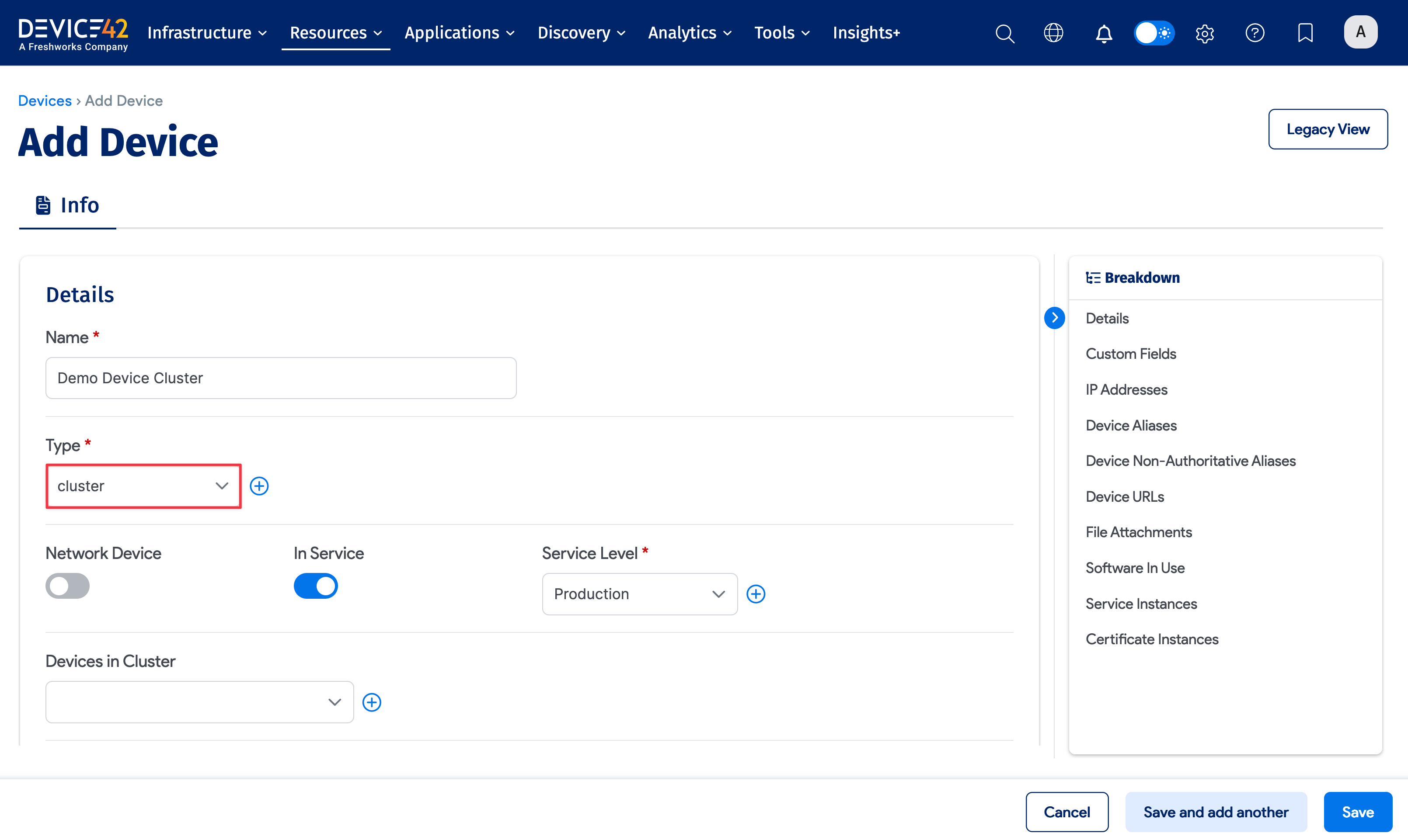
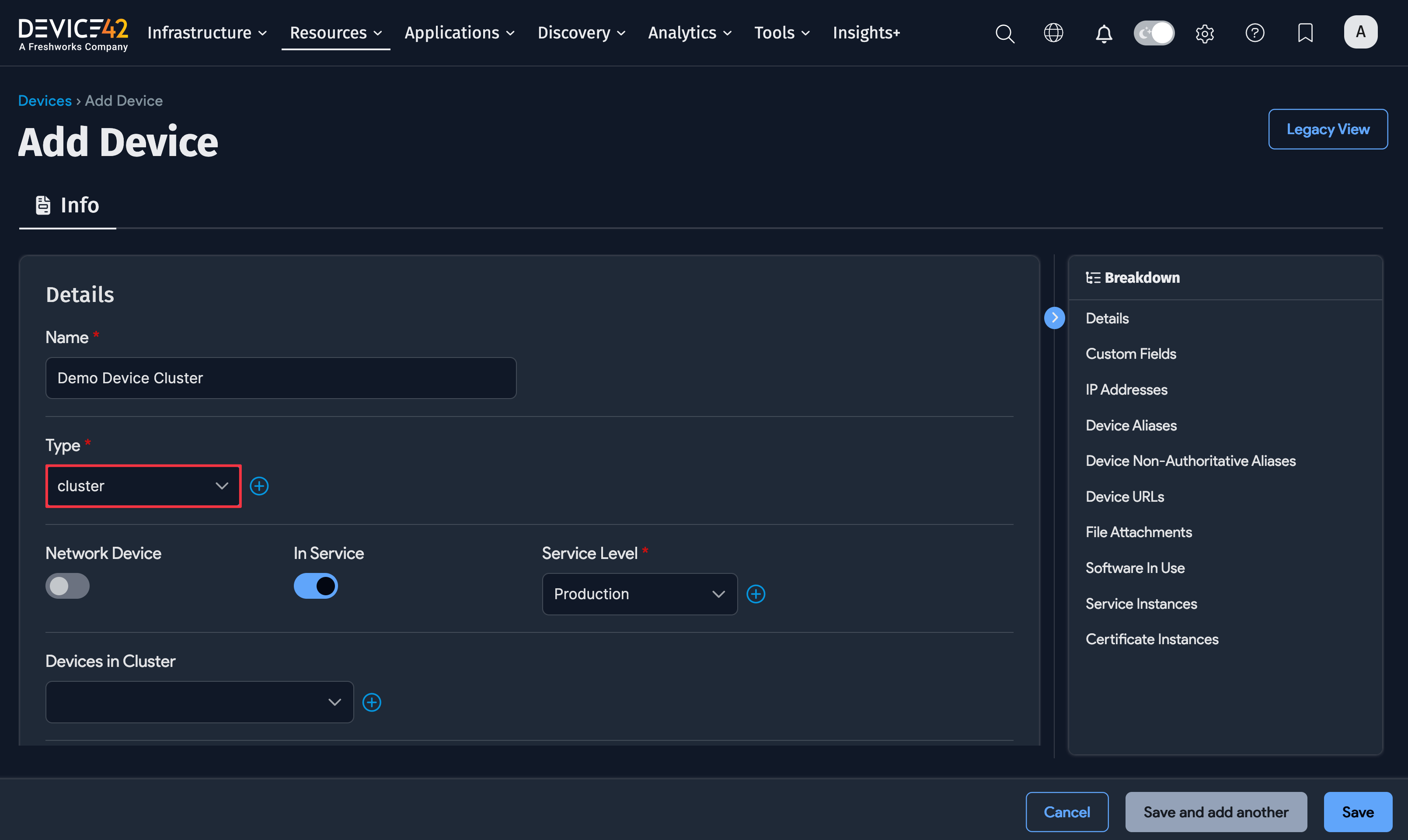
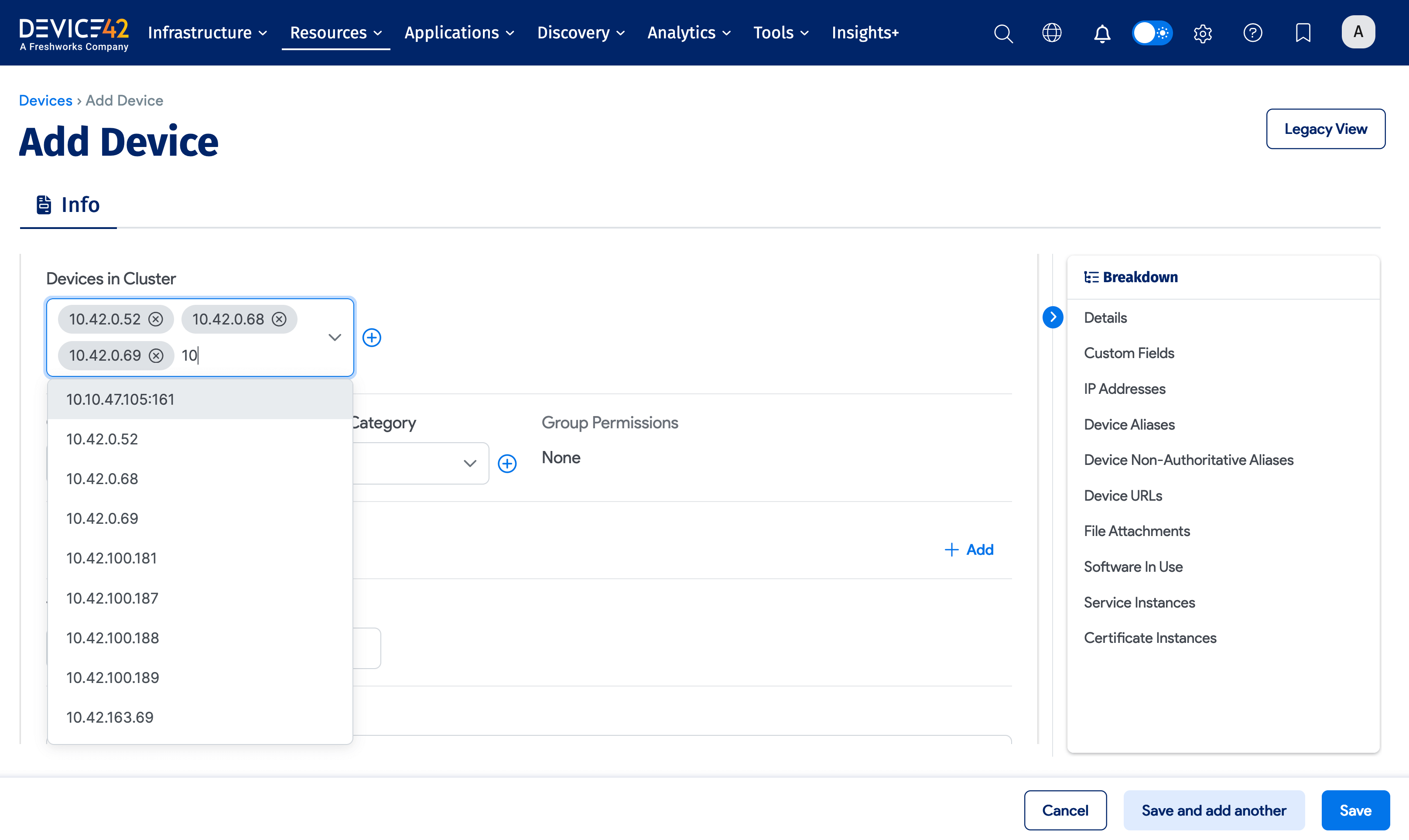
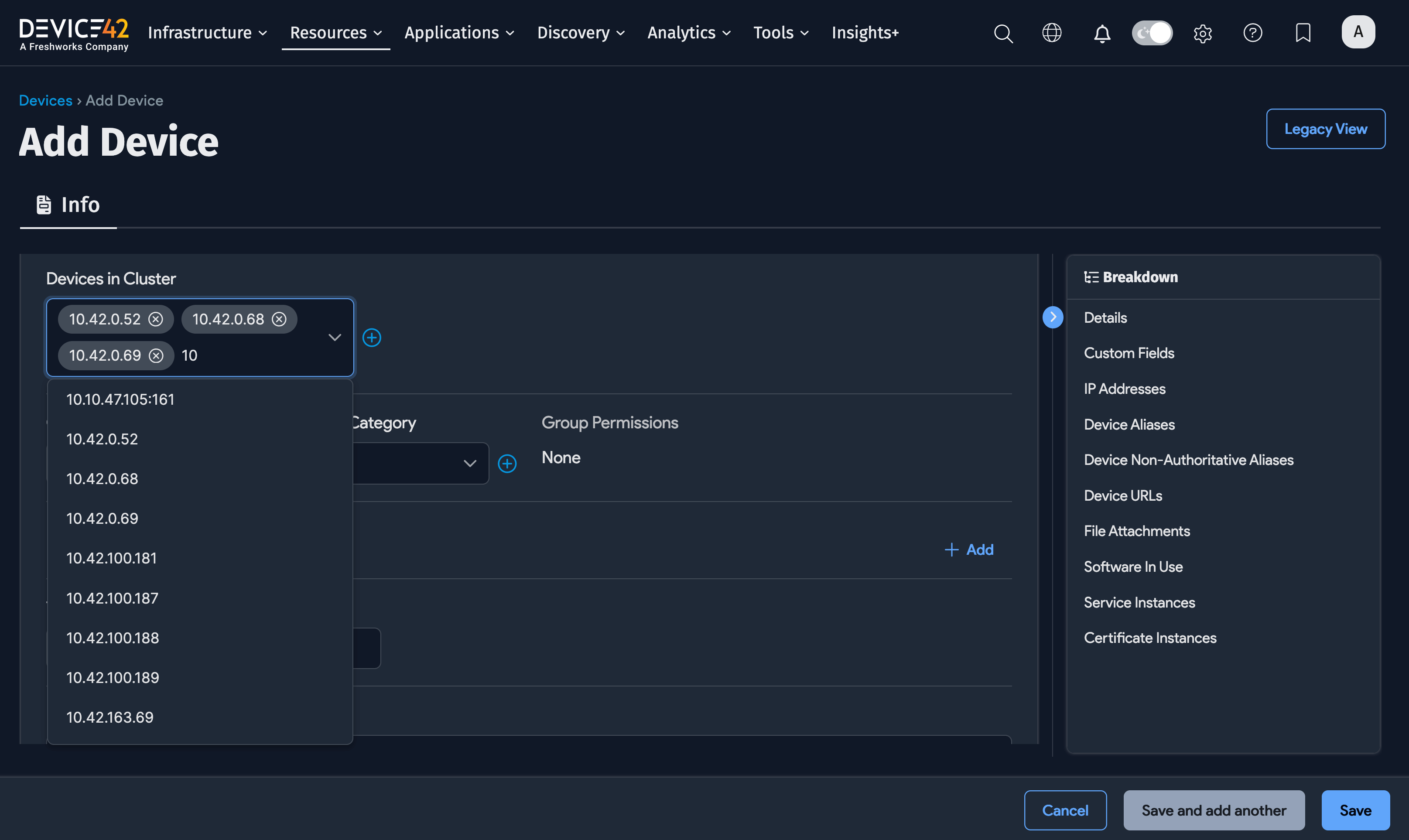
Start typing in the Devices in Cluster field to narrow down the list of available devices. Click the plus icon to add devices to the cluster.
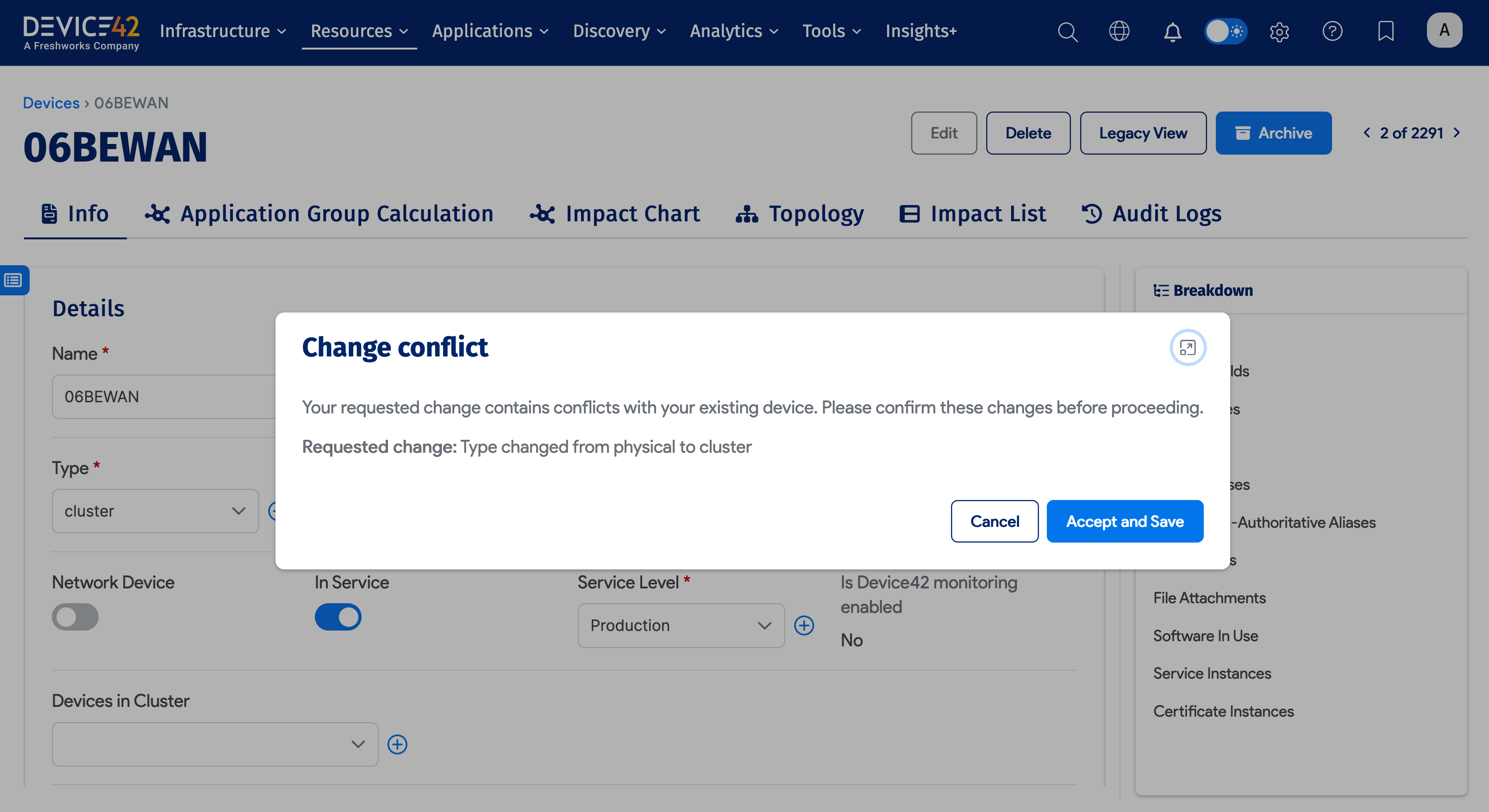
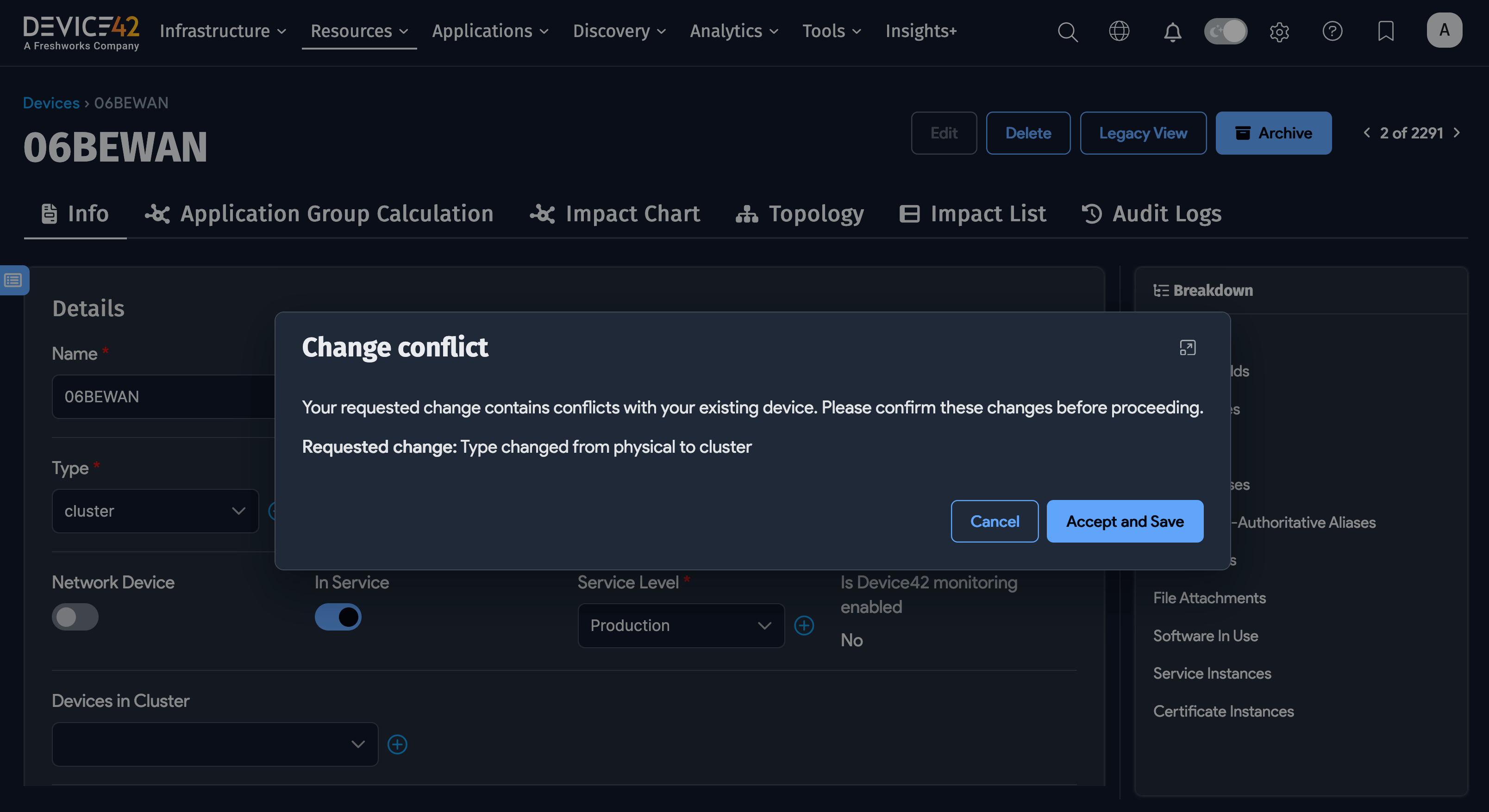
Change Device Type to Cluster
You can change any existing physical, virtual, or unknown device to a cluster type. However, data associated with the device's previous type will be lost.