Display
In the Display phase you will translate your validated, discovered data into actionable intelligence through various reporting and visualization capabilities, empowering users to make informed business decisions and integrate Device42 into their operational workflows.
This is the fourth and final phase (Display) in the Device42 implementation process. See How is Device42 Implemented? for an overview of all four phases.
Report and Dashboard Overview
There are two main types of Device42 reporting: Standard and Insights+.
Standard Reports
Standard Reports is the first place you will look for information. You can use and modify pre-defined reports, list reports, guided reports, and even use our Device42 Object Query Language (DOQL) if you are so inclined. You can export and schedule Standard Reports.
Click here for more information about Standard Reports.
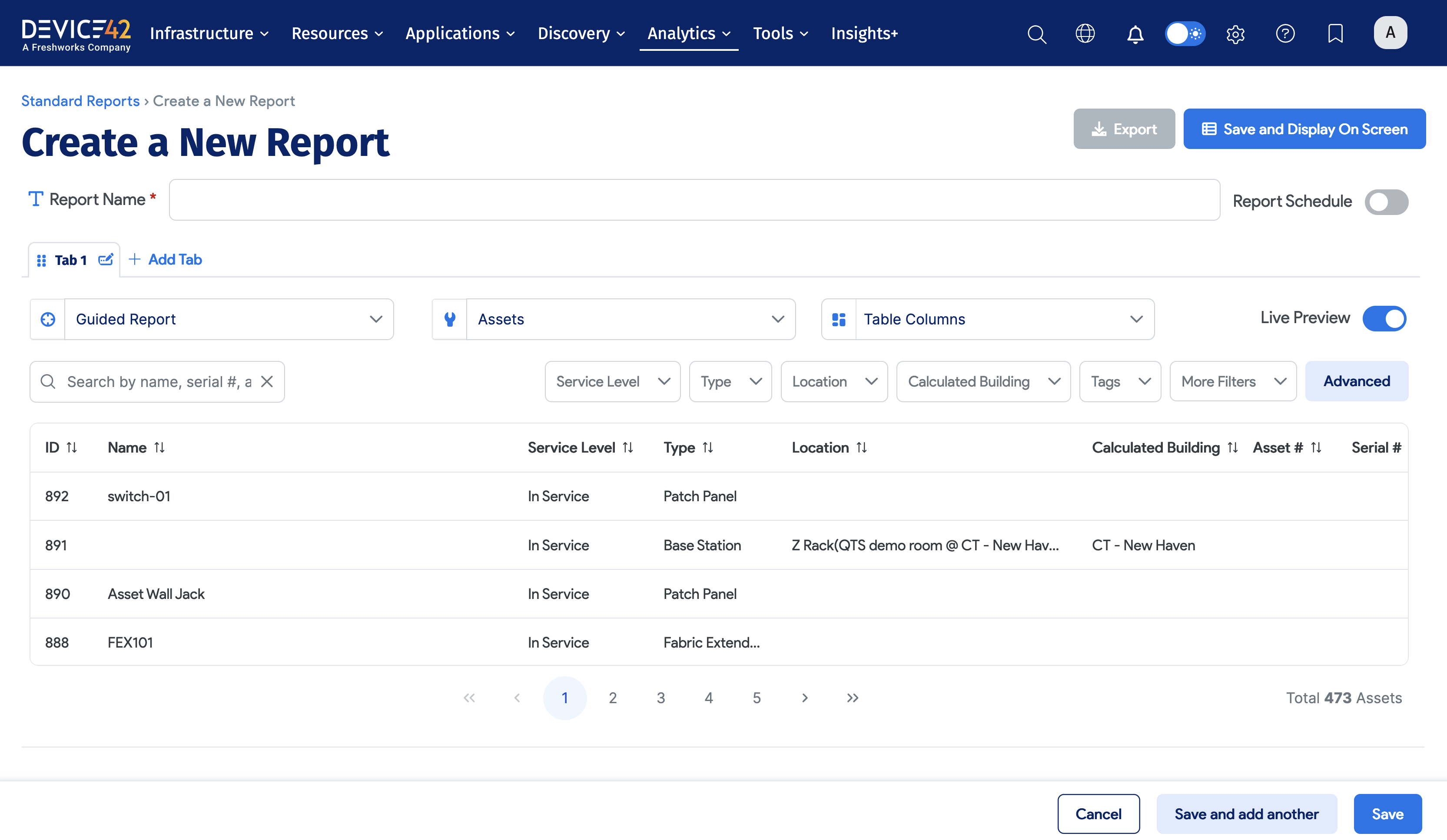
To view a video on ensuring success with Standard Reports, click here.
Insights+
Device42's Insights+ provides integrated analytics that leverage the breadth and depth of Device42 discovery to help you make sense of your data through visuals and dashboards so that you can make better, more informed business decisions.
Insights+ identifies patterns, trends, and outliers in data sets across your entire estate, elevating your performance with data understanding.
Click here for more information about Insights+.
To view a video on ensuring success with Insights+, click here.
Reports Summary
Below is a summary of each of the three Device42 reporting mechanisms:
- Standard Reports likely represent fundamental, day-to-day reporting
- Insights+ offers advanced visualizations and out-of-the-box dashboards to deliver comprehensive IT operational intelligence and support strategic business decisions
Reporting Reference Material
In addition to the above report links, below are links to additional reporting documentation:
-
We have created a Data Building Blocks Cookbook that provides the 'recipes' to more easily create and run report-based queries.
-
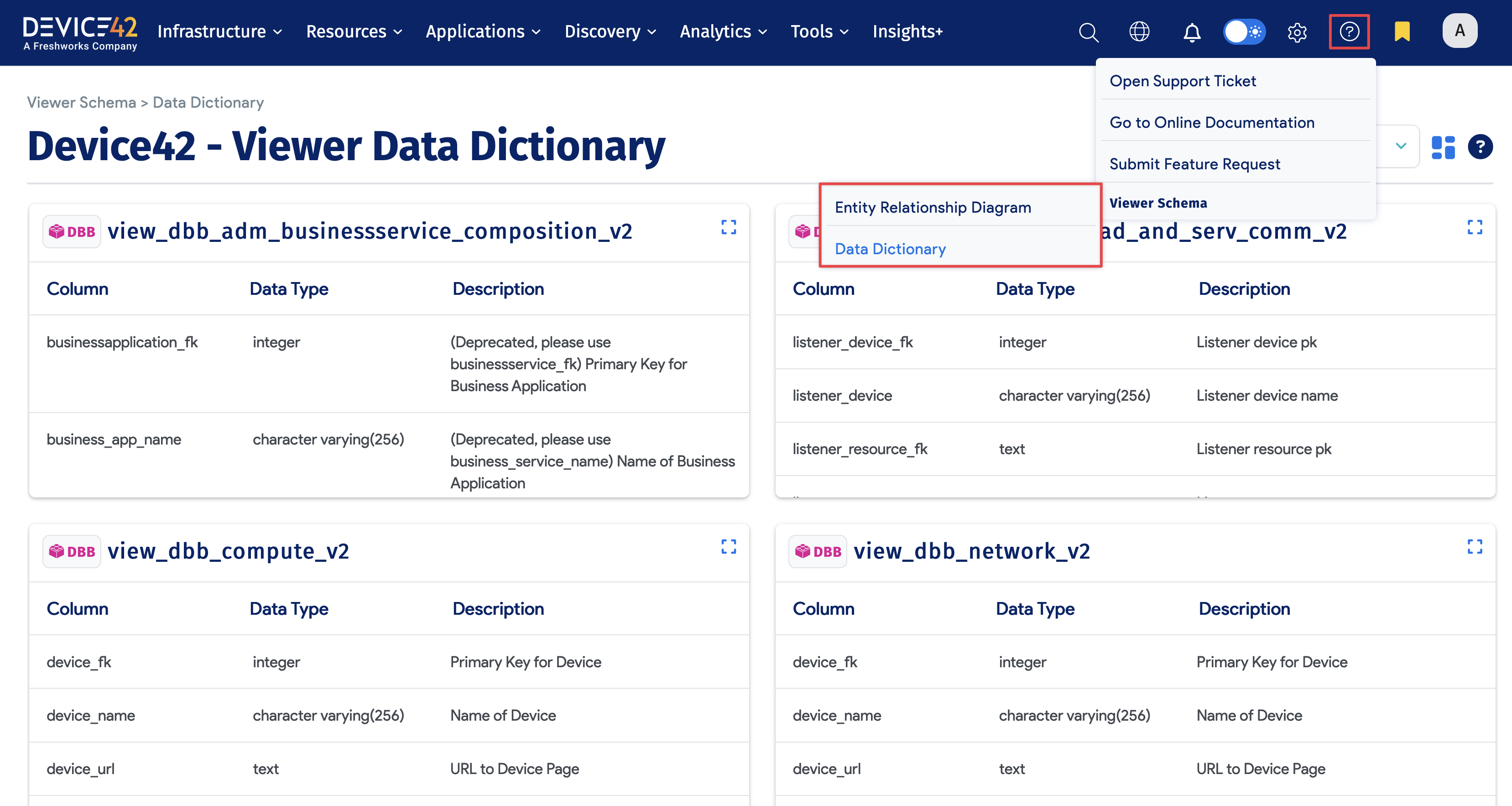
The Database Viewer Schema page explains how to view Device42's Entity Relationship Diagram and Data Dictionary.
-
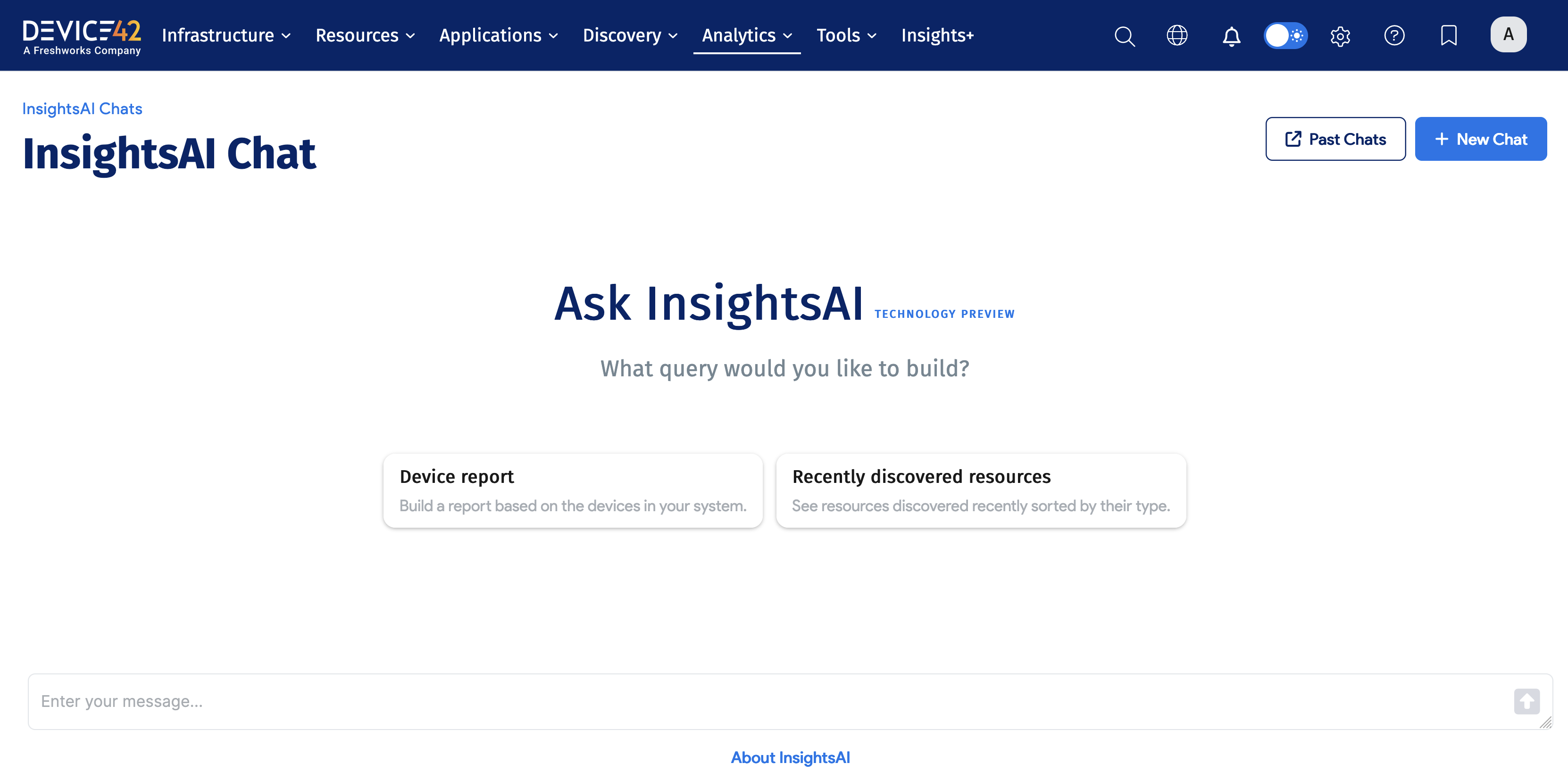
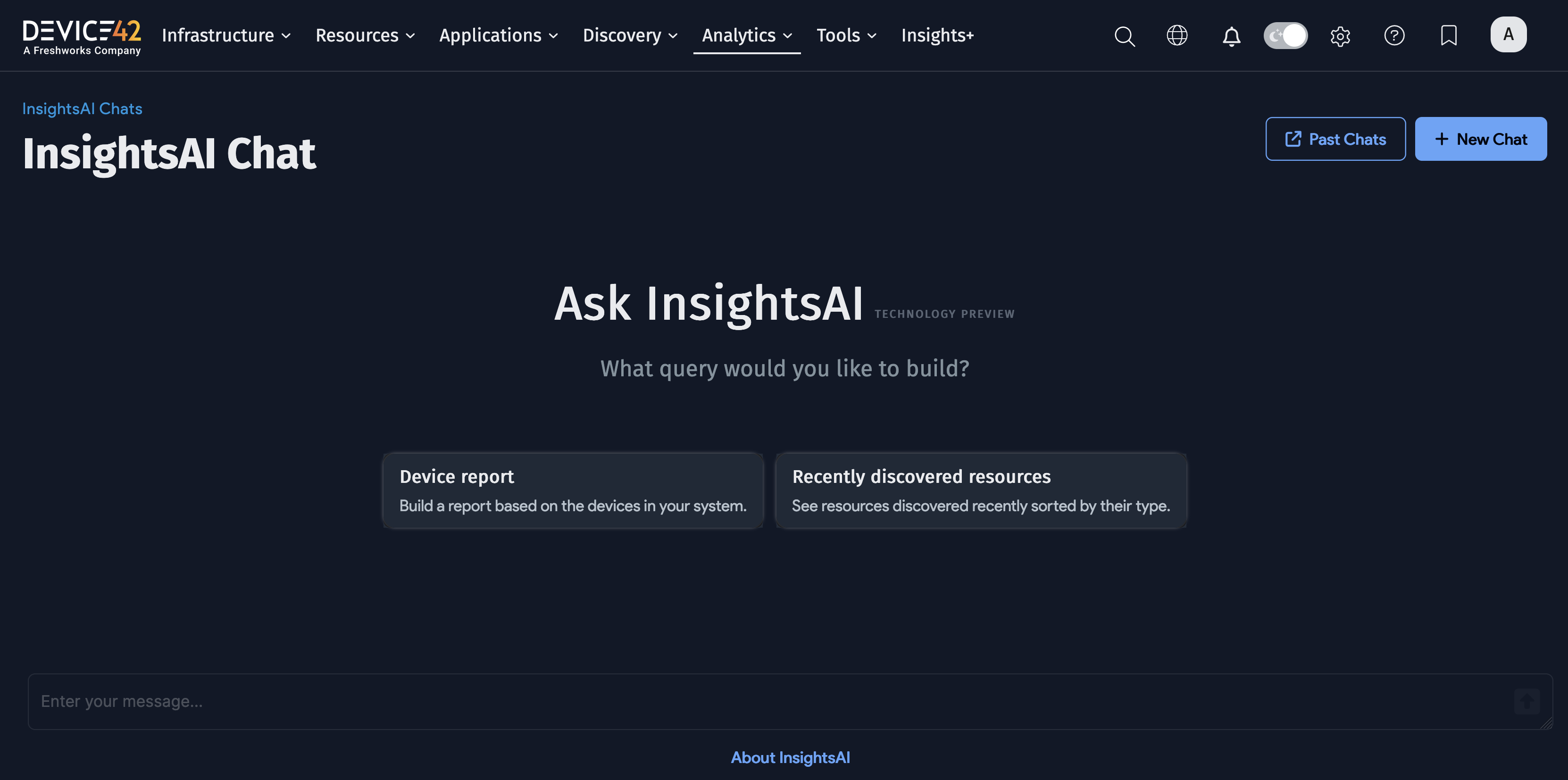
The InsightsAI Chat page explains how to use natural language descriptions to generate DOQL queries and tailored reports.
Key Customer Reporting Responsibilities
You and/or others in your organization will be responsible for completing specific tasks in order to ensure your organization receives tangible value from the data Device42 discovers. These responsibilities include the following:
- Complete Device42 Reporting Course: It is critical that you and/or others complete the Device42 Reporting course so you understand Device42's reporting capabilities and methods.
- Define and Document Reporting Needs: Your organization invested in Device42 so it can provide visibility to address specific needs. By understanding those business needs, coupled with the knowledge of the data Device42 has discovered and the Device42 reporting capabilities, you or others must define and document the specific reports that will provide your organization with the required visibility. This is critical, whether these reports will be created by your organization, by Device42 Customer Success, or by a certified Device42 partner.
- Create and Customize Dashboards/Reports: Once your organization's reporting needs are identified, you must facilitate the creation of these Dashboards and Reports.
- Review and Confirm Dashboards/Reports: You are responsible for reviewing the configured dashboards and reports to verify all necessary data visualizations (charts, graphs, maps) accurately represent the discovered infrastructure data.
Display Phase Checklist
The Display phase is considered complete when:
- You have a comprehensive understanding of Device42's reporting capabilities through the Device42 Academy's reporting training courses and by reviewing online Device42 reporting documentation.
- You have educated key stakeholders and main users regarding both Device42's standard reports plus its reporting capabilities
- You have defined and documented the key reporting requirements to address your organization's business needs.
- You have configured existing dashboards/reports and/or created new dashboards/reports to meet your organization's business needs.
- You have verified all dashboards (including charts, graphs, maps, and so on) and reports accurately reflect your discovered infrastructure.
Conclusion
Congratulations, You have completed the base Device42 implementation! Based on our experience working with customers, we expect you may have additional requirements, including integrating Device42 with other applications and systems, as well as expanding the use of Device42 to help your organization achieve additional objectives.
Please contact Device42 Support should you encounter any issues, and please contact your Account Representative or your Customer Success Manager should you require assistance with any non-support matters.
Please also refer to Additional Customer Resources for links that can assist you with your Device42 journey.