Service Listener Ports
Select Resources > Services > Service Listener Ports to view, edit, or add a listener port. Click the service Listener port IP to edit an existing listener port.
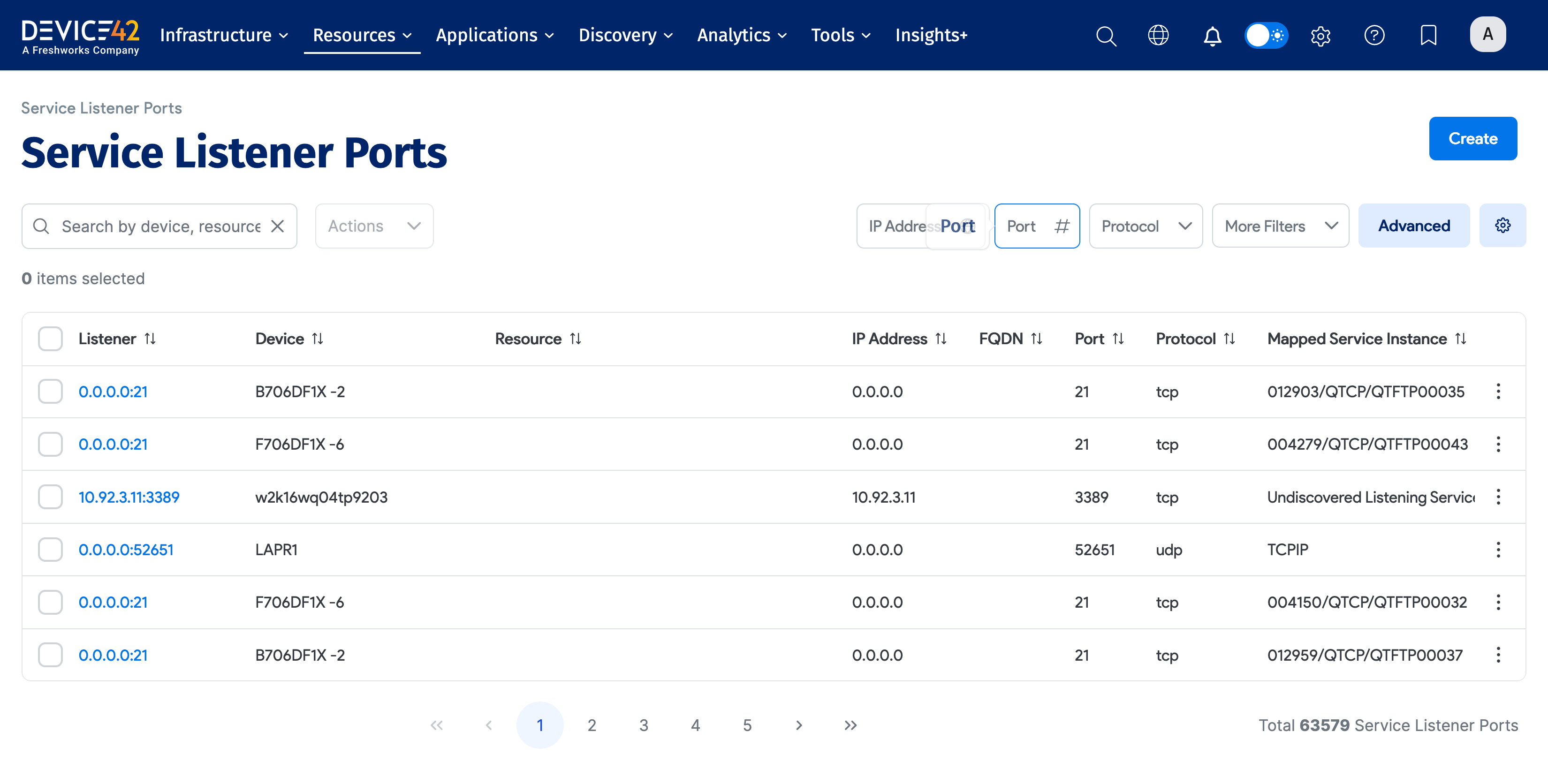
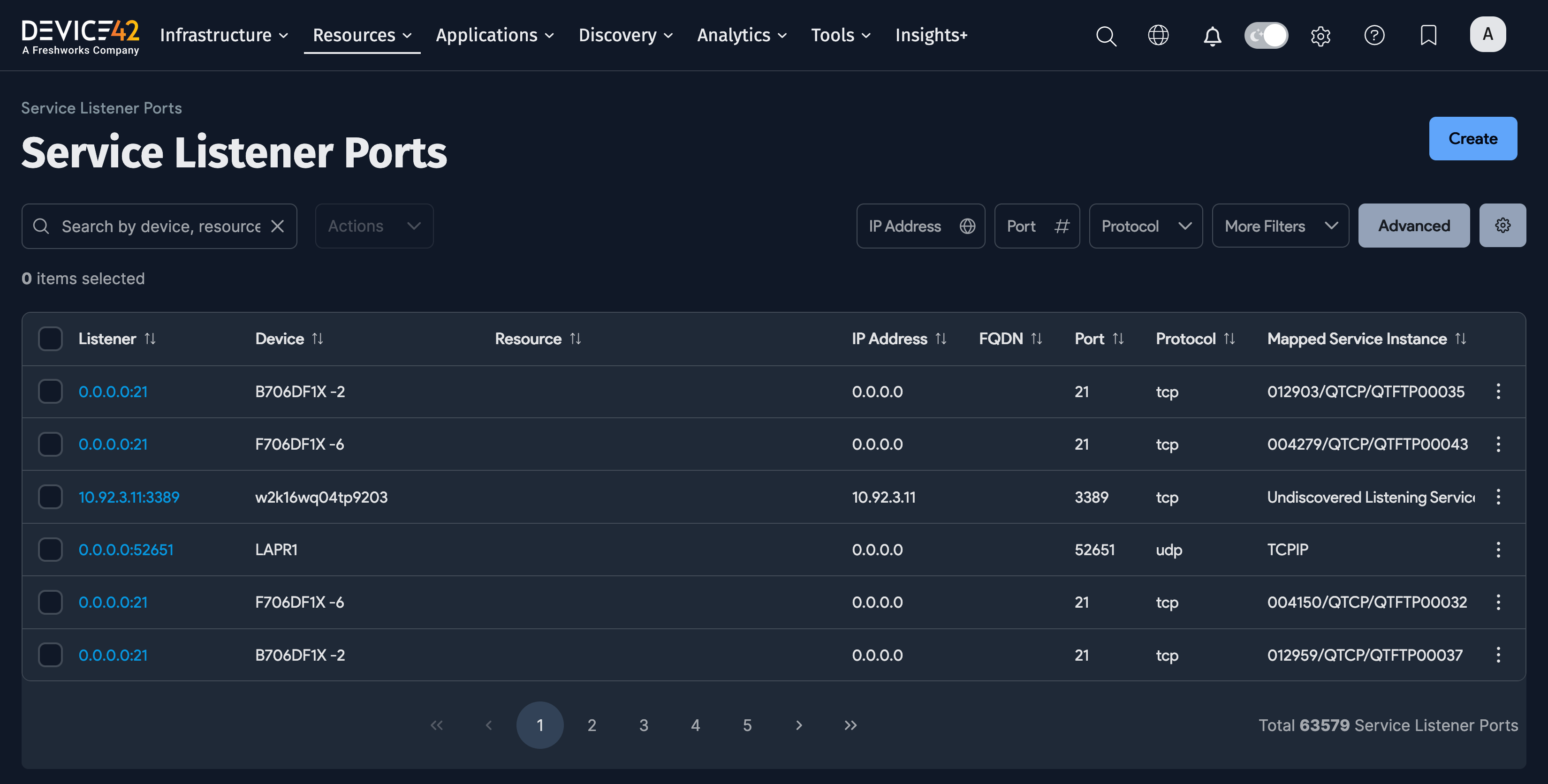
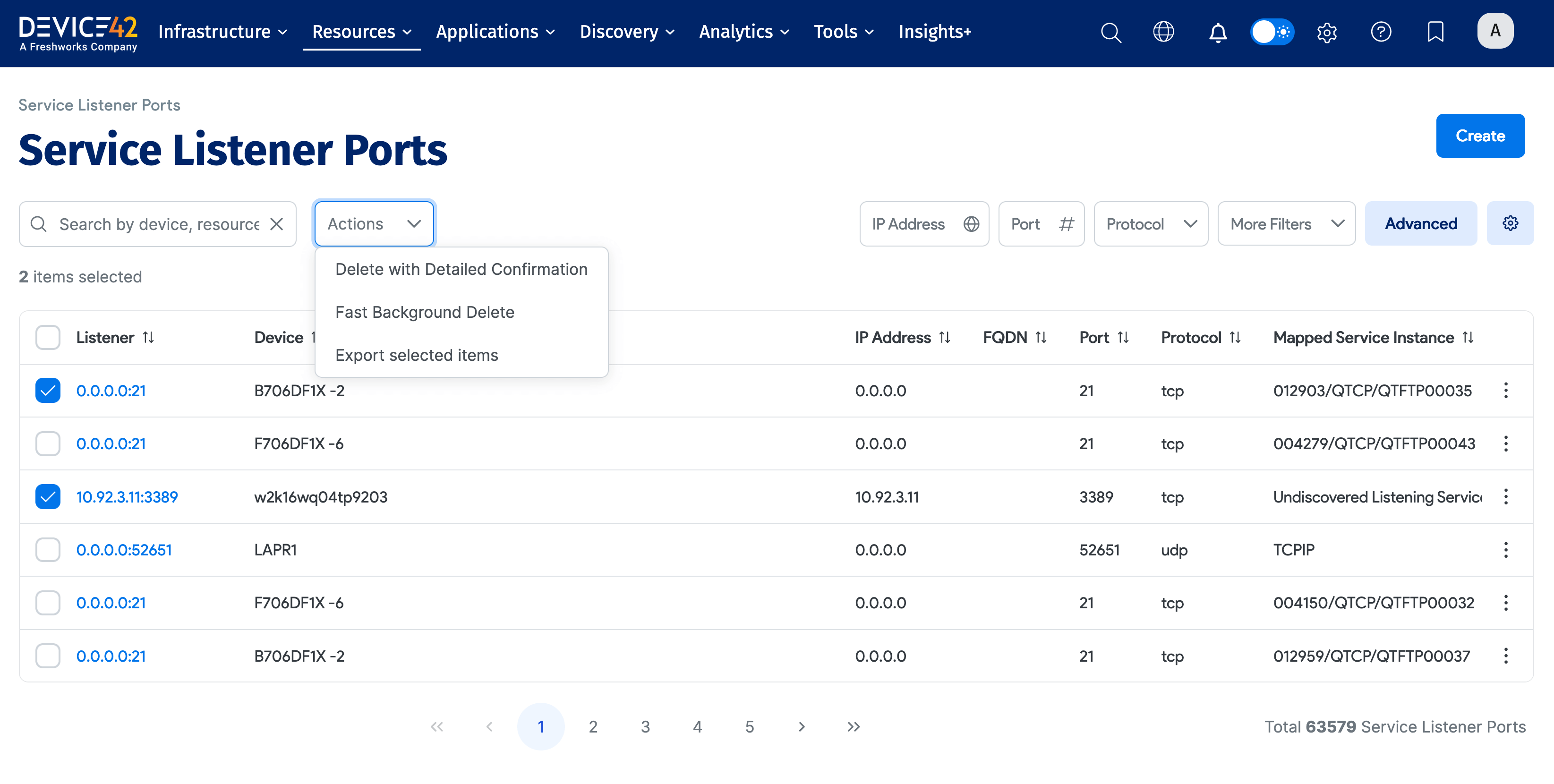
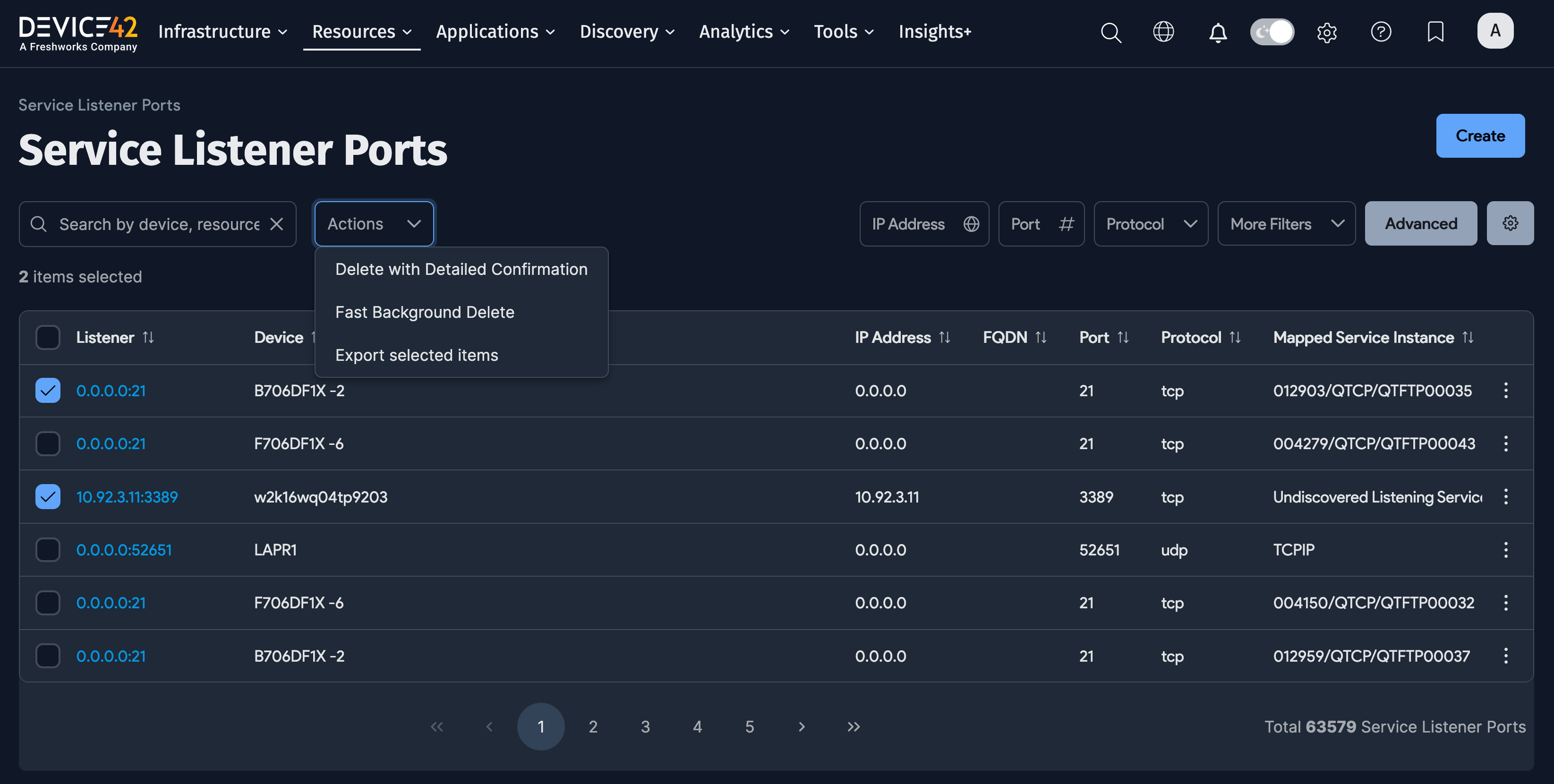
Service Listener Port Actions
Select one or more listener ports, and then select an Action to apply that action to the listener ports.
Add a Service Listener Port
Click Create from the Service Listener list page to add a new port.
Click Device to create the listener port you want to add. Device42 displays the Select Device dialog – you can also add a new device from this dialog. Click on the name of the device for the listener port. Enter an IP Address, a Port, and select the Protocol. Enter any other information you want, and then click Save to add the listener port.