Service Instances
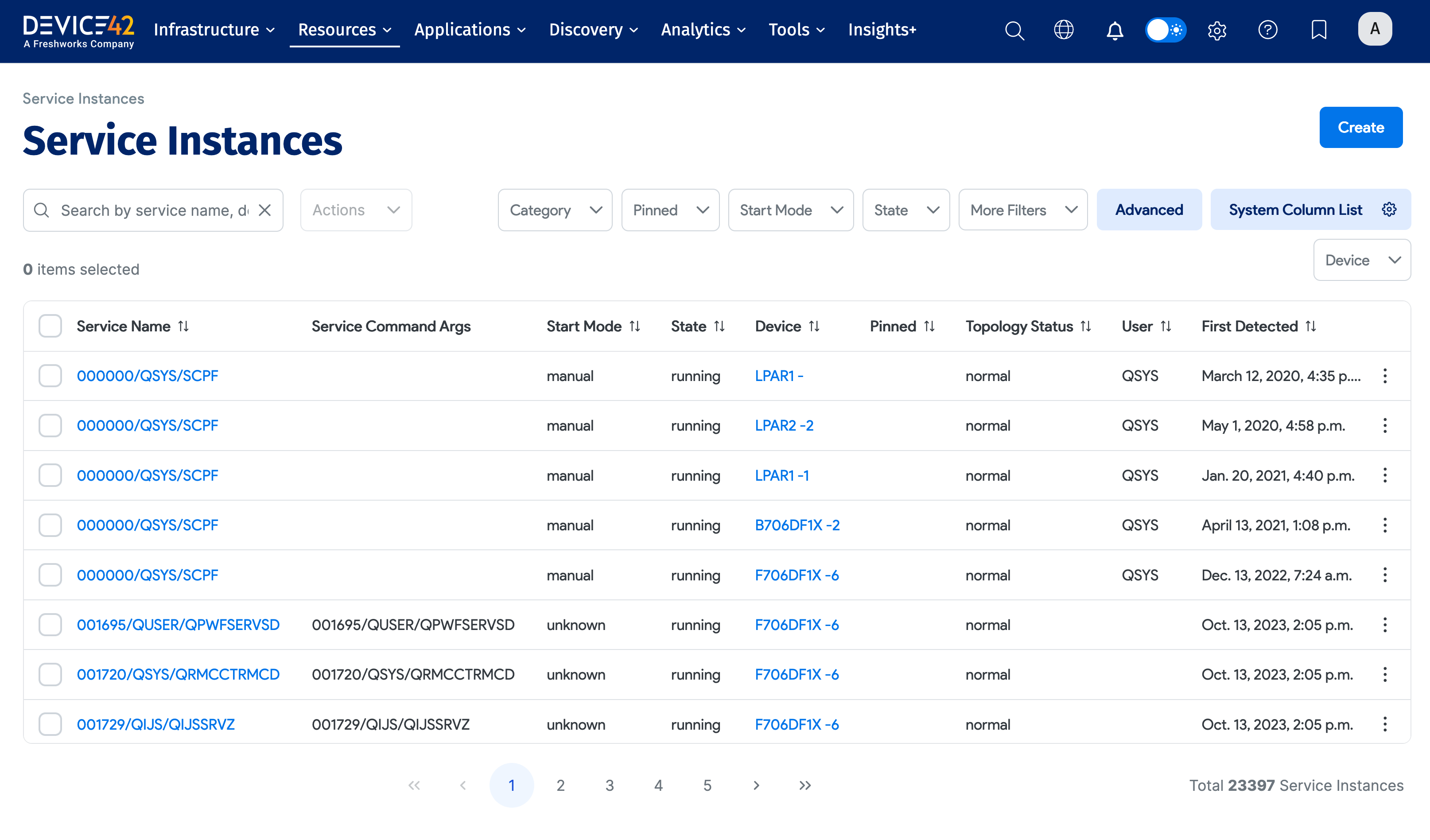
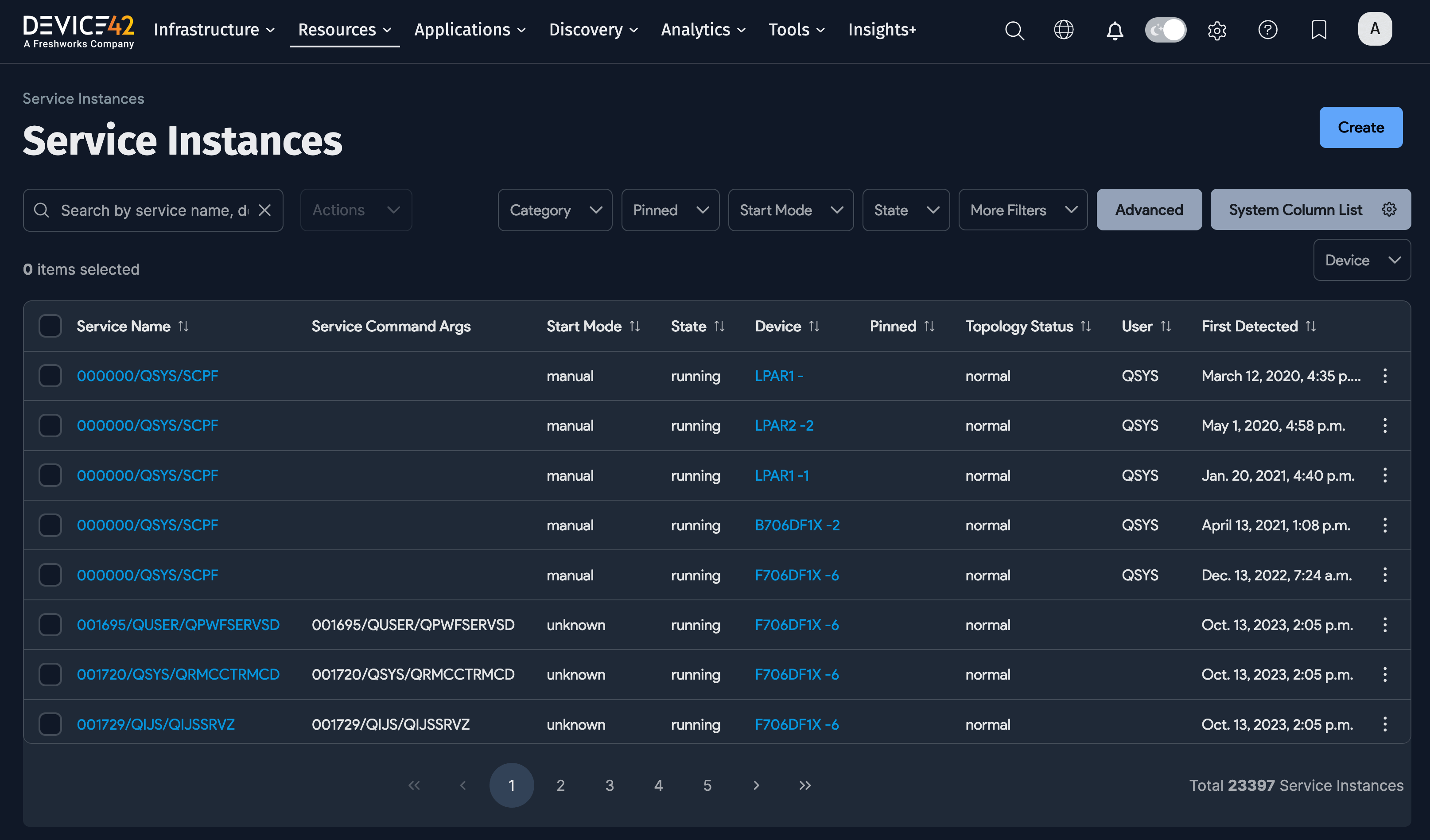
Service Instances are the running services discovered on your devices. These form the foundation for Application Dependency Mapping and help you understand what's running where.
Device42 stores each discovered service as an entry in the Service Instance list page, under Resources > Service Instances. You'll see multiple services with the same Service Name. If you want a tally of the number of services with the same name, visit the All Services list page under Resources > All Services.
A Service Instance record includes the service Device, its State, Service Path, Listener Addresses, and Ports.
Using the Service Instances Interface
From Resources > Service Instances, click on a Service Name to view or edit that instance.
Service Instances Actions
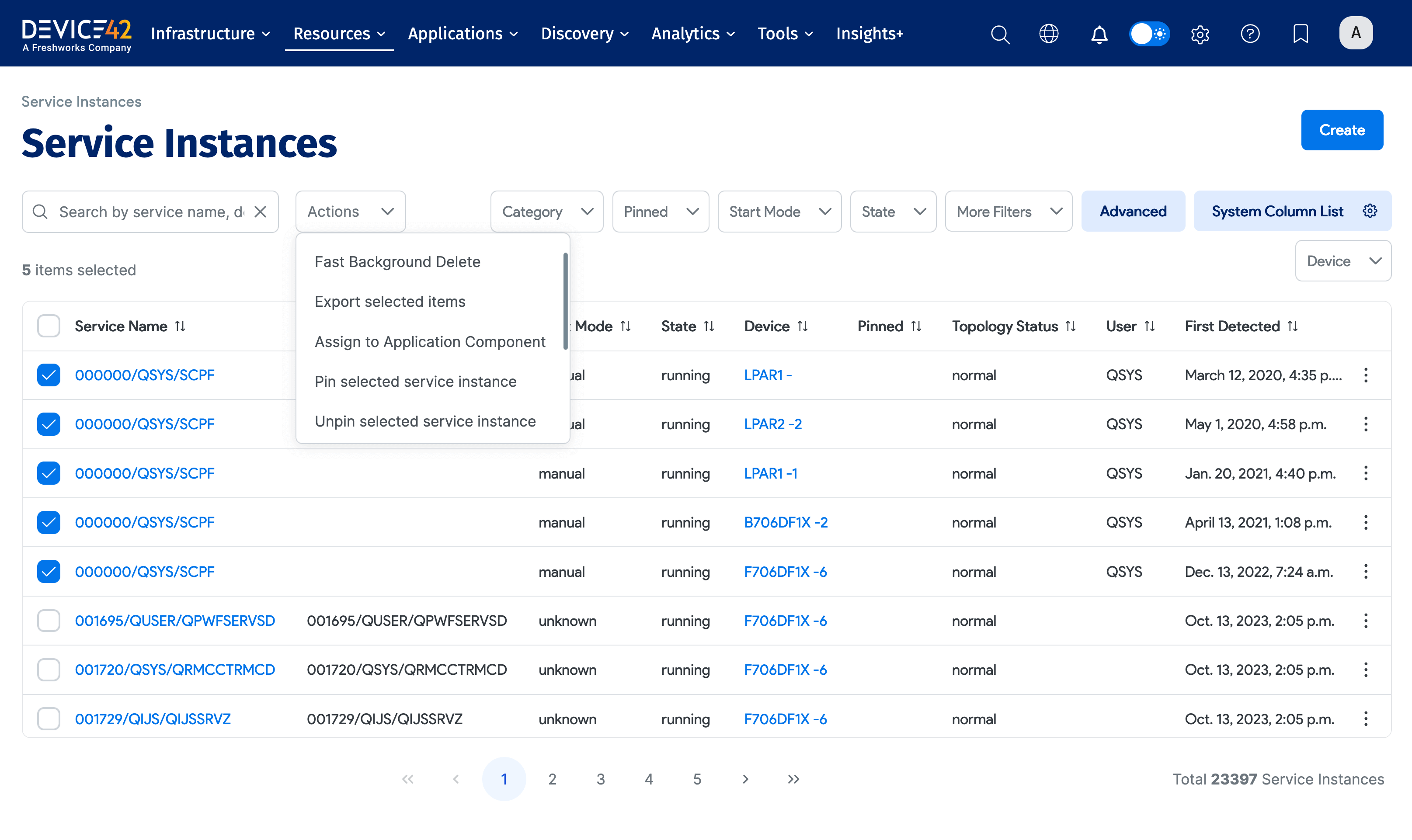
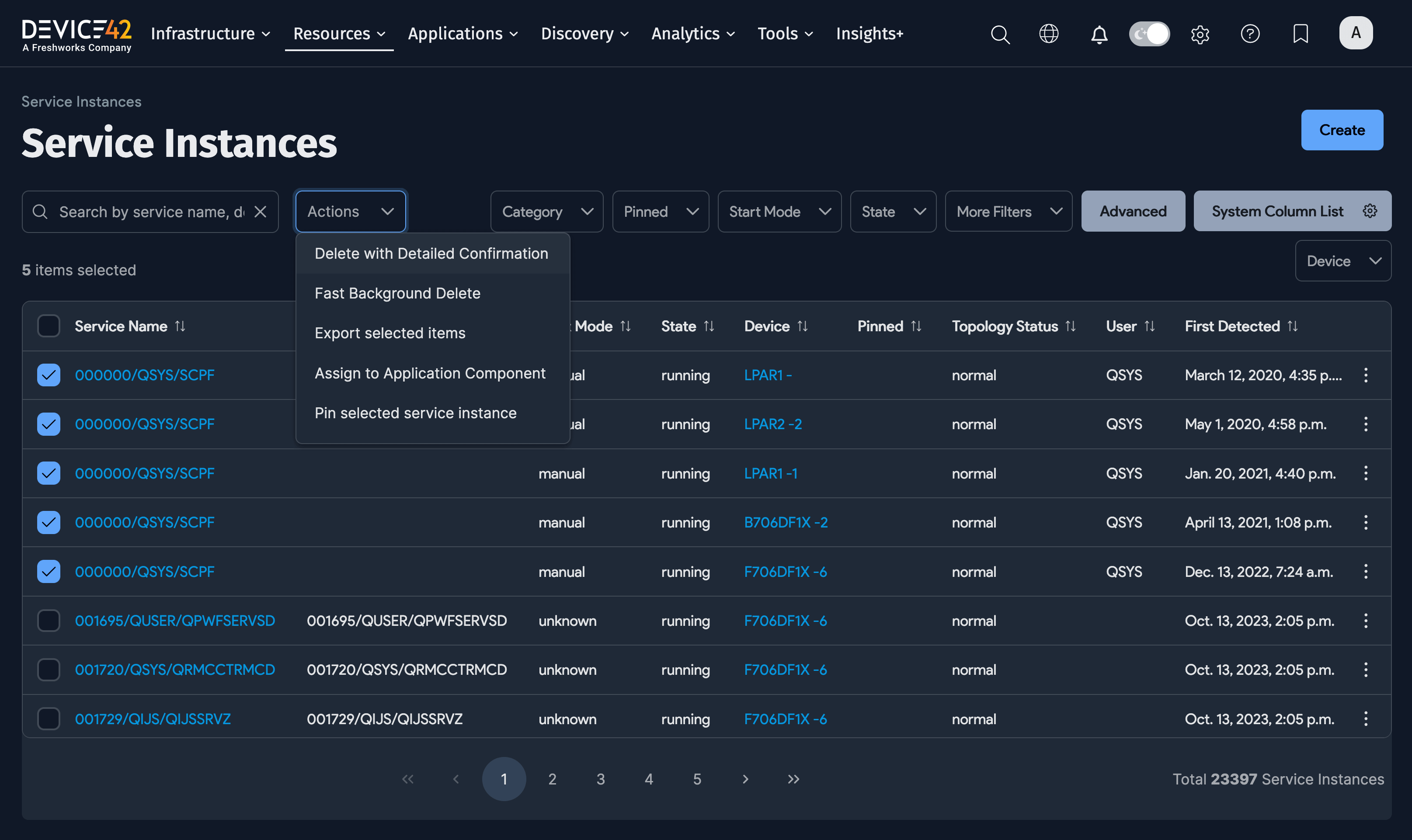
Select one or more Service Instances and select an option from the Actions menu to perform on the selection.
Add a Service Instance
Click Create to add a new instance.
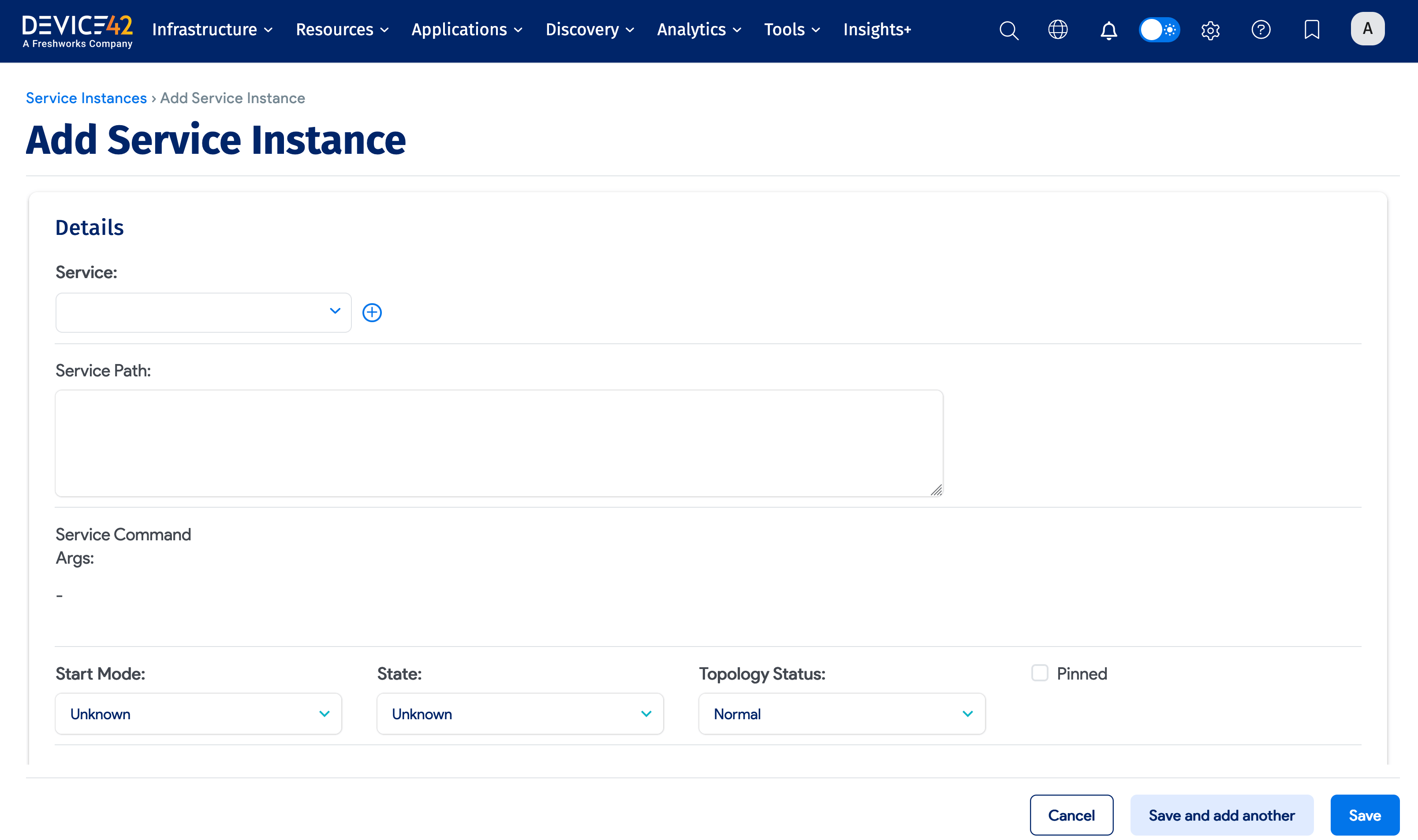
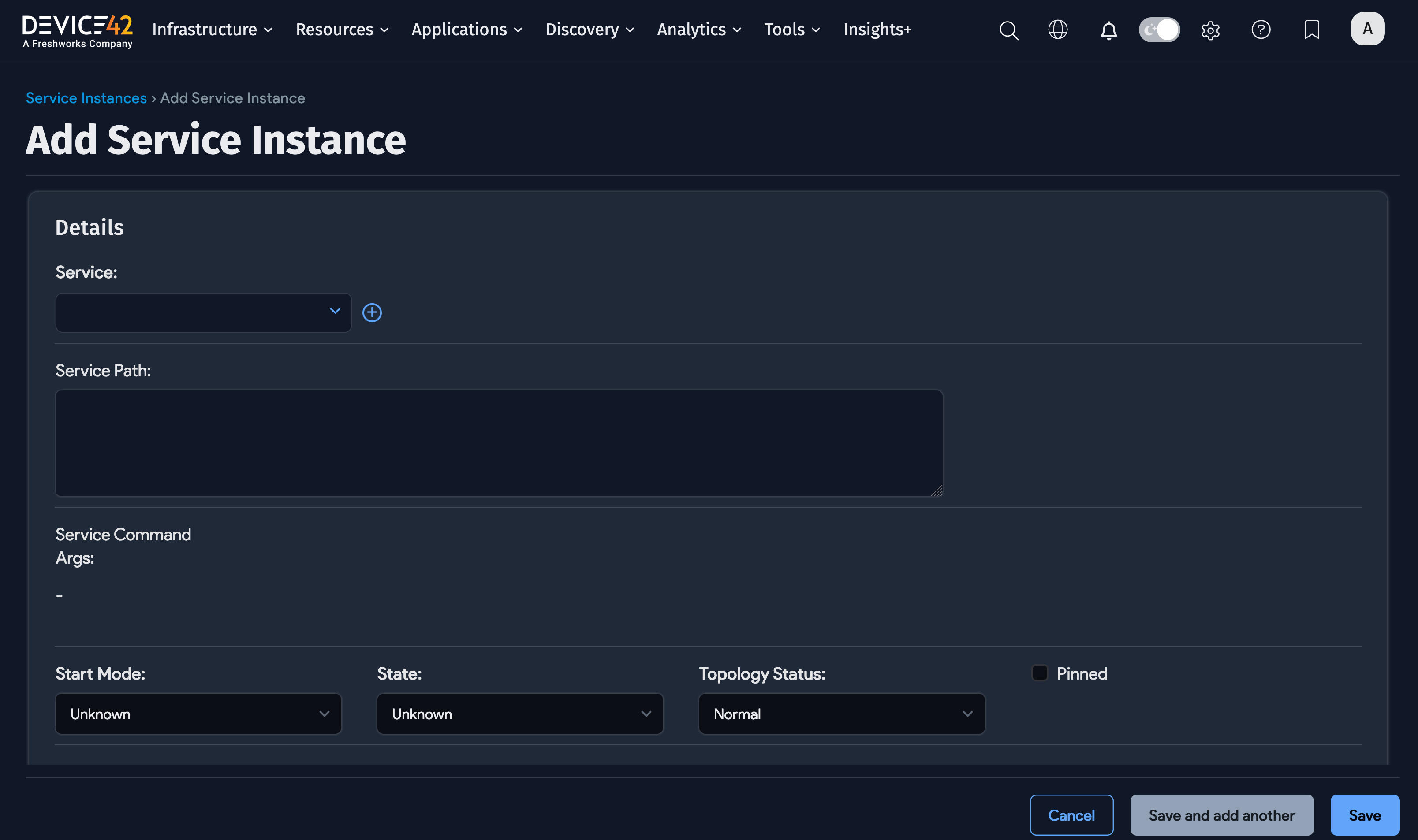
- Click Service to select the service you want to add. Device42 displays the Select Service dialog – you can also add a new component from this dialog.
- Select the Start Mode, State, and Topology Status.
Enter or select any other information you want for the instance, and then click Save at the bottom of the page.
Application Dependency Mapping and Service Instances
As part of the Application Dependency Mapping (ADM) workflow, Device42 creates Application Components (Applications > Application Components) from discovered data and services. Application Components are building blocks for creating Application Groups, and eventually, a Business Service.
If you have an application that is absent or not quite captured as an Application Component, after running OS-level discovery jobs with ADM sampling enabled, create an Application Component Template to instruct Device42 on what to look for.
The Service Command Args value of a Service Instance can be used as match criteria when configuring the Application Component Template you need.
- Copy the Service Command Args value of a Service Instance.
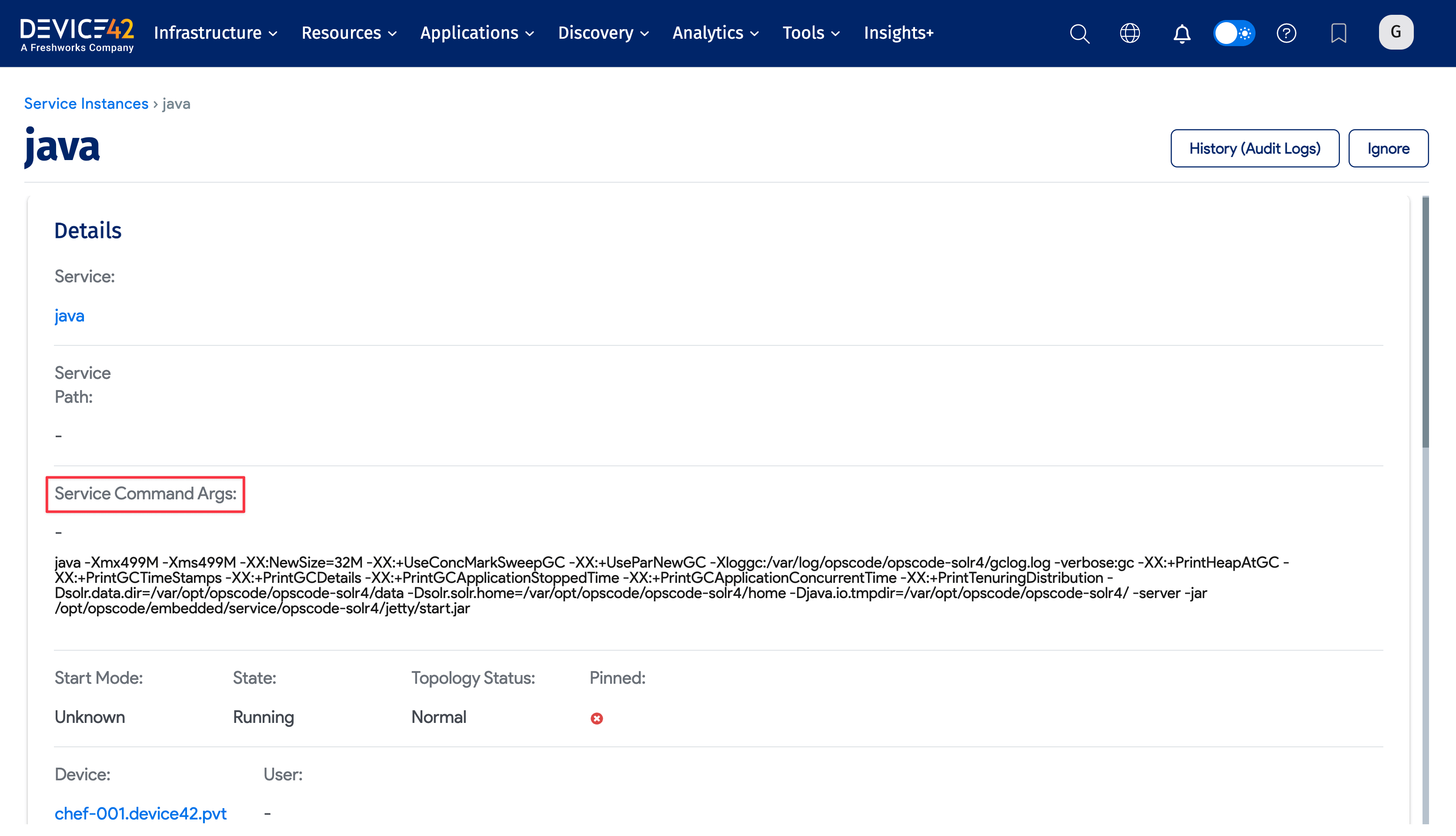
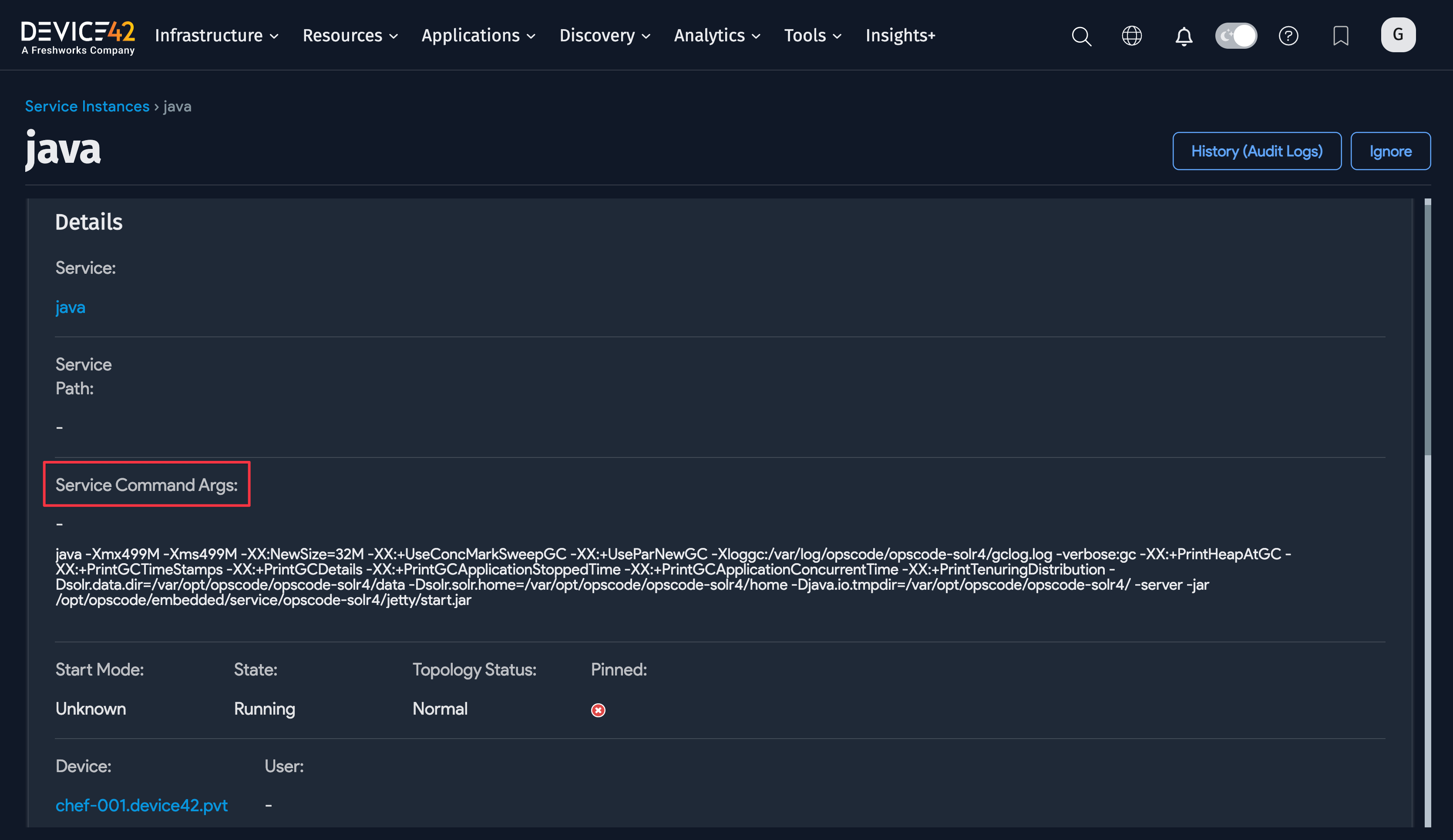
- Create a new Application Component Template using the previous Service Instance Service Command Args value as match criteria:
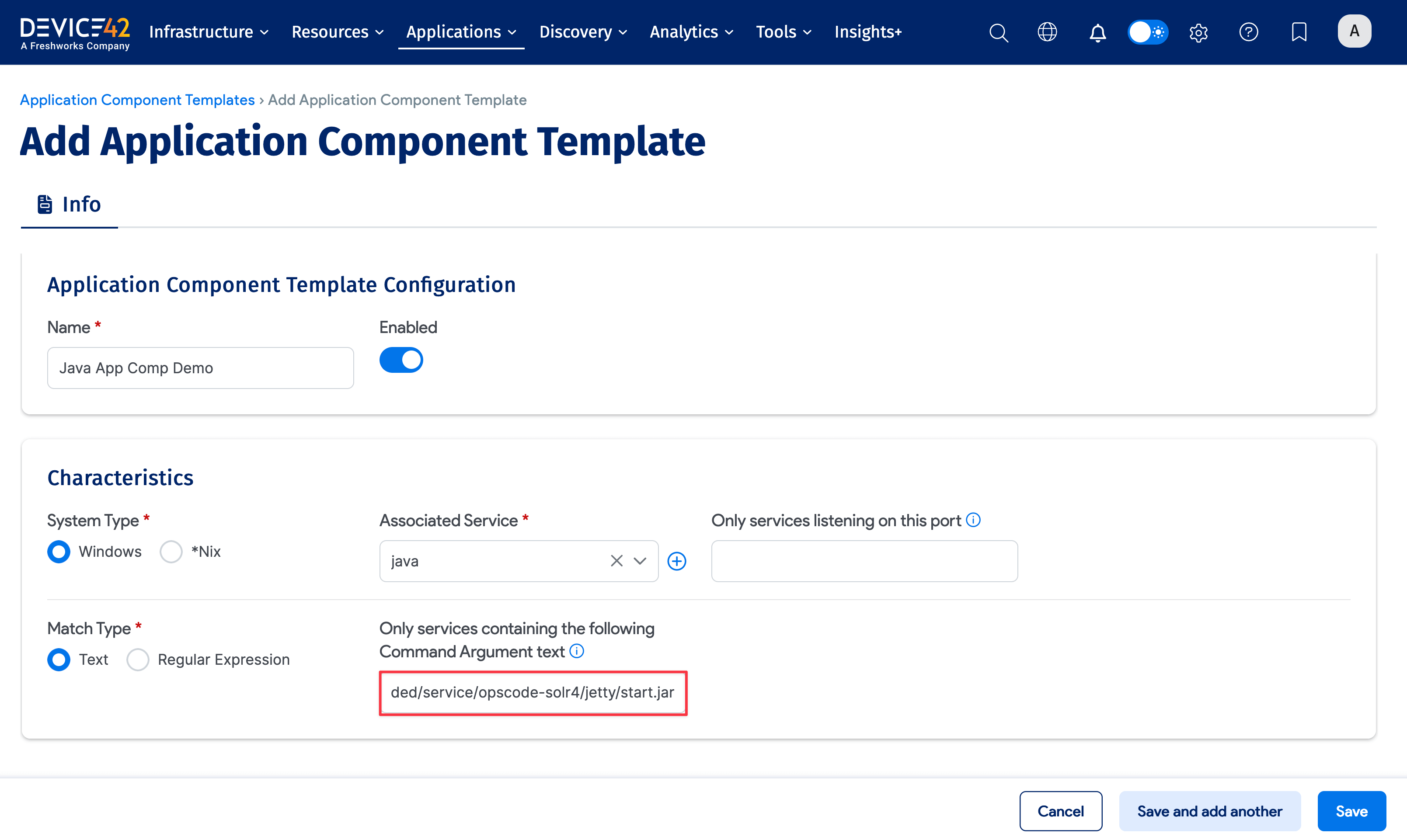
Creating Application Component Templates for Java.exe applications is particularly useful - you provide the command line switches (Service Command Args) containing the launch details of the service.