Scheduled Tasks
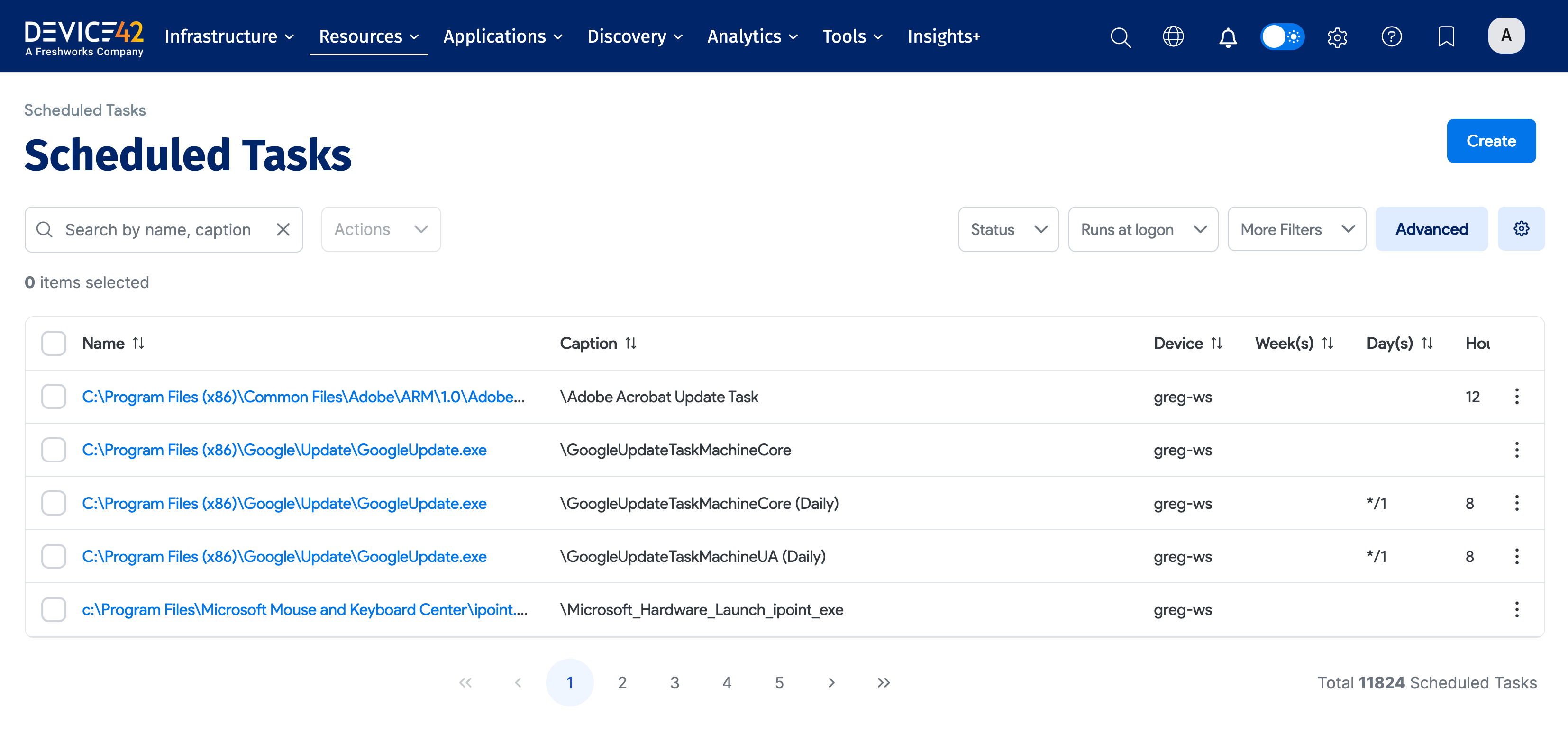
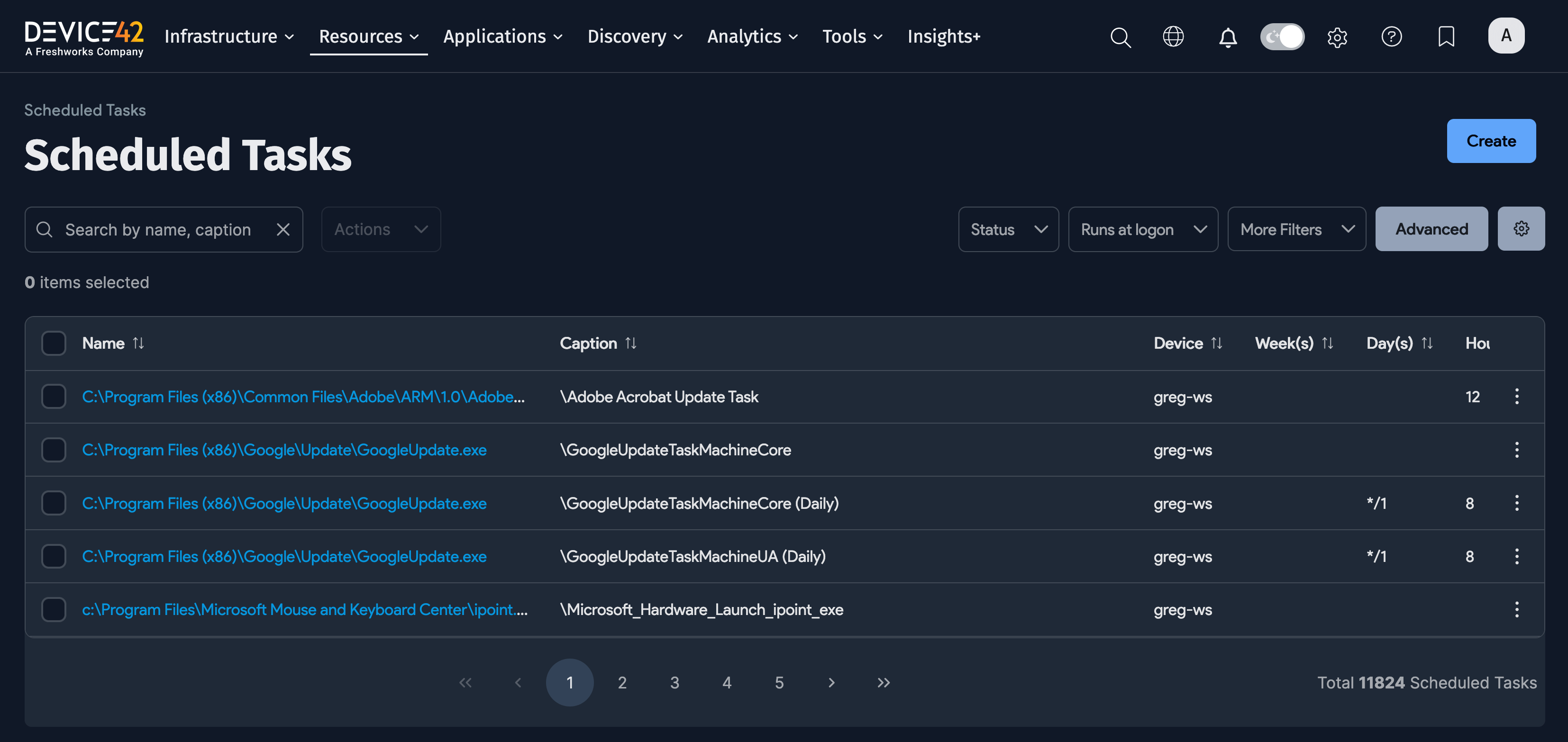
Select Resources > Services > Scheduled Tasks to view, edit, or add a scheduled task.
Scheduled Task Actions
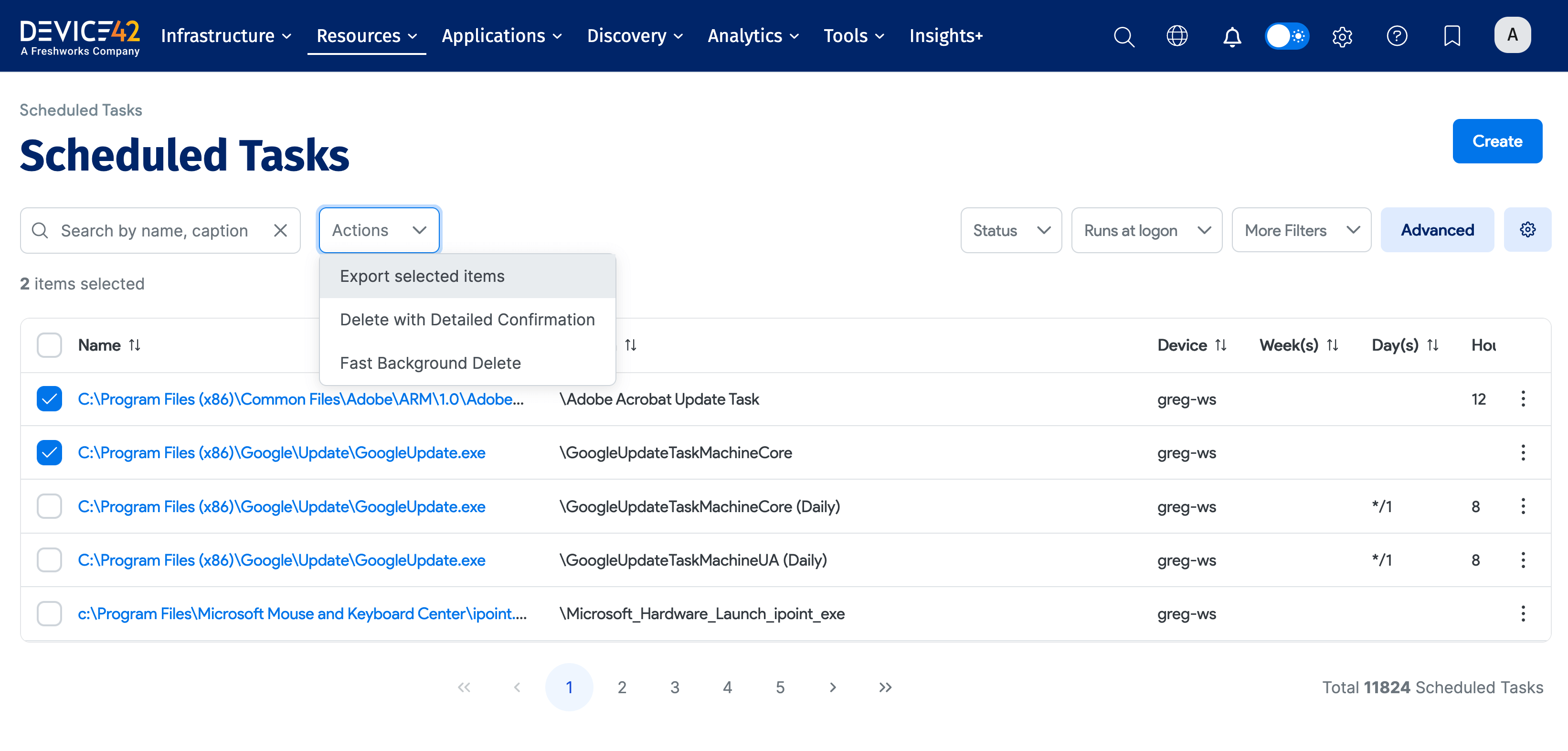
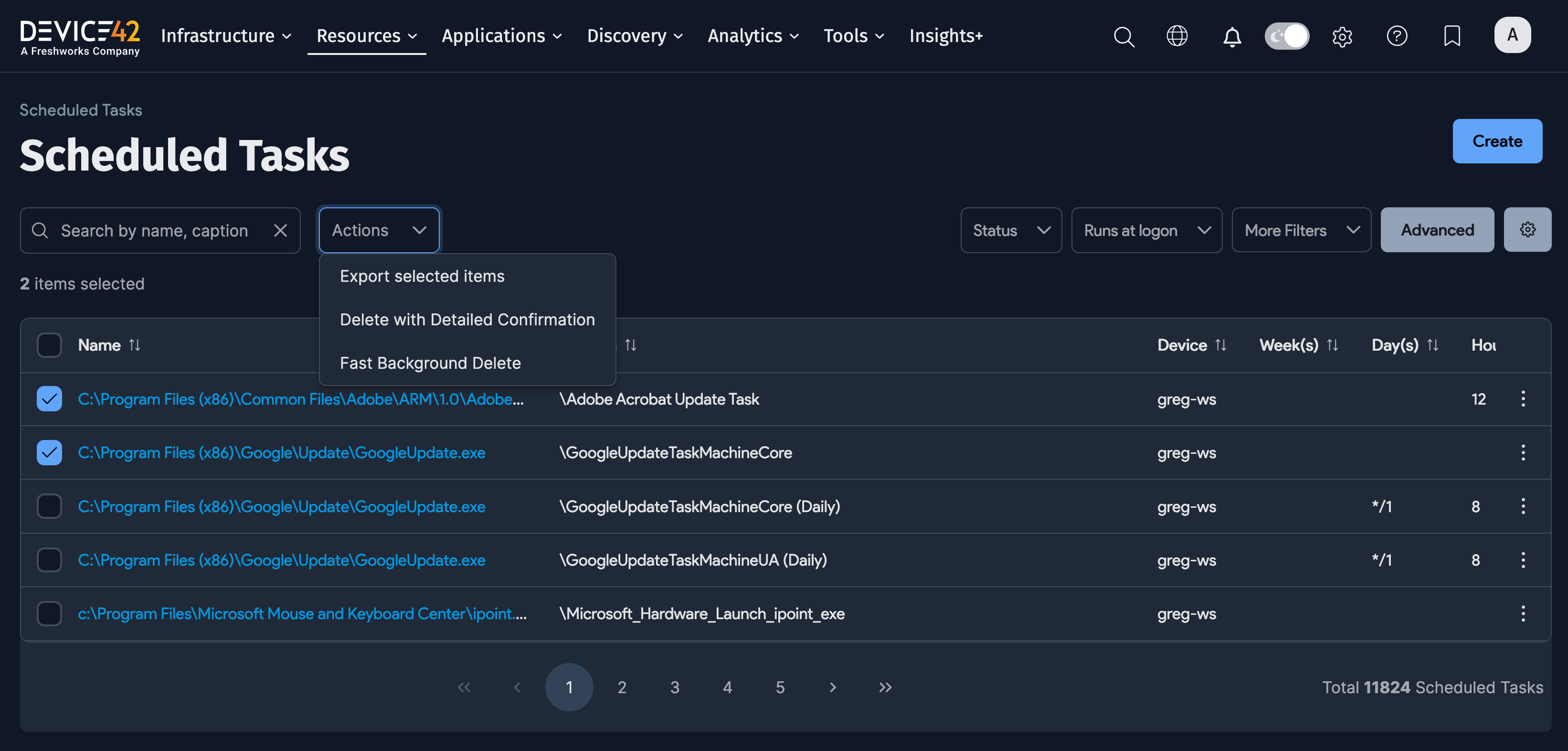
Select one of more scheduled tasks, and then select an Action to apply that action to the tasks.
Add a Scheduled Task
Click Create from the Scheduled Tasks list page to add a new task.
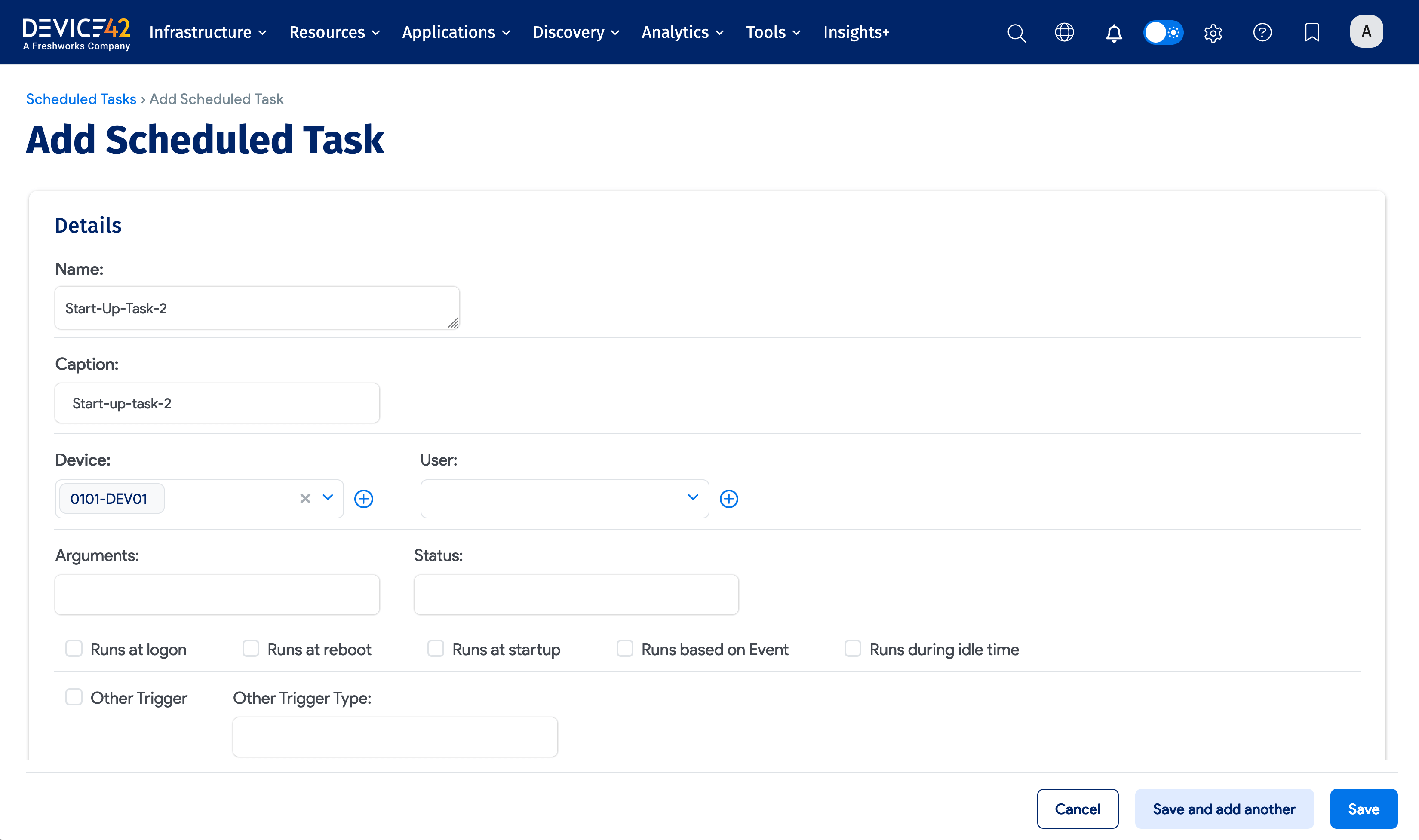
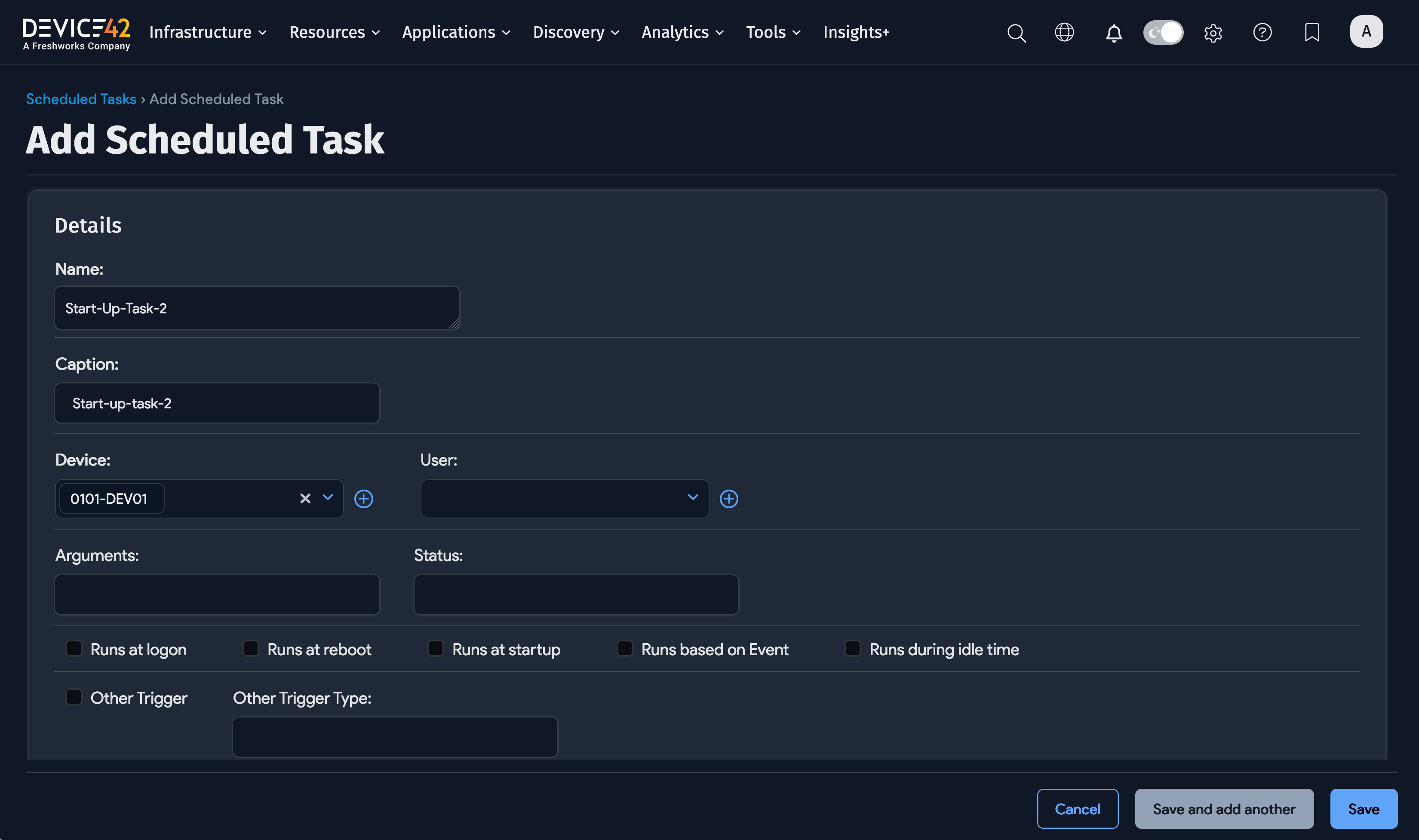
Enter a Name, Caption, and select a Device for the task. Enter or select any other options or schedule information. Click Save at the bottom of the page to save the task.