Ignored Services
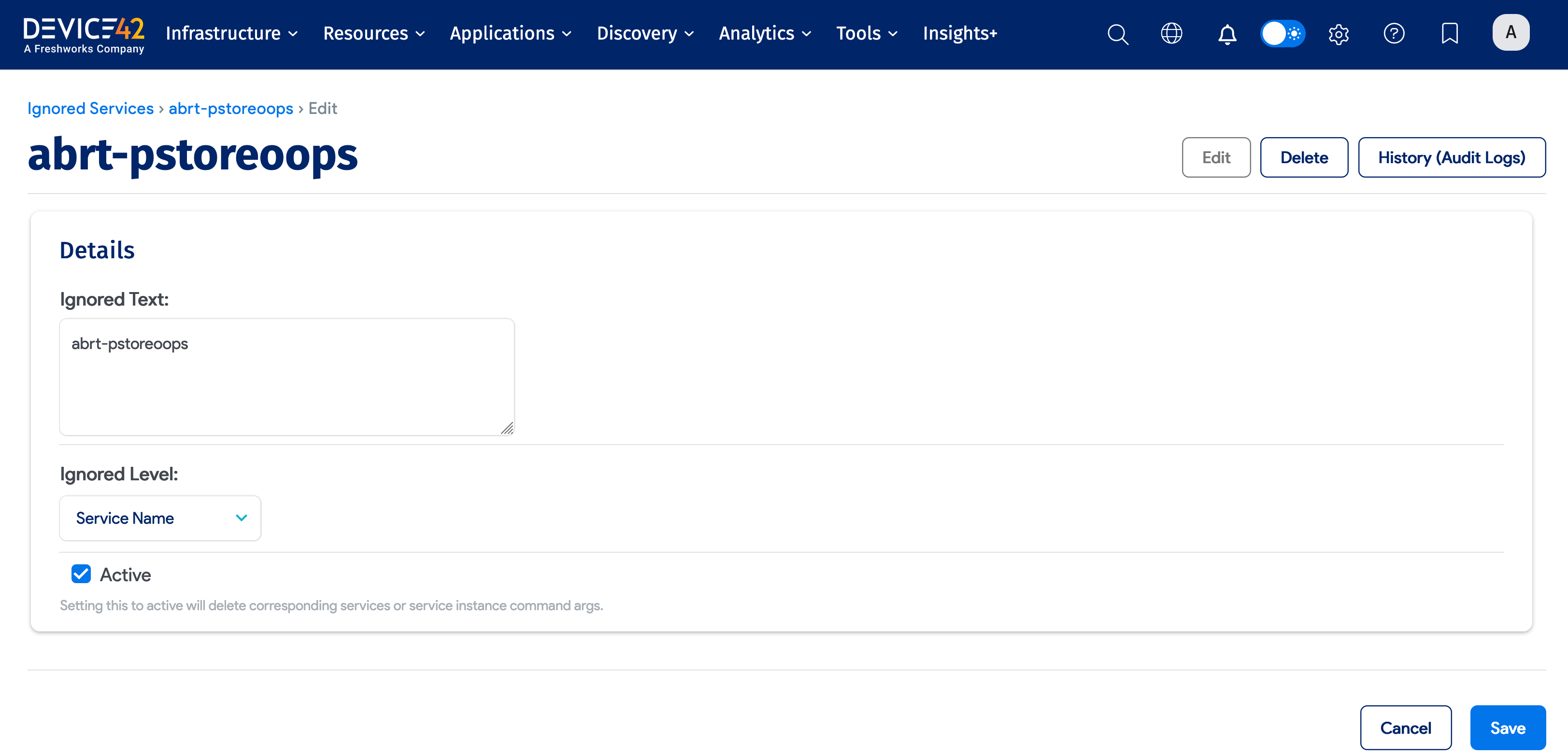
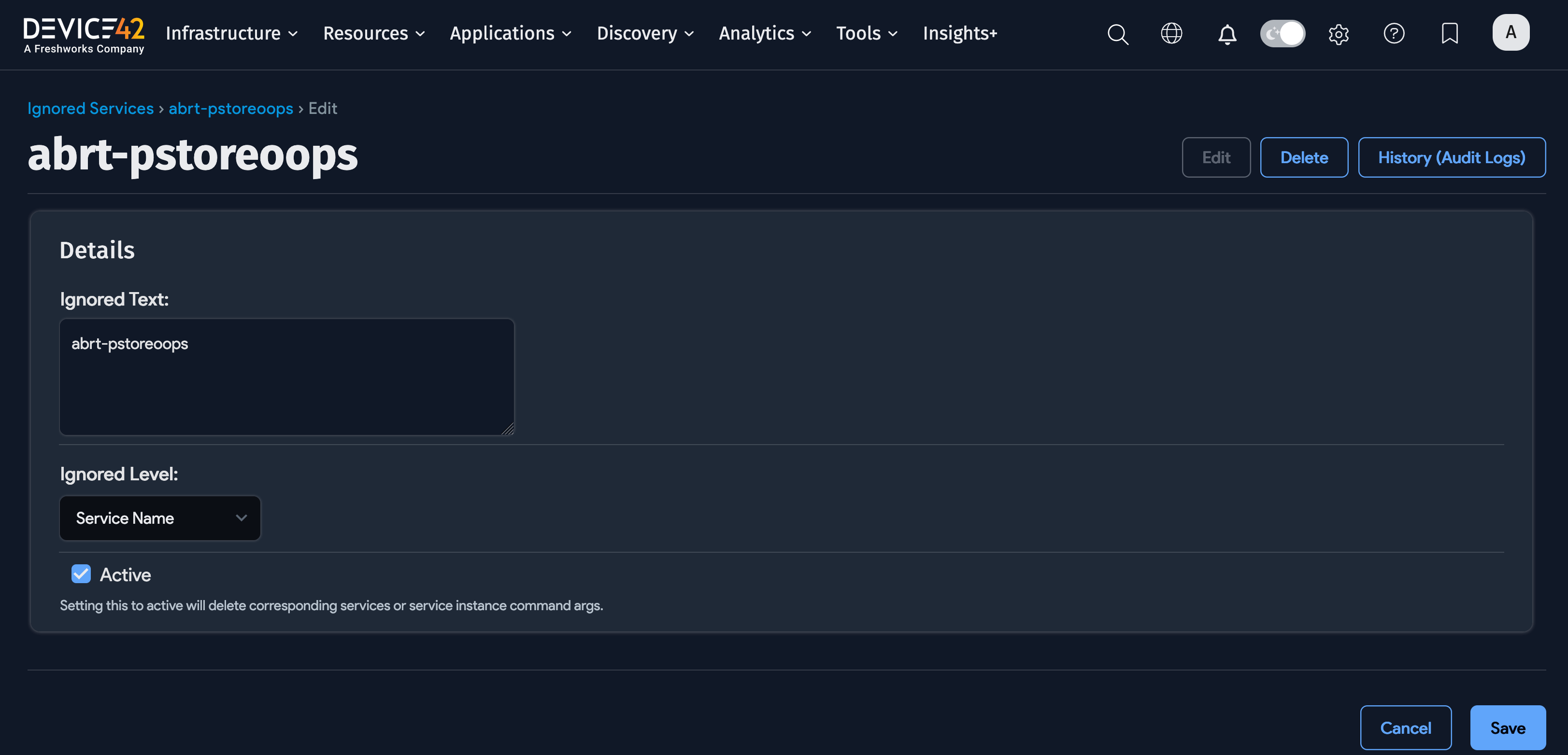
Select Apps > Services > Ignored Services to view, edit, or add ignored services. Click the ignored service ID to edit an existing service.
Ignored services are either Active or Inactive:
- Active ignored services are not captured in discovery.
- Inactive ignored services are captured in discovery.
Any discovered ignored services are added to the Ignored Services list page.
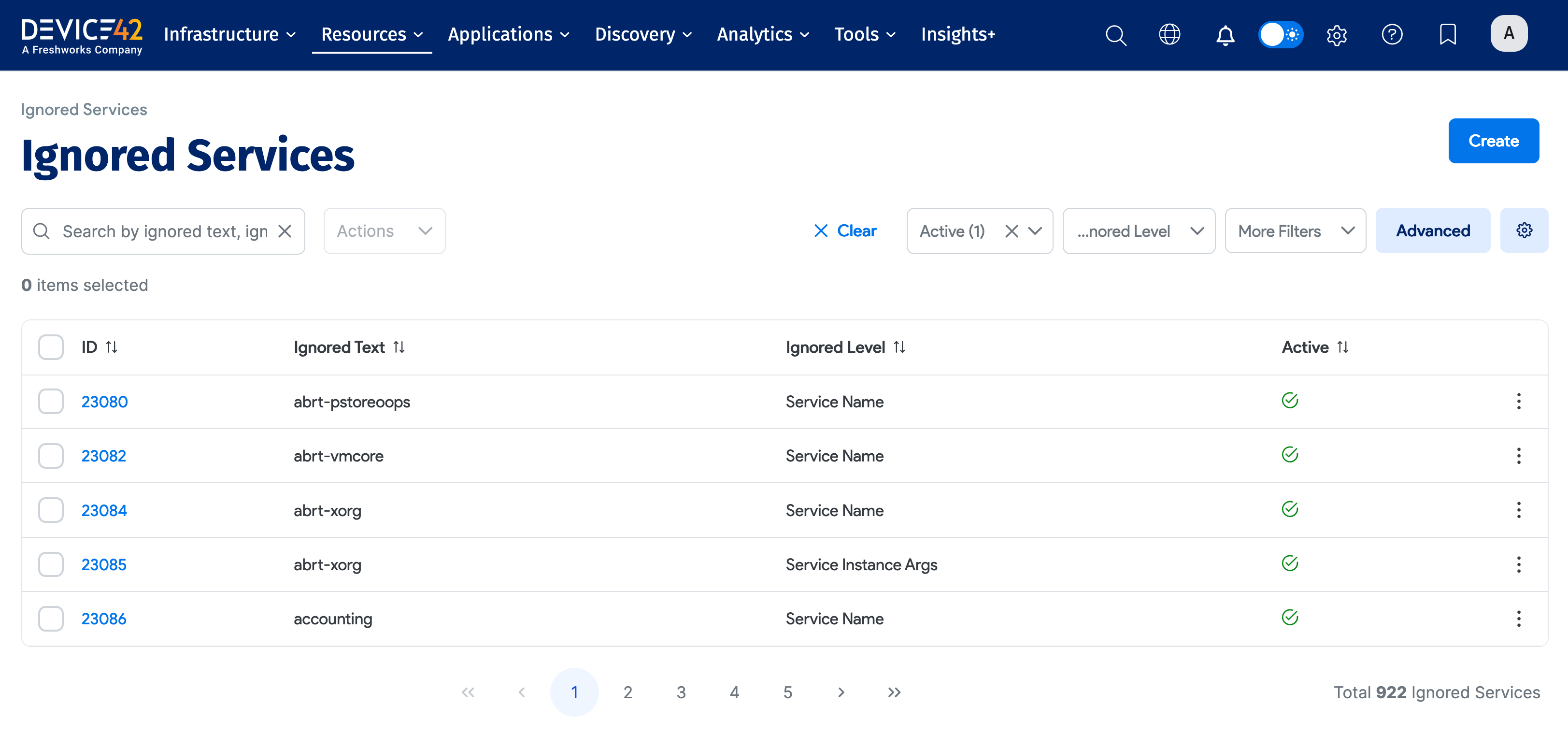
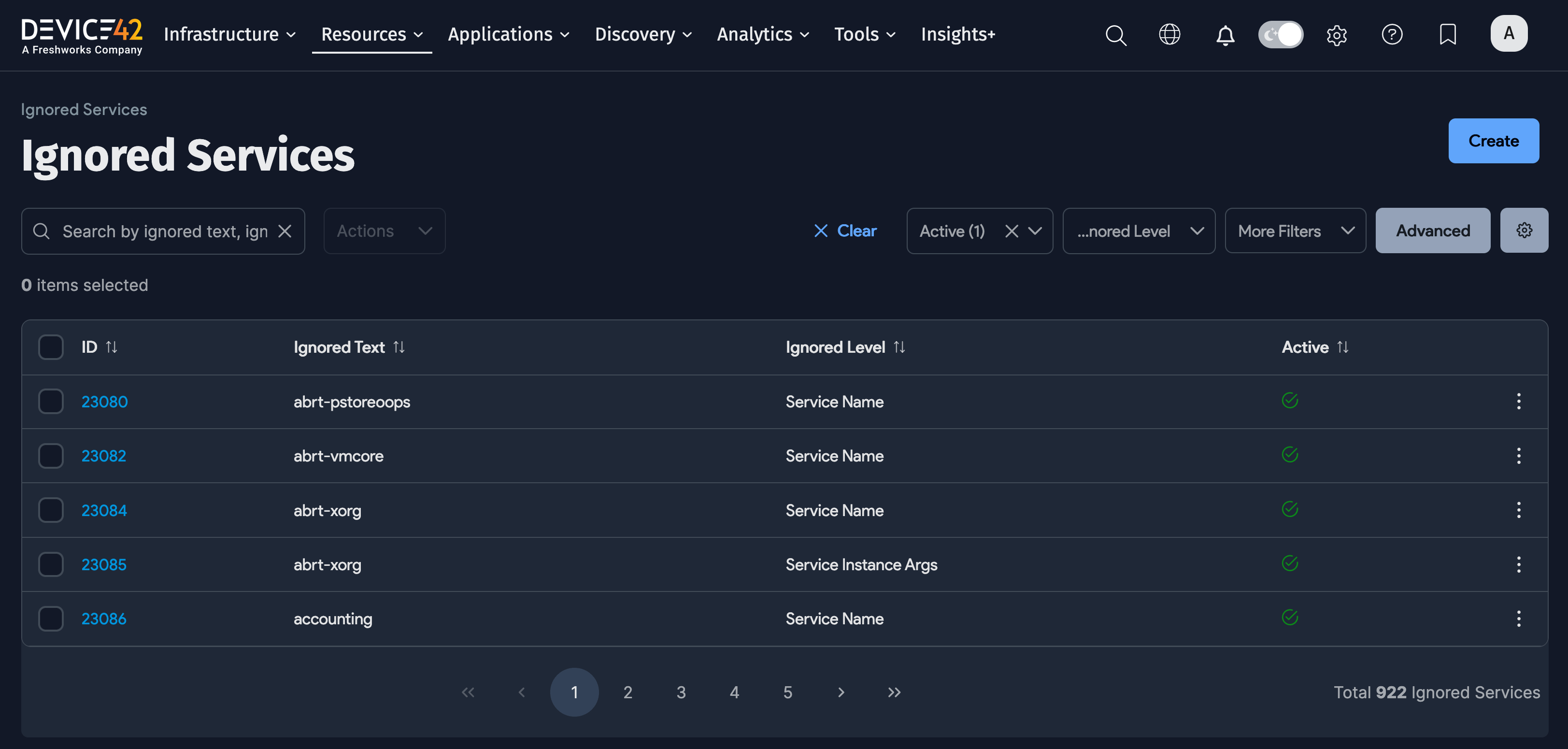
You can edit an individual ignored service to change its ignored status or use the Actions menu to edit multiple services.
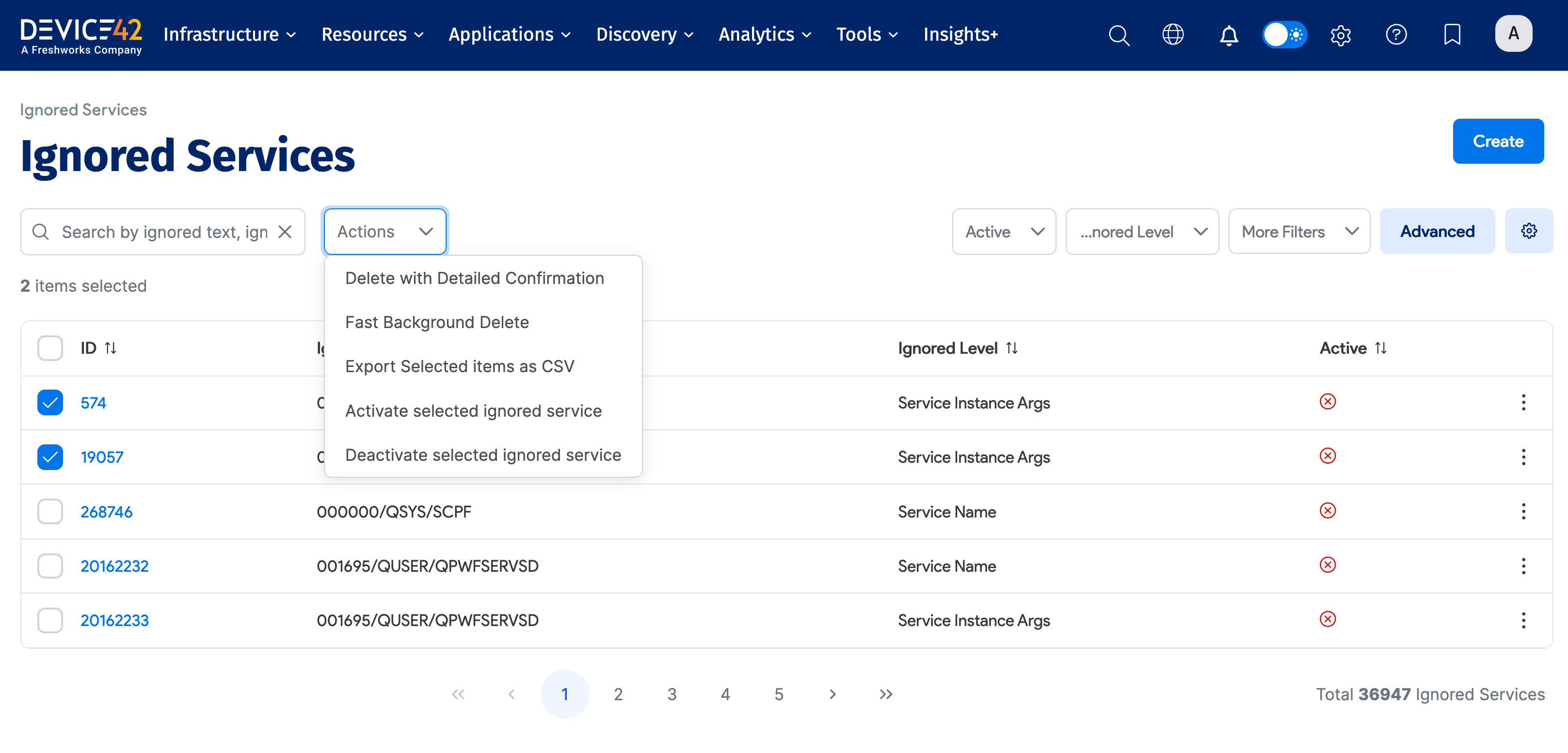
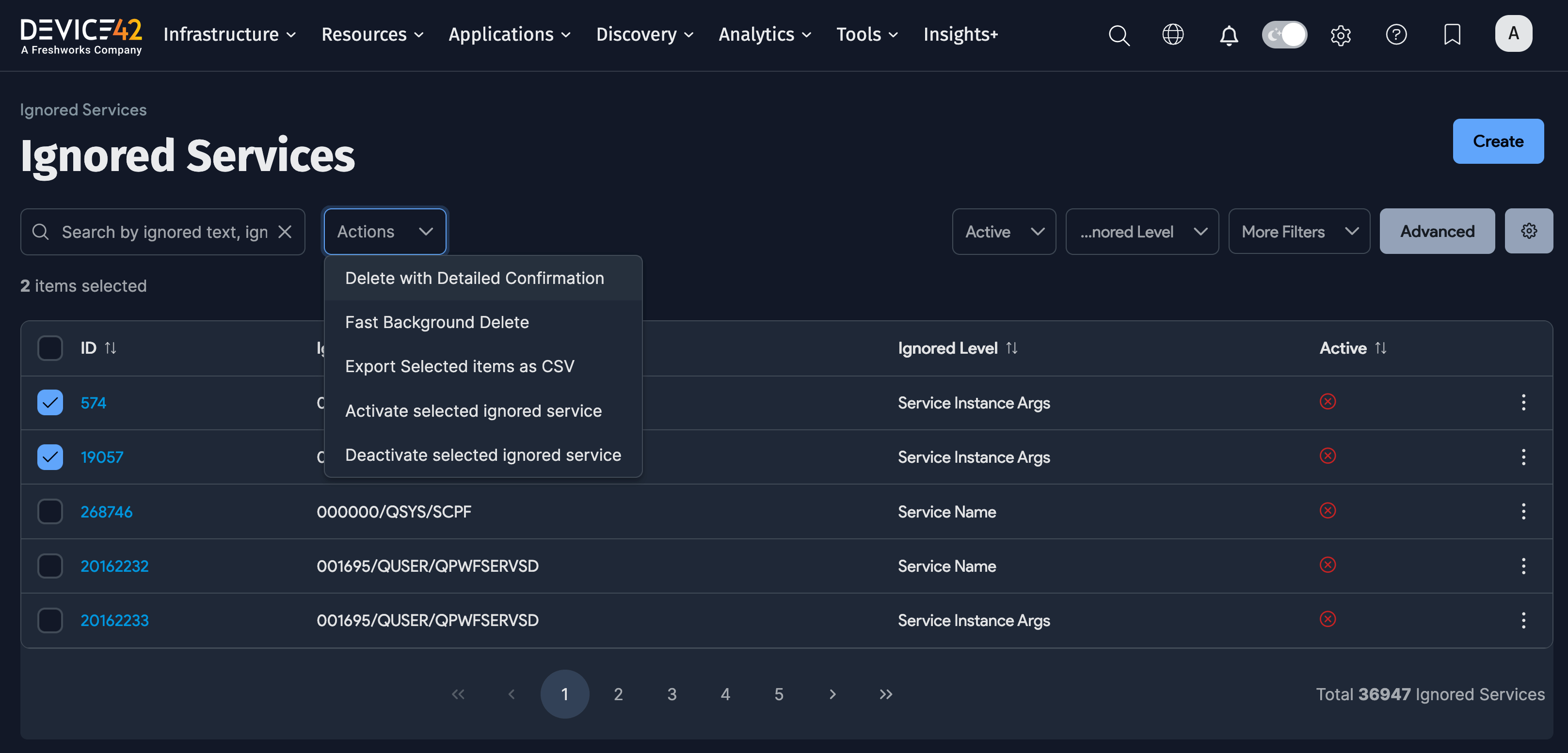
Ignored Services Actions
Select one or more ignored service, and then select an Action to apply to the ignored services. You can use the Action menu to activate or deactivate selected ignored services, and you can also delete or export ignored services.
Add an Ignored Service
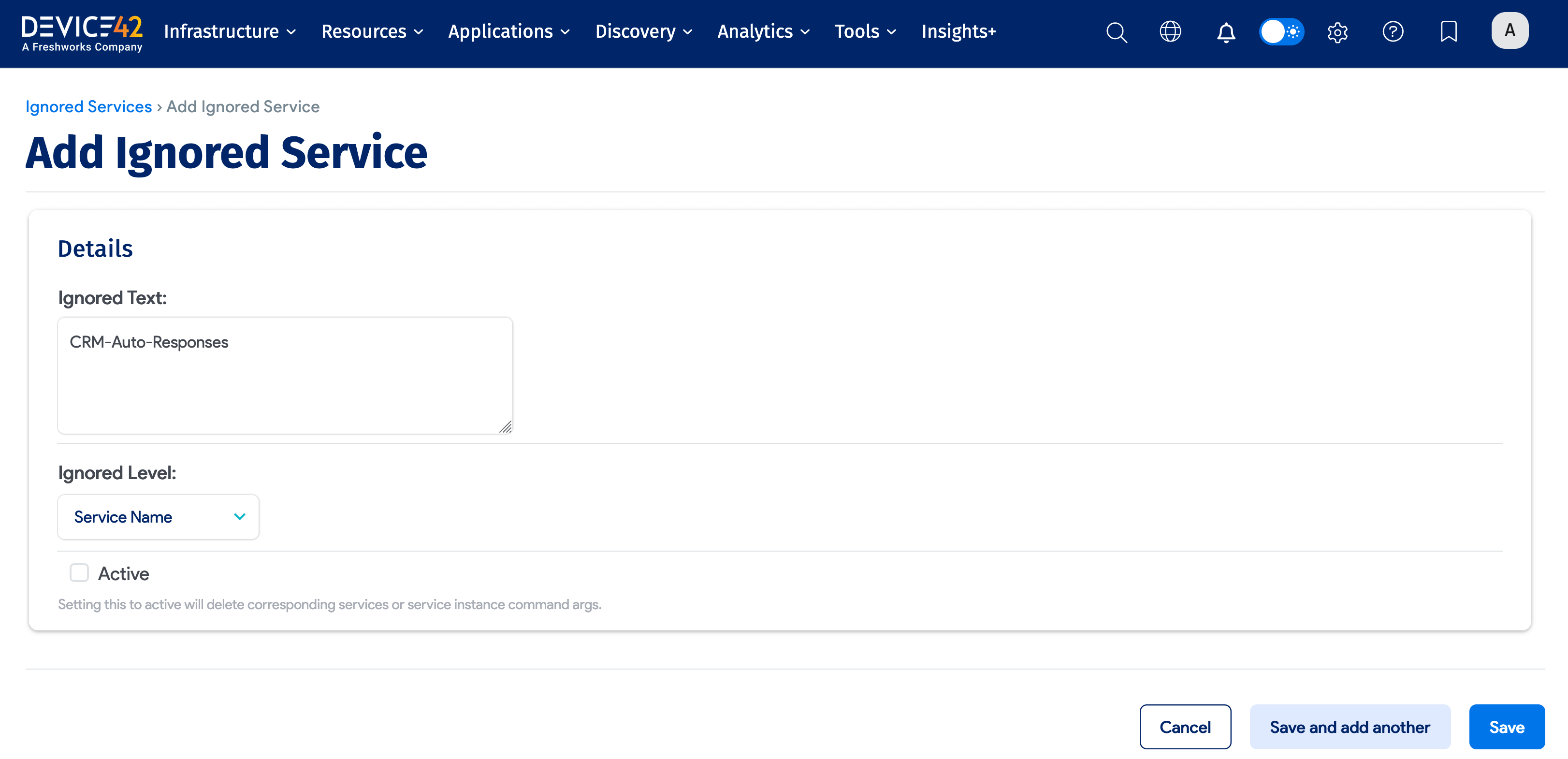
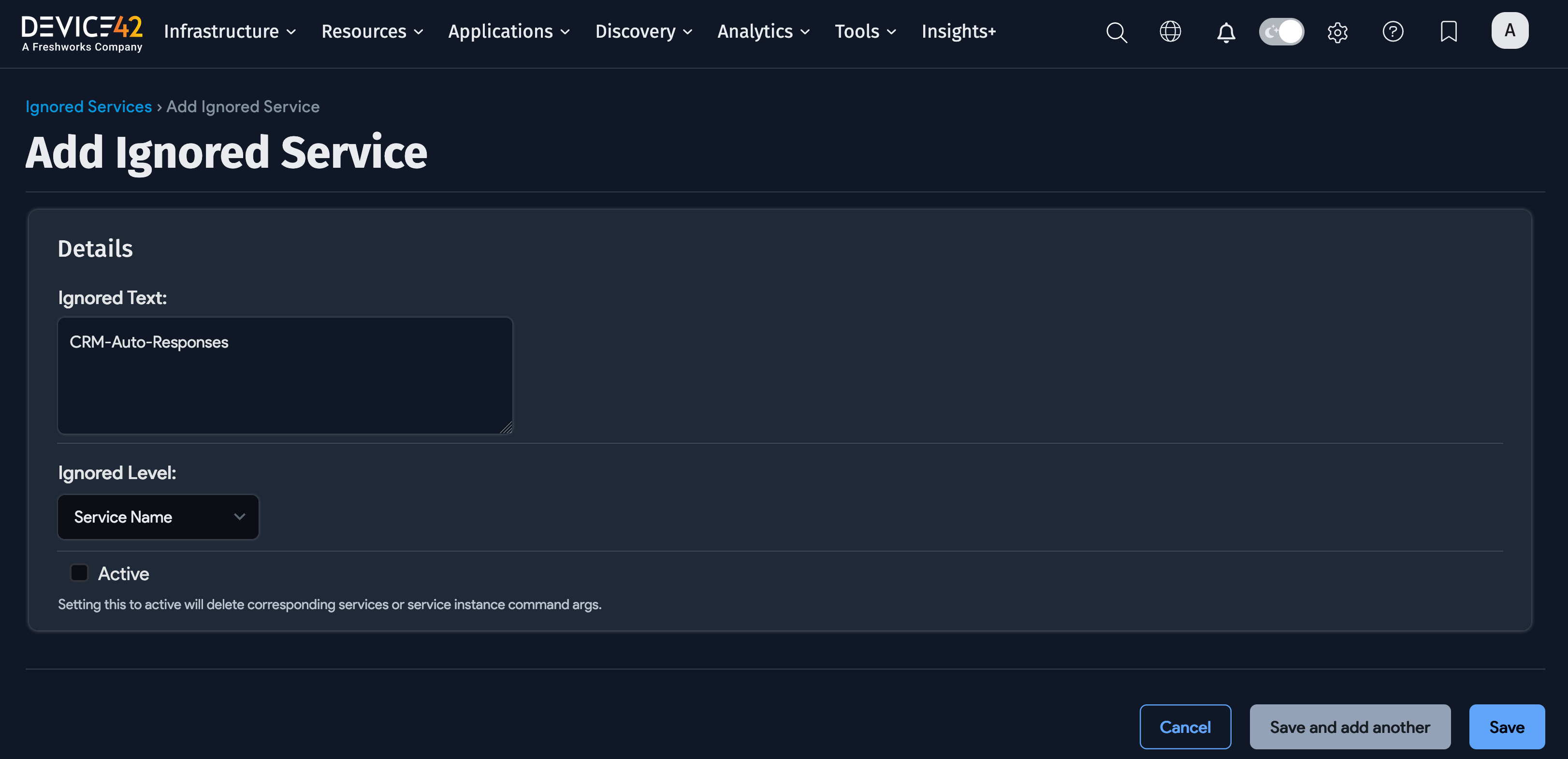
Click Create from the Ignored Services list page to add an ignored service.
Enter the Ignored Text and select the Ignored Level. Click Active to add the ignored service as active – active ignored services are not captured in discovery. Click Save to add the ignored service.