All Services
A Service is any communication process between a listener and client discovered via netstat in Device42.
Use the All Services list page to see which services are running across your infrastructure and how many instances of each exist. View widely-deployed applications and noisy monitoring agents.
-
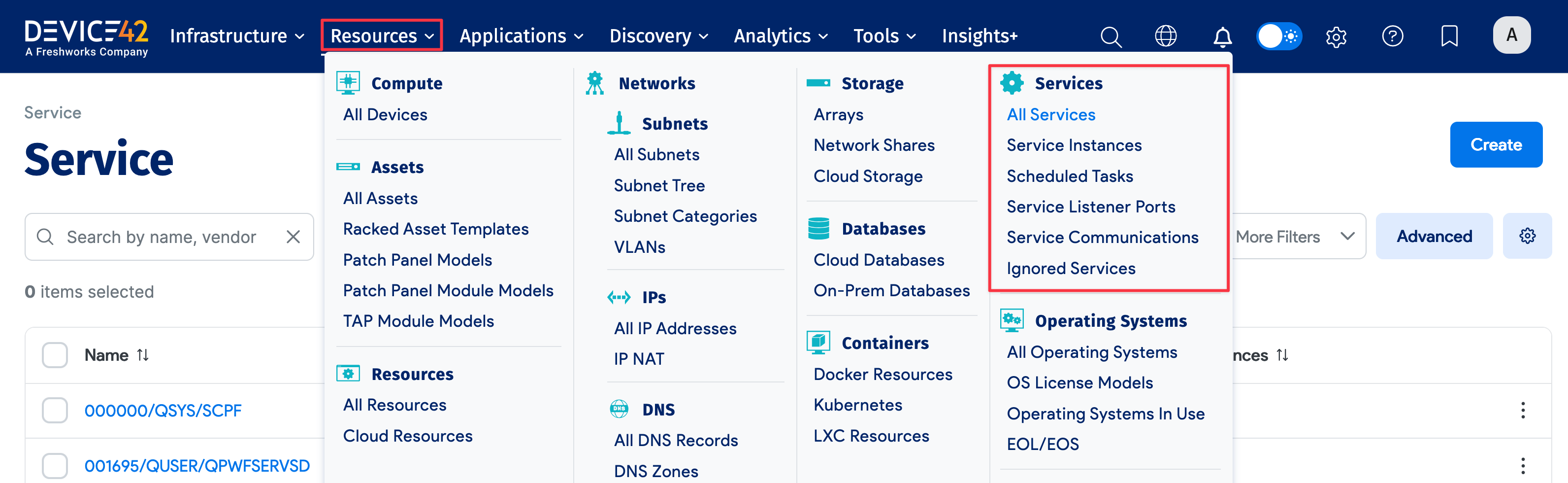
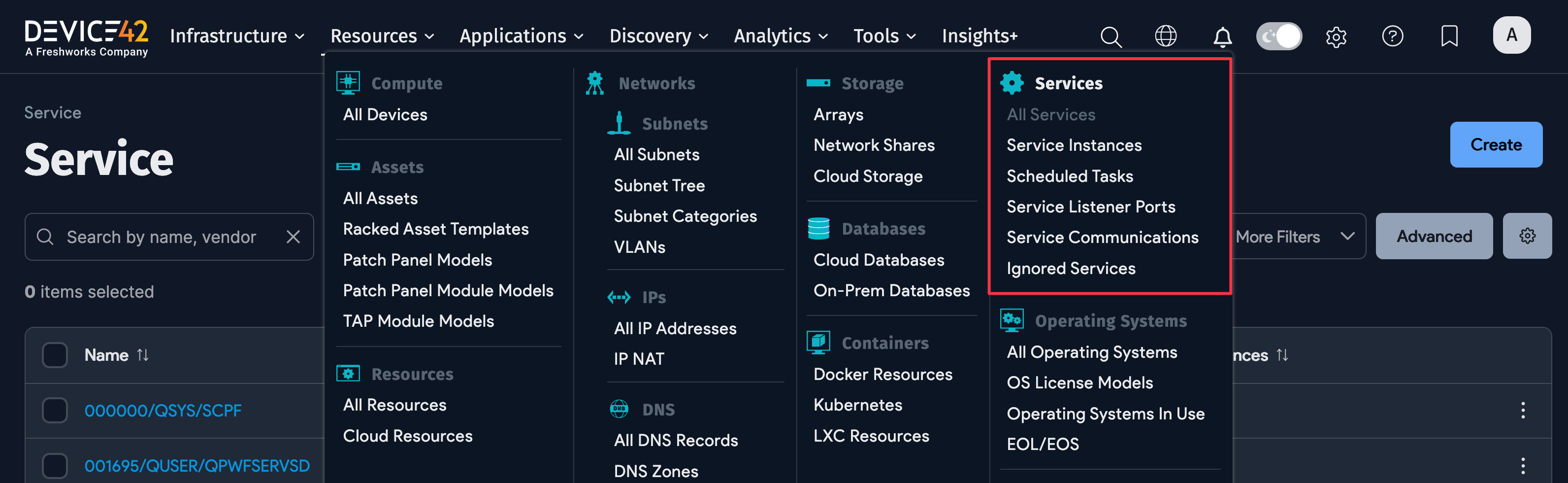
Navigate to Resources > Services to view and manage the discovered services.
Application Dependency Mapping and Services
For Application Dependency Mapping (ADM), reviewing All Services and Service Instances of the Device42 Main Appliance is particularly useful.
All Services vs Service Instances
The All Services list page has records of the unique names of the discovered services and the number of Service Instances with that name. For example:
15instances ofjava8instances ofjava.exe
Identify noisy services, like agents, from the All Services list page by sorting the Service Instances column from high to low count.
The Service Instances list page stores every discovered service as an individual entry, with the Device it's running on and other details. For example:
java.exerunning on devicejboss-27java.exerunning on devicejboss-29